
You want structure, not noise. These five platforms help active traders sharpen chart analysis, risk management, and execution.
The New Era of AI-Assisted Trading Education
Trading education has moved far beyond static PDFs and recorded webinars. Today's active traders expect AI-assisted chart reviews, real-time economic intelligence, and community feedback loops that turn analysis into a repeatable process. The rise of screenshot-based AI tools means you can upload a chart and get structured feedback on bias, key levels, and invalidation points in seconds. But tools alone don't make you profitable. The platforms that stand out combine technology with structured education, risk awareness, and a clear workflow. Whether you scalp gold or swing forex, the right platform helps you understand the decision, not just copy a signal.
How We Evaluated These Platforms
We looked at service scope, pricing clarity, and local fit for US-based traders. Service scope covers the range of tools: AI chart analysis, market intelligence, economic calendars, and educational content. Pricing clarity means transparent plans without hidden fees or confusing tiers. Local fit considers whether the platform supports US trading hours, instruments like XAUUSD, and English-language resources. We also weighed community access and the depth of risk management guidance. Each platform brings a different strength to the table, so you can match one to your workflow.
Here's a quick look at five platforms that help you trade with more structure and less guesswork.
| Provider | Best For |
|---|---|
| ChartAnalyst.ai | Fast AI-generated trade setups |
| Trading Analysis, XAUUSD & Market Tools | Cedars Chart | Structured XAUUSD scalping and intraday process |
| SnapPChart | Educational chart grading and risk notes |
| Chart AI - AI Trading Analysis | Mobile pattern recognition on the go |
| Trade AI: Chart AI Analysis | All-in-one mobile trading assistant |
The Five Platforms in Focus
#1 ChartAnalyst.ai
 A screenshot of the ChartAnalyst.ai website.
ChartAnalyst.ai turns any chart screenshot into a structured trade plan in under three seconds. You upload an image from TradingView, MT4, or your broker, and the AI returns entry, stop loss, take profit, and market bias. It supports forex, crypto, stocks, and commodities, so you can analyze XAUUSD or EURUSD with the same workflow. The platform claims a 45% win rate and 1:1.59 average risk-reward across 10 million analyses. Pricing starts at $3.99 for a 7-day trial and $11.99 per month for active traders. It's a strong fit if you want fast, data-backed setups without a steep learning curve.
#2 Trading Analysis, XAUUSD & Market Tools | Cedars Chart
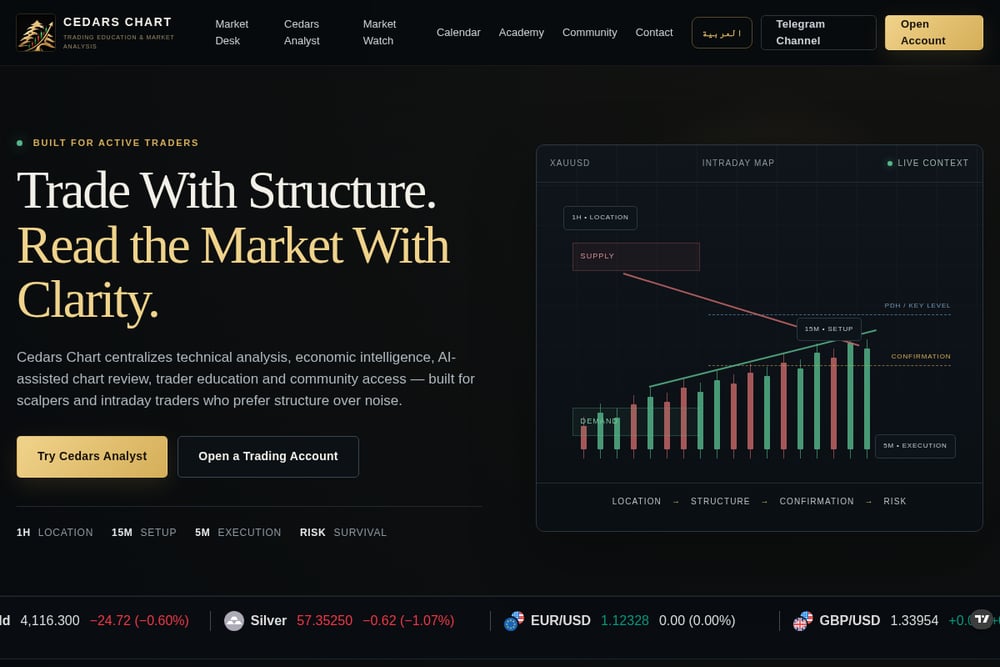 A screenshot of the Trading Analysis, XAUUSD & Market Tools | Cedars Chart website.
Cedars Chart is built for scalpers and intraday traders who want structure over noise. The platform centralizes AI-assisted chart review, market intelligence, an economic calendar, and a trader academy in one hub. Its Cedars Analyst tool lets you upload a chart and receive analysis around bias, key levels, scenarios, confirmations, invalidation, and targets. The 1H location, 15M setup, 5M execution framework gives you a repeatable process for XAUUSD and other instruments. Market Watch filters economic and geopolitical updates down to what active traders actually need. With community access and risk management resources, it's a complete ecosystem for serious intraday traders.
#3 SnapPChart
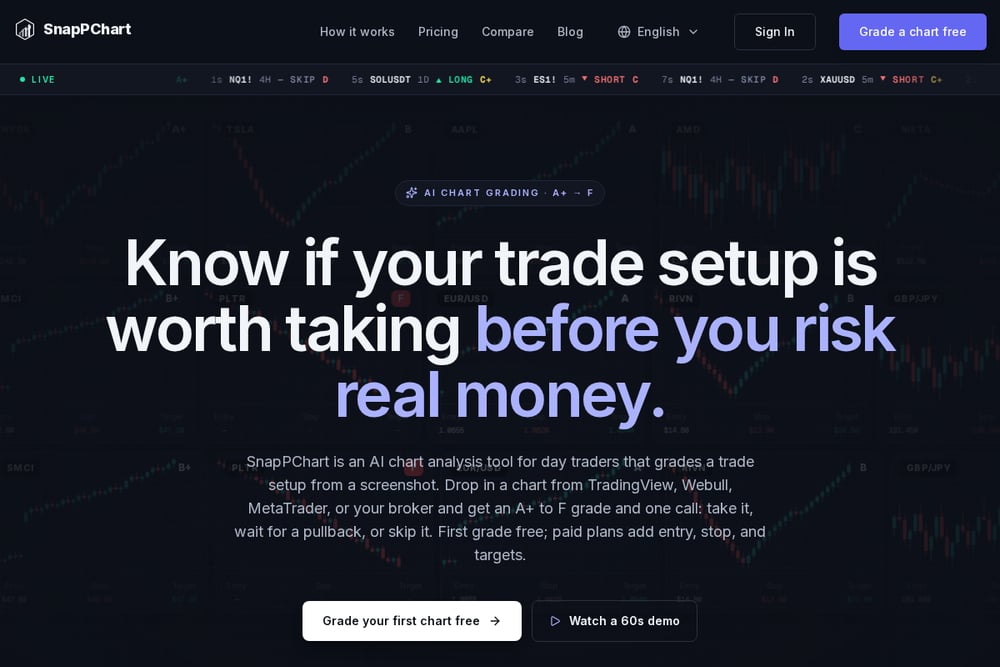 A screenshot of the SnapPChart website.
SnapPChart grades any chart screenshot and returns a setup grade, entry, stop loss, targets, and plain-English risk notes. It works with stocks, forex, crypto, futures, and ETFs from TradingView, Webull, Robinhood, or MetaTrader. The first grade is free, and paid plans unlock the full trade plan. The tool emphasizes education over prediction, making it clear that it does not give financial advice. If you want a second opinion on your chart before risking capital, SnapPChart offers a quick, structured review. It's especially useful for traders who want to improve their read of price action.
#4 Chart AI - AI Trading Analysis
 A screenshot of the Chart AI - AI Trading Analysis website.
Chart AI is a mobile app that scans chart screenshots for patterns like trendlines, breakouts, and reversal signals. It highlights support and resistance zones, trend momentum, and potential setups across forex, crypto, and stocks. The app uses a machine learning engine designed for visual chart analysis, making it accessible for traders on the go. With over 100,000 downloads and a 4.4-star rating, it has a broad user base. It's a handy tool if you want quick pattern recognition without a desktop setup. The app is free with in-app purchases and contains ads.
#5 Trade AI: Chart AI Analysis
 A screenshot of the Trade AI: Chart AI Analysis website.
Trade AI is an iPhone app that analyzes chart images and delivers detailed trade strategies, top asset picks, and live chat. It scans for patterns, trends, and indicators like support and resistance, moving averages, and price action. The app is designed for traders of all skill levels, from beginners to seasoned forex traders. With a 4.6-star rating from 10,000 reviewers, it has a loyal following. You can upload or capture a chart and receive AI-generated insights tailored to your strategy. It's a solid choice if you prefer an all-in-one mobile assistant for chart analysis.
How to Choose the Right Platform for Your Trading
Start by defining your trading style. If you scalp XAUUSD, you need a platform that supports intraday timeframes and provides real-time economic context. If you swing trade, you might prioritize broader market intelligence and educational depth. Next, consider your budget. Some tools offer free tiers or trials, while others require a monthly subscription. Look at the pricing page and calculate the cost per analysis or per month. Then, check the community aspect. A platform with an active community can accelerate your learning through shared insights and feedback. Finally, test the tool with your own charts. Upload a screenshot and see if the output matches your decision-making process. The right platform should feel like an extension of your workflow, not a distraction.
Automating Your Pre-Trade Checklist
You can integrate these tools into a simple pre-trade routine. First, use Cedars Chart's economic calendar to mark high-impact events for the day. Then, upload your chart to Cedars Analyst or ChartAnalyst.ai for a structured second opinion. Compare the AI's bias and key levels with your own analysis. If they align, proceed to define your entry, stop, and target. Use SnapPChart to grade the setup and get risk notes. Finally, log your trade in a journal and review it weekly. This workflow keeps you disciplined and reduces impulsive decisions.
The Bottom Line on Trading Education Platforms
No single platform guarantees profits, but the right combination of tools can sharpen your process. Cedars Chart stands out for its structured XAUUSD focus and all-in-one ecosystem. ChartAnalyst.ai delivers speed and clarity for quick setups. SnapPChart adds an educational grading layer. Chart AI and Trade AI bring mobile convenience and pattern recognition. Try one or two that fit your style, and give yourself time to learn their strengths. The goal is not to chase signals but to build a repeatable decision-making framework. With the right platform, you can trade with more confidence and less noise.