
Typing speed is still a career skill. The right platform can take you from hunt-and-peck to fluent in weeks, not months.
What are Education & Training services?
Online typing tutors have matured into full learning systems. You now get live finger guidance, adaptive drills, and global leaderboards without installing software. The US market is crowded, so the real differentiator is how well a platform fits your keyboard, your language, and your daily routine. Most tools offer a free tier, with paid upgrades for schools or advanced analytics.
What we looked at when researching Education & Training
We evaluated each platform on the same factors: service scope (layouts, languages, lesson depth), pricing clarity (free tier vs. paid), local fit for US users (keyboard layouts, English content), learning features (finger guidance, feedback, tests), and progress tracking (accounts, leaderboards, device sync). Each platform stood out in different areas, and the notes below reflect those strengths without declaring a single winner.
| Provider | Best For |
|---|---|
| TypingClub | Classroom-friendly, game-based learning |
| Typrise – Learn touch typing | Multilingual, layout-flexible learners |
| TypingStudy | Global language and layout coverage |
| Typing.com | Structured curriculum with gamification |
| Typing Trainer | Fast, focused touch-typing fundamentals |
A closer look at 5 standout Education & Training
#1 TypingClub
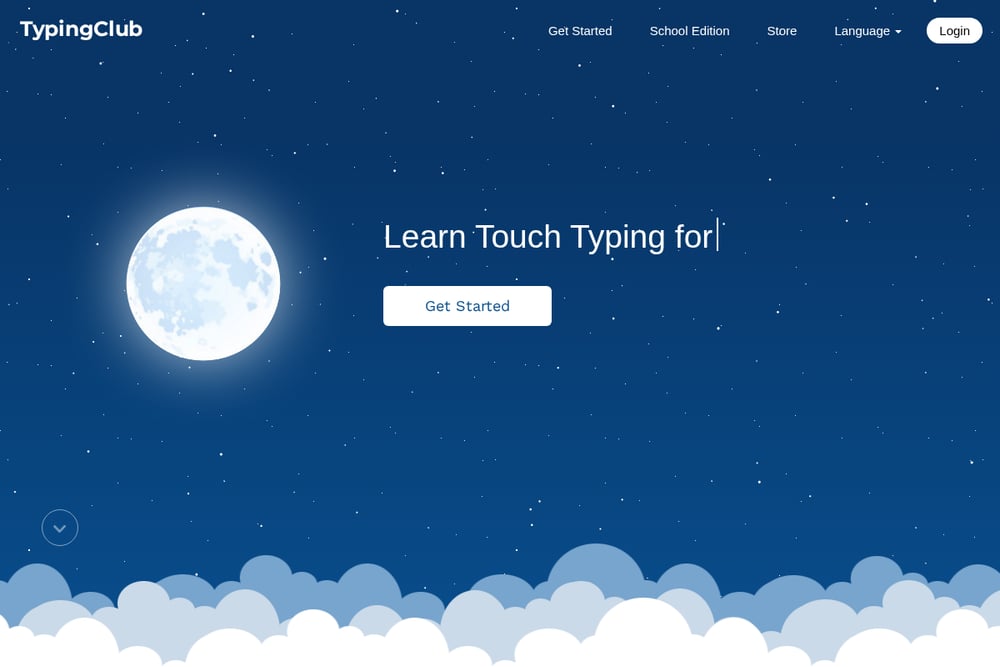 A screenshot of the TypingClub website.
TypingClub is a web-based touch typing program used by millions of students and thousands of schools. It offers a game-like experience with levels, badges, and stars, plus a proper hand posture guide that shows the correct finger for every key. You can start without an account, but creating a profile saves your progress. The platform is free for individuals and schools, with an optional paid school edition. It also includes Dvorak and one-hand typing lesson plans, making it a broad starting point for US learners.
#2 Typrise – Learn touch typing
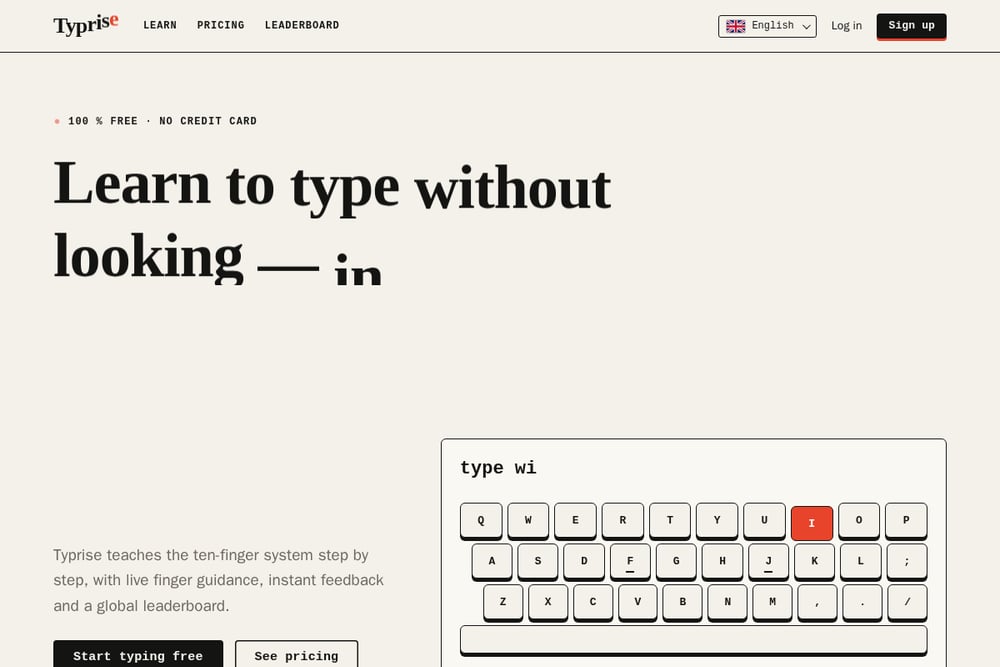 A screenshot of the Typrise – Learn touch typing website.
Typrise teaches the ten-finger system step by step, with a live colour-coded keyboard that shows exactly which finger presses which key. It supports nine keyboard layouts, including QWERTY, Dvorak, Colemak, AZERTY, and Cyrillic, plus ten practice languages. You get instant feedback, a 60-second speed test, and a global leaderboard to compare your net WPM with other learners. The site offers free lessons and a paid pricing tier, with no credit card required to start. Progress syncs across devices when you create an account, so you can practise anywhere.
#3 TypingStudy
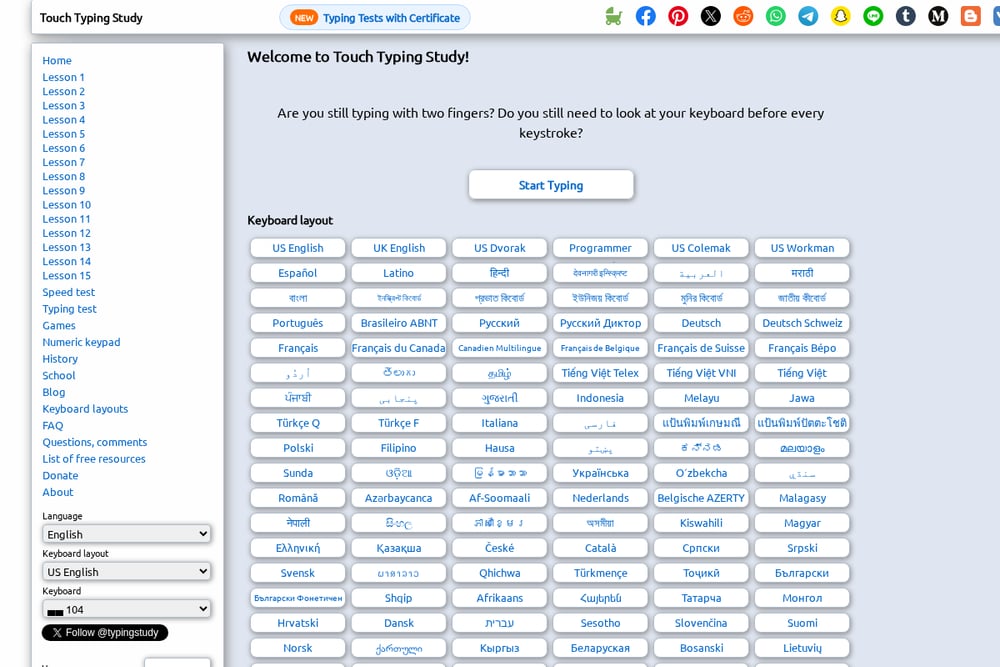 A screenshot of the TypingStudy website.
TypingStudy is a free online touch typing practice site with a remarkably wide language and keyboard layout selection. It offers 15 structured lessons, speed tests, games, and a numeric keypad course. The platform supports dozens of languages and layouts, from US Dvorak and Colemak to Arabic, Hindi, and Russian. It also provides typing tests with certificates, which can be useful for job applications or school requirements. The interface is straightforward, and no account is required to start practising.
#4 Typing.com
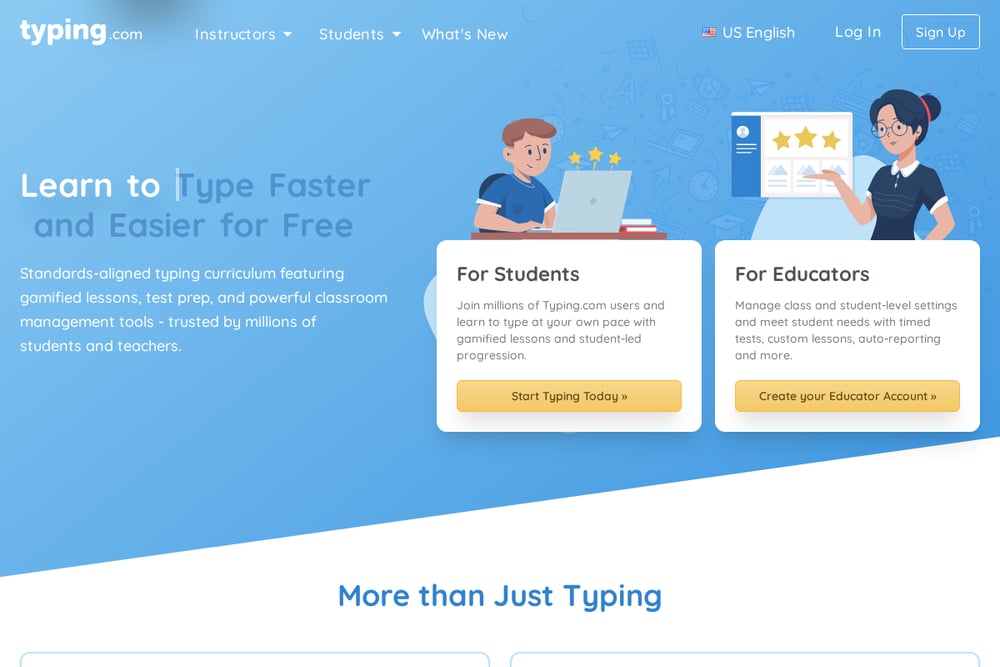 A screenshot of the Typing.com website.
Typing.com offers a full curriculum from beginner to advanced, with lessons, tests, games, and progress tracking. It uses an XP and rank system to keep you motivated, and it tracks your problem keys so you can focus on weak spots. The free tier includes core lessons and tests, while a paid PLUS upgrade removes ads and adds more features. Teachers and students get additional tools, including unit certificates and assignment tracking. It is a solid all-rounder for US users who want structure and gamification.
#5 Typing Trainer
 A screenshot of the Typing Trainer website.
Typing Trainer is a free web course from TypingTest.com that teaches the touch-type method in a step-by-step format. It claims you can learn core keyboarding skills in about four hours, with over five hours of additional material on speed, numbers, and symbols. The on-screen keyboard visualises finger paths, and motoric warm-ups prepare your fingers before new keys are introduced. Smart review detects words you struggle with and creates targeted exercises. It also includes skills tests at the end of each lesson to check your progress.
How to choose the right Education & Training
Start with your keyboard layout. If you use QWERTY, most platforms work, but if you need Dvorak, Colemak, or a non-Latin layout, check support first. Next, decide whether you want a free tier or a paid plan. All five offer free lessons, but paid tiers add features like ad removal or school tools. Consider your language needs: Typrise and TypingStudy cover the widest range. If you learn best with games and badges, TypingClub and Typing.com are strong picks. For a quick, no-frills course, Typing Trainer gets you typing fast.
Expert Conclusion
There is no single platform that fits everyone. Your layout, language, and learning style should drive the choice. Typrise stands out for multilingual, layout-flexible learners who want live finger guidance and a global leaderboard. TypingClub and Typing.com excel at gamified, structured learning. TypingStudy is the go-to for broad language coverage, and Typing Trainer is ideal for a fast, focused start. Try two or three free tiers before committing to a paid plan.