
You have a photo, a meme to ride, and no film crew. These five tools turn a single portrait into a desk-concert clip you can post before the trend cools.
The Tiny Desk Meme Grew Up Fast
The Tiny Desk AI trend started as a parody that dropped college football coaches into a real desk concert. From there, people made versions with offices, friend groups, and pets. Today the format is a staple of short-form content on TikTok, Reels, and YouTube. The tools behind it split into two camps. Some recreate the original footage and swap in your face. Others generate an entirely new scene with a band, warm lighting, and AI vocals. That distinction matters. A recreation keeps the camera cuts and stage positions you already recognize. A generated scene gives you an original clip with no borrowed footage. Pricing models vary just as widely, from credit systems and subscriptions to one-time purchases. So does the output length, resolution, and whether you get a free preview before you pay. Knowing which camp a tool sits in tells you more about the result than any demo reel.
How We Compared These Tools
We looked at the same factors for every tool. First, service scope: does it recreate existing footage, generate an original scene, or both? Second, pricing clarity: can you see the cost per video before you upload, and is there a subscription trap? Third, output specs: length, resolution, aspect ratios, and whether you get a silent copy. Fourth, privacy and consent: how are uploaded photos handled, and are there guardrails against public figures or minors? Fifth, ease of use: how many steps from upload to download, and do you need an account? Tiny Desk AI Video Generator stood out for its one-time pricing and no-sign-up checkout. PicLumen stood out for its template that preserves the original performance footage. EaseMate AI stood out for its five-photo character setup and preset prompts. Media.io stood out for its trend explainer and editing guidance. ImagesArt stood out for bundling the effect with a broader AI music and video suite.
Here is the short version before the deep dive. Each tool approaches the meme differently, so match the pick to what you actually want to post.
| Provider | Best For |
|---|---|
| PicLumen | Recreating the original performance footage with your own faces |
| Tiny Desk AI Video Generator: Free Preview, 15-Second Clip | A cheap, no-subscription original clip with a free preview first |
| EaseMate AI | Multi-character scenes with a preset prompt and free starting credits |
| Media.io | Understanding the trend and editing a polished final cut |
| ImagesArt | One dashboard for the desk meme plus other AI video effects |
The Five Tools, One by One
#1 PicLumen
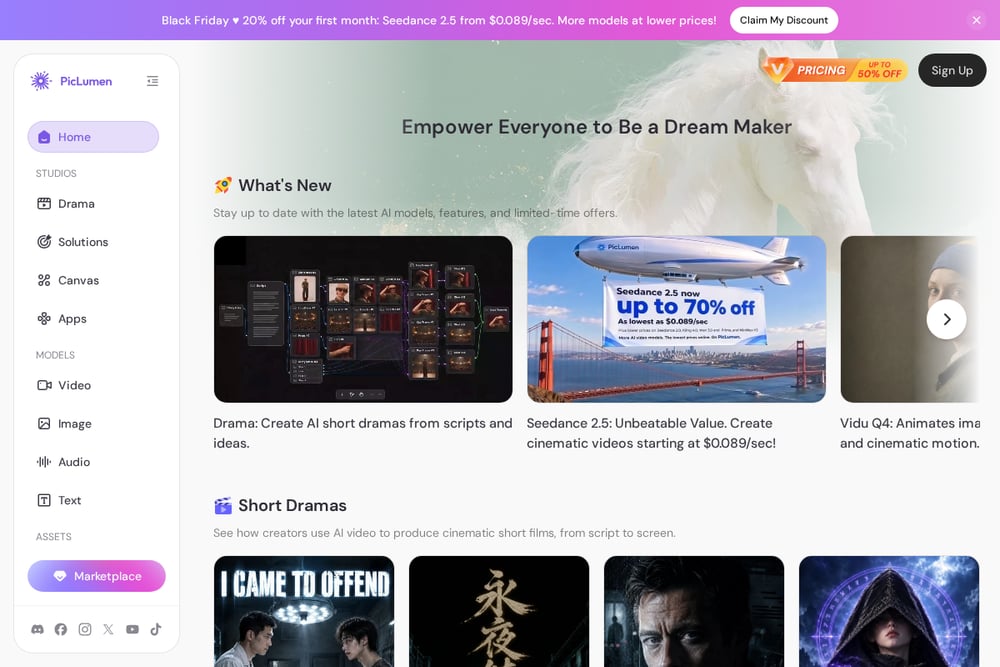 A screenshot of the PicLumen website.
PicLumen takes the recreation route. You upload a lead singer photo, and optionally a keyboardist and backing singer, then generate a video that keeps the original singing, keyboard playing, camera cuts, stage positions, and warm bookshelf setting intact. That means your clip looks like the real performance with your people dropped in, which is exactly what the meme's earliest versions did. The template walks you through three steps, and only the lead singer image is required. It is a strong fit if you want the familiar desk-concert look rather than a fully synthetic scene. See the template at https://www.piclumen.com/apps/effects-tiny-desk-ai/.
#2 Tiny Desk AI Video Generator: Free Preview, 15-Second Clip
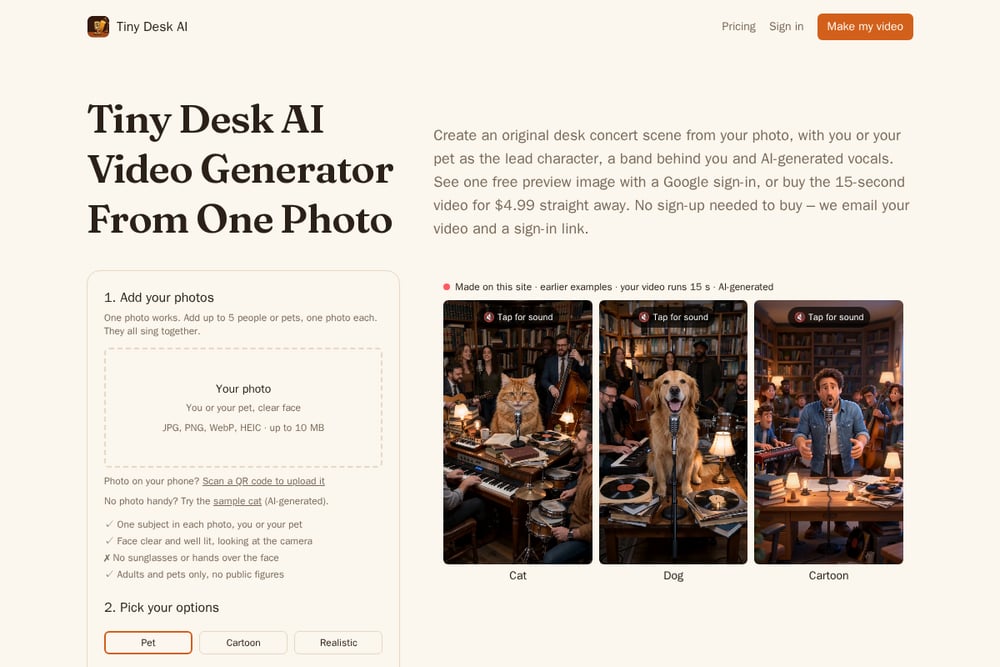 A screenshot of the Tiny Desk AI Video Generator: Free Preview, 15-Second Clip website.
This one generates an original 15-second desk-concert scene from one to five photos of you or your pet. You pick a pet, cartoon, or realistic look, choose vertical for TikTok and Reels or wide for YouTube, and get a 720p clip with AI-generated vocals and music plus a silent copy. Pricing is one-time with no subscription: $4.99 for one video, $9.99 for three, and $19.99 for seven. You get one free watermarked preview image via Google sign-in, and buying needs no account, just an email at checkout. The site is clear that it is independent of NPR and uses no NPR footage or logos, and it blocks public figures and children. Photos are deleted after 7 days, and refunds are handled by email. Start at https://tinydeskaifree.com/.
#3 EaseMate AI
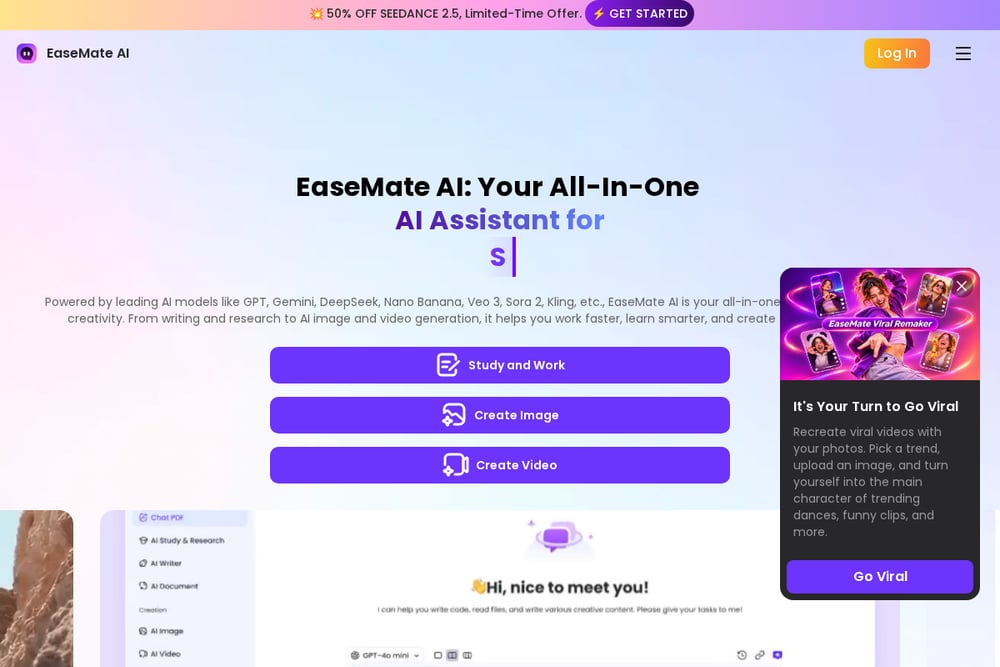 A screenshot of the EaseMate AI website.
EaseMate AI asks for up to five clear photos of yourself or a consenting adult, then places them into a preset desk-concert layout with defined positions for the lead singer, backing players, and a close-up. The preset prompt does the heavy lifting, so you spend less time fiddling with settings. It supports image-to-video and text-to-video, with aspect ratio and duration controls, and it runs on a credit system with free credits to start. The five-photo approach gives you more consistency across shots than a single portrait. It suits you if you want a fuller band lineup and do not mind learning a broader creative platform. Try it at https://www.easemate.ai/tiny-desk-ai-video.
#4 Media.io
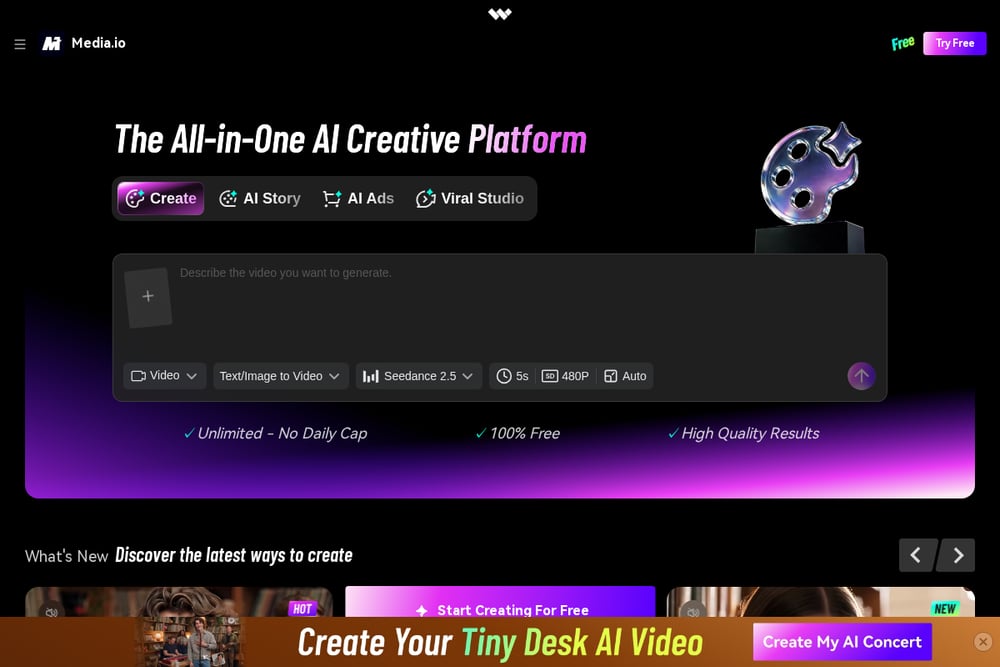 A screenshot of the Media.io website.
Media.io frames the meme as a trend to explore rather than a single button. Its guide explains the cozy office performance setup, the Outstanding and All-Loss variations, and how to build an original concert-style parody instead of passing a clip off as a real broadcast. It is upfront that music, lip sync, and character consistency depend on the model and editing workflow you choose. That honesty is useful if you plan to add licensed music and captions in editing. The tool sits inside a larger media suite, so you can move from generation to cleanup in one place. Read the trend page at https://www.media.io/ai/explore/zone/tiny-desk-ai-trend.
#5 ImagesArt
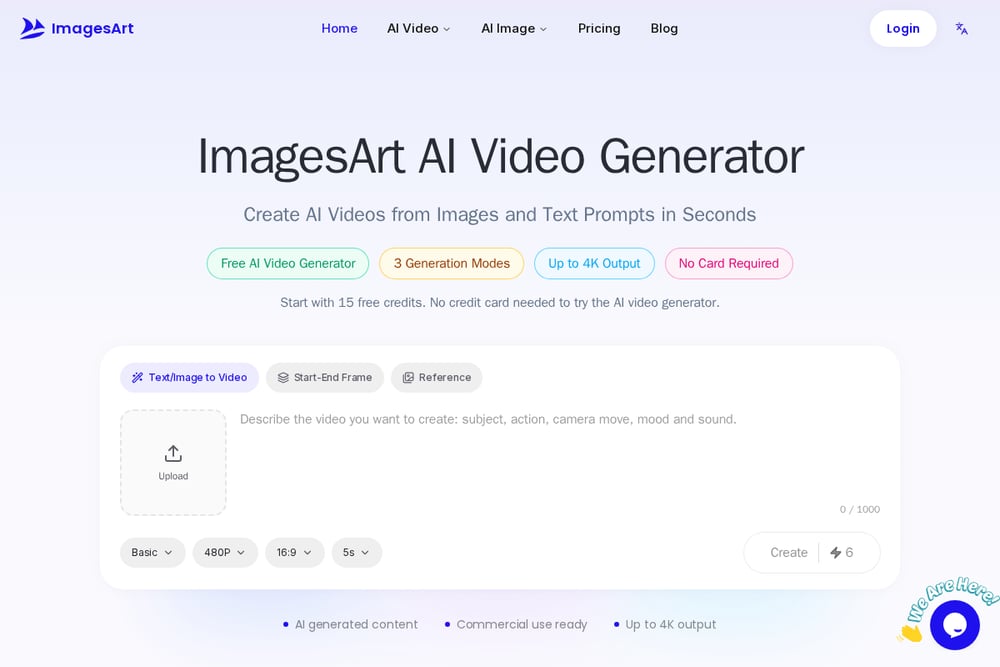 A screenshot of the ImagesArt website.
ImagesArt bundles the Tiny Desk effect into a wide creative suite that also covers AI music, image generation, and dozens of other video effects. You upload your lead singer and keep the preset positions, similar to other template-based tools. The appeal is breadth: if you want to make the desk clip and then try a dance trend or a music video in the same session, you can. It runs on a credit model with a free start, and the interface keeps the effect one click from the main menu. Choose it if you want one dashboard for several meme formats rather than a single-purpose tool. Explore it at https://imagesart.ai/tiny-desk-ai-video-generator.
Match the Tool to the Clip You Want
Start with the output you have in mind. If you want the familiar footage with your face swapped in, pick a recreation tool like PicLumen. If you want a fully original scene with a band and AI vocals, pick a generator like Tiny Desk AI Video Generator. Next, check the price model. One-time purchases suit a single post. Credit systems suit people who will make several clips. Then look at specs: 15 seconds is plenty for a Reel, but check resolution and aspect ratio before you commit. Privacy deserves a look too. Confirm how long photos are stored and whether the tool blocks public figures and minors. Finally, count the steps. A no-sign-up checkout saves time when the trend is moving fast.
A Simple Workflow From Photo to Post
Pick one clear, well-lit photo of your subject. Upload it, choose your look and format, and generate a preview. Review the preview for framing and likeness before you pay. Buy the final clip, download both the marked and silent copies, and add captions or licensed music in your editor if you want them. Post the vertical cut to TikTok and Reels, and keep the wide cut for YouTube. Save the silent copy for future edits. If you plan to make several versions, batch your photos first so you can run them back to back.
The Bottom Line
The Tiny Desk meme rewards speed and a recognizable look. Recreation tools give you the footage people already know. Generators give you an original scene you fully own. Tiny Desk AI Video Generator keeps the barrier low with a free preview, a $4.99 one-time price, and no sign-up to buy. PicLumen wins on fidelity to the original performance. EaseMate AI and ImagesArt suit you if you want a broader creative suite. Media.io helps you understand the trend before you post. Pick the one that matches your clip, check the privacy terms, and publish while the format still has legs.