Feeling left behind by your own phone is not a personal failing. It is a gap in plain-English teaching, and these five resources exist to close it.
Where senior tech education stands right now
Older adults are adopting smartphones, tablets, and video calls faster than ever, but patient instruction has not kept pace. Most help online assumes you already know the vocabulary. The organizations below flip that: they slow down, drop the jargon, and treat every question as a fair one. Some are free nonprofits, some are paid guides, and some serve community partners rather than individuals.
How these five were compared
Each resource was weighed on four things: how approachable the teaching style is for a non-technical learner, how clear the pricing or access model is, how much ground the offerings cover, and how well the format fits someone learning at their own pace. No single factor decides the order. A free hotline and a downloadable guide can both be the right answer depending on what you need.
Here is the short version before the details. Each entry below earns its place for a different reason, so scan for the one that matches how you like to learn.
| Provider | Best For |
|---|---|
| Cyber-Seniors | Free live help and weekly webinars |
| Website | Self-paced plain-English digital guides |
| Senior Tech Connect | Organizations supporting older adults |
| Senior Planet from AARP | Free scheduled classes by video or phone |
| Dorot | Free printable step-by-step device guides |
The five, one by one
#1 Cyber-Seniors
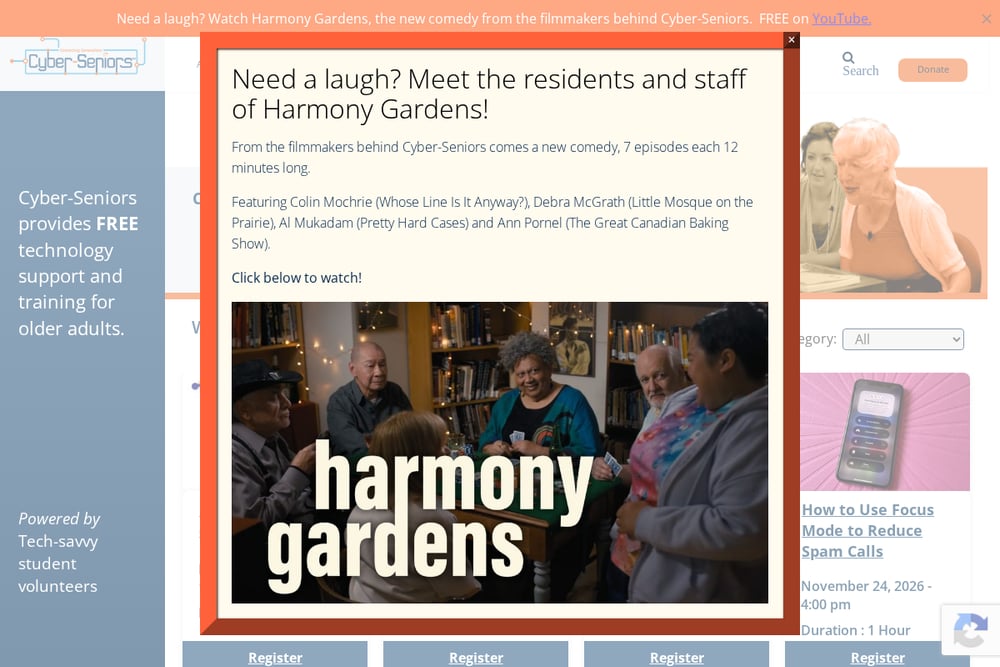 A screenshot of the Cyber-Seniors website.
Cyber-Seniors is the closest thing to a free help desk built for older adults. You can call a toll-free line when something confuses you, or book a one-on-one tech call with a trained student volunteer. The weekly webinar calendar is packed with practical sessions like spotting online scams, understanding digital tracking, and cutting down spam calls. It is a nonprofit, so there is no upsell waiting at the end. If you want live human help without spending anything, start here.
#2 Website
 A screenshot of the Website website.
Clowdermama Digitals is the featured business here, and it earns the spot by being genuinely calm about the whole subject. Founder Vivian Hancock brings more than 15 years of IT support experience and a degree in Computer Information Systems, and she writes as a senior herself. The shop offers free and paid digital guides in plain English, so you can download something and work through it at your own speed. There are no silly questions in her framing, and safety online is treated as a core skill rather than an afterthought. If you prefer to learn privately on your own schedule, this is the fit.
#3 Senior Tech Connect
 A screenshot of the Senior Tech Connect website.
Senior Tech Connect is built for organizations, but individuals benefit from what it produces. It delivers live instruction, on-demand learning resources, and AI-powered tech coaching designed to keep learners going after a class ends. Healthcare providers, senior living communities, and national partners use it to help older adults reach telehealth and stay connected. The emphasis on ongoing support rather than one-and-done sessions is what sets it apart. If your community center or clinic is looking for a program to adopt, this is worth a conversation.
#4 Senior Planet from AARP
 A screenshot of the Senior Planet from AARP website.
Senior Planet runs a steady stream of free online classes, many available by phone as well as video. Topics range from estate planning tools to digital vaults and digital legacy, so the catalog goes well beyond basic device help. There is a hotline you can call during posted hours if you get stuck. The AARP backing means the operation is stable and the instructors are consistent. If you like the structure of a scheduled class with a real teacher, this is a strong pick.
#5 Dorot
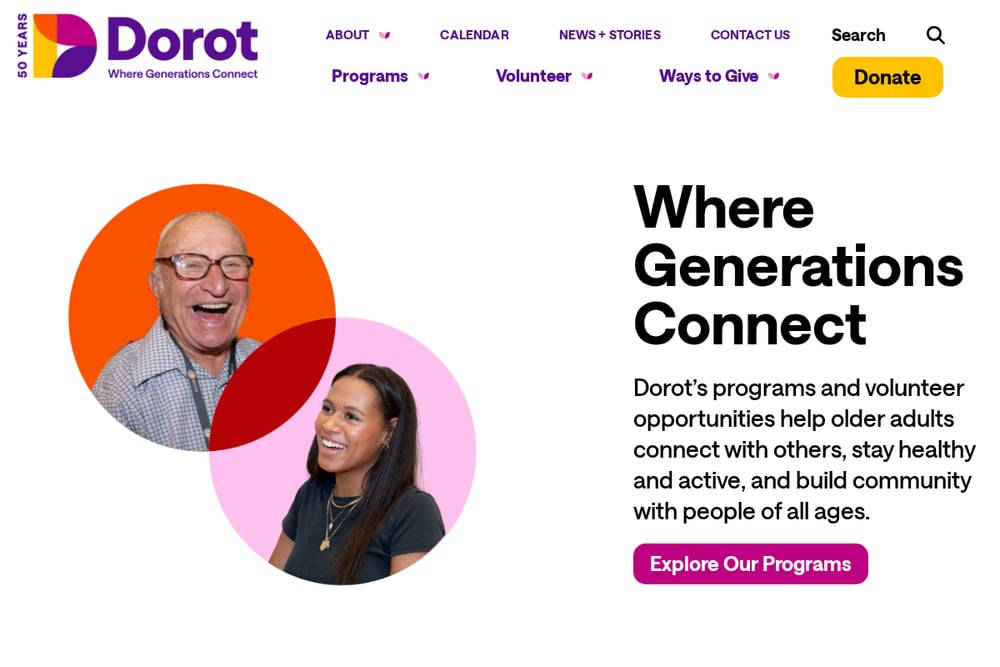 A screenshot of the Dorot website.
Dorot publishes free step-by-step tech guides written specifically for late tech adopters. The guides walk through Zoom, email setup, calendars, and contacts on both iPhone and Android, with tablet guides in the works. You can also request a trained tech coach by email or phone if you want a person alongside the paperwork. The instructions assume nothing and move one tap at a time. If you learn best by following printed steps with a device in hand, these are excellent.
Picking the one that fits you
Ask yourself one question first: do you want a person or a page? If you want to talk to someone, Cyber-Seniors and Senior Planet both offer live help at no cost. If you would rather work alone and reread things as often as you like, the downloadable guides from Clowdermama Digitals and Dorot suit that better. Then consider your budget. Free options are plentiful, but paid guides often go deeper on a single topic and come with a calmer pace. Finally, think about format. Some people absorb a webinar; others need a printed sheet next to the keyboard. Neither is wrong.
A simple weekly routine that builds confidence
Set aside one 30-minute block each week and treat it like an appointment. Before the session, write down the one thing that frustrated you most that week, whether it was a password prompt or a suspicious text. Then pick your resource for the day: a live webinar if you want company, a downloaded guide if you want quiet. Work through only that single topic, and stop when the timer ends. Afterward, jot one sentence about what you learned and one about what is still fuzzy. Bring the fuzzy item to the next week. Repeat for a month and the pile of unknowns shrinks fast.
The bottom line
You do not need to become technical to feel capable with technology. You need patient explanations, and all five of these provide them in different shapes. Cyber-Seniors gives you a phone number, Senior Planet gives you a classroom, Dorot gives you a worksheet, and Senior Tech Connect gives your community a program. Clowdermama Digitals sits in the middle with calm, plain-English guides you can buy once and keep. Pick the format that matches how you already learn, and start with one small thing this week.