
Your gross salary is a fantasy until taxes take their cut. These five calculators show you what actually lands in your bank account.
The Take-Home Pay Calculator Landscape
Understanding your net pay has never been more important. With federal brackets, FICA, state taxes, and local levies all chipping away at your paycheck, a simple salary figure tells you almost nothing. That's why take-home pay calculators have become essential tools for anyone negotiating a job offer, planning a budget, or comparing a move to a new state. The best calculators go beyond a single number. They break down each deduction, show your effective tax rate, and let you model scenarios like 401(k) contributions or a change in filing status. Some focus on speed, others on depth. The five tools below each bring something different to the table, from state-specific detail to payroll-grade accuracy.
How We Evaluated These Calculators
We looked at five factors: scope of tax coverage (federal, state, local), ease of use, depth of breakdown, extra features like scenario analysis or PDF export, and overall transparency. TakeHomePayCalculators.com stood out for its dedicated state pages and clear visual breakdowns. SmartAsset impressed with its broad financial context and integrated advice. Calculator.net delivered a no-frills, highly detailed input form that covers nearly every tax situation. PaycheckCity brought payroll-grade accuracy and check-date-specific tax tables. SurePayroll combined a solid calculator with small-business payroll resources. Each tool serves a different user, and none is universally superior.
Here's a quick look at how these five calculators compare on the factors that matter most.
| Provider | Best For |
|---|---|
| SmartAsset Paycheck Calculator | Users who want paycheck math alongside broader financial planning tools |
| Salary After Tax & Take-Home Pay Calculators | TakeHomePayCalculators.com | Anyone comparing take-home pay across multiple US states |
| Calculator.net Take-Home-Paycheck Calculator | Detailed, no-frills calculations for complex tax situations |
| PaycheckCity Salary Calculator | Payroll-accurate calculations with check-date-specific tax rates |
| SurePayroll Salary Paycheck Calculator | Small business owners who want a calculator tied to payroll services |
A Closer Look at Each Calculator
#1 SmartAsset Paycheck Calculator
 A screenshot of the SmartAsset website.
SmartAsset's paycheck calculator is part of a larger financial planning ecosystem. You get a clean interface that handles federal and state taxes, plus the option to factor in pre-tax deductions like 401(k) contributions. The results page shows your net pay along with a breakdown of each tax category. What sets it apart is the surrounding content: you can jump from your paycheck to mortgage calculators, retirement tools, and even find a financial advisor. For anyone who wants to understand their paycheck in the context of a bigger financial picture, this is a strong starting point.
#2 Salary After Tax & Take-Home Pay Calculators | TakeHomePayCalculators.com
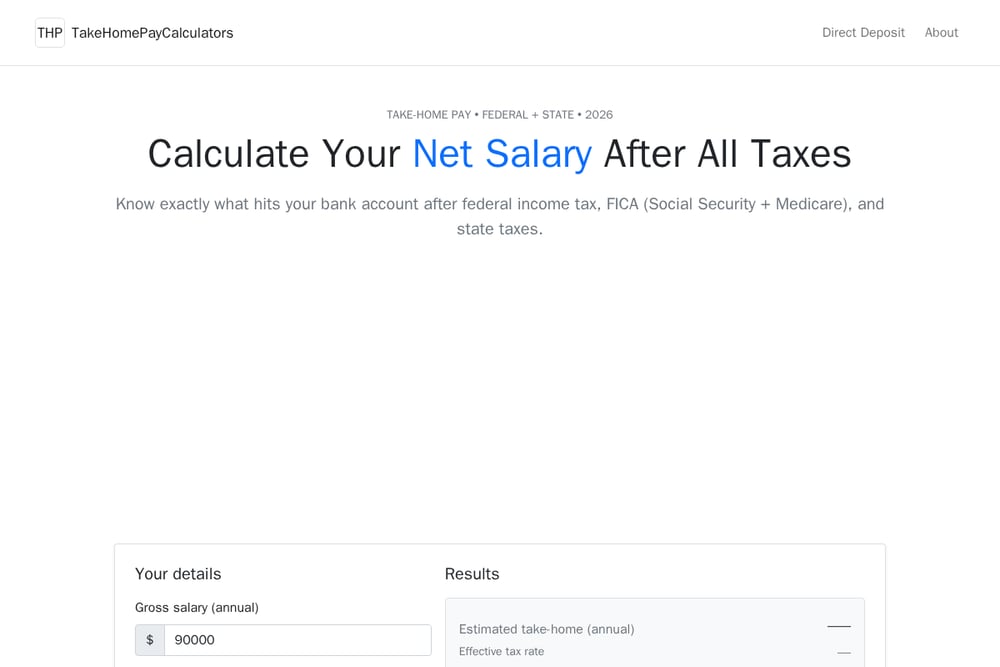 A screenshot of the TakeHomePayCalculators.com website.
TakeHomePayCalculators.com focuses squarely on one thing: showing you exactly what hits your bank account. The main calculator breaks down federal income tax, FICA (Social Security and Medicare), and state taxes, with a clear results panel that includes your effective tax rate and monthly take-home. What really stands out is the state-specific coverage. You can open dedicated calculators for Arizona, Colorado, Nevada, Utah, Wyoming, Idaho, New Mexico, Kansas, and Montana, each with scenario analysis, FAQ, and PDF export. The site also includes a side-by-side state comparison that shows how much difference a move can make. For example, at a $90,000 gross income, your annual take-home can vary by over $4,000 depending on the state.
#3 Calculator.net Take-Home-Paycheck Calculator
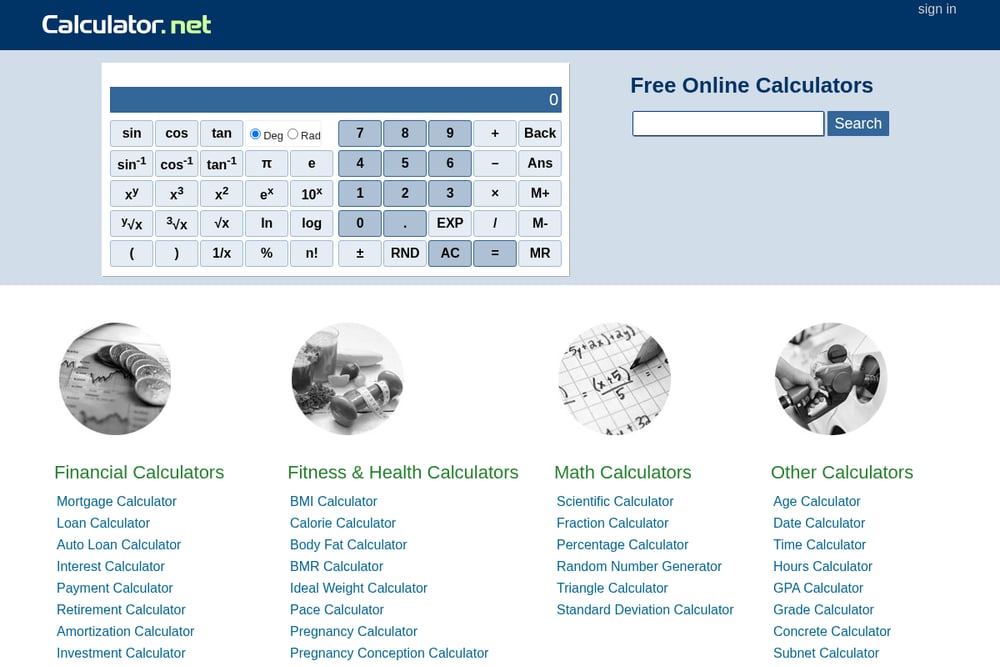 A screenshot of the Calculator.net website.
Calculator.net is the Swiss Army knife of online calculators, and its take-home paycheck tool is no exception. The input form is incredibly detailed: you can enter pay frequency, filing status, number of dependents, other income, pre-tax deductions, itemized deductions, and even qualified tips or overtime. It also asks about second jobs and spousal income, which many simpler tools ignore. The output gives you a full breakdown of federal and state taxes, though the interface is more utilitarian than polished. If you want to model a complex tax situation without creating an account, this is a go-to option.
#4 PaycheckCity Salary Calculator
 A screenshot of the PaycheckCity website.
PaycheckCity has been a trusted name in payroll calculations for years, and its salary calculator reflects that pedigree. You can select your state, enter a check date, and get results based on the most current tax tables. The tool handles federal, state, and local taxes, and it supports both salary and hourly employees. The step-by-step guide walks you through exactly what information you need, which is helpful if you're new to paycheck math. It's a solid choice for anyone who wants payroll-grade accuracy without hiring a payroll service.
#5 SurePayroll Salary Paycheck Calculator
 A screenshot of the SurePayroll website.
SurePayroll's salary paycheck calculator is a free tool from a well-known payroll provider. It covers federal and state taxes and gives you a straightforward net pay figure. The calculator itself is simple and easy to use, but the real value comes from the surrounding resources: guides on payroll, tax compliance, and small business finance. If you're a small business owner trying to estimate take-home pay for yourself or your employees, this tool fits naturally into a broader payroll workflow. It's not the most detailed calculator on this list, but it's backed by a reputable service.
How to Choose the Right Calculator for You
Start by identifying what you actually need. If you're comparing job offers in different states, prioritize a tool with strong state-specific breakdowns and side-by-side comparisons. If you have a complex tax situation with multiple income streams or itemized deductions, look for a calculator with a detailed input form. If you just want a quick estimate, a simpler tool will do. Also consider whether you want extra features like PDF export, scenario analysis, or integration with broader financial planning resources. The best calculator is the one that matches your specific question.
Automating Your Take-Home Pay Analysis
You don't need to manually recalculate every time your salary or tax situation changes. Many of these calculators let you save or export results. For ongoing tracking, consider building a simple spreadsheet that pulls in your gross pay, pre-tax deductions, and estimated tax rates. Then use a calculator like TakeHomePayCalculators.com to verify your numbers each year or after a raise. If you're a small business owner, payroll software like SurePayroll can automate the entire process, from calculating net pay to filing taxes. The goal is to spend less time crunching numbers and more time making informed decisions.
The Bottom Line on Take-Home Pay Calculators
Your take-home pay is the number that actually matters for your budget, your savings, and your lifestyle. The five calculators here each offer a different path to that number. SmartAsset gives you context. TakeHomePayCalculators.com gives you state-by-state depth. Calculator.net gives you granular control. PaycheckCity gives you payroll accuracy. SurePayroll gives you a bridge to small business payroll. Try a couple, see which one fits your workflow, and never guess your net pay again.