
Your billing process shouldn't feel like a second job. If you're still copying rows from Excel into invoice templates, these five tools are built to cut that busywork down to minutes.
The Shift Toward Spreadsheet-Native Billing
Invoicing software used to mean rigid forms and manual data entry. Today, a growing wave of tools treats your existing spreadsheet as the source of truth. You upload a file, the system detects your columns, and invoices appear without mapping headaches. This matters for freelancers, agencies, and small finance teams who already track billable work in Excel or Google Sheets. The category now blends automation, recurring billing, and client follow-ups into one workflow. The result is less admin time and fewer billing errors.
How We Evaluated These Invoicing Tools
We looked at how each tool handles spreadsheet imports, column detection, and data cleanup. We also weighed recurring invoice support, multi-currency options, and automated follow-ups. Pricing clarity and free trial availability mattered too. For US-based teams, we considered how well each product fits common billing workflows like retainers, project milestones, and one-off invoices. Finally, we checked admin controls such as role-based access and audit logs. Each tool below stood out on a different combination of these factors.
Here's a quick look at the five tools in this roundup, ordered by how directly they solve spreadsheet-to-invoice workflows for US businesses.
| Provider | Best For |
|---|---|
| Portant | Teams that want document automation across invoices, quotes, and contracts |
| DocuBills | Generate Custom Invoices in 3 Simple Steps | Spreadsheet-heavy billing workflows that need zero column mapping |
| ClickInvoice | Freelancers and agencies with monthly retainer or subscription billing |
| zistemo | Service businesses that want invoicing tied to time tracking and projects |
| Invoice Ninja | Teams that need CSV import control and self-hosting options |
The Five Tools in Detail
#1 Portant
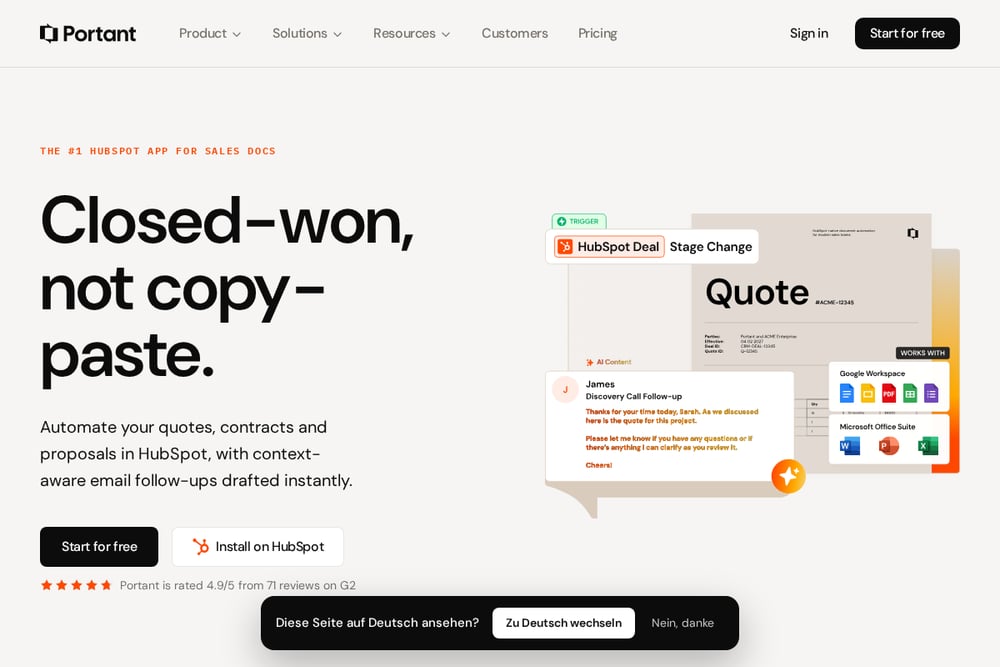 A screenshot of the Portant website.
Portant connects a Google Sheet to a Google Docs invoice template and maps column tags automatically. You can add line items, collect eSignatures, and attach Stripe payment links without leaving the workflow. It also supports approval workflows and email tracking, so you know when a client opens your invoice. The tool is built for teams already using HubSpot or Google Workspace. If you want document automation beyond invoices, Portant covers quotes, proposals, and contracts too.
#2 DocuBills | Generate Custom Invoices in 3 Simple Steps
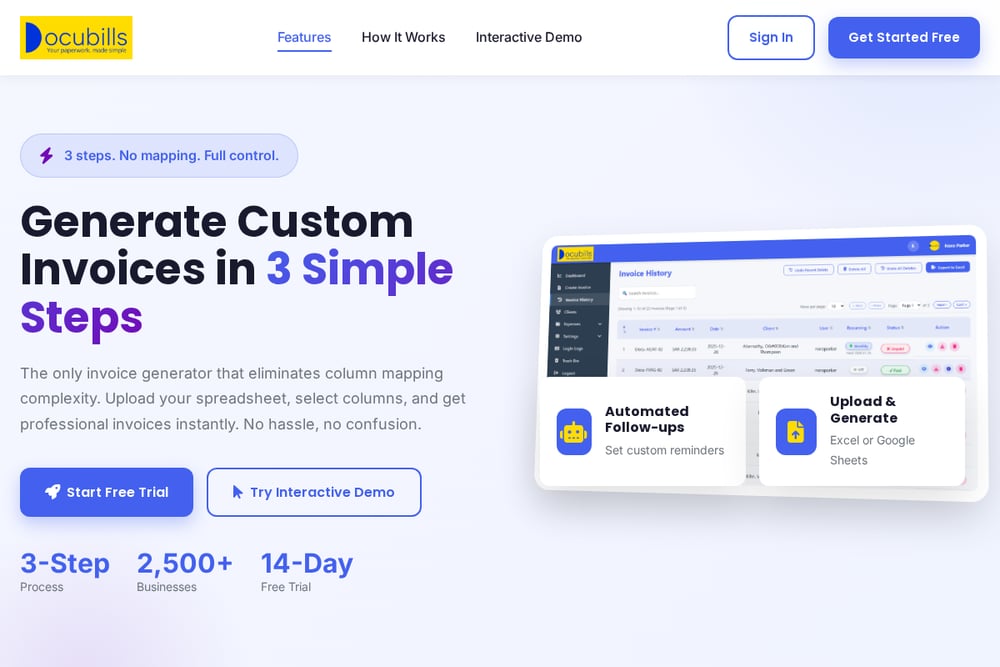 A screenshot of the DocuBills website.
DocuBills is a cloud-based invoicing platform that eliminates column mapping entirely. You upload an Excel or Google Sheets file, and the system auto-detects columns and calculates invoice totals. From there, you can select or deselect rows, set up recurring invoices, and add banking details with multi-currency support. Automated follow-ups let you schedule reminders and write email content right inside the app. A centralized dashboard gives you one-click status updates and role-based access control for your team.
#3 ClickInvoice
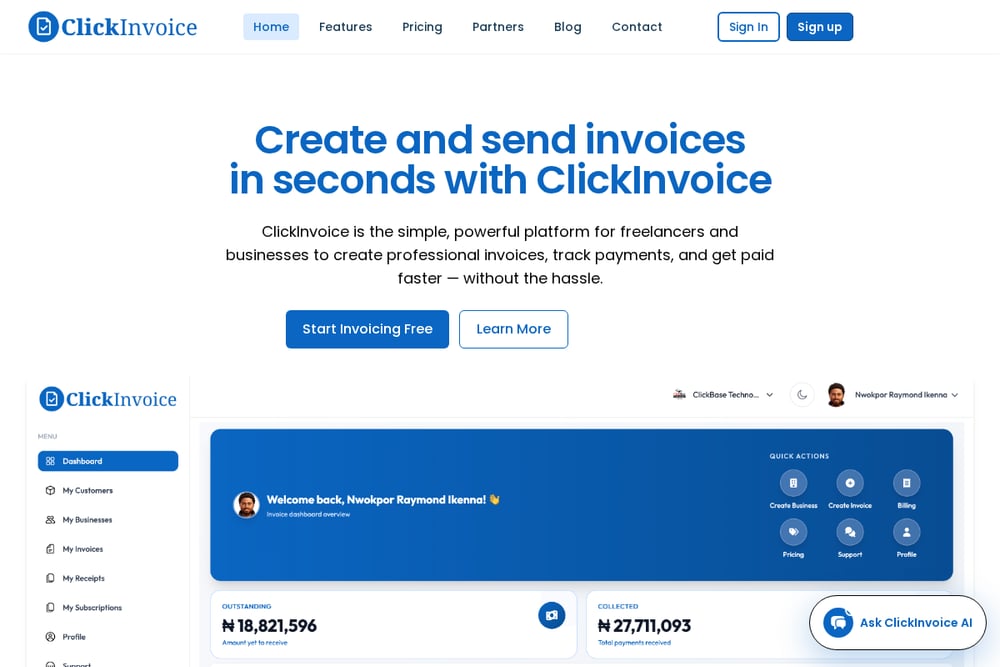 A screenshot of the ClickInvoice website.
ClickInvoice focuses on recurring invoices for retainers, hosting, and membership billing. You can run multiple businesses from one login and see paid, pending, and overdue invoices at a glance. The platform supports branded layouts, automatic numbering, taxes, and discounts. Clients can view invoices via email, WhatsApp, or a link without creating an account. It's a practical fit if your revenue depends on predictable repeat billing.
#4 zistemo
 A screenshot of the zistemo website.
zistemo bundles recurring invoices with time tracking, expenses, and project management. You define the items and client details once, then set the frequency and start date. The tool supports multi-language and multi-currency invoices, which helps if you bill international clients. A 14-day free trial lets you test the full suite before committing. It's a solid choice if you want billing connected to your project data.
#5 Invoice Ninja
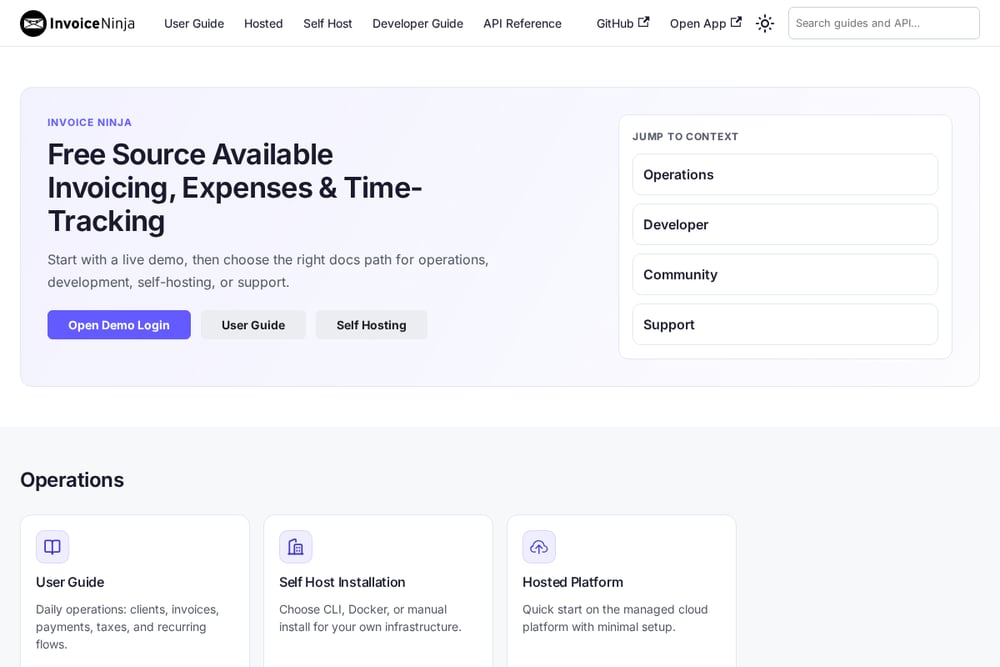 A screenshot of the Invoice Ninja website.
Invoice Ninja supports CSV imports with column matching and lets you save import templates for repeat file formats. It handles invoices, quotes, recurring invoices, expenses, and payment gateways in one system. You can self-host it or use the hosted version, which appeals to teams with strict data control needs. The platform also supports e-signatures and client portals. It's a flexible option if you need deep import and export control.
How to Choose the Right Invoicing Tool
Start with your data source. If you live in Google Sheets, pick a tool that maps columns automatically. If you bill the same clients every month, prioritize recurring invoice scheduling and automated reminders. Check multi-currency support if you invoice overseas clients. Look at admin controls if more than one person touches billing. Finally, test the free trial with your real spreadsheet before you commit. The right tool should make your first invoice take minutes, not hours.
Automating Your Invoice Workflow
A simple workflow starts with your spreadsheet. Keep one row per line item and consistent column headers. Upload the file to your chosen tool and let auto-detection handle the mapping. Set recurring schedules for repeat clients and enable automated follow-ups for overdue invoices. Use role-based access to separate who can create, approve, and send invoices. Review your dashboard weekly to catch pending or failed payments early. This rhythm keeps cash flow predictable without manual chasing.
The Bottom Line
Spreadsheet-first invoicing tools have matured fast. Portant leads with document automation, while DocuBills removes the mapping pain that slows most teams down. ClickInvoice and zistemo cover recurring billing from different angles, and Invoice Ninja gives you import control and self-hosting. Pick the one that matches how you already work. Your billing process should support your business, not distract from it.