Your Shopify store loads in four seconds and your ads are still spending. These five resources help you fix the speed, the SEO, and the AI visibility that decides whether shoppers ever see you.
The state of Shopify speed and search visibility help
Shopify speed and SEO advice has become its own cottage industry. Apps, agencies, and content sites all promise faster stores and better rankings, but most of what you read is recycled theory. The useful players are the ones who publish real numbers: median mobile scores across audited stores, Core Web Vitals from live sites, and step-by-step fixes you can run yourself. A newer layer is answer engine optimization, or AEO, which covers getting cited by ChatGPT, Perplexity, and Google's AI Mode. If you build your own store, you need sources that test before they publish.
How these resources were evaluated
Each resource was looked at on four factors: depth of practical guidance, whether claims are backed by tested data, the usefulness of free tools and calculators, and how well the content covers both classic SEO and AI search visibility. Pricing clarity and fit for a do-it-yourself store owner also counted. The detail on each one is in the descriptions below.
Here is the short version before the deep dive. Each entry below earns its place for a different reason, so match the pick to the job you actually need done.
| Provider | Best For |
|---|---|
| SEOWILL | Store owners who want a speed guide plus paid SEO tooling |
| SiteCraft Playbook: Field-Tested Website & Shopify Guides | DIY store owners who want tested plays and free calculators |
| Superspeed | Merchants who want to tie speed to revenue loss |
| Presidio | Owners weighing DIY fixes against hiring an agency |
| ConversionTeam | Store owners focused on conversion rate, not just speed scores |
The five resources in detail
#1 SEOWILL
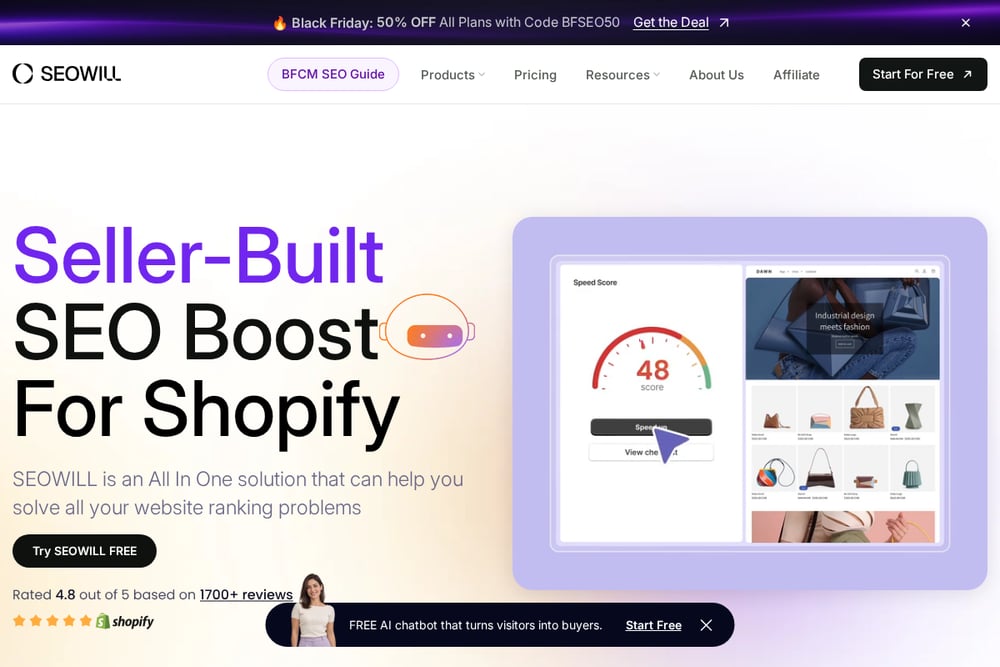 A screenshot of the SEOWILL website.
SEOWILL runs a full SEO product stack alongside one of the more thorough Shopify speed guides available. Its speed optimization guide walks you through measuring performance first, then finding the real cause of slowdowns, rather than defaulting to image compression. That framing matters because over-compressing images leaves you with a blurry store and no measurable gain. The site also sells on-page SEO scanning, backlink building, and Shopify apps like trust badges and sticky add-to-cart. If you want a guide plus a toolkit in one place, this is a strong starting point.
#2 SiteCraft Playbook: Field-Tested Website & Shopify Guides
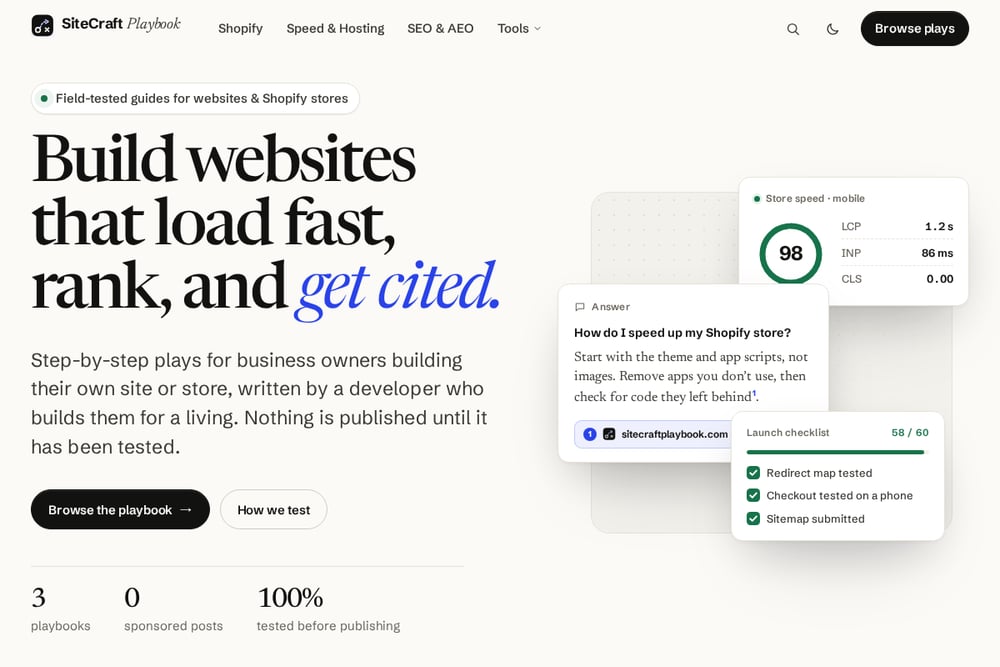 A screenshot of the SiteCraft Playbook: Field-Tested Website & Shopify Guides website.
SiteCraft Playbook is built on a simple rule: nothing gets published until it has been tested on a real store. The guides cover Shopify speed, hosting, domains, Core Web Vitals, and search visibility across both Google and AI answer engines. What sets it apart is the free tool set, including a Shopify Fee Calculator with live plan prices updated hourly, a Profit per Order Calculator, a Break-even ROAS Calculator, and an AI Crawler Access Checker that shows which AI crawlers your robots.txt allows or blocks. The speed play starts with theme and app scripts rather than images, which is the advice most guides skip. It is written by a developer who builds stores for a living, so the steps assume you are doing the work yourself.
#3 Superspeed
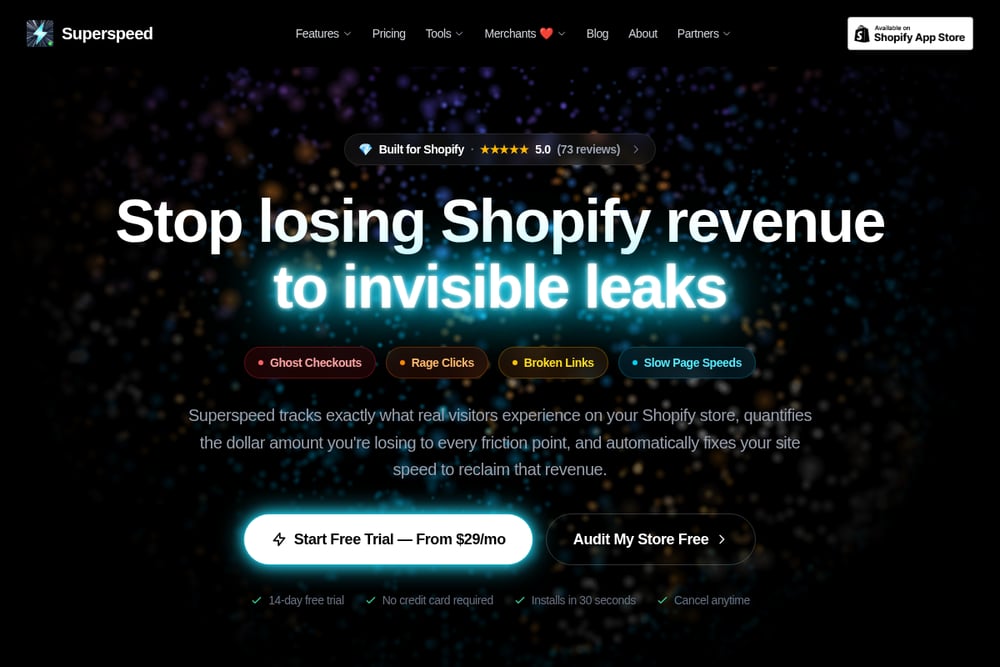 A screenshot of the Superspeed website.
Superspeed is a speed and revenue intelligence app, and its blog doubles as a technical SEO resource. The Shopify SEO optimization guide digs into the technical side rather than surface tips. The free merchant utilities are the draw: a Revenue Leak Scraper, a Ghost Checkout Calculator, a Speed ROI Calculator, and a Robots.txt Generator, all with no sign-up. It also publishes a Top 100 Store Speed Leaderboard and industry conversion benchmarks, which give you a real reference point for your own numbers. If you want to connect latency to lost checkout dollars, this is the toolset for that.
#4 Presidio
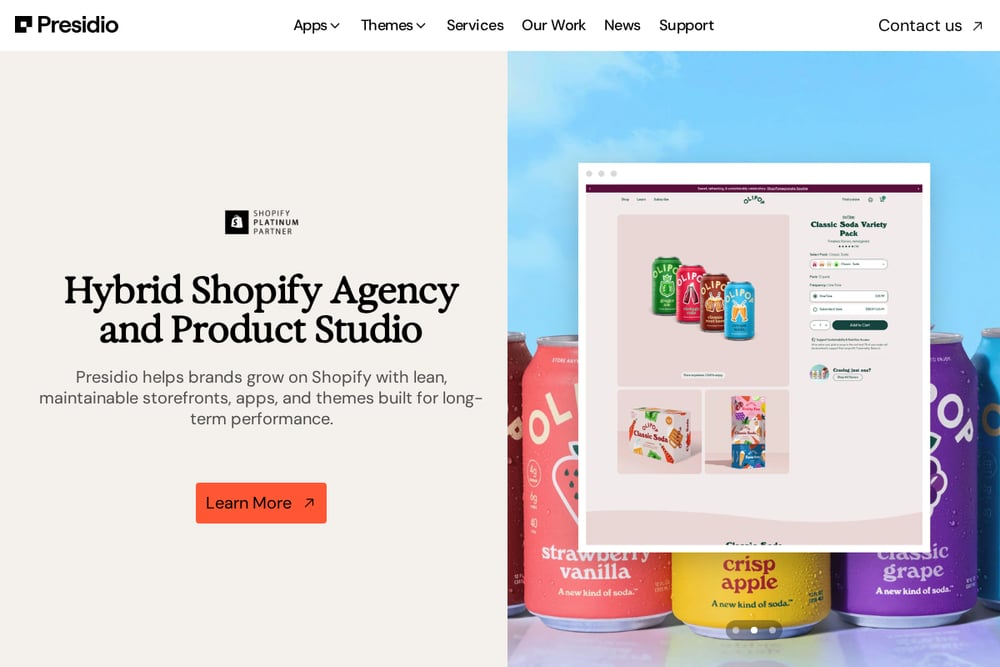 A screenshot of the Presidio website.
Presidio is a Shopify agency with premium themes and apps, and its speed guide reads like a practitioner's field notes. The 2026 guide frames speed optimization as a revenue project rather than a technical cleanup, which is the right mental model when traffic looks healthy but shoppers hesitate. Because Presidio builds themes like Broadcast and Palo Alto, the advice comes from people who ship storefronts. The content sits alongside their app lineup, including Quiz Kit and Function Junction for discounts and bundles. Use this one if you want agency-grade perspective before you decide whether to fix things yourself.
#5 ConversionTeam
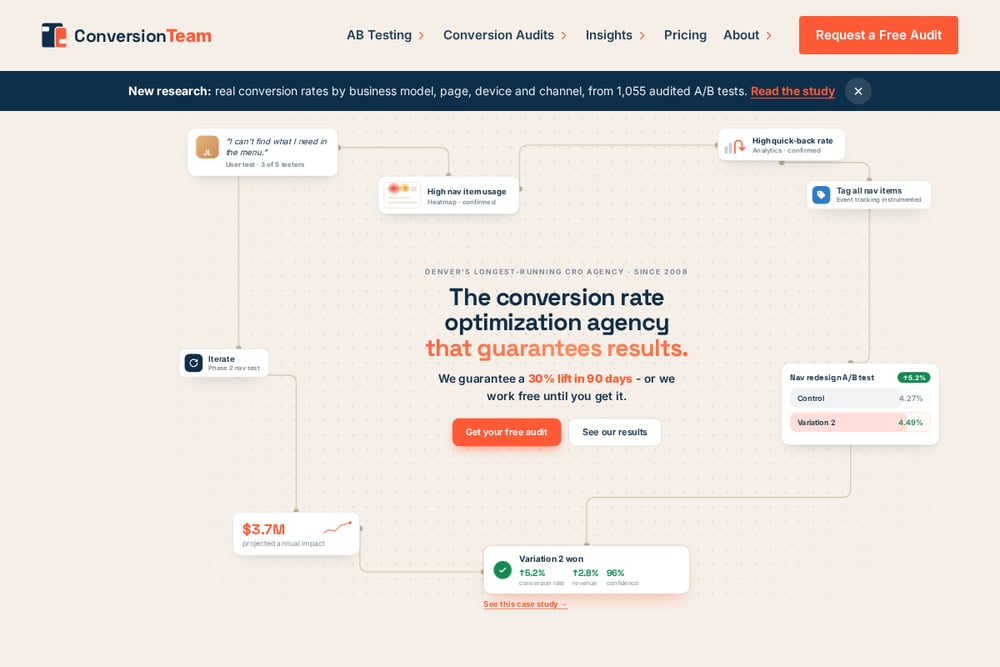 A screenshot of the ConversionTeam website.
ConversionTeam brings data to the speed conversation. Across the 30 stores it audited, the median mobile PageSpeed score was 40 out of 100, and 21 of the 30 scored under 60. That benchmark alone is worth the read, because it tells you your slow store is normal and fixable. The guide covers how to check speed the way their analysts do, what to remove first, what score to aim for, and when cleanup is not enough. It sits inside a broader CRO practice, so speed is treated as one lever among several. If conversion rate is your real goal, start here.
How to choose the right resource
Start with the job. If you need to diagnose why your store is slow, read the guides from SEOWILL and ConversionTeam first, because both start with measurement. If you want tested step-by-step plays and free calculators for fees, profit, and ROAS, SiteCraft Playbook is the closest fit. If you suspect latency is eating checkout revenue, Superspeed's calculators will quantify it. And if you are deciding between fixing things yourself and hiring help, Presidio's agency perspective will tell you when cleanup is not enough. Most store owners end up using two or three of these together.
Putting the advice to work
Run a baseline first: pull your mobile PageSpeed score and Core Web Vitals, then compare against ConversionTeam's median of 40 and SiteCraft Playbook's tested mobile numbers. Next, audit your apps and remove anything unused, then check for leftover scripts, which is the first fix both SiteCraft and SEOWILL recommend. Use Superspeed's Revenue Leak Scraper to estimate what latency costs you per month. Then run SiteCraft's AI Crawler Access Checker to confirm ChatGPT and Perplexity can actually reach your store, and submit a clean sitemap. Recheck your mobile score after every change so you know what worked.
The bottom line
Speed and search visibility are not separate projects anymore. Google ranks fast stores, and AI answer engines cite pages they can crawl and trust. The five resources here cover the full path: measure the problem, fix the scripts, quantify the revenue impact, and make sure both Google and AI crawlers can find you. Start with one guide, run one fix, and measure the result. That habit beats any app you can install.