Messy supplier spreadsheets can stall a product launch for weeks. Here are five services worth knowing if you want your catalog import-ready without the manual grind.
Why product data cleanup became its own cottage industry
Shopify made launching a store easy. It did not make importing a supplier file easy. Every CSV you receive from a vendor arrives with its own column names, its own price formats, and its own creative interpretation of what a SKU should look like. Multiply that by a few hundred rows and you have a weekend of copy-paste work. That gap created a small but growing market of tools and services that sit between your supplier and your storefront. Some are browser-based cleaners that fix formatting errors before import. Others are full outsourcing teams that take the file off your hands entirely. A few focus narrowly on SEO fields or sales exports. The right pick depends on whether you want software, a service, or a second set of eyes before you hit import.
How we looked at each option
We compared all five on the same factors. First, scope: does it clean supplier files, audit your existing catalog, or handle both? Second, pricing clarity: can you tell what you will pay before you commit, or is it quote-only? Third, human involvement: does a person review the output, or is it fully automated? Fourth, fit for small merchants and boutique agencies working with simple product catalogs. Fifth, transparency around what changed. Catalog Desk stood out for its free sample review and fixed-scope pricing with a documented change log. CSVwise stood out for in-browser cleaning with a free plan. Intellect Outsource stood out for breadth of ecommerce data services across platforms. Superworker stood out for speed on Shopify export cleanup. Digital Success stood out for surfacing SEO gaps in an existing product export.
Here is a quick look at how the five compare on approach, pricing model, and who each one suits. Details follow in the deep dive below.
| Provider | Best For |
|---|---|
| CSVwise | Merchants who want to fix CSVs themselves |
| Catalog Desk | Product data, ready for review | Agencies that want a human-reviewed draft file |
| Intellect Outsource Product Data Cleansing | Ongoing, large-volume catalog operations |
| Superworker Clean Shopify CSV Exports | Cleaning Shopify exports for reporting |
| Digital Success Shopify Product CSV SEO Cleaner | Auditing SEO gaps in a live catalog |
The five services in detail
#1 CSVwise
 A screenshot of the CSVwise website.
CSVwise is a Shopify app that catches product CSV errors before you import them. You upload a file and it flags the problems that break imports: malformed prices, invalid weights, duplicate handles, inconsistent tags, and formatting errors. It then fixes them automatically and lets you preview every change before you download. Cleaning runs in your browser, and only column names and up to five sample rows go to an AI provider for the mapping step. It also checks your file against products you already sell. If you want a self-serve tool with a free plan, this is the closest fit.
#2 Catalog Desk | Product data, ready for review
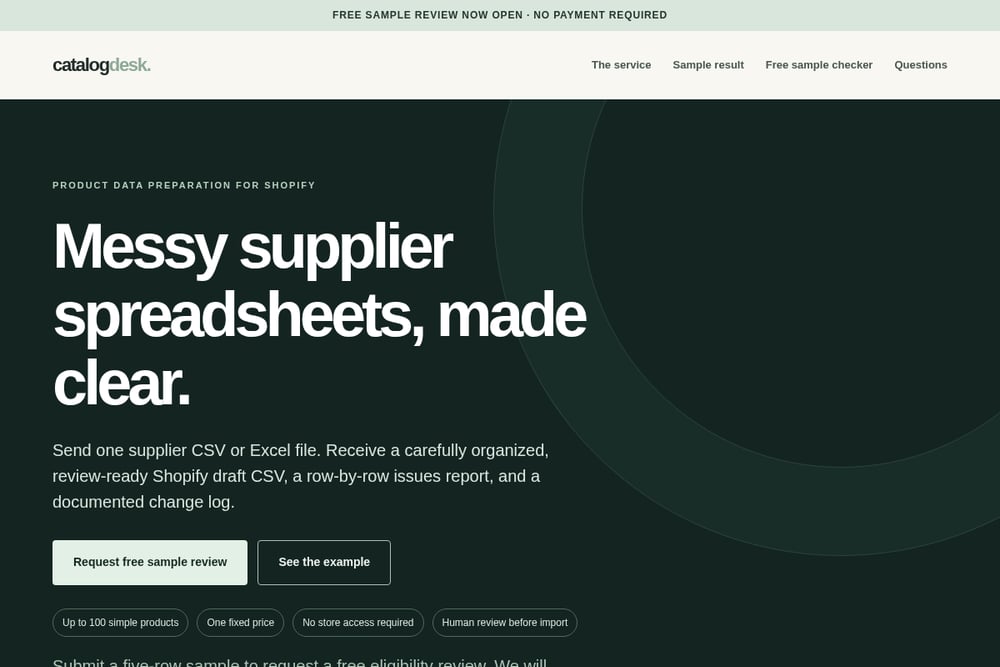 A screenshot of the Catalog Desk | Product data, ready for review website.
Catalog Desk takes a different angle: it is a done-for-you service, not an app. You send one supplier CSV or Excel file and receive a review-ready Shopify draft CSV, a row-by-row issues report, and a documented change log. The process starts with a free five-row sample review so you can confirm your file is eligible before any payment. Approved orders run at a fixed $149 for one file, one worksheet, and up to 100 simple products. The team reviews the supplier file, not your live store, and no store access is required. It is built for boutique ecommerce agencies and merchants working with simple catalogs, especially home goods and accessories.
#3 Intellect Outsource Product Data Cleansing
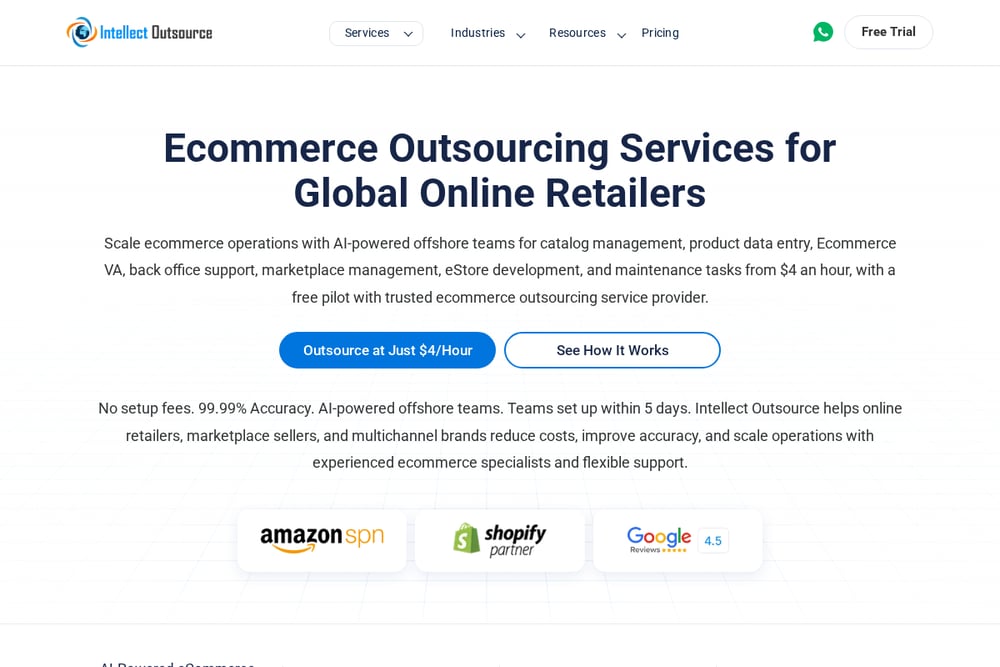 A screenshot of the Intellect Outsource Product Data Cleansing website.
Intellect Outsource is an outsourcing firm with a dedicated product data cleansing service. It handles missing attributes and removes incorrect, duplicate, outdated, or incomplete product data across your stores and marketplaces. The broader catalog management offering covers product listing, content writing, image processing, migration, scraping, and enrichment. It supports Shopify alongside Bigcommerce, Magento, WooCommerce, and several other platforms. Pricing is quote-based rather than published, so you will need to talk to their team first. If you have ongoing, large-volume data work beyond a single CSV, this is the widest net of the five.
#4 Superworker Clean Shopify CSV Exports
 A screenshot of the Superworker Clean Shopify CSV Exports website.
Superworker added automatic cleanup for Shopify CSV exports to its analysis product. The problem it targets is specific: Shopify exports nest certain fields in ways most tools cannot parse cleanly, leaving blank cells and misaligned rows. You upload the messy file, Superworker fixes the nested blanks and broken structures, and you get a clean CSV back in seconds. There is no configuration and no mapping step. One team cited in their announcement was spending about 30 minutes a day on this before switching. If your pain is export cleanup for reporting rather than supplier import prep, this is the fastest path.
#5 Digital Success Shopify Product CSV SEO Cleaner
 A screenshot of the Digital Success Shopify Product CSV SEO Cleaner website.
Digital Success built a free browser tool that audits your Shopify product export for SEO gaps. Drop in a CSV and it surfaces missing titles, descriptions, alt text, handles, duplicate SKUs, and empty SEO fields. Everything runs locally in your browser and nothing is uploaded. You get a prioritized audit you can download and work through. The tool is honest about its limits: finding the gaps is fast, but filling thousands of them is still the work. If your catalog is already live and you suspect quiet SEO problems, this is a smart first scan before you hire anyone.
How to pick the right one for your file
Start with the file in your hand. If it is a supplier spreadsheet headed for a first import, you need preparation, not auditing. That points you toward a service like Catalog Desk or a self-serve cleaner like CSVwise. If the catalog is already live and you are worried about search visibility, run the free Digital Success audit first. If the file is an export you need for reporting, Superworker solves that in seconds. And if you have hundreds of SKUs across multiple marketplaces with ongoing maintenance needs, an outsourcing partner like Intellect Outsource makes more sense than a one-off fix. Ask two questions before you commit: who reviews the output before it touches your store, and what happens when a row is ambiguous? A service that documents its changes and flags exceptions will save you more time than one that silently guesses.
Where automation fits, and where it does not
Automation is excellent at the boring parts. Normalizing price formats, catching duplicate handles, fixing nested blanks, and flagging malformed weights are all rule-based problems that software handles faster than a person. Use a tool for that layer. What automation struggles with is judgment. Should a conflicting product be deleted or merged? Is a missing weight a data gap or a deliberate choice? Those calls need a human, which is why the services that document their changes and hand you an issues report tend to fit import workflows better than fully silent cleaners. A practical workflow: run an automated pass to catch structural errors, then have a person review the exceptions before anything goes live. That combination keeps your import fast without letting guessed product facts into your store.
The bottom line
There is no single winner here because these five solve different problems. CSVwise gives you a free self-serve cleaner for import errors. Catalog Desk gives you a fixed-price, human-reviewed draft file with a change log, starting from a free sample. Intellect Outsource gives you scale and breadth across platforms. Superworker gives you instant export cleanup. Digital Success gives you a free SEO audit of what is already live. Match the tool to the file in front of you, insist on transparency about what changed, and keep a human in the loop before import. Do that and your next supplier spreadsheet stops being a weekend project.