
You want to know which colors make you look alive, not washed out. These five services turn a selfie or a short quiz into a usable palette, and each one takes a different route to get you there.
What are Creative & Digital Services services?
Seasonal color analysis has moved from department-store draping sessions to browser-based tools. Most services now ask for a daylight selfie, read your undertone, value, and chroma, and sort you into one of twelve seasons. The differences show up in how the photo is handled, whether the result is free or paid, and how much palette detail you get. Some tools keep everything on your device, others send the image to an AI model, and a few bundle styling features on top. Pricing ranges from free to a one-time unlock, with subscriptions appearing mostly on the styling side.
What we looked at when researching Creative & Digital Services
We looked at the same factors for every service: how the analysis works, what you get for free versus paid, pricing clarity, privacy handling of your photo, and how usable the final palette is. Each entry below notes what stood out for that particular service, not who beat whom.
| Provider | Best For |
|---|---|
| Colorwise.me | A free, established self-analysis workflow |
| Color Analysis Quiz: Seasonal Color Palette Analysis | A one-time, no-subscription full season report |
| Color Season AI | Exploring multiple AI color tools in one place |
| InMyTone | A free AI read with styling tools attached |
| The New Black AI | Turning your palette into AI-generated outfits |
A closer look at 5 standout Creative & Digital Services
#1 Colorwise.me
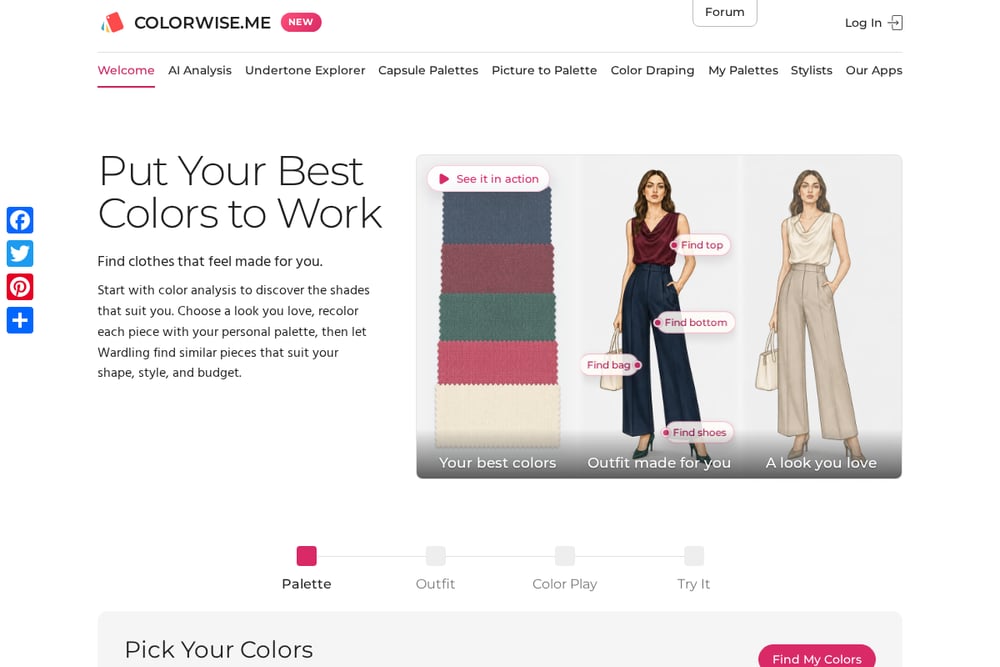 A screenshot of the Colorwise.me website.
Colorwise.me has been around long enough that many people treat it as the default starting point. You upload a selfie, and the tool frames a single face automatically; if there are several people, you pick which one to analyze. From there you select representative colors for skin, hair, and eyes, and the site identifies your seasonal type and builds a palette. The photo stays in your browser, which is a clear privacy stance. The site also connects to a stylist directory and a palette app, so you can carry your colors with you. It is a solid choice if you want a free, established workflow with a manual color-picking step.
#2 Color Analysis Quiz: Seasonal Color Palette Analysis
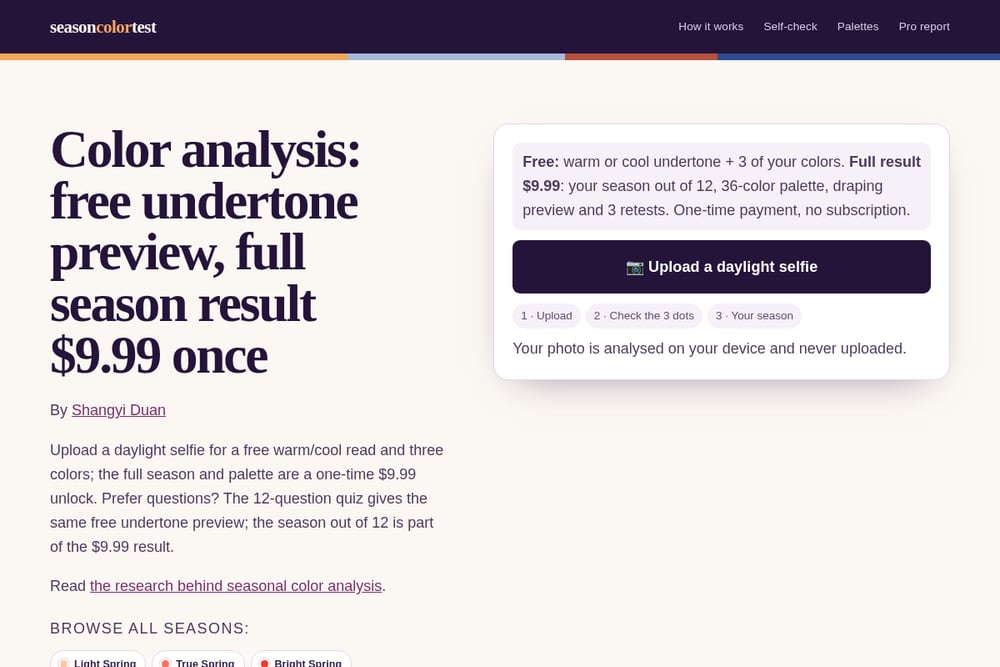 A screenshot of the Color Analysis Quiz: Seasonal Color Palette Analysis website.
This is the service to look at if you want a clear free-versus-paid line. You upload a daylight selfie or take a 12-question quiz, and either path gives you a free warm-or-cool undertone read plus three colors. The full season result is a one-time $9.99 unlock, with no subscription, and it includes your season out of twelve, a 36-color palette, a draping preview, and three retests. The selfie is analyzed on your device and never uploaded, which the site states plainly. It also warns you when indoor lighting may have pushed the result warmer and tells you to retake facing a window. Checkout runs through Dodo Payments with a stated refund policy, and the method follows the hue-value-chroma model.
#3 Color Season AI
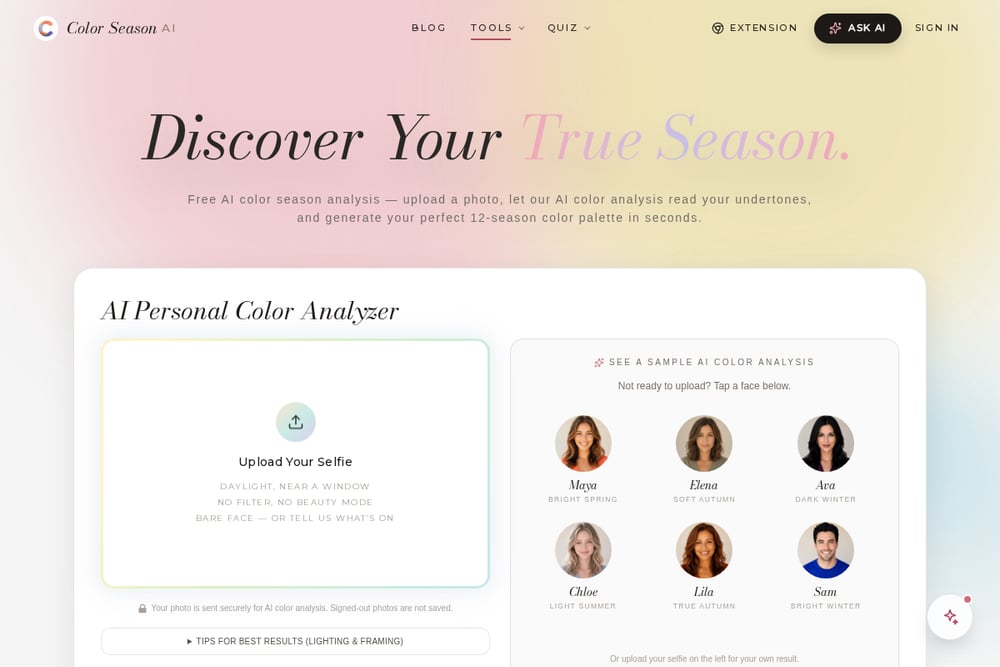 A screenshot of the Color Season AI website.
Color Season AI leans hard into the AI angle and gives you a lot of surrounding tools. You upload a selfie taken in daylight near a window, with no filter and no beauty mode, and the AI reads your undertones and returns a 12-season palette. The site is upfront that your photo is sent securely for analysis and that signed-out photos are not saved. Beyond the core analysis, there is a quiz, color draping, a hair color changer, a makeup generator, and a Chrome extension. It is a good fit if you want to explore several color tools in one place rather than just get a palette and leave.
#4 InMyTone
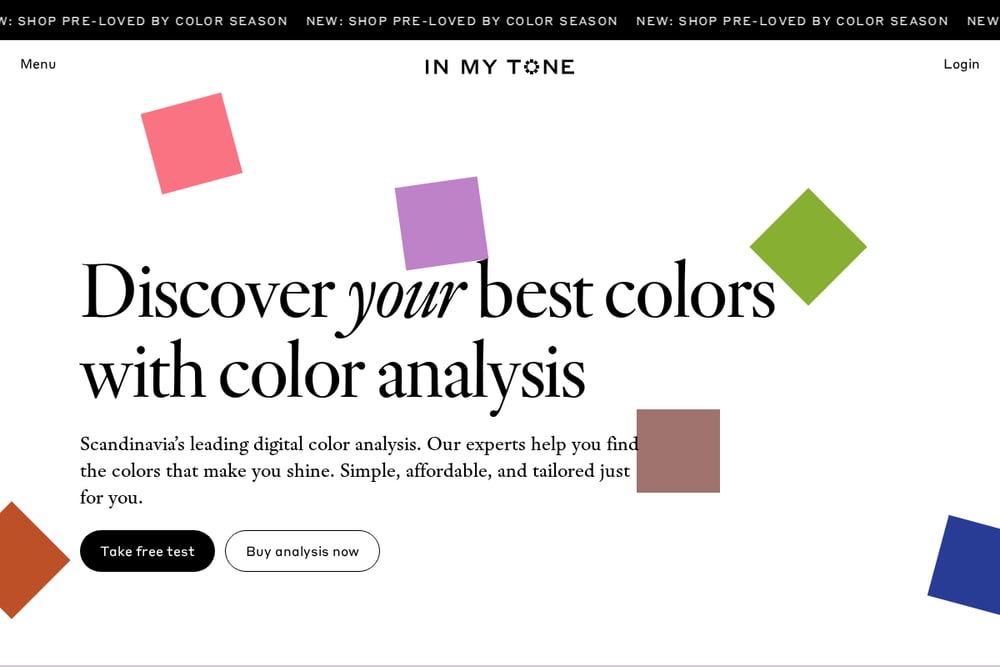 A screenshot of the InMyTone website.
InMyTone offers a free AI color analysis with no signup required, which lowers the barrier if you are just curious. You upload a photo in daylight without heavy makeup, and the AI assesses skin tone, hair color, and eye color, plus contrast and clarity, to suggest a season. The site says your image is used only for the analysis and deleted immediately afterward. What sets it apart is the surrounding ecosystem: a Pro tier, garment analysis, a virtual fitting room, color cards, and makeup guides. The site is also candid that AI analysis can miss subtle nuances, which is a refreshing bit of honesty. Choose it if you want a free first read and a path into deeper styling tools.
#5 The New Black AI
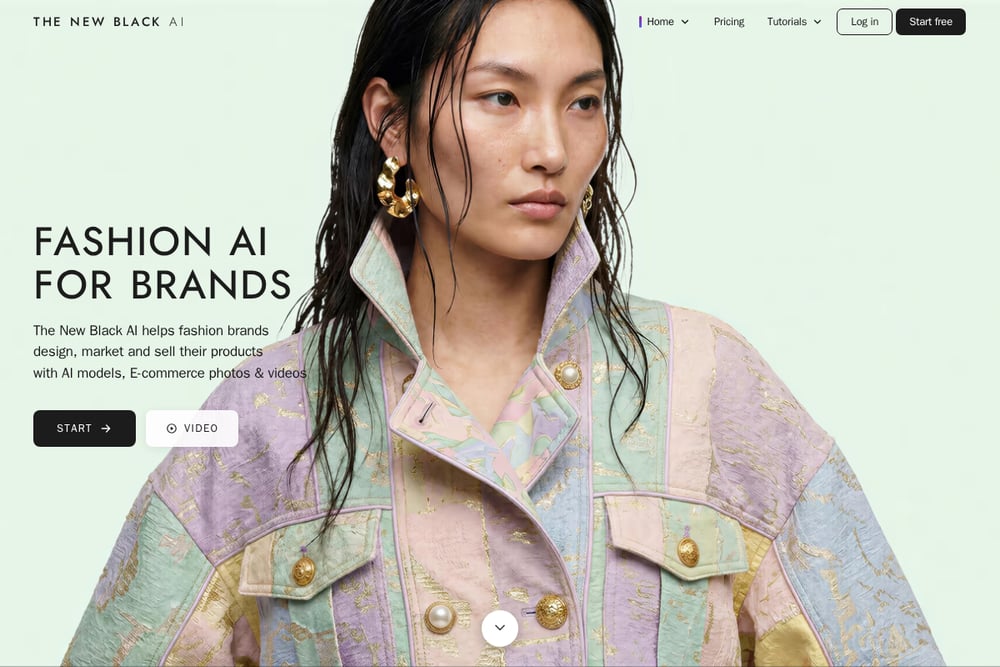 A screenshot of The New Black AI website.
The New Black AI treats color analysis as the front door to outfit generation. You upload one selfie in natural light, and the AI reads your undertones, contrast, and brightness, then returns two palettes with an explanation of what each season stands for. The analysis itself is free and not metered; credits come into play when you start generating outfits inside your palette. The algorithm is described as trained on thousands of professional drapings. If your real goal is to build outfits that stay inside your colors, this is the most direct route. It is less about a standalone report and more about putting the palette to work.
How to choose the right Creative & Digital Services
Start with what you actually want. If you want a free read and a manual color-picking step, Colorwise.me fits. If you want a defined free preview and a single low one-time payment for the full season, the Color Analysis Quiz service is built around that. If you want to poke at several AI tools, Color Season AI has the widest set. If you want a free AI read plus a styling ecosystem, InMyTone is the one. And if outfits are the end goal, The New Black AI puts the palette straight into outfit generation. Check the privacy language on each site before you upload, and note whether the photo is processed on your device or sent to a server.
Expert Conclusion
None of these services replaces a trained draping session, but each gives you a usable starting point without an appointment. The smart move is to pick based on your budget and your end goal: a one-time report, a free AI read, or a palette that feeds directly into outfit ideas. Try the free tier first, then pay only where the extra detail actually helps you.