
Your school-issued Chromebooks are either a gateway to learning or a rabbit hole of distractions. These five solutions help you draw the line.
The K-12 Web Filtering Landscape
School web filtering has moved far beyond simple blocklists. Districts now juggle CIPA compliance, proxy evasion, AI tools, and the constant demand for flexible classroom access. Traditional filters play whack-a-mole with new sites, while allowlist approaches flip the model: nothing loads unless a teacher or IT admin approves it. The result is a growing split between reactive filtering and proactive curation. You need to know which camp each tool falls into before you commit.
How We Evaluated These Tools
We looked at five factors: service scope (does it cover Chromebooks, networks, and other devices?), pricing clarity (can you find costs without a sales call?), local fit (does it align with US school workflows and CIPA requirements?), teacher empowerment (can instructors approve content without IT tickets?), and student experience (is a blocked page calm or confusing?). Each tool has a distinct strength. ScreenED shines in teacher-driven allowlisting. Securly offers broad AI and wellness visibility. Deledao brings real-time page scanning. KyberGate provides a fast setup guide. Scalefusion Veltar integrates with device management. None is universally superior; your district's priorities decide.
Here is a quick look at how these five solutions compare on the factors that matter most to US schools.
| Provider | Best For |
|---|---|
| Securly Filter | Districts needing AI governance and wellness monitoring |
| ScreenED: only approved websites open on school Chromebooks | Schools wanting teacher-curated allowlists on Chromebooks |
| Deledao ActiveScan | Schools needing real-time AI page scanning |
| KyberGate | IT admins wanting a fast Chromebook filtering setup |
| Scalefusion Veltar | Schools already using Scalefusion for device management |
The 5 Solutions in Detail
#1 Securly Filter
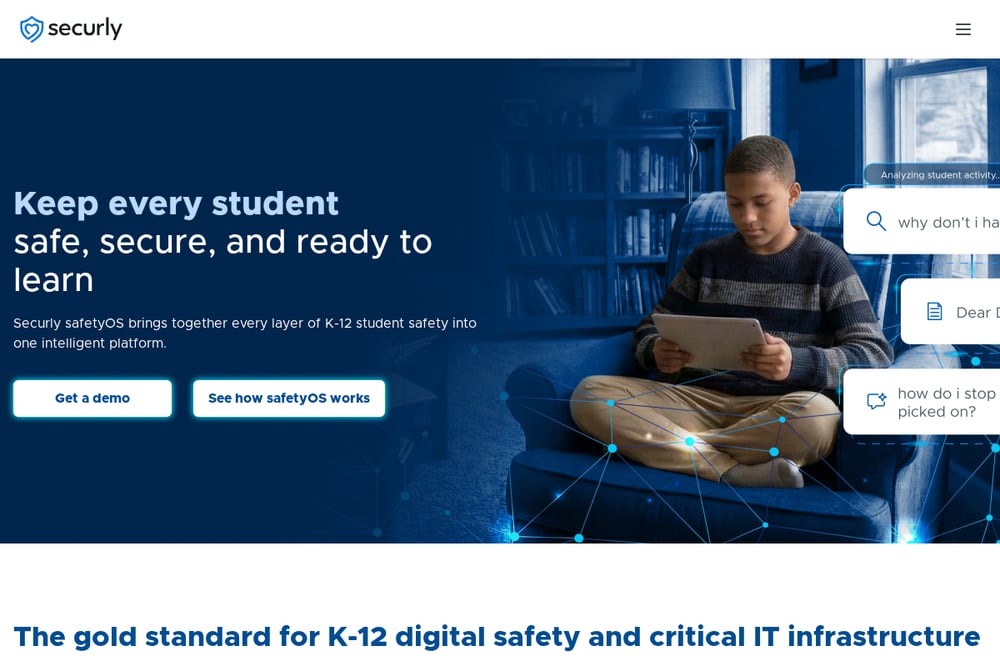 A screenshot of the Securly Filter website.
Securly Filter is a cloud-based web filter built exclusively for K-12 schools. It uses AI-powered real-time website classification to stop proxy sites and manage AI use, as described on its filter page. You get topic-level filtering for student AI interactions, plus prompt-level insights for administrators. The platform also includes student wellness monitoring and classroom management tools. For districts that want a comprehensive safety suite beyond simple blocking, Securly is a strong fit.
#2 ScreenED: only approved websites open on school Chromebooks
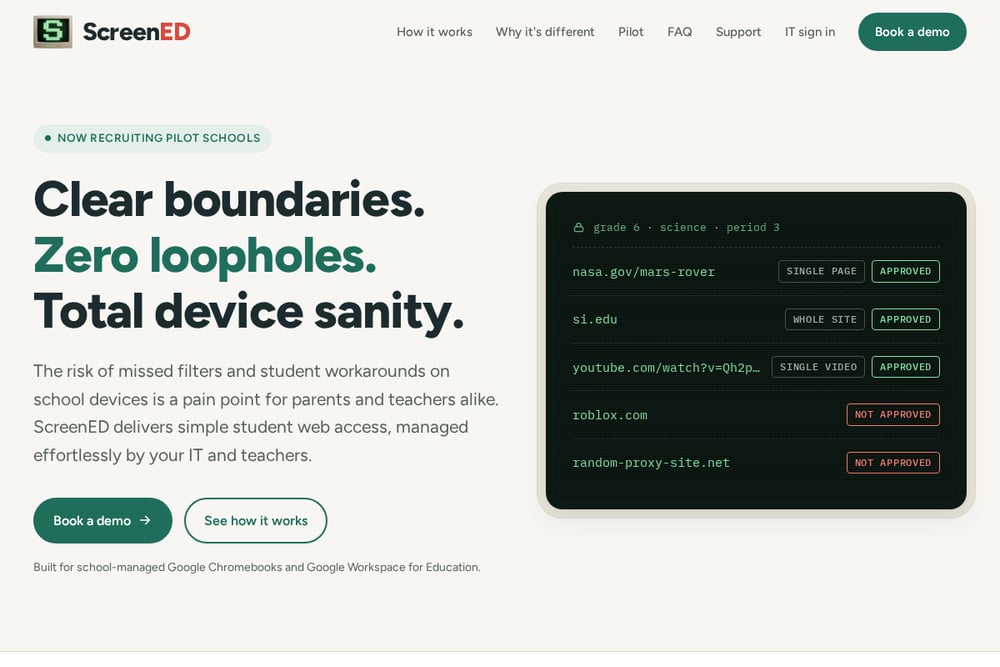 A screenshot of the ScreenED website.
ScreenED flips the filtering model: instead of blocking bad sites, it only opens websites that teachers or IT have approved. As the site explains, a teacher can approve a single page, a whole site, or even one YouTube video with one click. Links posted in Google Classroom can be approved automatically and go live within minutes. Google's own device controls lock down the browser, and a small ScreenED add-on handles fine details like single videos. Students see a calm blocked page with an Ask my teacher option, not a hunt for workarounds. The service is now recruiting pilot schools.
#3 Deledao ActiveScan
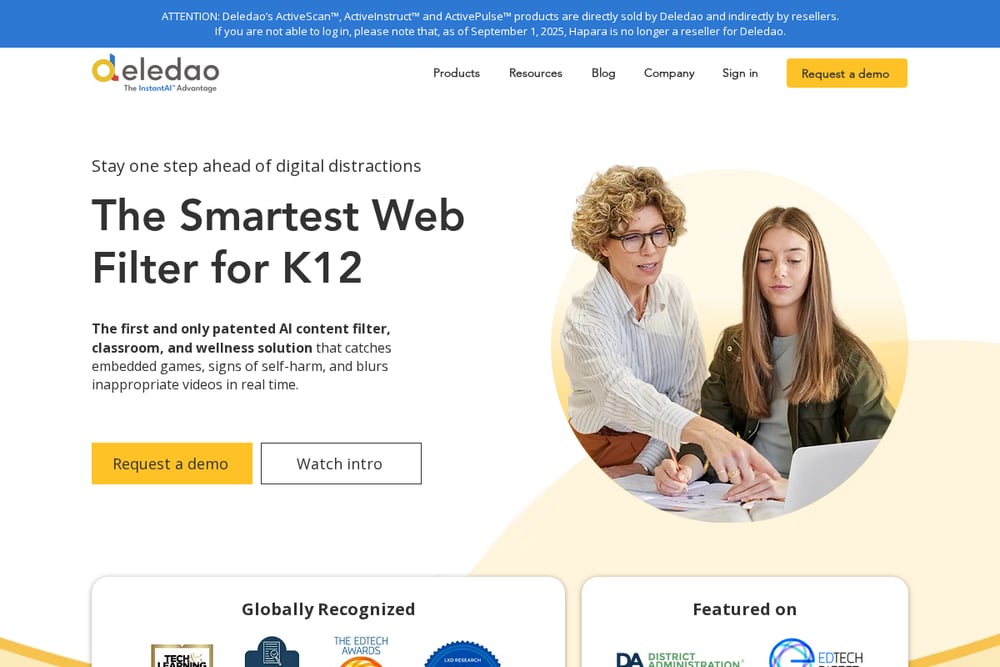 A screenshot of the Deledao ActiveScan website.
Deledao ActiveScan is a web filter that uses real-time AI to analyze page content, metadata, and images as students browse. According to Deledao's guide to web filtering software, the tool focuses on instant classification rather than relying on static blocklists. It also offers ActiveInstruct for classroom management and ActivePulse for student wellness. The company sells directly and through resellers, though Hapara stopped reselling as of September 2025. If you want dynamic scanning that adapts to new sites, Deledao is worth a look.
#4 KyberGate
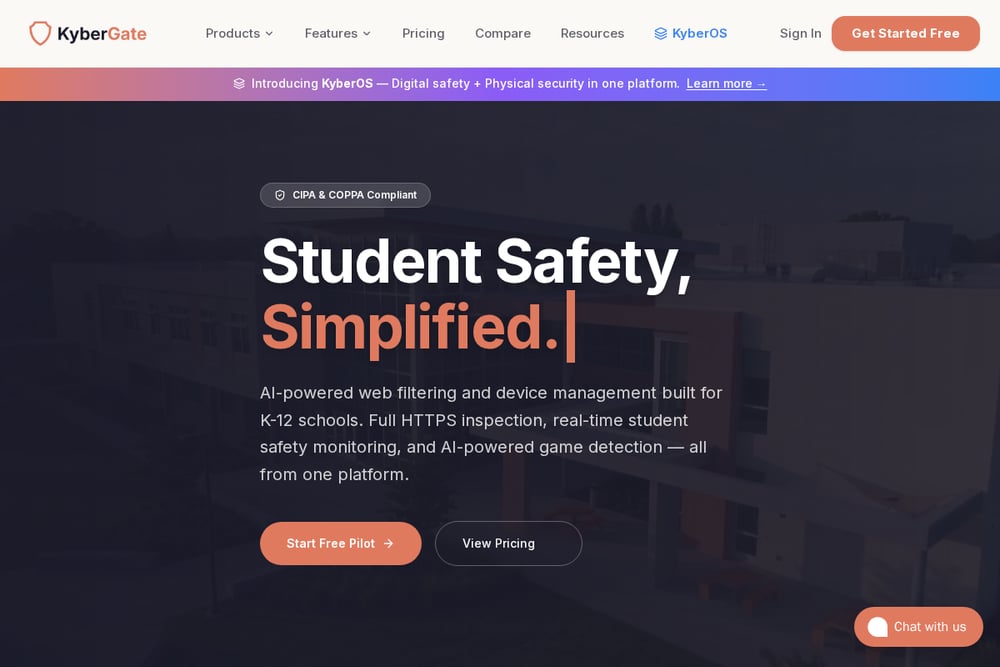 A screenshot of the KyberGate website.
KyberGate provides a practical tutorial for setting up web filtering on school Chromebooks in 30 minutes. The guide compares three approaches: Google Admin built-in filtering, Chrome extensions, and cloud proxies. It walks you through OU structures, URL blocking, and troubleshooting. KyberGate also offers KyberOS, a platform that combines digital safety with physical security. If you are an IT admin who needs a clear deployment path, KyberGate's resources are a solid starting point.
#5 Scalefusion Veltar
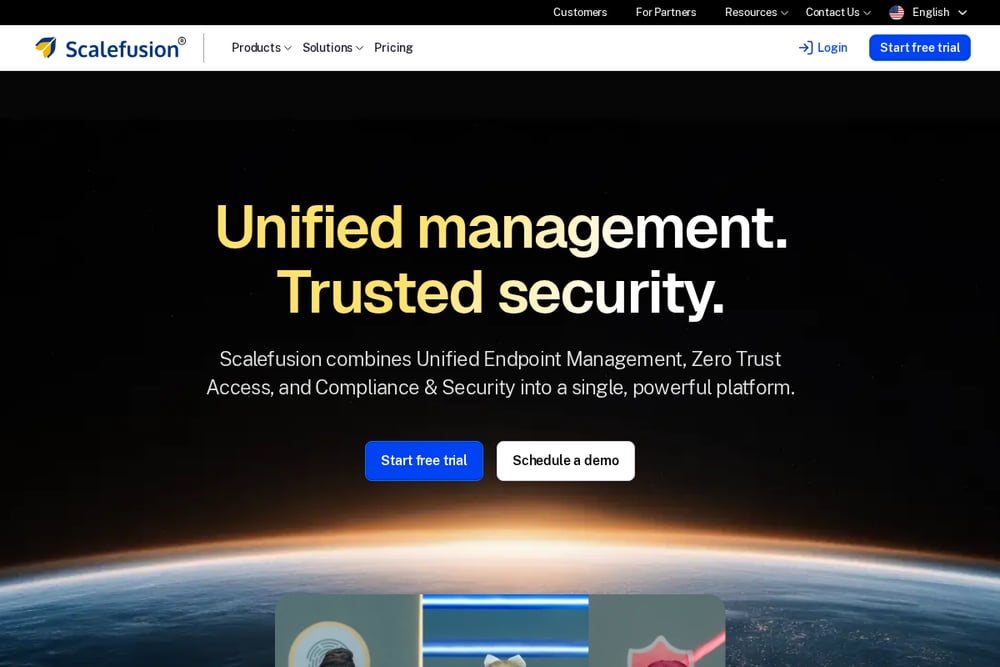 A screenshot of the Scalefusion Veltar website.
Scalefusion Veltar is a web content filtering module within Scalefusion's unified endpoint management platform. It supports ChromeOS management alongside Windows, macOS, Android, and iOS. The product page highlights secure web gateway, automated compliance, and zero trust access. Because it integrates with device management, you can apply filtering policies across your entire fleet from one console. For schools already using Scalefusion for MDM, Veltar is a natural extension.
How to Choose the Right Filter for Your District
Start by asking who needs control. If teachers must approve content on the fly, an allowlist tool like ScreenED puts them in the driver's seat. If your priority is catching harmful AI conversations, Securly's prompt-level insights matter more. For real-time scanning of new sites, Deledao ActiveScan is built for that. If you need a step-by-step deployment guide, KyberGate's tutorial saves time. And if you already manage devices with Scalefusion, Veltar avoids a second console. Also check pricing transparency: some vendors publish rates, others require a demo. Finally, test the student experience. A calm blocked page reduces frustration and workarounds.
Automating Approvals and Enforcement
Manual approval does not scale. Look for tools that connect to Google Classroom so links posted by teachers are automatically approved. ScreenED does this, and its Chromebook add-on enforces single-video or single-page rules without IT tickets. Securly automates AI filtering and proxy detection. Deledao automates page classification. KyberGate's guide shows how to automate OU-based policies in Google Admin. Scalefusion Veltar automates compliance checks across devices. The goal is to let teachers teach and IT sleep, while students stay on task.
The Bottom Line
No single filter fits every school. Securly leads with AI and wellness, ScreenED wins on teacher-driven allowlisting, Deledao excels at real-time scanning, KyberGate simplifies setup, and Scalefusion Veltar integrates with MDM. Your decision should hinge on whether you want to block the bad or approve the good. For many Chromebook-heavy districts, the allowlist approach offers the tightest control with the least friction. Start with a pilot, measure teacher and student feedback, then scale what works.