
Your gross salary is a number on a contract. Your take-home pay is the number that actually runs your life. These five tools help you close that gap fast.
The Take-Home Pay Tool Landscape
Paycheck math has quietly become a global problem. Tax bands shift every year, social insurance ceilings move, and remote work means more people earn in one country while living in another. That is why salary calculators have moved from novelty widgets to everyday financial tools.
Most US-focused calculators solve one problem well: federal and state withholding. A smaller group takes on the harder job of modeling mandatory deductions across dozens of tax jurisdictions, each with its own pension, health, and social security rules. The tools below sit at different points on that spectrum, so the right pick depends on whether you need depth in one country or breadth across many.
How These Tools Were Evaluated
Every tool here was judged on the same four factors. First, scope: how many countries, tax years, and deduction types the calculator actually covers. Second, transparency: whether the inputs, assumptions, and tax-year references are visible without guesswork. Third, usability: how quickly you can go from landing page to a usable net-pay figure. Fourth, supporting tools: whether gratuity, currency, or payroll extras add real value.
CountryPaycheck stood out for breadth across 30 countries with named deduction schemes and 2026 tax references. PaycheckCity stood out for US state and local depth plus payroll resources. SmartAsset stood out for pairing calculators with broader tax and financial guidance. Calculator.net stood out for a clean, assumption-heavy US calculator with visible tax brackets. Gusto stood out for employer-side payroll accuracy and pay-date sensitivity.
Here is the quick comparison before the deep dive. Each entry notes what the tool does well and who gets the most from it.
| Provider | Best For |
|---|---|
| PaycheckCity | US employees and small payroll teams |
| Salary Calculators by Country — Net Take-Home Pay 2026 | CountryPaycheck | Cross-border salary comparisons |
| SmartAsset | Broad personal finance planning |
| Calculator.net | Scenario modeling and detail |
| Gusto | Employers running payroll |
The Five Tools in Detail
#1 PaycheckCity
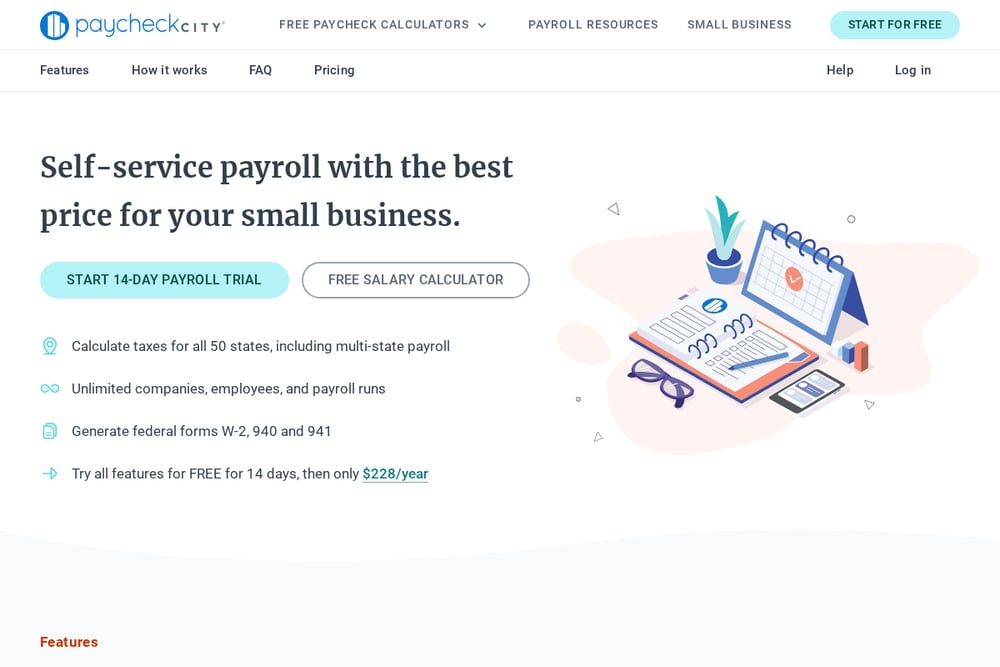 A screenshot of the PaycheckCity website.
PaycheckCity is built for people who need US paycheck math done properly. You enter your salary, pay frequency, state, and W-4 details, and it returns net pay with federal, state, and local taxes applied. The check-date input is a smart touch, because it ties the calculation to the tax tables in force on that date rather than a generic year. It also goes beyond salary with hourly calculators and payroll resources for small businesses. If you work in one state and live in another, the work-state selection keeps the result realistic.
#2 Salary Calculators by Country — Net Take-Home Pay 2026 | CountryPaycheck
 A screenshot of the Salary Calculators by Country — Net Take-Home Pay 2026 | CountryPaycheck website.
CountryPaycheck answers a question most US calculators ignore: what do you actually take home somewhere else? You enter your gross salary and it returns net pay after income tax and mandatory deductions, with 30 country calculators live and more added monthly. The coverage is unusually specific. Pakistan uses FBR slabs for 2026-27, Kenya layers PAYE with NSSF, SHIF, and the housing levy, and Singapore applies CPF by age band against YA2026 tax. You also get gratuity and currency tools alongside the salary calculators, which matters if you are comparing offers across borders. It is free, fast, and built for anyone weighing a salary in a country they do not know well.
#3 SmartAsset
 A screenshot of the SmartAsset website.
SmartAsset treats the paycheck calculator as one piece of a larger financial picture. The calculator handles hourly and salary take-home pay after taxes, and it sits inside a library of tax, retirement, and mortgage tools. That context is the real value. You can check your net pay, then move straight into income tax brackets, W-4 guidance, or retirement contribution math without leaving the site. The editorial guides around each calculator explain the rules in plain language. It suits you if you want a number plus the reasoning behind it.
#4 Calculator.net
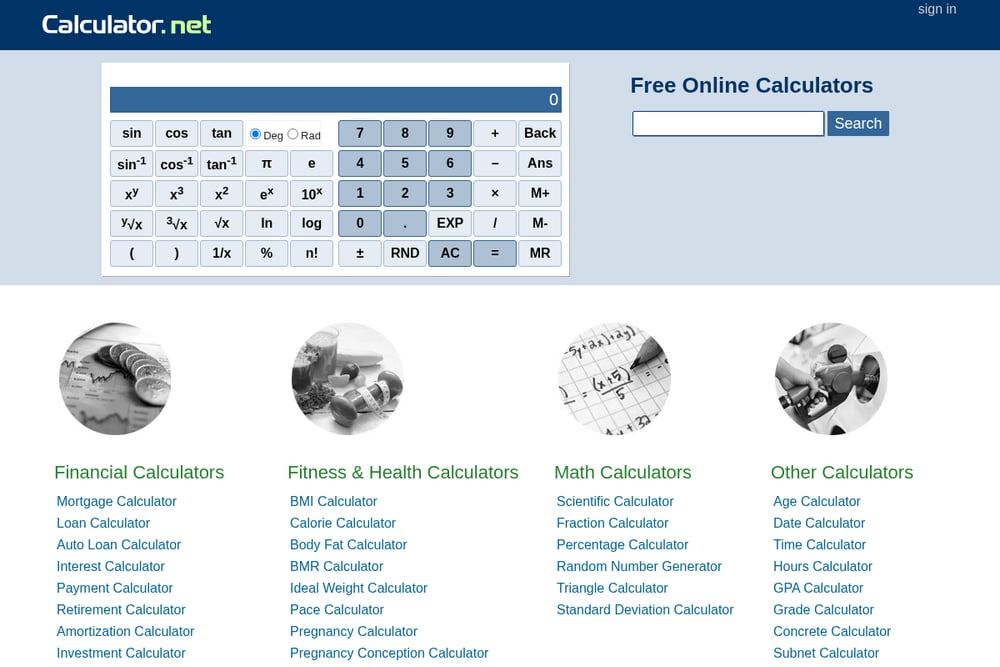 A screenshot of the Calculator.net website.
Calculator.net keeps things refreshingly mechanical. The take-home paycheck calculator is based on 2026 tax brackets and the new W-4, and it exposes the inputs that actually change your result. You can add pre-tax deductions like 401(k) and health insurance, deductions not withheld, itemized deductions, second-job income, and age-based adjustments. It even accounts for qualified tips, overtime, and vehicle loan interest. The interface is plain, but the assumption list is longer than most competitors offer. It is a solid pick when you want to model scenarios rather than just get one number.
#5 Gusto
Gusto approaches salary calculation from the employer's side, and that changes what it gets right. You enter an employee's annual salary, pay date, and pay frequency, and it calculates withholdings and take-home pay using the correct state rules. The pay-date field matters here, since pay schedules affect state payroll taxes and recordkeeping. Because it lives inside a payroll platform, the calculator reflects how real payroll actually runs. It is most useful if you are hiring, running payroll, or checking that a paycheck was calculated correctly.
How to Pick the Right Calculator
Start with the country question. If your salary is in the US, PaycheckCity, Calculator.net, and Gusto all handle federal and state withholding well. If your salary is anywhere else, or you are comparing offers across borders, CountryPaycheck covers ground the US-only tools do not.
Then ask what you need from the output. A single net figure is enough for a quick sanity check. If you are planning, you want a tool that exposes deductions, brackets, and assumptions so you can test scenarios. Calculator.net and SmartAsset are stronger there.
Finally, consider who is asking. Employees want take-home pay. Employers want withholding accuracy tied to pay dates. Match the tool to the role and you will avoid redoing the math twice.
Where Automation Fits
You do not need a spreadsheet for this anymore. A sensible workflow: pull your gross salary and pay frequency, run it through a calculator that matches your country, then compare the net figure against your actual payslip. If they diverge, check the tax year and deduction assumptions first, since that is where most mismatches come from.
For recurring needs, like reviewing offers or checking payroll, save the two or three calculators that fit your situation and revisit them when tax rules change. Most of these tools update annually, so a quick recheck each tax year keeps your numbers honest.
The Bottom Line
Gross salary tells you what a job pays. Net pay tells you what you can spend. The gap between them is where budgets, relocation decisions, and job offers get won or lost.
Use PaycheckCity or Gusto for US payroll precision. Use Calculator.net when you want to model scenarios in detail. Use SmartAsset when you want the number plus the planning context around it. And when your salary crosses a border, start with CountryPaycheck, because 30 country calculators with named deduction schemes and 2026 tax references will get you closer to the truth than a US-only tool ever can.