
Your gross salary is a headline. Your take-home pay is the real story. These five calculators help you see exactly what lands in your bank account.
The Take-Home Pay Tool Landscape
Salary after-tax calculators have become essential financial tools for US workers. Whether you are negotiating a job offer, planning a budget, or just curious where your money goes, these tools turn gross pay into net pay with a few clicks. The best ones break down federal income tax, state taxes, Social Security, Medicare, and pre-tax deductions so you can see every line item. Some focus only on the US, while others cover multiple countries and cost-of-living comparisons. The range of features matters because your needs change depending on whether you are a W-2 employee, a freelancer, or someone comparing salaries across borders.
How We Evaluated These Calculators
We looked at the same factors for every tool. Service scope: does it cover federal, state, and local taxes, and does it handle multiple countries or just one? Pricing clarity: is it free to use, or are there paywalls or upsells? Local fit: how well does it handle US state and city tax rules, plus special cases like self-employment or multiple jobs? Usability: how quickly can you enter your salary and get a clear breakdown? And supporting resources: does the site offer guides, cost-of-living tools, or salary comparisons that add context? Each calculator stood out in different ways. Salarycosts impressed with its 19-country coverage and detailed deduction breakdowns. SmartAsset delivered a polished US-focused experience with strong educational content. Calculator.net offered a no-frills, highly detailed US calculator with extensive input options. PaycheckCity provided robust state and local tax handling with a professional payroll feel. SurePayroll combined a solid calculator with small-business payroll resources.
Here is a quick look at the five calculators, what they do well, and who they are for.
| Provider | Best For |
|---|---|
| SmartAsset Paycheck Calculator | US employees who want a fast estimate with helpful tax guides |
| salarycosts: Salary After Tax Calculator for 19 Countries | Anyone comparing take-home pay across multiple countries or US states |
| Calculator.net Take-Home-Paycheck Calculator | US residents who want granular control over deductions and tax situations |
| PaycheckCity Salary Calculator | US employees and small businesses needing payroll-grade accuracy |
| SurePayroll Salary Paycheck Calculator | Small-business owners and employees who want a quick estimate plus payroll resources |
The Five Calculators in Detail
#1 SmartAsset Paycheck Calculator
 A screenshot of the SmartAsset website.
SmartAsset's paycheck calculator is built for US workers who want a clean, fast estimate of their take-home pay. You enter your salary, pay frequency, filing status, and state, and it shows your net pay after federal and state taxes. The tool is part of a larger financial resource hub that includes mortgage, retirement, and tax guides. It is free to use and requires no sign-up. The interface is simple enough for anyone to use, but it also links to deeper articles on tax brackets and W-4 forms. If you want a quick answer plus context, this is a strong starting point.
#2 salarycosts: Salary After Tax Calculator for 19 Countries
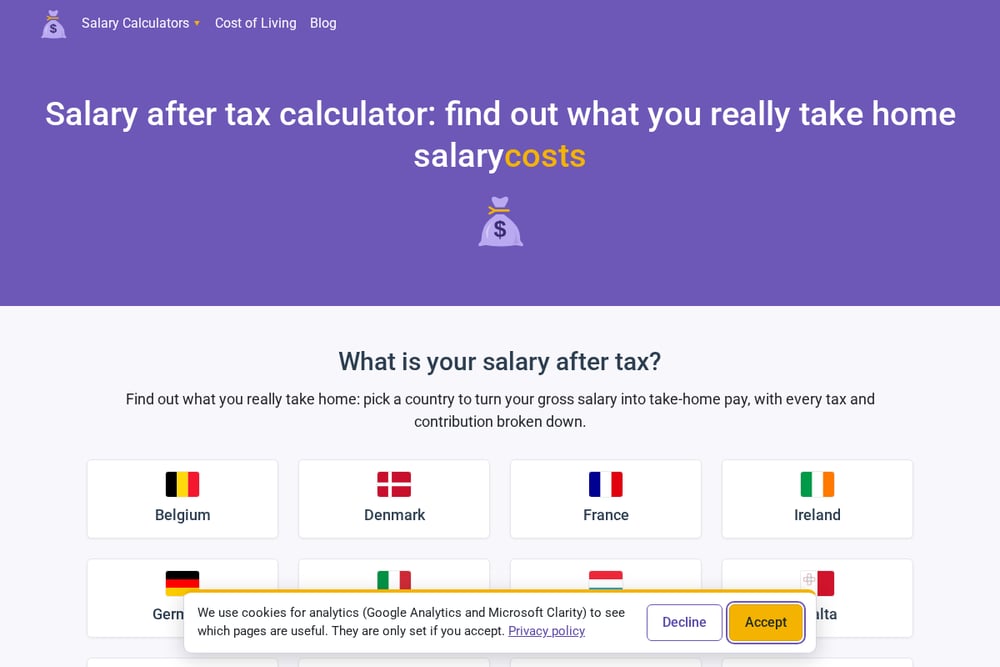 A screenshot of the salarycosts website.
Salarycosts goes beyond the US with free salary after-tax calculators for 19 countries across Europe, North America, Asia, and the Pacific. You pick your country, enter your gross salary, and add your state or province where it applies. The calculator then applies current income tax and social contribution rules and shows your take-home pay with every deduction listed. It also offers cost-of-living calculators, salary guides, and a blog covering income tax, minimum wage, and budgeting. The same engine powers comparisons and guides, so you can see how popular salaries translate into net pay in different places. If you work across borders or just want to understand where your money goes, this tool gives you the full picture.
#3 Calculator.net Take-Home-Paycheck Calculator
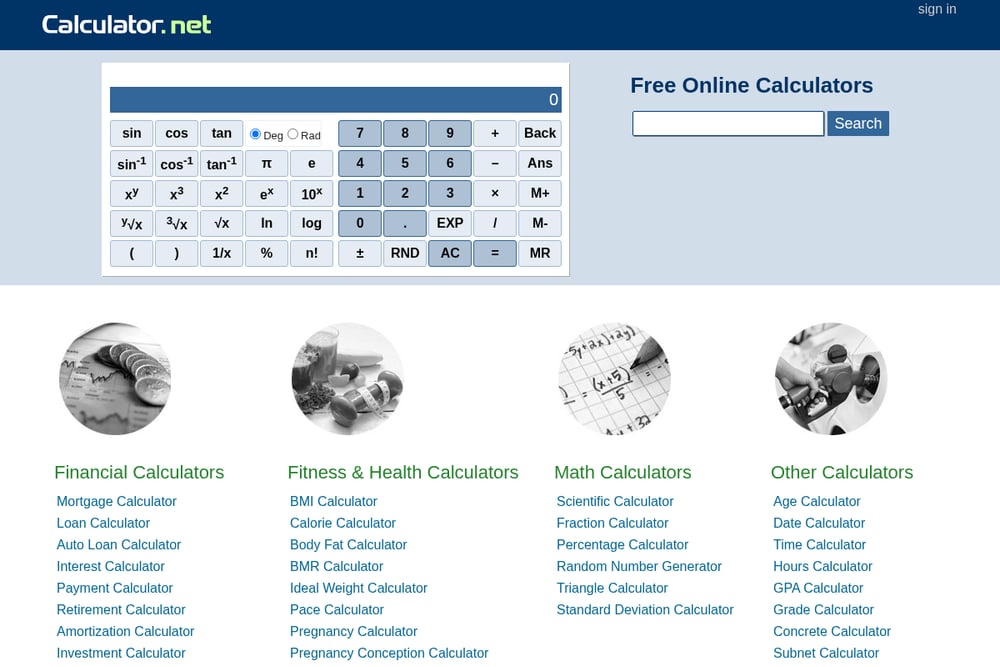 A screenshot of the Calculator.net website.
Calculator.net offers a highly detailed take-home paycheck calculator for US residents. It lets you input salary, pay frequency, filing status, dependents, other income, pre-tax deductions, itemized deductions, and even second or third jobs. You can also add state and city income tax rates for a more precise estimate. The calculator uses 2026 tax brackets and reflects recent tax law changes. It is completely free and does not require registration. The trade-off is a dense form that may feel overwhelming if you just want a quick number. But for accuracy and flexibility, it is hard to beat.
#4 PaycheckCity Salary Calculator
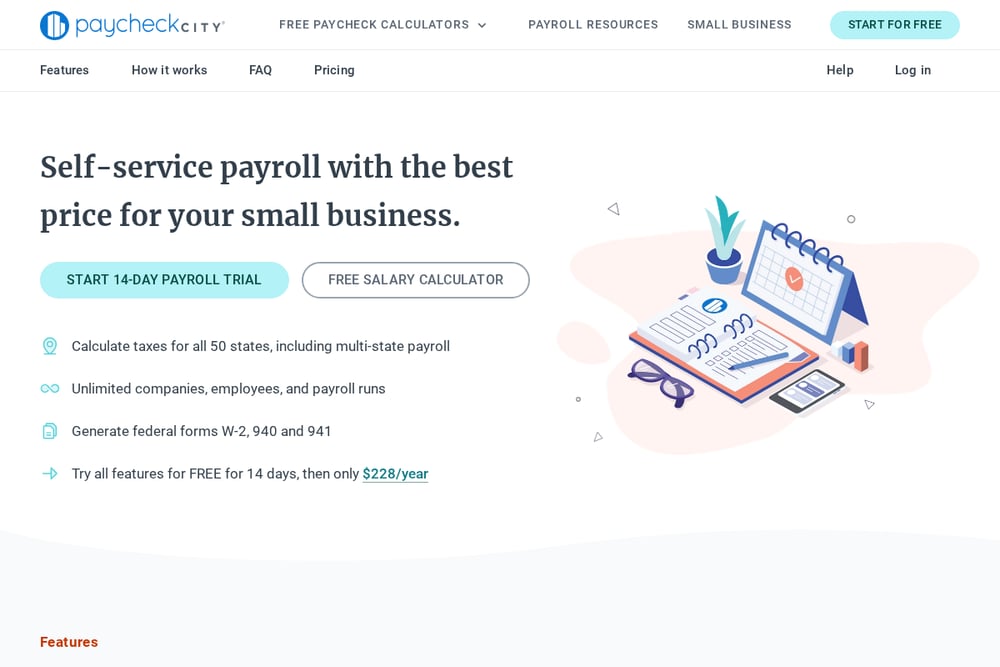 A screenshot of the PaycheckCity website.
PaycheckCity's salary calculator is designed for US payroll accuracy. You select your state, enter a check date, and input your salary or per-period pay along with W-4 information. The tool factors in federal, state, and local taxes, and it handles multiple pay frequencies. It is free to use and part of a broader suite of payroll tools for small businesses. The interface is professional and guides you step by step. If you need a reliable estimate that mirrors how payroll software calculates net pay, this is a solid choice.
#5 SurePayroll Salary Paycheck Calculator
 A screenshot of the SurePayroll website.
SurePayroll's salary paycheck calculator is a free tool from a well-known payroll provider. It helps US employees estimate take-home pay by factoring in federal and state taxes, along with deductions. The calculator is straightforward and quick to use, making it a good option for a fast check. It sits alongside SurePayroll's small-business payroll services, so you will see prompts to explore their paid offerings. The calculator itself is free and does not require an account. If you want a simple estimate and are curious about payroll services, this is worth a look.
How to Choose the Right Calculator for You
Start with your location. If you only work in the US, any of the US-focused calculators will do. But if you need state and local tax precision, look for tools that let you enter your state and city rates. If you work across borders or are comparing job offers in different countries, a multi-country calculator like salarycosts saves you time. Next, consider the level of detail you need. A simple salary and filing status may be enough for a rough estimate. But if you have multiple jobs, significant deductions, or self-employment income, choose a calculator with advanced inputs. Finally, think about what else you want. Some tools offer guides, cost-of-living comparisons, or payroll services. Pick the one that matches your financial life, not just your paycheck.
Turning Calculations into a Repeatable Money Habit
A one-time calculation is useful. A repeatable process is powerful. Start by using your chosen calculator to find your baseline take-home pay. Then, set a monthly reminder to recalculate if your salary, tax withholding, or deductions change. If you are comparing job offers, create a simple spreadsheet with columns for gross salary, estimated net pay, and cost-of-living adjustments. Use the calculator's breakdown to fill in the net pay column. For ongoing budgeting, link your net pay to a zero-based budget or a savings goal. If you are a freelancer or have variable income, run the calculation quarterly to adjust your estimated tax payments. The goal is to make take-home pay a number you know and plan around, not a surprise.
The Bottom Line on Take-Home Pay Tools
Your salary is more than a number on an offer letter. It is what you use to pay rent, save for retirement, and enjoy your life. These five calculators each help you see that number more clearly. SmartAsset gives you a polished US experience with helpful guides. Salarycosts opens the door to 19 countries and detailed deduction breakdowns. Calculator.net offers unmatched input flexibility for complex US tax situations. PaycheckCity brings payroll-grade accuracy to your estimate. SurePayroll combines a quick calculator with small-business resources. Try one, or try a few, and take control of your take-home pay.