A flip is not a flip until the fees and the shipping label are paid. These five tools help you see the net before you spend.
Why fee math became the whole game
Reselling video games, consoles, and trading cards looks simple until you subtract the costs. Marketplace fees, shipping labels, supplies, and returns eat the spread fast. That is why profit calculators became the entry point for this niche. The category has split into two camps. One camp is broad marketplace fee comparison — enter an item once and see payouts across eBay, Mercari, Poshmark, Whatnot, and more. The other camp is decision support — break-even prices, target sale prices, labor cost, and sold-price lookups before money leaves your pocket. The best tools now push the math earlier, to the moment before you buy, because profit is mostly decided at sourcing. Education is the newer layer: checklists, playbooks, and communities that teach the fee math alongside the tool.
What we looked at
Every tool here was judged on the same factors. Service scope: does it cover the platforms and categories you actually sell in? Pricing clarity: are the free tier and paid tiers stated plainly, with no surprise costs? Decision support: does it go beyond a single profit number to break-even, target price, or a clear buy-or-skip call? Niche fit: how well does it handle games, consoles, and trading cards specifically? Freshness: when were the fee rates last verified? Clocktown Co. stood out for niche focus and pairing calculators with guides and community. Flippd stood out for breadth of platform presets and a no-signup free tool. Underpriced stood out for labor cost and target-price math. FlipperTools stood out for itemized, sourced fees and side-by-side comparison. Flippr stood out for photo-based scanning and saved cost defaults.
Here is the short version. Five tools that do the same core job — telling you what a flip actually pays after fees and shipping — but each one fits a different kind of reseller. Scan the list, find the one that matches how you buy, then read the deep dive.
| Provider | Best For |
|---|---|
| Flippd | Broad marketplace fee comparison |
| Clocktown Co. | Games, consoles, and cards with a hard net floor |
| Underpriced | Deciding buy, counter, or skip |
| FlipperTools | Comparing nine marketplaces side by side |
| Flippr | Scanning a whole shelf at once |
The five, one by one
#1 Flippd
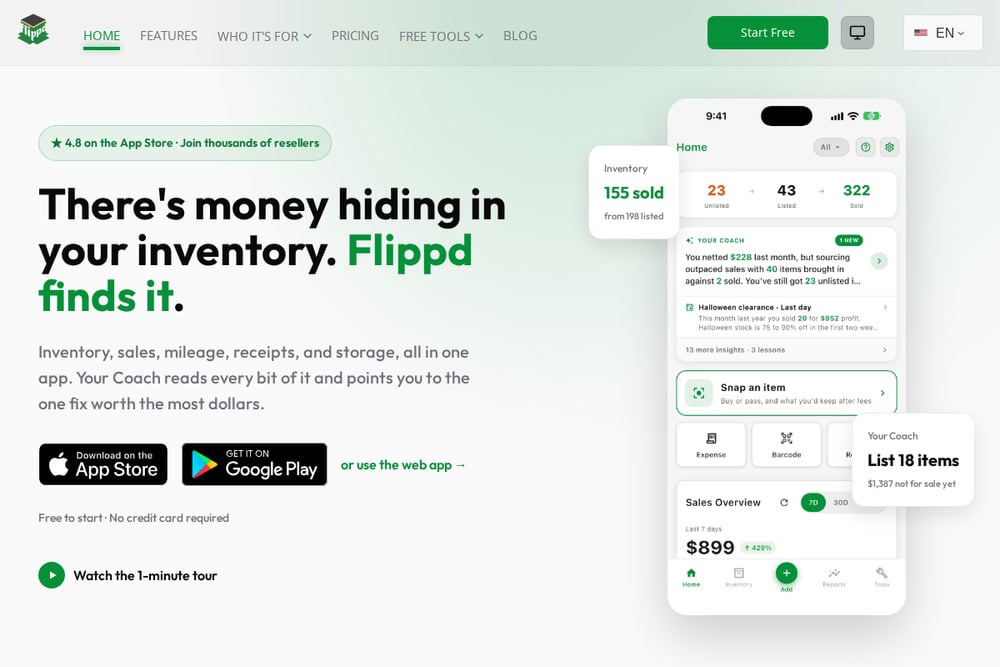 A screenshot of the Flippd website.
Flippd leads with a free profit calculator that needs no signup. You enter purchase price, selling price, and your shipping cost, then pick a platform from a long list that includes eBay, Poshmark, Mercari, Facebook Marketplace, Whatnot, Etsy, Depop, and more. It returns net profit, margin, and ROI instantly, plus a side-by-side platform comparison so you can see where an item pays best. Category selection lets you account for fee differences on collectibles, trading cards, and electronics. It is the widest net of the group for sellers who list across many venues. The profit calculator is the fastest way to answer where should I sell this.
#2 Clocktown Co.
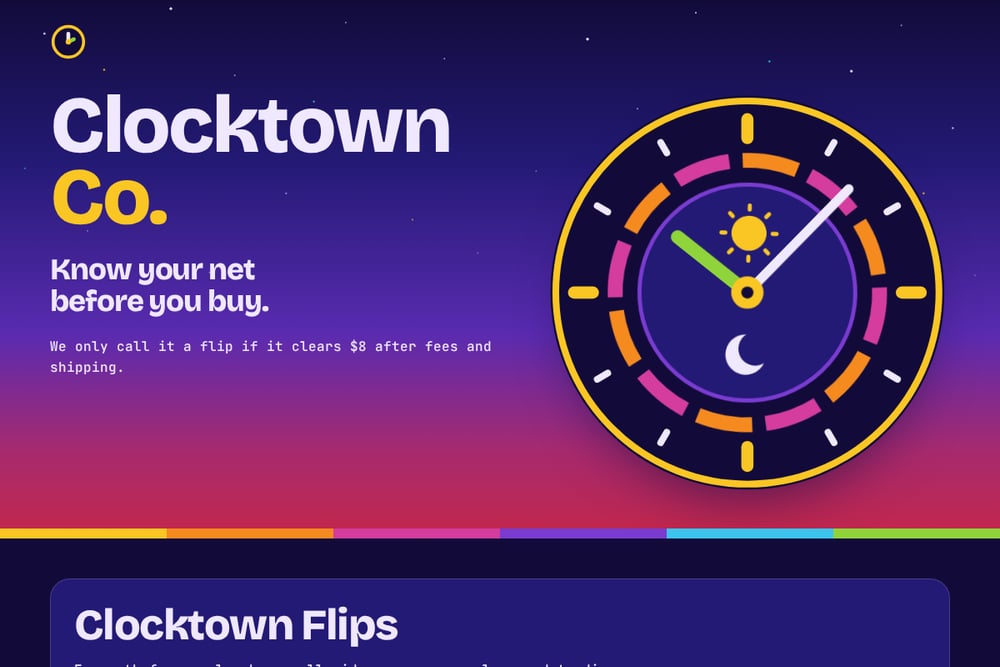 A screenshot of the Clocktown Co. website.
Clocktown Co. is built for one audience: people who resell video games, consoles, and trading cards. The pitch is blunt — we only call it a flip if it clears $8 after fees and shipping. You get a free Discord with a start-here channel, deals posted about a day after members see them, and profit and breakeven calculators. The paid tier adds live flip calls, a deal wire, sold-price lookups, and the Flips guides, with a founding price of $5.99/mo for the first 25 members and a 7-day trial. One-time guides cover a console flip checklist, a Black Friday playbook, and a local scanner setup. It is the most niche-specific option here, pairing the math with education and community.
#3 Underpriced
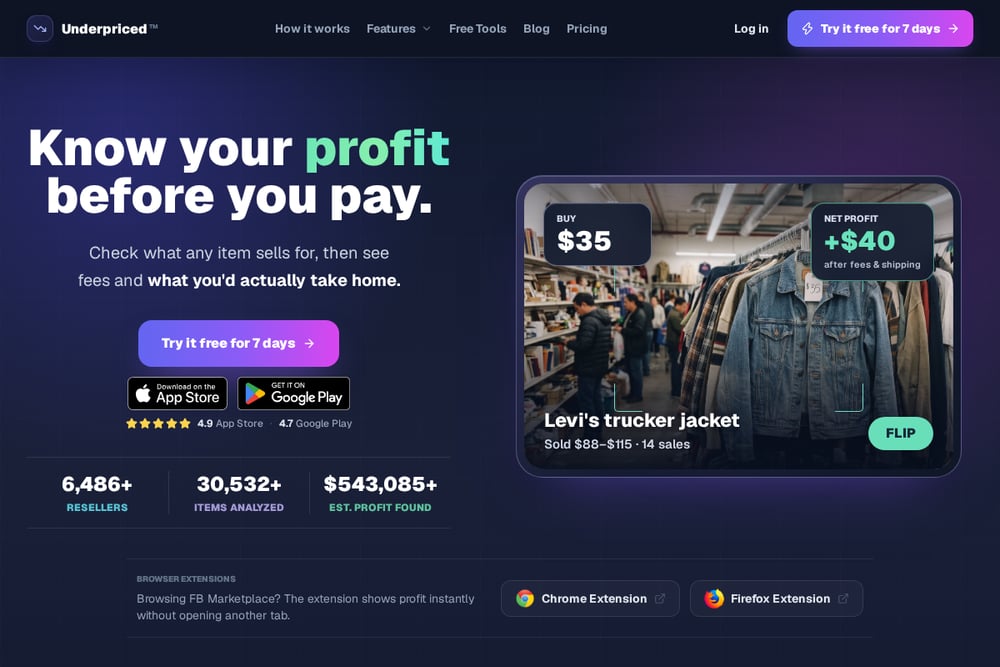 A screenshot of the Underpriced website.
Underpriced treats the calculator as a decision tool, not just a number cruncher. Its flip profit calculator returns net profit, ROI, margin, break-even sale price, and target sale price after marketplace fees, shipping, reserves, and labor. That labor input is the differentiator — it shows your effective hourly return against a target, so a thin spread stops looking like a win. Platform presets cover eBay, Mercari, Poshmark, Depop, Whatnot, Etsy, Facebook, and Vinted, with a fee policy reviewed in late 2026. You also get a plain-language decision line telling you to verify condition and sell-through before buying. It suits resellers who want to work backward from a profit goal.
#4 FlipperTools
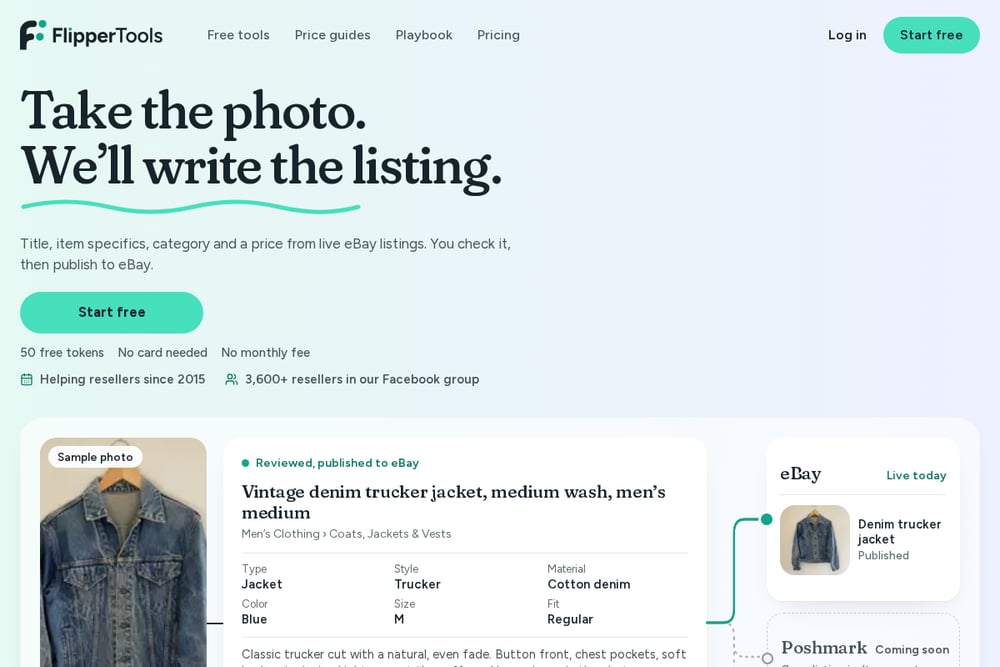 A screenshot of the FlipperTools website.
FlipperTools asks one question: where should you sell it? You enter your item once and see fees, payout, and profit across nine marketplaces side by side, or work backward to the price you need to list at. The reseller profit calculator itemizes fees with sources and produces shareable results, which is handy when you want a second opinion. It handles the details that trip people up — buyer-paid shipping on Poshmark, Mercari, Depop, Vinted, Grailed, and Whatnot, sales tax as a fee basis, international buyers, and eBay store levels. Promoted listing rates and seller-level adjustments are in there too. Fees were checked in September 2026, and it is free with no sign-up.
#5 Flippr
Flippr frames the math around two numbers worth watching: margin and ROI. Its reseller profit calculator has eBay and Whatnot rates built in, verified in mid-2026, with category presets for trading cards, books and media, electronics, and coins. You enter sale price, buyer shipping, item cost, label cost, and other costs like supplies and gas to get fees, profit, margin, and ROI. The bigger idea is scale: Flippr estimates profit for every item in a photo using real eBay sold comps and your saved cost defaults. Set your costs once and the aisle does the rest. That makes it a fit for volume sourcers rather than one-off sellers.
How to pick your calculator
Start with what you actually resell. If it is games, consoles, and cards, a tool built around those categories will speak your language and save you setup time. If you sell across many marketplaces, prioritize breadth of platform presets and fee accuracy. Next, decide whether you want a calculator or a system. A calculator answers one question fast. A system adds comps, alerts, guides, and community. Be honest about your volume. Low volume favors free tools and one-time guides. Steady volume justifies a subscription. Finally, check the fee policy date. Rates change, and a calculator is only as good as its last update. Verify price and stock yourself before you spend — every tool here says some version of that, and you should too.
Put the fee math on autopilot
You do not need to rebuild the spreadsheet every time you spot a deal. Pick one calculator and make it a habit. Before you message a seller, run the numbers: buy price, expected sale price, platform fee, label cost, and your minimum net. If the result clears your floor, act. If it does not, walk. Then layer on the extras that save time — saved comps, a watchlist, or an alert system that scans local listings for you. The goal is a repeatable two-minute check that keeps weak flips out of your cart. Clocktown Co.'s Local Flip Scanner Guide is built around exactly that idea, and most of the tools here support some version of a saved-costs workflow.
Know your net, then buy
Here is the takeaway. Fee math is not glamorous, but it is the difference between a hobby that pays and a garage full of mistakes. Start with a free calculator and a hard minimum net profit. Add sold-price lookups so you are not guessing. Then, if you want deal flow, consider a community or an alert setup. Clocktown Co. is the most niche-specific of the group and pairs education with the math. Flippd and FlipperTools give you broad platform coverage. Underpriced goes deep on the decision itself. Flippr leans into scanning at scale. Pick the one that matches your sourcing style, run every deal through it, and let the numbers say no for you.