
Tax season does not have to feel like a scavenger hunt through a shoebox of crumpled receipts. These five receipt scanning apps help US freelancers capture expenses, stay organized, and hand clean records to an accountant.
Why Receipt Scanning Apps Matter for Freelancers
Freelancers wear every hat, including bookkeeper. Every business expense you miss is a deduction you leave on the table. Receipt scanning apps solve that by turning a phone photo into structured data you can categorize, review, and export. The category has matured fast. You now see AI extraction, duplicate detection, multi-currency support, and direct integrations with accounting platforms. The strongest tools for freelancers share a few traits: they work without a bank login, they produce tax-ready exports, and they keep the original receipt image attached to every row. That combination matters when your accountant asks for backup. It also matters if you get audited. The apps below cover different workflows, from solo consultants to field crews to nonprofit staff. Read the criteria, compare the table, then pick the one that fits how you actually spend.
How We Evaluated These Receipt Scanning Apps
We looked at the same factors for every app. Service scope: does it handle scanning, categorization, duplicate detection, and export in one place? Pricing clarity: can you understand what you get before you commit? Local fit: does it work well for US freelancers filing Schedule C? Export quality: are CSV, Excel, or PDF reports clean enough for an accountant? Ease of use: how fast can you go from receipt to filed expense? Expentia stood out for its freelancer-first workflow and no-bank-login approach. Smart Receipts stood out for its large user base and field-team features. SparkReceipt stood out for its flexible export builder and accounting integrations. Wave stood out for bundling receipts with broader accounting and invoicing. Receiptix stood out for its multi-channel capture, including chat and email forwarding. Each app has a clear strength. The right pick depends on your workflow, not a single winner.
Here is a quick look at the five apps, what they do well, and who they fit. Use this table to narrow your shortlist before you dig into the full reviews.
| Provider | Best For |
|---|---|
| Smart Receipts | Freelancers and field teams who want a widely used, full-featured scanner |
| Expentia - Receipt Scanner for Freelancers | Export Tax-Ready CSV | Freelancers who want fast, no-bank-login receipt scanning and clean CSV exports |
| SparkReceipt | Freelancers and small businesses that need flexible exports and accounting integrations |
| Wave | Freelancers who want receipt scanning plus full accounting and invoicing in one platform |
| Receiptix | Freelancers who want to capture receipts via chat, email, or voice |
The 5 Receipt Scanning Apps in Detail
#1 Smart Receipts
 A screenshot of the Smart Receipts website.
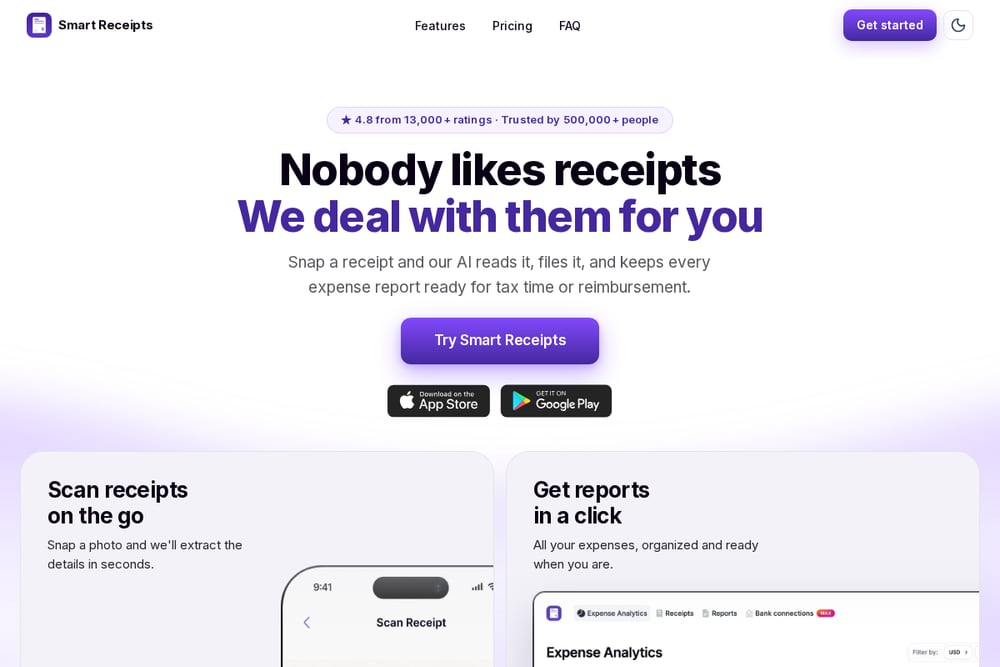
Smart Receipts is a receipt scanner and expense tracker with a large following. The app reports a 4.8-star average across 13,000 ratings and over 500,000 users. It targets freelancers, consultants, field crews, nonprofits, and small business owners. You can scan receipts on the go, keep personal and business expenses separate, and generate reports for tax time or reimbursement. The platform also supports mileage logging and multi-currency conversion for teams that spend abroad. If you want a proven tool with broad workflow coverage, this is a strong place to start.
#2 Expentia - Receipt Scanner for Freelancers | Export Tax-Ready CSV
 A screenshot of the Expentia website.
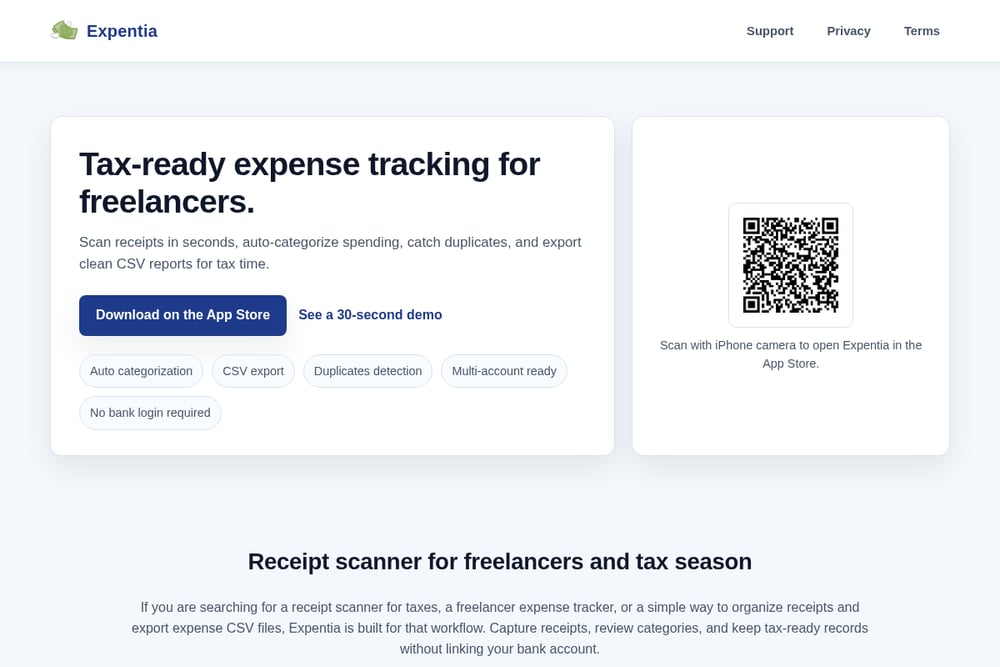
Expentia is built specifically for freelancer tax workflows. You scan receipts with your iPhone camera, and the app extracts merchant, date, total, and line items. It auto-categorizes spending, flags possible duplicates, and lets you review everything in a simple one-tap flow. The standout feature is clean CSV export by period, which makes it easy to share organized records with your accountant. Expentia also works without linking your bank account, which many freelancers prefer for privacy. If your goal is receipt to tax-ready in minutes, this app is designed around that exact path.
#3 SparkReceipt
 A screenshot of the SparkReceipt website.
SparkReceipt focuses on exports and accounting integrations. You can filter expenses by date range, category, tag, payment method, or review status, then export as Excel, CSV, or PDF. Every row links back to the original receipt image, which is exactly what an accountant wants to see. The platform also publishes directly into QuickBooks Online, Xero, Sage, FreeAgent, FreshBooks, and Zoho Books. There is no export cap on any plan, so you can pull your full history whenever you need it. If your bookkeeping lives in another platform, SparkReceipt is built to feed it cleanly.
#4 Wave
 A screenshot of the Wave website.
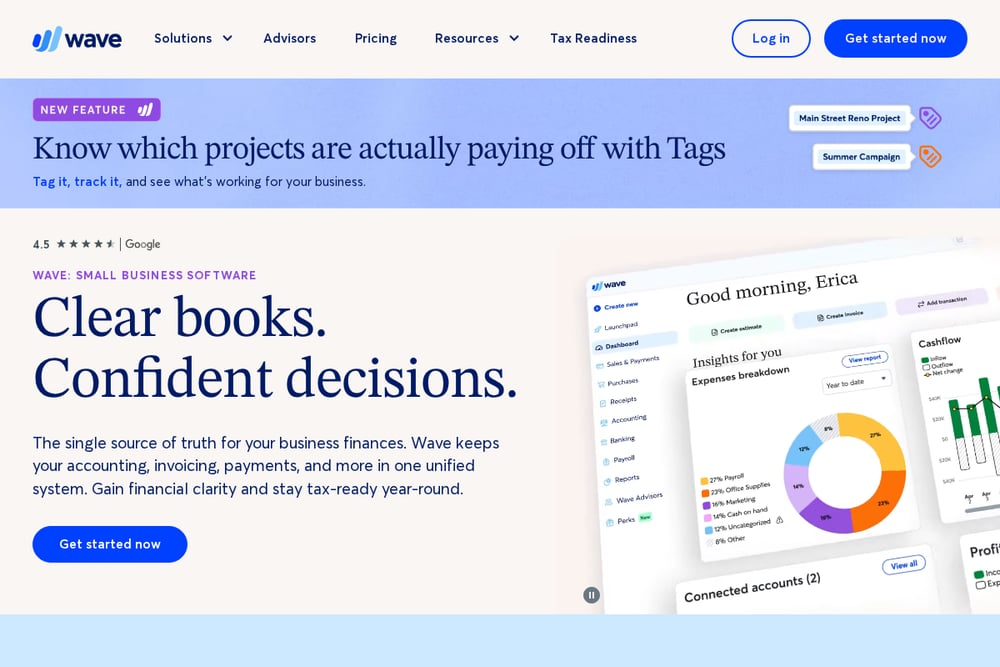
Wave bundles receipt scanning with broader accounting, invoicing, and payment tools. You can scan and store receipts on iOS or Android, then track income and expenses in the same place. The platform is aimed at small businesses and freelancers who want an all-in-one financial hub. Receipts feed into your books, which can simplify tax preparation and month-end review. Wave also offers invoicing, estimates, deposits, and payroll options. If you would rather not juggle separate apps for receipts and accounting, Wave keeps everything under one roof.
#5 Receiptix
 A screenshot of the Receiptix website.
Receiptix is an AI expense tracker and receipt scanner available on Google Play. It captures expenses by photo, voice, or manual entry, then categorizes them automatically. The app extracts merchant, amount, date, and line items from receipts in any language or currency. What sets it apart is multi-channel capture: you can send receipts through WhatsApp or Telegram, or forward them to a personal email address for automatic processing. It also supports shared projects for splitting costs. If you want to capture expenses without always opening the app, Receiptix offers flexible ways to get receipts in.
How to Choose the Right Receipt Scanner for Your Freelance Business
Start with your tax workflow. If you hand a CSV to an accountant, prioritize clean export and duplicate detection. Expentia and SparkReceipt both shine here. If you want receipts and accounting in one place, Wave is the natural fit. If you work with a crew or need mileage tracking, Smart Receipts covers more ground. If you want to capture receipts through chat or email, Receiptix is worth a look. Next, check the privacy model. Some freelancers prefer no bank login, which Expentia offers. Then test the review flow. You should be able to scan a receipt, confirm the category, and move on in seconds. Finally, export a sample report and open it in a spreadsheet. If the columns are clean and the receipt images are linked, you are in good shape.
A Simple Automation Workflow for Freelancer Receipts
Set up a weekly routine. Every Friday, open your receipt app and scan anything you have not captured yet. Review the auto-categorized expenses and fix any miscategorized items. Check the duplicate alerts and clear them. Then export a CSV for the week and drop it into a dated folder. At month end, merge the weekly CSVs into one file and send it to your accountant. This keeps tax season from becoming a backlog. If your app supports email forwarding or chat capture, use it for digital receipts so nothing sits in your inbox. The goal is simple: capture, review, export, repeat.
The Bottom Line on Receipt Scanning Apps for Freelancers
You do not need the most complicated tool. You need one that matches how you spend and how you file. Expentia is built for freelancers who want fast scanning, duplicate detection, and tax-ready CSV exports without a bank login. Smart Receipts gives you a proven, broad feature set with a large user base. SparkReceipt excels at flexible exports and accounting integrations. Wave bundles receipts with full accounting and invoicing. Receiptix offers multi-channel capture through chat, email, and voice. Pick the one that removes the most friction from your week. Then stick with it. Consistency beats perfection when tax season arrives.