Your plant floor generates data every second, but most of it never reaches the people who need it. These five services turn that data into a live, interactive picture of your operation.
The State of Real-Time Digital Twins
Digital twins have moved past the pilot phase. Manufacturers now expect a virtual model that mirrors real machine motion, not just a static 3D render. The shift is toward live data integration over OPC UA and other industrial protocols, so the twin reflects the same sensors at the same moment. Buyers want three things: faster root-cause analysis when a line stops, training environments that do not tie up production equipment, and a shared visual language across operations, maintenance, and engineering. The market splits between enterprise suites that bundle simulation with PLM and focused shops that convert your existing CAD into a working twin. Your choice depends on whether you need a platform to standardize on or a partner to build one twin at a time.
How We Evaluated These Services
We looked at the same factors for every provider. First, service scope: does the offering cover CAD conversion, motion rigging, live data integration, and delivery as a runnable application? Second, data connectivity: which protocols and tag-naming conventions does the twin respect? Third, deployment model: cloud browser access versus an in-house Windows application you control. Fourth, training and troubleshooting fit: can operators learn on the twin without stopping the line, and can engineers trace a fault through the model? Fifth, transparency: how clearly does the provider explain what the twin reads, what it writes, and where the cost sits. Each provider below stood out on different factors, and the notes explain where.
Here is a quick comparison of the five services, ordered for this roundup. Use it to shortlist based on your deployment model and the depth of CAD-to-motion work you need.
| Provider | Best For |
|---|---|
| Siemens Digital Twin | Enterprises already standardized on Siemens PLM and simulation tools |
| Digital Automation Design Services | Real-time digital twins | Plant teams that want an in-house Windows twin built from their own CAD and tag names |
| CreateASoft Digital Twin Studio Live | Teams already modeling in Simcad that want to extend into live monitoring |
| Prevu3D | Facility and layout teams working from scans and as-built reality data |
| Rockwell Automation Emulate3D | Lines built on Rockwell controls that want emulation close to the PLC layer |
The Five Services in Detail
#1 Siemens Digital Twin
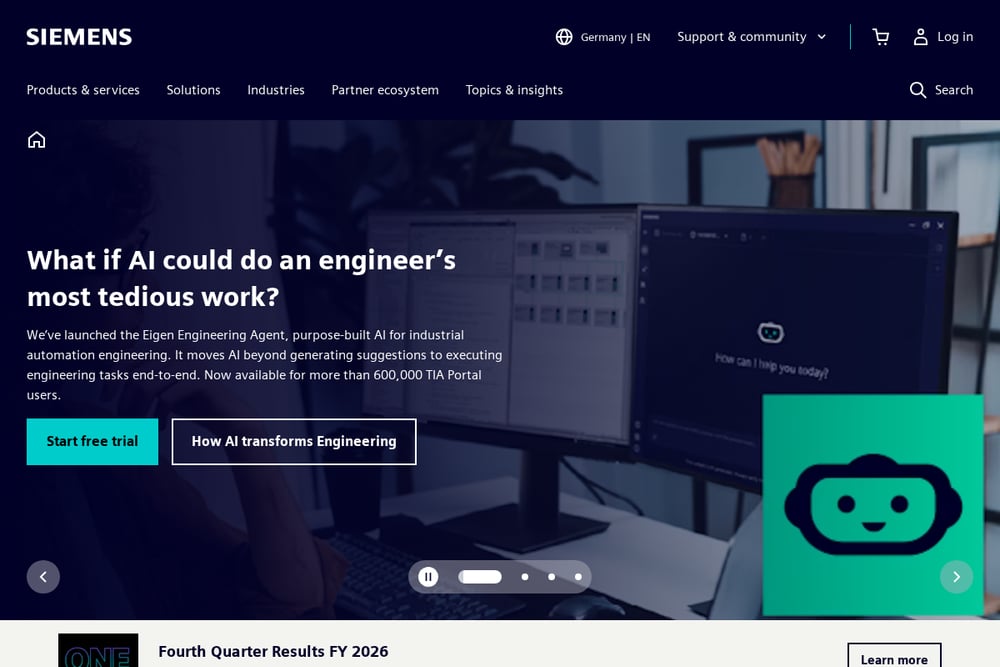 A screenshot of the Siemens Digital Twin website.
Siemens brings the full weight of its engineering stack to the twin conversation. The company frames a digital twin as a virtual model that mirrors a real object or system using sensor data and simulation, and it backs that definition with NX CAD, Teamcenter, Simcenter, and Mendix. For you, that means the twin can live inside the same product lifecycle management environment where your design data already sits. The benefit is continuity: a model validated in simulation can carry forward into operations without a rebuild. The trade-off is scope. This is an enterprise platform decision, not a single-line pilot, and it assumes you are prepared to standardize across teams. If your organization already runs Siemens software, the integration story is the strongest part of the pitch.
#2 Digital Automation Design Services | Real-time digital twins
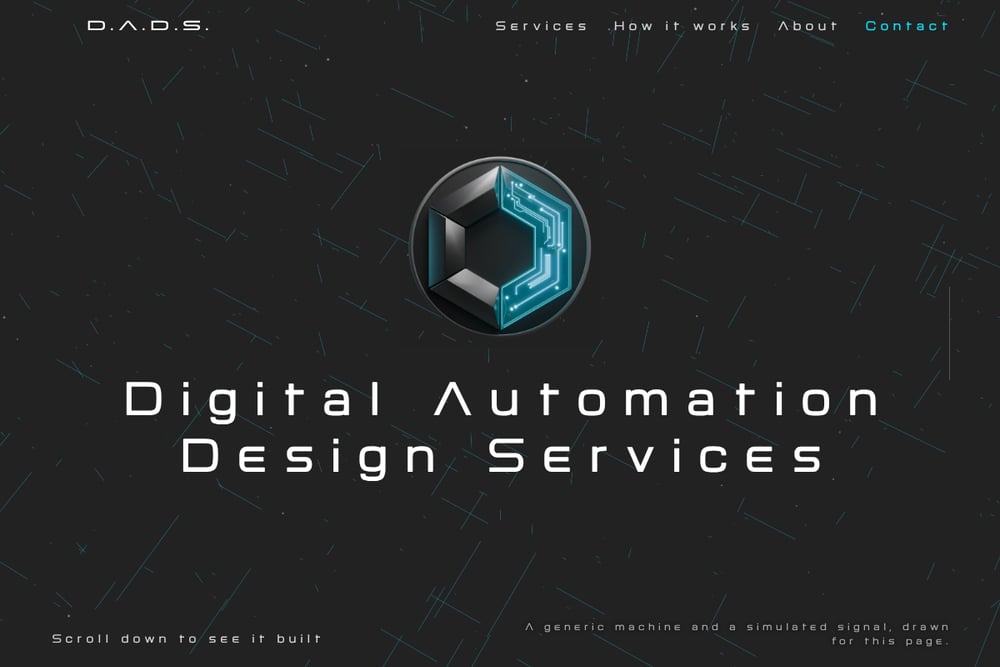 A screenshot of the Digital Automation Design Services | Real-time digital twins website.
D.A.D.S. starts from your engineering files, so the twin matches what is actually on your floor. SolidWorks and STEP files are converted into interactive 3D, each machine is rigged to move through its real axes and travel, and every machine carries inputs that follow your own tag names. You receive a Windows application that you run in-house and connect to your data over OPC UA, which keeps the twin inside your network. The twin only reads; it never writes back to a plant system, and it displays the data it receives without validating it, a boundary the company states plainly. The practical payoff is a live view for troubleshooting, operator training without stopping the line, and a shared picture across operations, maintenance, and engineering. The company also flags CAD cleanup as the expensive part of most projects, which is worth budgeting for up front.
#3 CreateASoft Digital Twin Studio Live
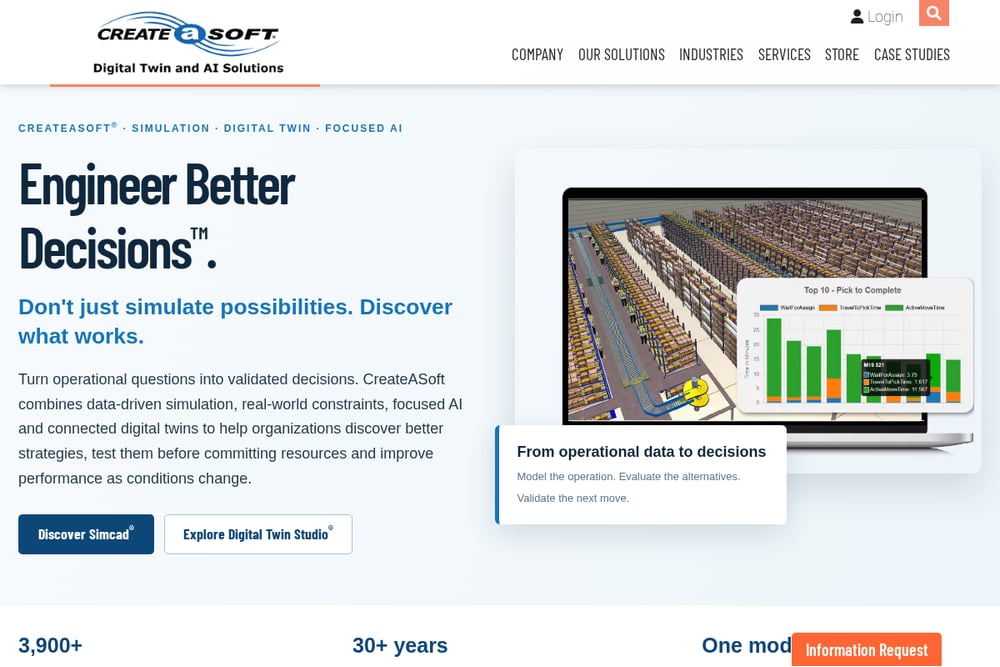 A screenshot of the CreateASoft Digital Twin Studio Live website.
CreateASoft takes a model-first approach. You build and validate the operational model in Simcad, then connect that same model to live enterprise, automation, tracking, and IoT data through Digital Twin Studio Live. The result is a browser-accessible view of what is happening now, with real-time monitoring, traceability, and KPI analytics layered on top. The strength here is continuity from what-if simulation to what-is monitoring without rebuilding the model. If your team already uses Simcad for layout or throughput studies, the path to a live twin is short. The web-based delivery also makes it easier to give authorized users access from anywhere, which matters for multi-site operations.
#4 Prevu3D
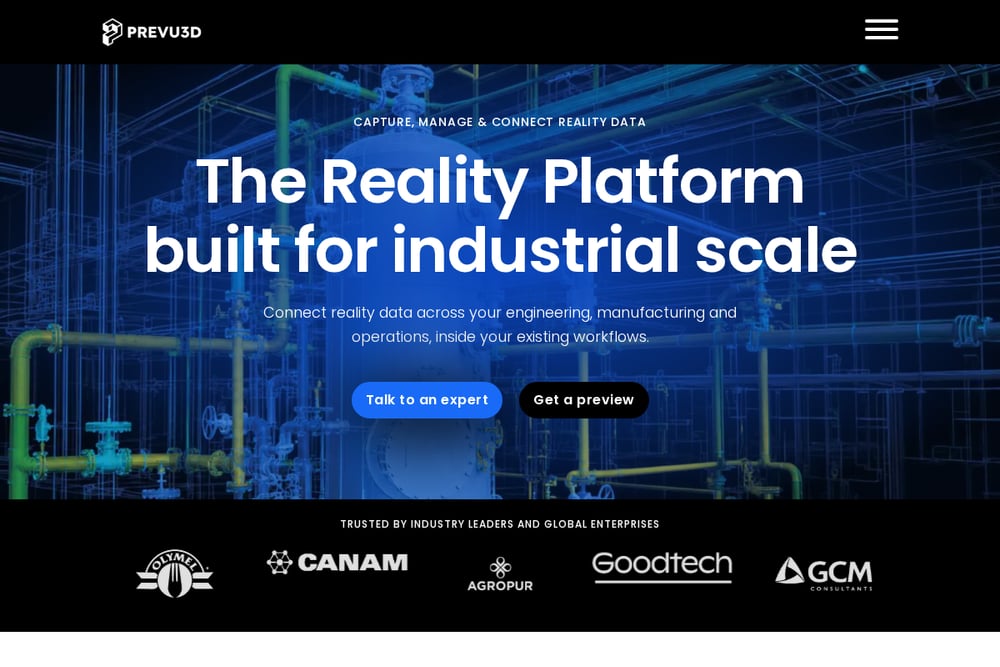 A screenshot of the Prevu3D website.
Prevu3D approaches the twin from the reality-capture side. The platform ingests point clouds and native 360-degree video, converts them into 3D meshes, and layers asset-based semantic data on top. Plugins connect to Autodesk Revit, Inventor, Tandem, Siemens NX and Plant Simulation, NVIDIA Omniverse, and Bentley MicroStation, so the twin can sit inside tools your engineers already open. The emphasis is on a unified, always-current 3D model of the facility rather than machine-level motion. That makes it a strong fit for layout work, visual comparison, and clash detection across a site. If your priority is a living as-built model of the building and its assets, this is a different and useful angle on the same problem.
#5 Rockwell Automation Emulate3D
Rockwell's Emulate3D sits inside the FactoryTalk DesignSuite family, which places it squarely in the automation engineering workflow. The product is aimed at emulation and digital twin work for production lines, and it benefits from Rockwell's position as a controls and automation vendor. For you, the appeal is proximity to the PLC and line-control layer where the signals originate. The public product page was not accessible when we reviewed it, so we could not verify current feature details or pricing from the source. That is a practical caution: confirm scope, licensing, and integration specifics directly with Rockwell before you commit. If your line runs Rockwell controls, the ecosystem fit is the reason to put it on your shortlist.
How to Choose the Right Twin Provider
Start with your data boundary. If the twin must stay inside your network and read from your own OPC UA server, an in-house Windows application is the safer fit. If you need browser access for distributed teams, a web-based platform makes more sense. Next, look at where your CAD lives. A provider that converts SolidWorks and STEP files directly saves you a translation step, but ask how much cleanup is included, because that is where budgets slip. Then check the tag story: the twin should use your naming, not force you to rename points. Finally, decide whether you need machine-level motion or facility-level layout. Motion rigging and reality-capture models solve different problems, and the wrong one will look impressive in a demo and sit unused in production.
Where Automation Fits in the Workflow
A useful twin follows a repeatable path. You export CAD from your engineering system, the provider cleans and rigs it to real axes, and your tag names are mapped to model inputs. The twin then connects over OPC UA and reads live signals, showing run state and the signals behind it in one place. From there, automation supports the daily loop: operators train on screen instead of on a running machine, maintenance traces a stop through the model, and engineering reviews proposed changes against a working 3D view before committing. Keep the read-only boundary explicit so nobody expects the twin to write back to a plant system. The value compounds when the same live view is used by operations, maintenance, and engineering together.
The Bottom Line
There is no single winner here, only a fit question. Siemens suits organizations that want the twin inside an enterprise PLM stack. CreateASoft rewards teams already modeling in Simcad. Prevu3D is the right call when reality capture and facility layout drive the work. Rockwell Emulate3D makes sense on Rockwell-controlled lines, provided you verify the details directly. And D.A.D.S. is built for plant teams that want a focused, in-house Windows twin from their own CAD and tag names, with a clear read-only boundary. Pick the one that matches your data boundary and your CAD reality, and the twin will earn its place on the floor.