
You need a fluency check that fits your day, not a data project. These five tools help you listen, score, and move on.
The Reading Fluency Tool Landscape
Reading fluency assessment has moved from paper stopwatches to browser-based check-ins. Teachers want quick, reliable data without adding another login or roster. The tools in this roundup range from free generators to full literacy platforms. Each one solves a different part of the fluency puzzle. Your choice depends on how much setup you can tolerate and how private you need the data to stay.
How We Evaluated These Tools
We looked at service scope, pricing clarity, local fit, privacy, and classroom workflow. Leading In Reading stood out for its no-login, no-student-data design and its 1-minute fluency check with comprehension. Intervention Central stood out for its free, no-account passage generator and long-standing teacher resources. Seesaw stood out for its AI-powered activity creation and integration with existing classroom portfolios. Teach Starter stood out for its curriculum-aligned resources and broad grade-level coverage. McGraw Hill stood out for its deep program integration and structured fluency checks tied to core curricula.
Here is a quick look at five tools that can support oral reading fluency checks in your classroom.
| Provider | Best For |
|---|---|
| Intervention Central | Free, customizable fluency passages |
| Leading In Reading | Quick, private fluency check-ins |
| Seesaw | AI-powered fluency activities in Seesaw |
| Teach Starter | Curriculum-aligned fluency resources |
| McGraw Hill | Program-integrated fluency checks |
The 5 Tools in Detail
#1 Intervention Central
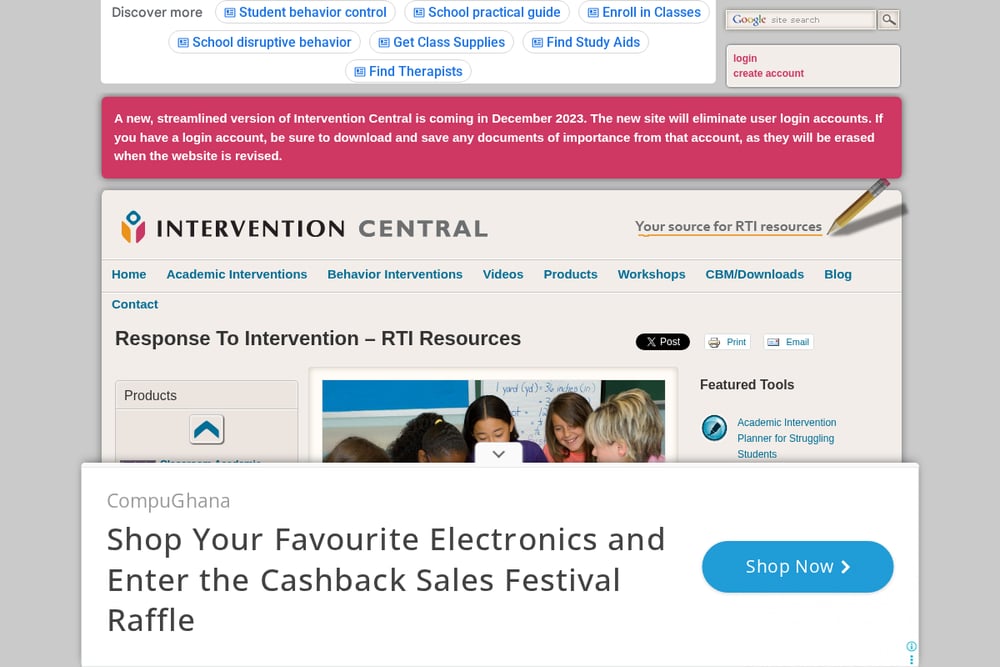 A screenshot of the Intervention Central website.
Intervention Central has been a go-to for teachers who need free, practical assessment tools. Its Oral Reading Fluency Passage Generator lets you create custom passages without an account. You can generate text for any grade level and use it for progress monitoring. The site also offers academic and behavior intervention resources. It is a solid starting point if you want zero cost and full control over passages. The streamlined version removes logins, making it even easier to jump in.
#2 Leading In Reading
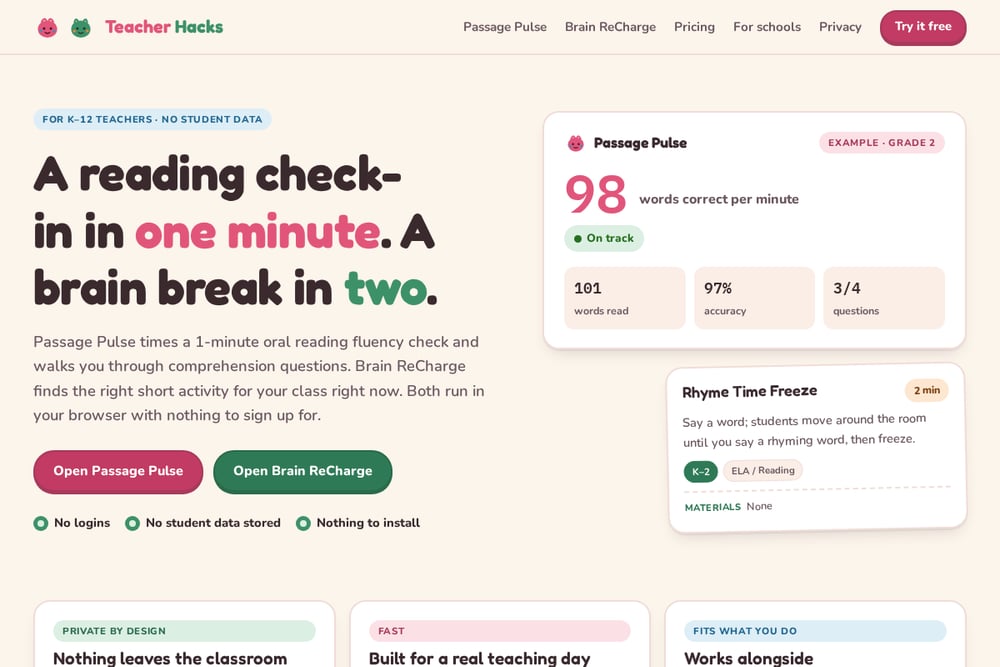 A screenshot of the Leading In Reading website.
Leading In Reading gives you two browser-based tools built for real teaching days. Passage Pulse runs a 1-minute oral reading fluency check with comprehension questions and printable passages. Brain ReCharge finds a 2–8 minute brain break for your class right now. Both run entirely in your browser with no logins and no student data stored. You can use Passage Pulse between DIBELS, Acadience, or i-Ready windows to see who is growing. It is privacy-first and fast, with 360 leveled passages across grades 1–6.
#3 Seesaw
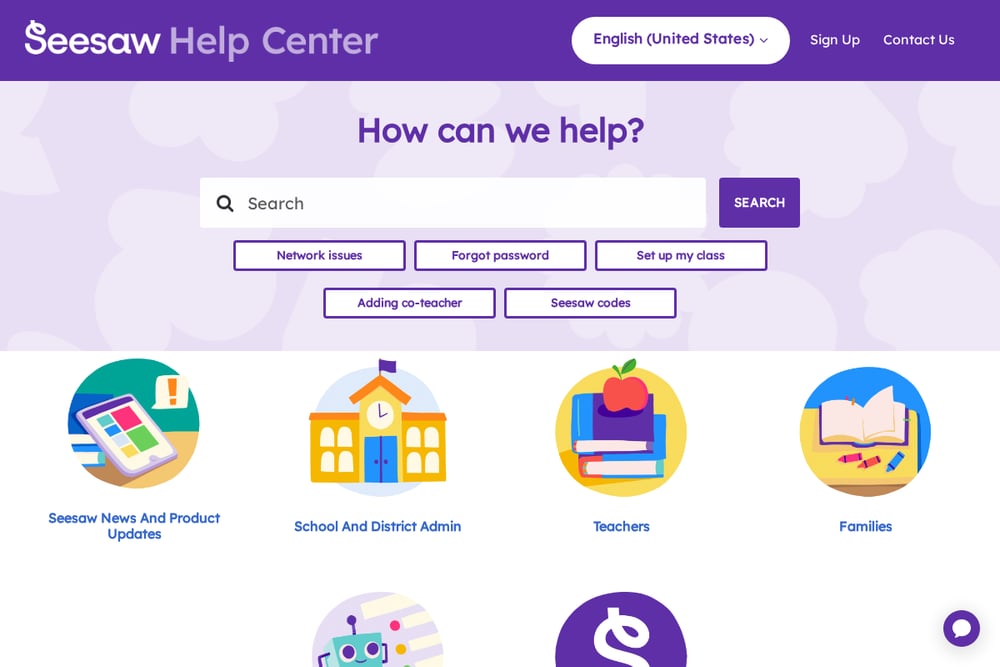 A screenshot of the Seesaw website.
Seesaw is a popular classroom platform that now includes AI-powered reading fluency activities. You can generate leveled fiction or nonfiction passages, upload existing PDFs, or create assessments manually. Students record their reading, and the platform analyzes samples for actionable insights. It integrates with your existing Seesaw classroom, so assignments flow naturally. School and district admins control AI feature access. It is a strong fit if you already use Seesaw for portfolios and family communication.
#4 Teach Starter
 A screenshot of the Teach Starter website.
Teach Starter offers a Fluency Assessment Tool alongside thousands of curriculum-aligned resources. You can find passages, running records, and progress monitoring sheets for grades Pre-K through 6. The platform includes lesson plans, widgets, and classroom management tools. It is designed for teachers who want one place for instruction and assessment. The free resource library gives you a taste before committing. If you need ready-made materials that align to standards, this is a practical choice.
#5 McGraw Hill
 A screenshot of the McGraw Hill website.
McGraw Hill provides oral fluency checks tied directly to its Wonders and Maravillas programs. You can access fluency assessments through the platform and conduct them with your students. The tool is built for schools already using McGraw Hill curricula, so data stays within your program. It offers structured checks that align with your core instruction. Support articles walk you through accessing and conducting the checks. It is a natural fit if your district has adopted McGraw Hill materials.
How to Choose the Right Fluency Tool
Start with your privacy needs. If you cannot store student data, look for browser-based tools like Leading In Reading. Next, consider your workflow. Do you need passages on demand, or do you want assessments tied to your core curriculum? Think about time. A 1-minute check-in fits between lessons; a full platform may require more setup. Finally, check pricing clarity. Free generators and no-login tools lower the barrier, while district platforms offer deeper integration. Match the tool to your daily reality, not the other way around.
Automating Your Fluency Workflow
You can streamline fluency checks without adding complexity. Use a no-login tool for quick check-ins and keep a simple paper or spreadsheet log for growth. If your platform supports it, assign fluency activities automatically and let students record. Set a weekly 5-minute window for check-ins and rotate through your class. Pair fluency data with comprehension notes to build a fuller reading profile. The goal is consistent, low-effort data you can actually use.
The Bottom Line
Fluency assessment does not have to be a burden. The right tool gives you a fast read on who is growing and who needs support. Leading In Reading keeps it private and quick. Intervention Central keeps it free and flexible. Seesaw and Teach Starter bring fluency into your existing classroom flow. McGraw Hill ties it to your core program. Pick the one that fits your day, and you will actually use it.