Passing a prop-firm evaluation is less about predicting the market and more about controlling what happens when you're wrong. These five tools help you size positions, respect drawdown rules, and test ideas before real money is on the line.
The prop-firm tooling boom
Futures traders now juggle more rules than ever: trailing drawdowns, daily loss limits, contract caps, and payout thresholds that differ from firm to firm. A whole software layer has grown up around that problem, from risk calculators and simulators to copy traders and full execution platforms. The tools below sit at different points on that spectrum, so the right pick depends on whether you need a quick pre-market check or a complete trading desk.
How these tools were compared
Each option was weighed on four things: how directly it addresses prop-firm risk rules, how clear the pricing and access model is, how well it fits a futures day-trading workflow, and how much setup it demands before you get value. Free and no-sign-up access counted in a tool's favor, but so did depth and reliability for traders running multiple accounts.
Here's the short version before the detail. The list moves from lightweight, free planning tools toward heavier platforms that handle execution and account management.
| Provider | Best For |
|---|---|
| Tradesyncer | Traders copying trades across multiple prop accounts |
| Free prop-firm tools and TradingView indicators for futures traders · Badr Edge | Free pre-market risk planning around prop-firm rules |
| Quantower | Enforcing risk limits during live execution |
| A1 Trading | Free position sizing and expectancy calculators |
| Tradovate | Rehearsing strategies in a simulated futures account |
The five tools, in detail
#1 Tradesyncer
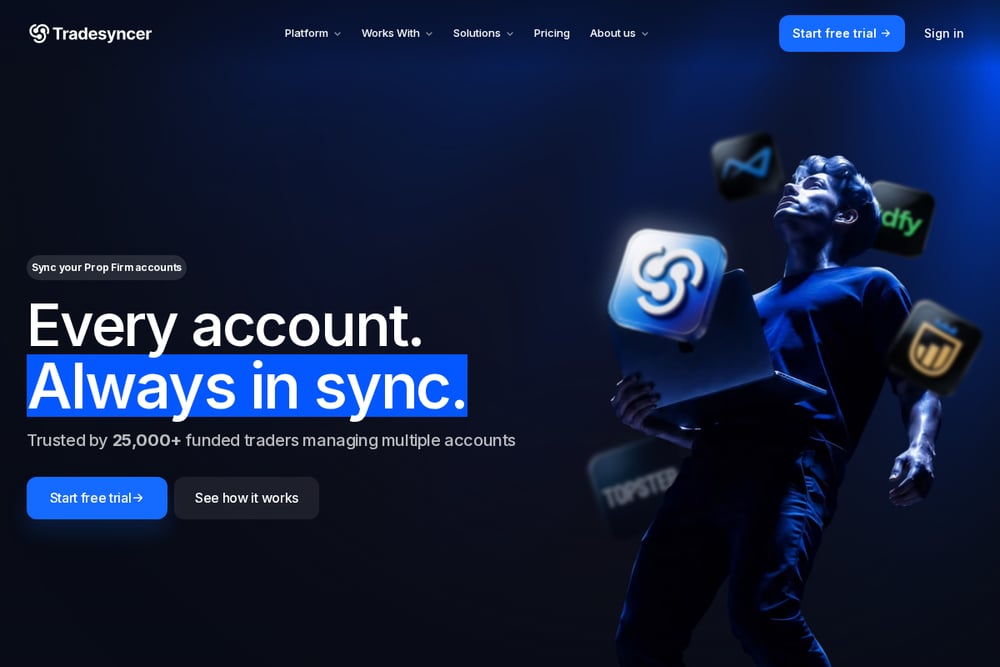 A screenshot of the Tradesyncer website.
Tradesyncer is built for traders running more than one prop account at once. It mirrors eligible trades across supported firms and platforms, so you execute once and let the copier handle the rest. A built-in journal, drawdown guardrails, and a prop-firm tracker keep every account visible in one view. It connects with firms like Apex, Topstep, and MFFU alongside platforms such as Tradovate and Rithmic. If scaling to a fleet of evaluations is your plan, this is the infrastructure layer for it.
#2 Free prop-firm tools and TradingView indicators for futures traders · Badr Edge
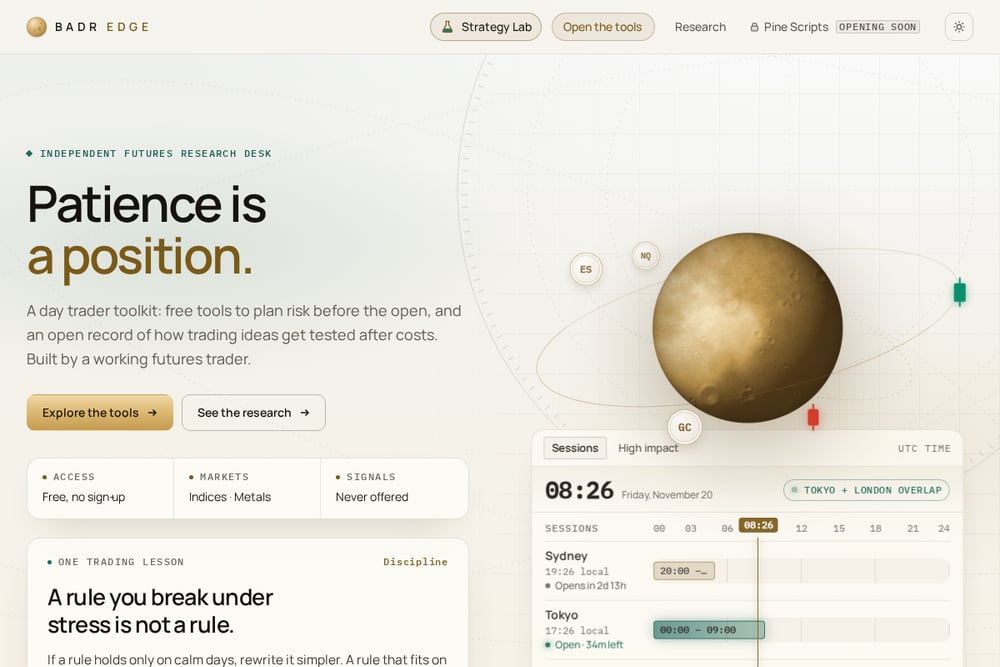 A screenshot of the Badr Edge website.
Badr Edge is a self-service research desk run by a working futures trader, and everything on it is free with no sign-up. The toolkit includes a Prop Pass Simulator for estimating evaluation odds, a Payout Simulator for funded accounts, and a Contract Sizing tool built around drawdown rules. You also get session clocks, a high-impact economic calendar drawn from official BLS, BEA, Census, and Fed schedules, and a daily risk lesson. The site pairs the tools with an open record of how trading ideas are tested after costs, which is rare in a space full of signal sellers. It's the lightest way to plan risk before the open without committing to a subscription.
#3 Quantower
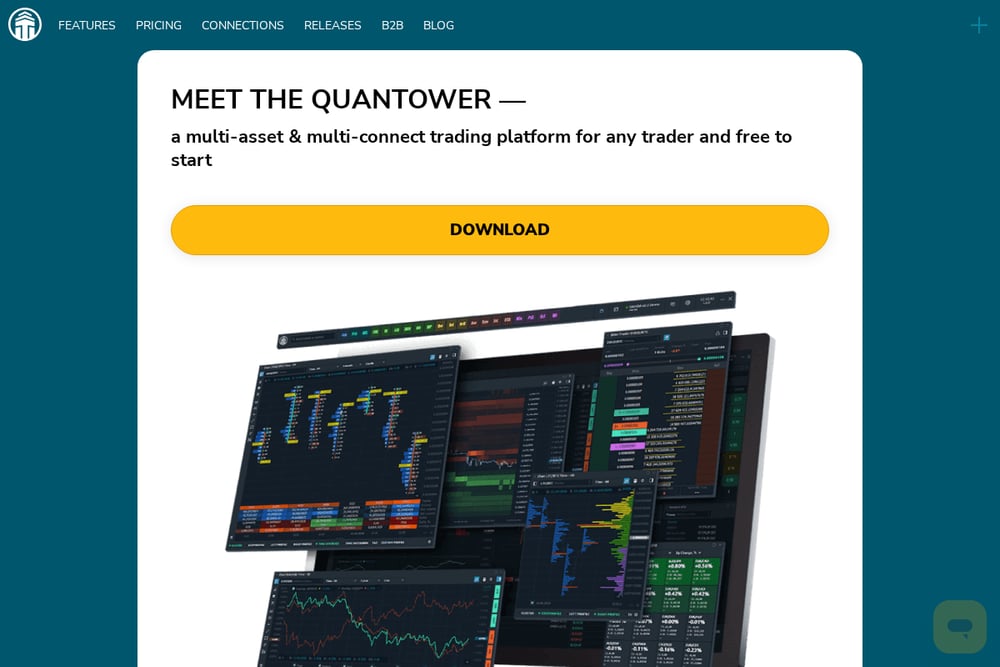 A screenshot of the Quantower website.
Quantower approaches the problem from the execution side. Its Risk Management panel sits between your trading plan and your orders, letting you define limits before the session and enforce them while you trade. Some rules block excessive exposure before it happens, while others monitor P&L, equity, and account state and react at thresholds. That matters in fast instruments like ES and NQ, where a few impulsive entries can burn through available drawdown. It's a heavier commitment than a calculator, but it addresses the moment discipline actually breaks.
#4 A1 Trading
A1 Trading bundles a wide set of free calculators alongside its research and signal products. The relevant pieces here are the futures position size calculator, the prop-firm drawdown and position size calculator, and a strategy expectancy tool. You can also find macro dashboards, COT data, and sentiment trackers if you want context beyond the numbers. The trade-off is that the calculators live inside a broader marketing site pushing paid tiers. Still, for a quick sizing check, the free tools do the job.
#5 Tradovate
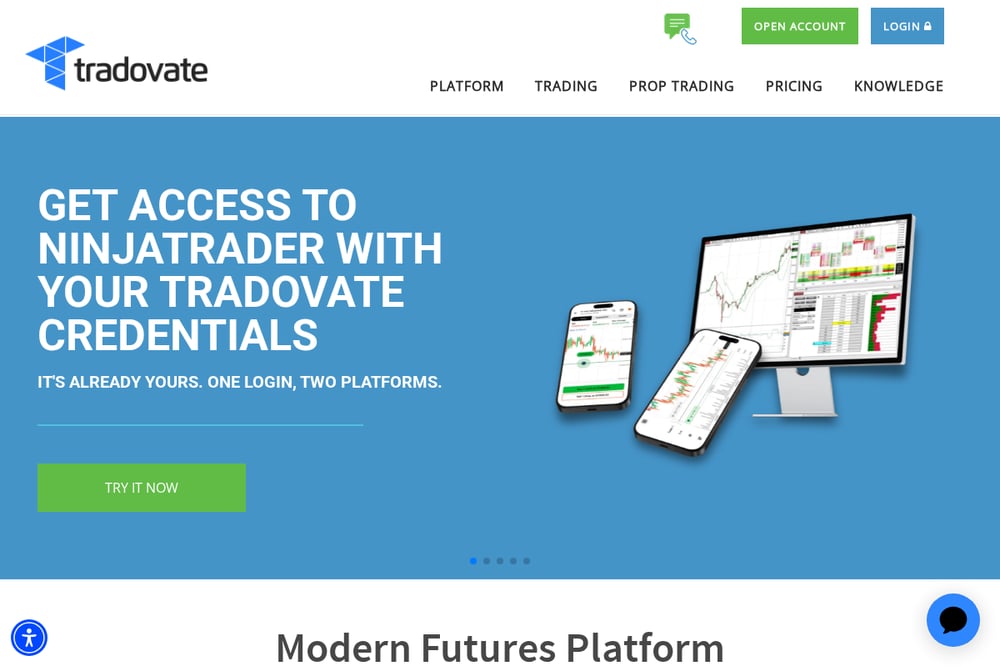 A screenshot of the Tradovate website.
Tradovate offers a free 14-day simulated account with $50k in practice funds and real-time market data. You get unlimited simulated trades, market replay for testing ideas against past sessions, and a platform built specifically for futures. TPO profile charts and a fast DOM round out the package for traders who want realistic order flow practice. It isn't a prop-firm risk tool in the narrow sense, but it's a solid place to rehearse a strategy before an evaluation. Treat it as the practice field rather than the playbook.
Matching the tool to your stage
Start with where you are. If you're preparing for a first evaluation, free planning tools that model drawdown and contract size will teach you more than any platform. If you already hold funded accounts, enforcement and copying matter more than calculators. And if you're still refining a strategy, a simulated environment with replay is worth more than another dashboard. Many traders end up using two: a free planner before the open and a platform during the session.
Where automation fits
Automation helps most at the edges of your process, not the middle. Let a copier mirror trades across accounts so you aren't re-entering orders under pressure. Let risk guardrails enforce the limits you set when you were calm. Keep the decision itself manual. The sequence that works: plan risk before the open with a sizing tool, set hard limits in your platform, execute your setup, then review the results against your own record after costs.
The bottom line
None of these tools will give you an edge, but each removes a way to lose. Tradesyncer scales your accounts, Quantower enforces your limits, A1 Trading and Badr Edge help you size and plan for free, and Tradovate lets you practice before it counts. Pick the one that fixes your weakest link, and add the rest as your account count grows.