
You have a project idea. What you need is a clear brief that keeps scope, deliverables, and boundaries in one place. These five tools help you get there faster.
The Brief Builder Landscape
Project briefs used to live in scattered docs and long email threads. Now, dedicated brief builders help you structure your thinking before you spend money. Some tools focus on creative campaigns, others on content, design, or technical requirements. The best fit depends on your project type and how much guidance you want. You will find free options, paid platforms, and tools that plug into existing workflows. The goal is the same: turn a vague idea into something you can act on.
How We Evaluated These Tools
We looked at five factors across every tool. First, service scope: does it cover the full brief or just one slice? Second, pricing clarity: can you try it without a sales call? Third, local fit: does it work for US-based founders, small businesses, and freelancers? Fourth, output quality: does the brief include scope, deliverables, boundaries, and open questions? Fifth, workflow integration: can you move from brief to implementation without switching tools? Each tool stood out in different areas. Brief Builder impressed with its free, no-login approach and structured output. BriefBuilder showed deep requirements management for AEC projects. Storyflow delivered fast AI-generated creative briefs on a visual canvas. Quillbot offered a free content brief generator with no sign-up. Figma brought design briefs directly into the design file. Your choice depends on what you are building and how you like to work.
Here is a quick look at five project brief builders worth knowing. Each one takes a different approach, so you can match the tool to your project type.
| Provider | Best For |
|---|---|
| BriefBuilder | AEC and construction projects |
| Brief Builder — Turn a Project Idea into a Working Brief | LockTheScope.com | Founders and small businesses starting a project |
| Storyflow | Creative and marketing campaigns |
| Quillbot AI Content Brief Generator | Content marketing and blogging |
| Figma AI Design Brief Generator | Design and product teams using Figma |
A Closer Look at Each Brief Builder
#1 BriefBuilder
 A screenshot of the BriefBuilder website.
BriefBuilder is built for architecture, engineering, and construction projects. It helps you create high-performance project briefs, architectural programs, and room data sheets. You can analyze requirements to flag ambiguities and risks before they become expensive problems. The platform integrates with BIM and Revit, so you can link requirements directly to design models. It is trusted by over 8,500 AEC professionals across Europe, the US, and Asia. If your project involves buildings or infrastructure, this tool gives you a systematic way to verify compliance and manage complexity.
#2 Brief Builder — Turn a Project Idea into a Working Brief | LockTheScope.com
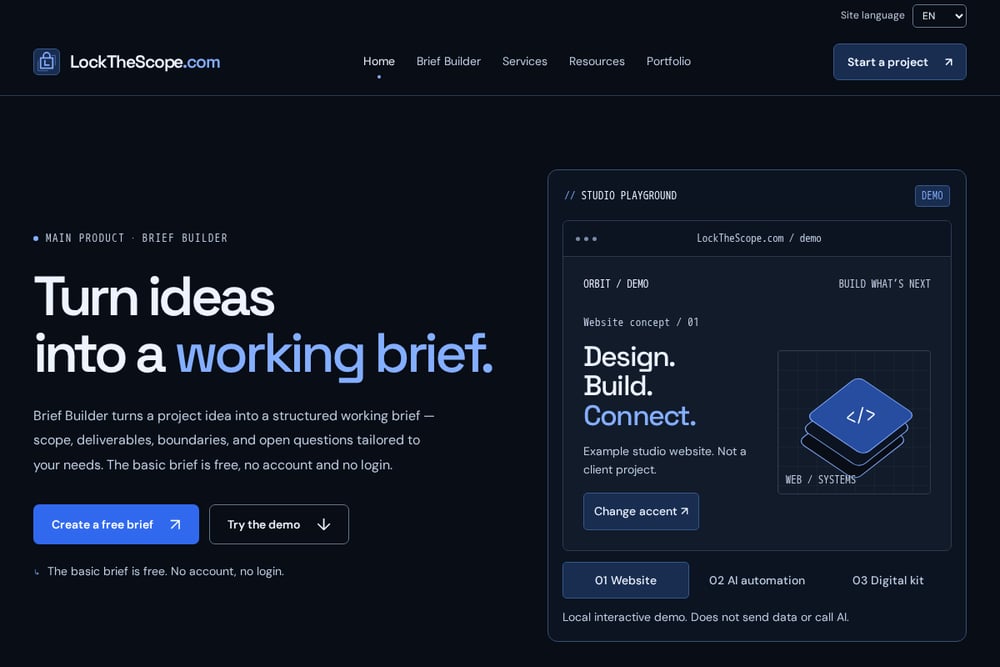 A screenshot of the Brief Builder — Turn a Project Idea into a Working Brief | LockTheScope.com website.
Brief Builder by LockTheScope.com turns your project idea into a structured working brief. It covers scope, deliverables, boundaries, and open questions tailored to your needs. The basic brief is free, with no account and no login required. You answer a few questions about your project type, goal, and constraints, and the brief adapts. It is designed for founders, small businesses, and freelancers who want to start clearly before spending money. The site also offers implementation services for website development, automation, and AI integration, so you can move from brief to build without switching tools.
#3 Storyflow
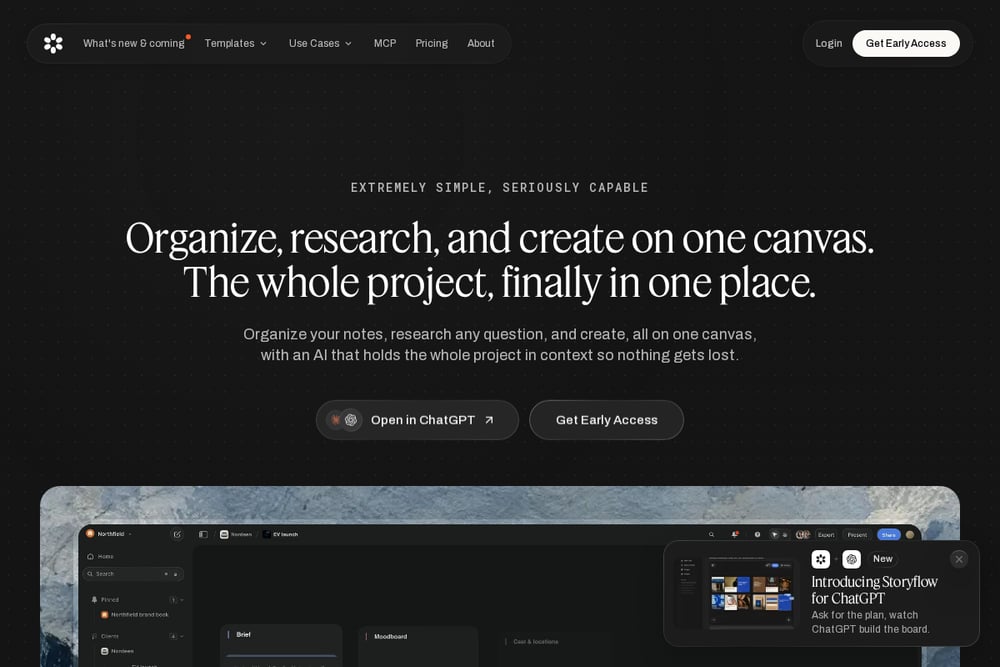 A screenshot of the Storyflow website.
Storyflow is an AI creative brief generator that writes the brief for you. You describe your project or campaign, and it generates a full creative brief on an infinite canvas. Objectives, audience, message, and deliverables appear in seconds. You can start from a ready-made template or a blank board. It is built for marketing, branding, social, and creative teams. If you need to move fast from idea to brief without chasing details, Storyflow keeps everything on one visual canvas.
#4 Quillbot AI Content Brief Generator
Quillbot offers a free AI content brief generator that drafts clear, detailed content briefs instantly. You can attach a file or type a topic, and it produces a brief with audience, tone, and notes. It is free to use with no sign-up required. The tool is part of Quillbot's broader writing suite, so you can move from brief to draft without leaving the platform. It works well for blog posts, social content, and landing pages. If content is your main deliverable, this is a straightforward way to get structured briefs fast.
#5 Figma AI Design Brief Generator
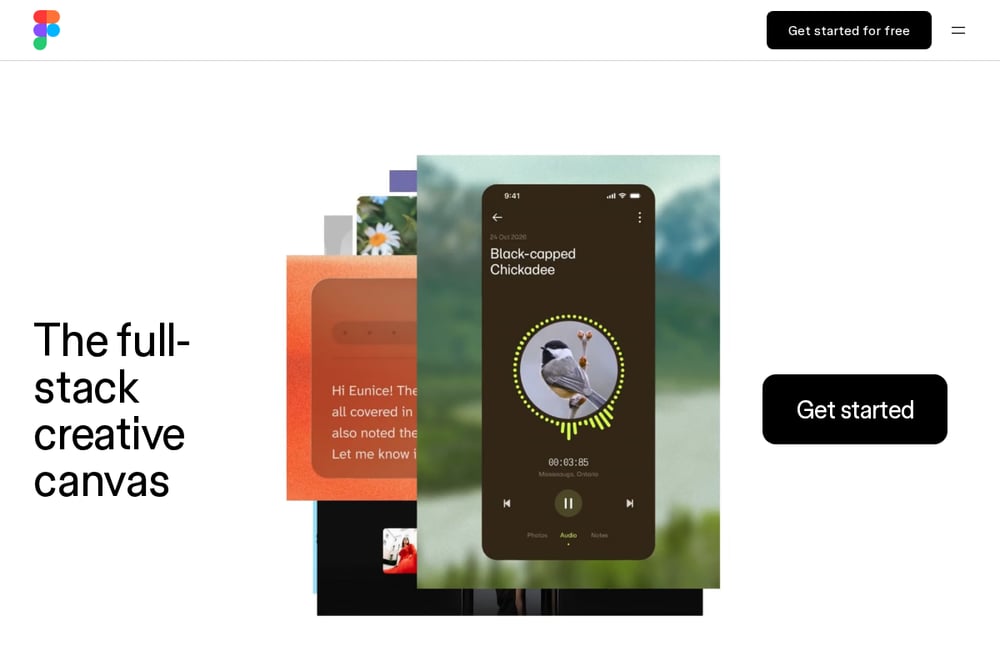 A screenshot of the Figma AI Design Brief Generator website.
Figma's AI design brief generator turns project goals, constraints, and context into clear, actionable design briefs directly on your canvas. You do not need a separate doc or a back-and-forth meeting to align. The agent helps you explore multiple brief variations from the start. It lives inside Figma, so your brief stays next to your design work. This is ideal for product teams, designers, and engineers who already work in Figma. If design is central to your project, this keeps everything in one place.
How to Choose the Right Brief Builder
Start with your project type. If you are building a website, app, or digital product, a general-purpose tool like Brief Builder gives you scope, deliverables, and open questions in one free brief. If you work in construction or architecture, BriefBuilder handles the complexity of requirements and BIM integration. For creative campaigns, Storyflow gets you from idea to brief in seconds. Content teams will appreciate Quillbot's free, no-signup generator. Design teams already in Figma can generate briefs without leaving the canvas. Next, consider your budget. Free tools are great for starting out, but paid platforms offer deeper features. Finally, think about what happens after the brief. Some tools connect directly to implementation services, while others are standalone. Pick the one that fits your workflow, not the other way around.
Automating Your Brief Workflow
You can connect your brief builder to the rest of your stack. Start by generating a brief in your chosen tool. Then, export or copy the structured output into your project management app. Use automation platforms to create tasks from deliverables and boundaries. If you use Brief Builder, you can move directly into implementation services for website development, automation, and AI integration. For content briefs, link Quillbot to your CMS to draft articles from the brief. Design briefs from Figma can feed into design systems and handoff tools. The goal is to keep the brief as the single source of truth from kickoff to launch.
The Bottom Line
A clear brief saves you time, money, and frustration. The five tools here each solve a different part of the problem. Brief Builder gives you a free, structured brief for digital projects and connects to implementation. BriefBuilder handles complex AEC requirements. Storyflow speeds up creative briefs. Quillbot keeps content briefs free and simple. Figma embeds design briefs in your design file. Try one, or mix them based on your project. The important thing is to start with a brief before you start building.