Your spending habits are nobody's business but yours. These five apps prove you can track every rupee or dollar without handing over an account, an email, or a single byte to a server.
The quiet rise of local-first money apps
A new wave of expense trackers is built around a simple promise: your data stays on your phone. No sign-up walls, no ad networks, no bank credentials. Instead of syncing to company servers, these apps store records locally and offer optional encrypted backup. The trade-off is real, though. You give up some cross-device convenience in exchange for control, and you need to think about backups before you switch phones. For anyone tired of being the product, that is a trade worth making.
How these five were compared
Each app was looked at on privacy architecture, offline capability, feature depth, pricing transparency, and platform availability. Privacy architecture covers whether accounts are required and where data lives. Offline capability checks whether the app works with no signal. Feature depth weighs budgeting, splitting, and export tools. Pricing transparency looks at how clearly free and paid tiers are separated. Platform availability notes whether you can use it on Android, iOS, or both.
Here is a quick look at how the five compare before you dive into the details.
| Provider | Best For |
|---|---|
| SpndX | People who split bills and track spending in one place |
| Zorvo Labs: private Android apps, no ads and no accounts | Android users who want zero network access and zero accounts |
| Expense Manager | Budget-conscious users who want open-source depth |
| Simple Budget | Minimalists who want one clear screen per month |
| CashJot | iPhone users who want iCloud-based local-first tracking |
The five, one by one
#1 SpndX
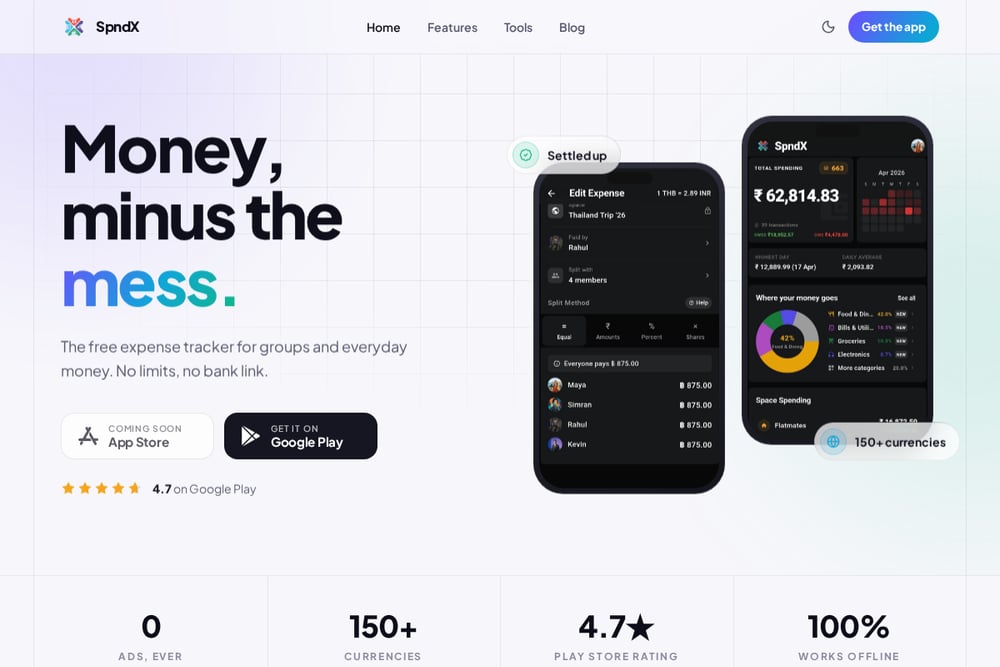 A screenshot of the SpndX website.
SpndX packs a surprising amount into one offline-first app. You get one-tap expense logging, smart categories, and instant search, plus group splitting with four modes and a settle-up feature that minimizes payments. It handles 150+ currencies, UPI QR scanning, and Splitwise CSV imports, which makes it a strong fit for people who share money regularly. Privacy is baked in: no account, no bank link, and optional encrypted sync only if you want it. The free tier is ad-free, and the feature list on the site is unusually detailed for a small app.
#2 Zorvo Labs: private Android apps, no ads and no accounts
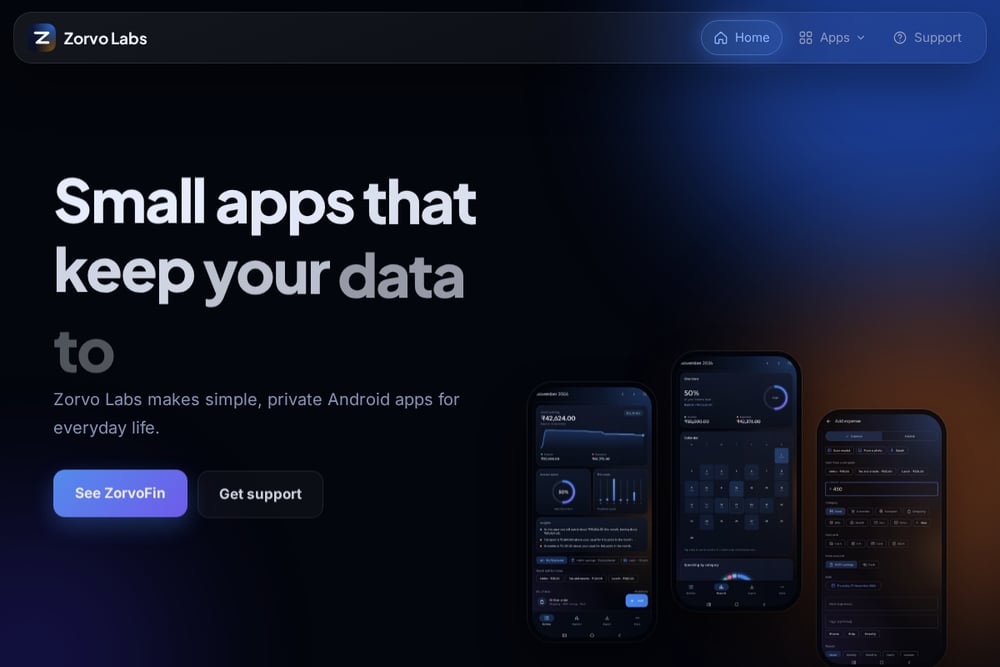 A screenshot of the Zorvo Labs: private Android apps, no ads and no accounts website.
Zorvo Labs takes the strictest privacy stance of the group. Its flagship app, ZorvoFin, tracks what you earn and spend with no account, no ads, and no internet access at all. The company says it has no servers to hold your data, so your records never leave your phone. Pricing is refreshingly clear: free to start, with Pro at ₹29 per month or ₹249 per year, purchased only through Google Play. The site also warns users that Zorvo Labs will never ask for payment, UPI transfers, card details, OTPs, or passwords by message, email, or call, which is a thoughtful anti-fraud touch. If you want a finance app that cannot phone home even if it wanted to, this is the one.
#3 Expense Manager
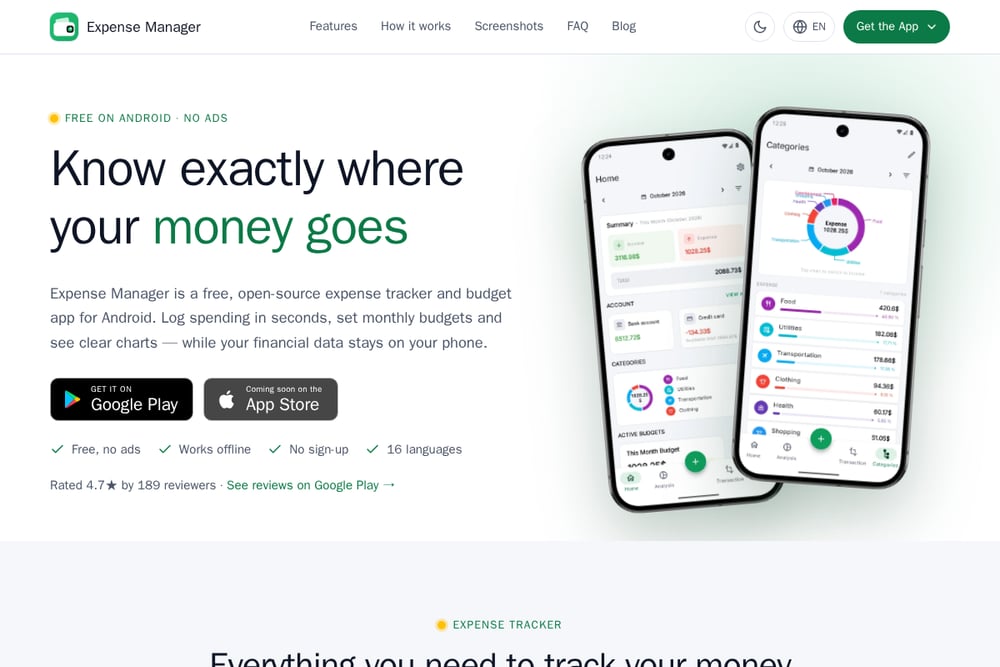 A screenshot of the Expense Manager website.
Expense Manager is a free, open-source Android tracker with a feature set that rivals paid apps. You can manage multiple accounts, custom categories, monthly budgets, recurring transactions, and people-and-debts tracking, all without signing up. It supports receipt scanning and UPI screenshot import, with the amount, payee, and date filled in right on your phone. Export to CSV and PDF is included, and the app offers 16 languages, a dark theme, and fingerprint lock. With a 4.7-star rating from 189 reviewers, it has a solid track record for a no-cost tool.
#4 Simple Budget
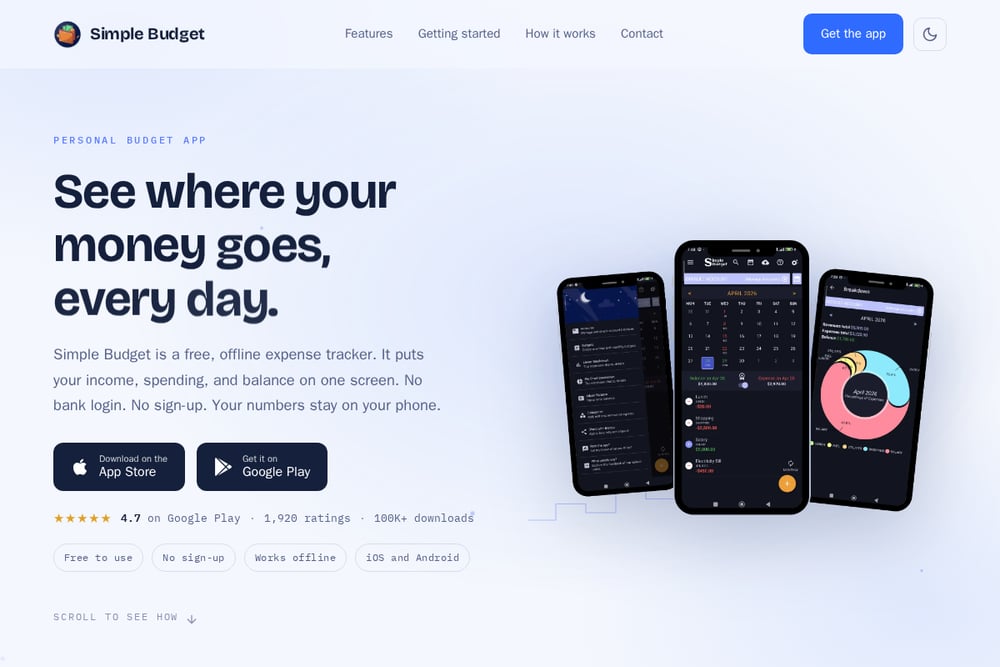 A screenshot of the Simple Budget website.
Simple Budget does one thing well: it puts your whole month on a single screen. You add what you spend, see what is left, and adjust before the money is gone. A calendar view and pie chart show where your spending went, day by day. There is no bank login and no sign-up, and everything lives on your device and works with no signal. It is available on both iOS and Android, with a 4.7 rating on Google Play from 1,920 ratings and 100K+ downloads. If you have tried feature-heavy trackers and quit after a week, this simpler approach may stick.
#5 CashJot
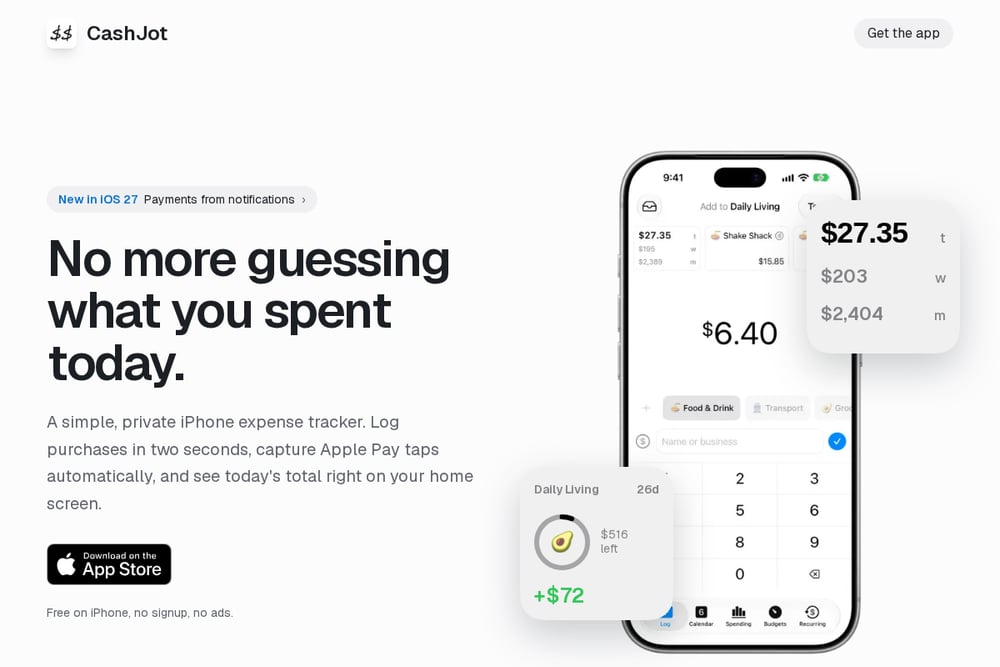 A screenshot of the CashJot website.
CashJot is the iPhone option in this group, and it explains local-first tracking better than almost anyone. There is no email sign-up, no profile, and no bank login. Your expenses save straight to your phone, and if iCloud is on, they sync through your own private Apple storage using CloudKit. The app shows sync status at a glance, so you always know whether your data is backed up. CashJot Plus is handled through the App Store under your Apple Account, so upgrading never requires creating an account with the company. The trade-offs are documented honestly on the site, including what happens if the app is discontinued.
Pick the one that fits how you actually spend
Start with your phone. If you are on Android, Zorvo Labs, SpndX, Expense Manager, and Simple Budget all work; if you are on iPhone, CashJot and Simple Budget are your options. Next, decide how much you share money. If you split bills often, SpndX is built for that. If you just want a private daily log, ZorvoFin or Simple Budget will do. Then check your backup habits. Local-first apps put the responsibility on you, so pick one with clear export or sync options before you have months of data to lose. Finally, look at pricing. All five have free tiers, but only Zorvo Labs and CashJot spell out their paid plans on the homepage.
A simple weekly routine that keeps tracking painless
Set a recurring reminder for Sunday evening. Open your chosen app and log the week's expenses from your bank statement or UPI history. Use receipt scanning or screenshot import if the app supports it, which cuts entry time to a few minutes. Set monthly budgets once, then let the app's alerts do the monitoring. Export a CSV at the end of each month and store it somewhere you control, like a personal cloud folder or an encrypted drive. That one habit gives you a backup and a year-end overview without any server ever seeing your data.
Privacy is the feature that matters most
The best expense tracker is the one you will actually use, and these five make that easier by removing friction like sign-ups and ads. Zorvo Labs stands out for its absolute no-internet stance, SpndX wins on sharing features, Expense Manager delivers open-source depth, Simple Budget keeps things minimal, and CashJot handles iPhone users with iCloud-native sync. Whichever you choose, the real win is owning your data. Pick one, set a weekly routine, and keep your backups in your own hands.