Your money habits are nobody's business but yours, yet most budgeting apps want a bank login before you can log a single coffee. These five apps take a different path, keeping your ledger on your device and your data out of the cloud.
The Quiet Shift Toward Offline Budgeting
Budgeting apps spent the last decade racing to connect to your bank through aggregators like Plaid. That convenience came with a cost: ongoing third-party access to your account history, broken connections when banks change their sign-in flows, and cash spending that never shows up in a feed. A growing wave of developers is flipping the model. They build local-first ledgers, skip the aggregator entirely, and let you decide whether anything ever leaves your phone. The trade-off is honest: you enter transactions yourself, but you keep full control.
How These Apps Were Evaluated
Each app was weighed on privacy architecture (whether data stays local by default), feature depth for everyday budgeting, pricing transparency, platform availability, and how well it handles the messy realities of cash, multiple wallets, and recurring bills. No single factor decided the order; the balance across all of them did.
Here is a quick look at how the five compare before you dig into the details.
| Provider | Best For |
|---|---|
| The Budgeting App | Beginners who want fast, ad-free budgeting |
| Nelz Studios Developer Page | Android power users who want zero cloud reliance |
| Wally Budgeting | Households budgeting together without bank links |
| Simply Finance | One-time buyers who want a local ledger |
| AI Money | Cash-heavy users tracking across any bank |
The Five Apps in Detail
#1 The Budgeting App
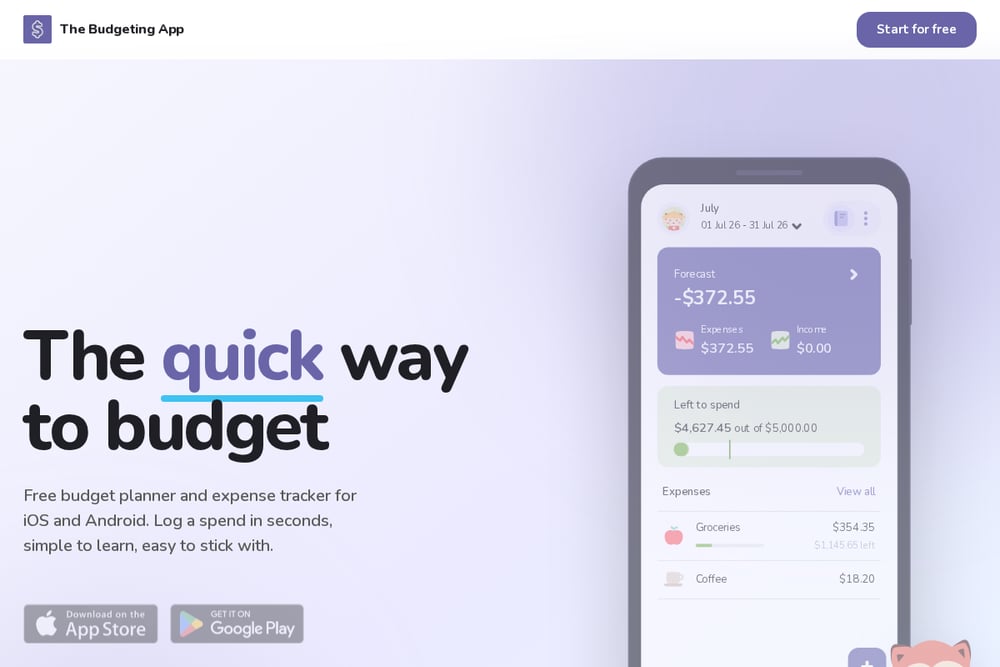 A screenshot of the The Budgeting App website.
The Budgeting App makes the case that privacy and simplicity can coexist. You log a spend in seconds, split a dinner with a built-in calculator, and watch your left-to-spend figure update instantly. It works offline, carries no ads, and supports weekly, fortnightly, or monthly budget periods with rollover for under- or over-spent categories. Per-category budgets and analytics charts show spending against actuals without ever asking for a bank login. It is the easiest on-ramp here for someone who wants structure without a spreadsheet.
#2 Nelz Studios Developer Page
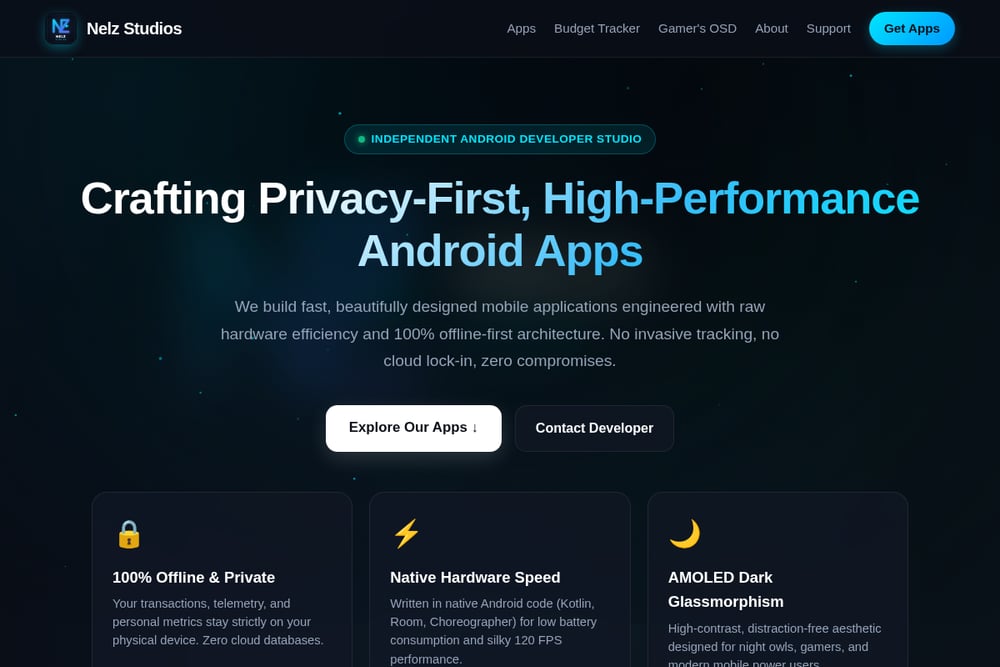 A screenshot of the Nelz Studios Developer Page website.
Nelz Studios is an independent Android studio building apps with a strict offline-first rule: no cloud databases, no telemetry, no signups. Its Budget Tracker keeps every transaction encrypted on your physical device, with a daily interest calculator tuned for digital banks, multi-wallet balances with double-entry transfers, and burn-rate analytics. Recurring bills, savings goals, and exportable encrypted JSON backups round out the toolkit. The studio also ships a Gamer's OSD Monitor, and the whole portfolio is written in native Kotlin for low battery draw and smooth 120 FPS performance. If you want a finance app that never phones home, this is the purest expression of that idea.
#3 Wally Budgeting
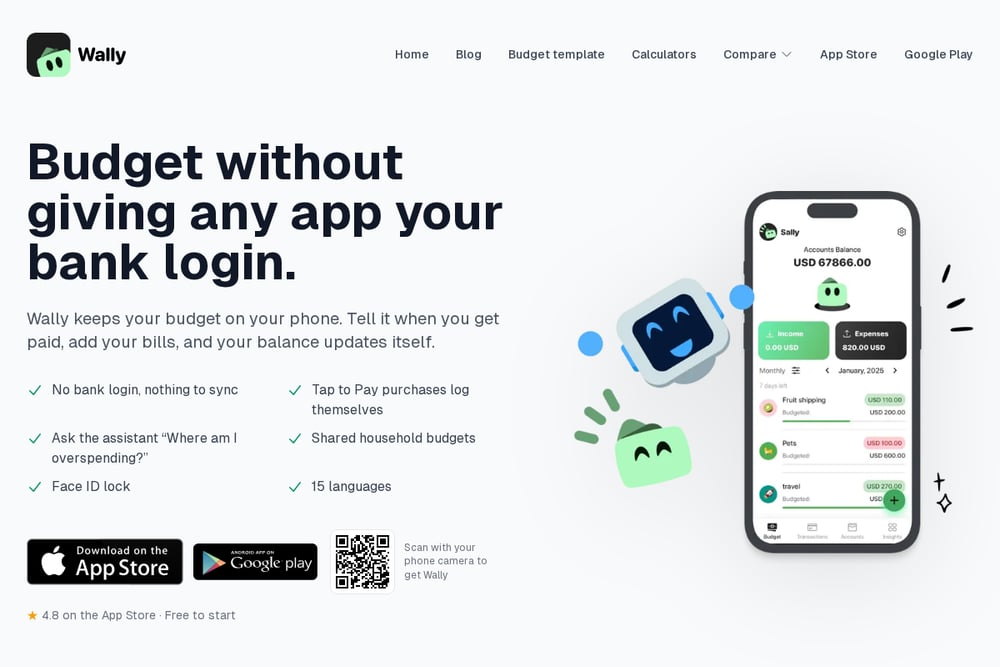 A screenshot of the Wally Budgeting website.
Wally starts from a simple premise: budgeting without bank sync should not feel like a downgrade. You tell it when you get paid and how much, add your bills with due dates, and your balance moves on payday without you touching it. Category budgets, bill reminders, and shared household budgets keep couples on the same page. Tap to Pay can pick up purchases on its own, and an assistant answers questions like where you are overspending using only your own numbers. It is free to start on iPhone and Android, with no bank connection at any point.
#4 Simply Finance
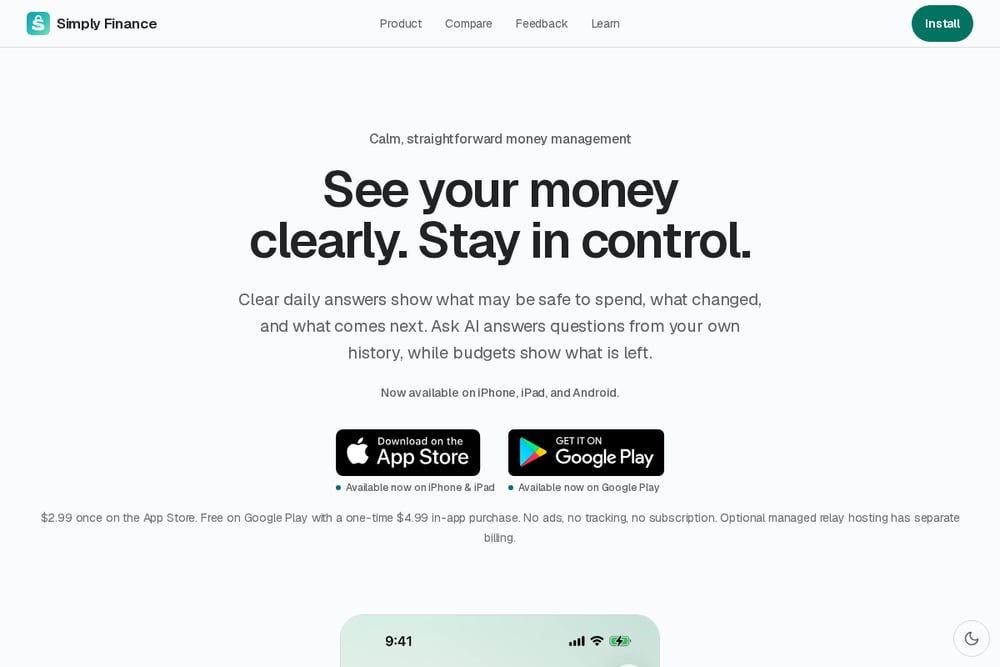 A screenshot of the Simply Finance website.
Simply Finance charges $2.99 once and includes everything, which is a refreshing change from subscription fatigue. The working ledger lives on your device, so daily answers and budgets stay available offline. There is no Plaid, no bank login, and no account: optional sync uses a recovery phrase, and relays only ever move ciphertext. You can import history from YNAB, Monarch, Mint, Simplifi, Copilot, or a compatible CSV, with a preview of rows and duplicates before anything saves. The trade-off is stated plainly: it will not download new bank transactions for you.
#5 AI Money
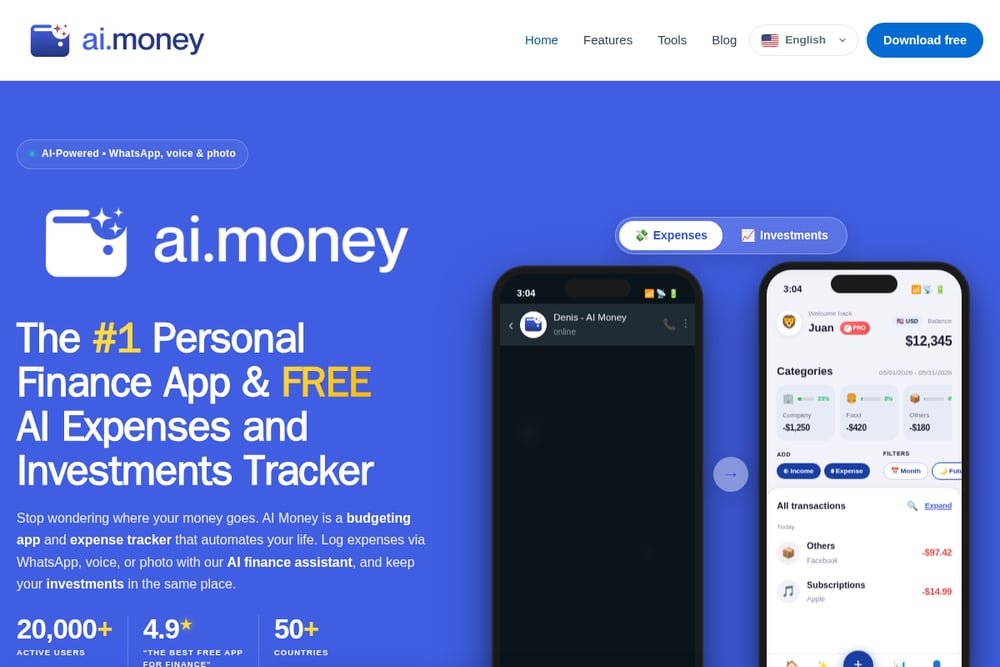 A screenshot of the AI Money website.
AI Money is free and built for people whose money does not live in one bank feed. You can type an expense, dictate it, photograph a receipt, or send a WhatsApp message, which means cash gets recorded too, in any country. The ledger sits in a local database on your phone by default, with no online banking credentials and no aggregator. Cloud backup and sync exist, but only as a switch you turn on yourself, and you can use the app without creating an account. A few features do send a message or photo to an AI service to read it, and the app lists exactly which ones.
Choosing the Right Fit
Start with how you actually spend. If most of your money moves through cards and you want minimal effort, an app with Tap to Pay or receipt capture saves you time. If you juggle digital wallets and cash, look for multi-wallet balances and manual entry that does not punish you. Decide whether you want to pay once or never, and check whether sync is optional or required. Finally, confirm the platform: Nelz Studios builds for Android only, while the others cover both iOS and Android.
Building a Low-Friction Privacy Routine
Pick one app and commit to a five-minute weekly review. Log cash the moment you spend it, or photograph the receipt if the app supports it. Set recurring bills once so reminders do the remembering for you. Use category budgets rather than one big number, and let rollover handle the months that swing. Export an encrypted backup on the first of each month and store it somewhere you control. That routine keeps your data local and your budget current without a single bank login.
The Bottom Line
You do not have to trade privacy for a working budget. The Budgeting App wins on simplicity, Nelz Studios goes furthest on offline purity for Android, Wally handles shared households gracefully, Simply Finance rewards a one-time purchase, and AI Money catches the cash others miss. Pick the one that matches how you spend, and your ledger stays yours.