
You need a portfolio that looks sharp and loads fast, but you don't want to spend weeks learning code. These five services give you a clear path from blank page to published site.
The State of Portfolio Website Building in the US
The US market for portfolio websites is crowded with options, from drag-and-drop builders to full-service design subscriptions. Most creatives and small businesses want the same things: a professional look, easy updates, and predictable costs. But the approaches vary wildly. Some platforms give you a powerful editor and let you build everything yourself. Others pair you with a designer who handles the work. The right choice depends on how much time you want to invest and how much control you need. Understanding the trade-offs helps you avoid paying for features you'll never use.
How We Evaluated These Portfolio Services
We looked at service scope, pricing clarity, turnaround speed, and how well each option fits US-based freelancers and small teams. For Shirazi Studios, the flat-fee unlimited design model and 24-to-48-hour delivery stood out as a hands-off alternative to DIY builders. Adobe Portfolio impressed with its tight integration into Creative Cloud and free access for subscribers. Portfoliobox earned attention for its creative-first templates and built-in e-commerce. Wix Portfolio Website Maker showed strength in its massive template library and AI-powered setup. Squarespace Portfolio Website Builder stood out for its polished design system and client-friendly management tools. Each service solves a different part of the portfolio puzzle.
Here's a quick look at how these five services compare on the factors that matter most to US creatives and small businesses.
| Provider | Best For |
|---|---|
| Adobe Portfolio | Creative Cloud subscribers who want a free, integrated portfolio |
| Unlimited Graphic Design, Flat Fee | Shirazi Studios | Business owners who want unlimited design without hiring in-house |
| Portfoliobox | Artists and photographers who want to sell from their portfolio |
| Wix Portfolio Website Maker | Beginners who want an all-in-one platform with room to grow |
| Squarespace Portfolio Website Builder | Freelancers and agencies who want polished design with minimal effort |
A Closer Look at Each Portfolio Service
#1 Adobe Portfolio
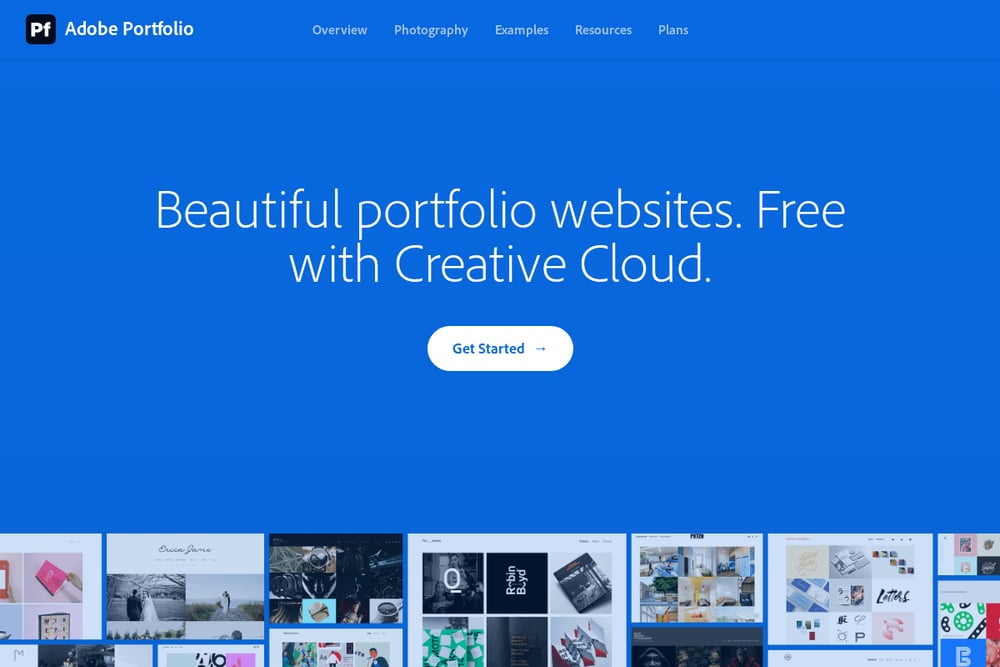 A screenshot of the Adobe Portfolio website.
Adobe Portfolio gives Creative Cloud subscribers a free, fully responsive website builder that connects directly to their Adobe assets. You can pull in work from Behance or upload files from your desktop, then customize layouts with a clean visual editor. The platform includes collection and contact pages out of the box, so you can launch a professional presence in minutes. It's ideal if you already pay for Creative Cloud and want a no-extra-cost portfolio. The trade-off is that you're working within Adobe's design system, which limits how far you can push custom code. Still, for most photographers, illustrators, and designers, it covers the essentials without adding another subscription.
#2 Unlimited Graphic Design, Flat Fee | Shirazi Studios
 A screenshot of the Shirazi Studios website.
Shirazi Studios flips the DIY model on its head by offering unlimited graphic design and AI video ads for one flat fee. You work directly with the owner, not a rotating team, and get logos, social posts, video ads, and even a published website. Turnaround is fast: designs land in 24 to 48 hours. That speed and direct communication make it a strong fit if you'd rather delegate than build. The service covers both static and video content, which is rare at this price point. If you want a hands-off portfolio that still looks custom, this is worth a serious look.
#3 Portfoliobox
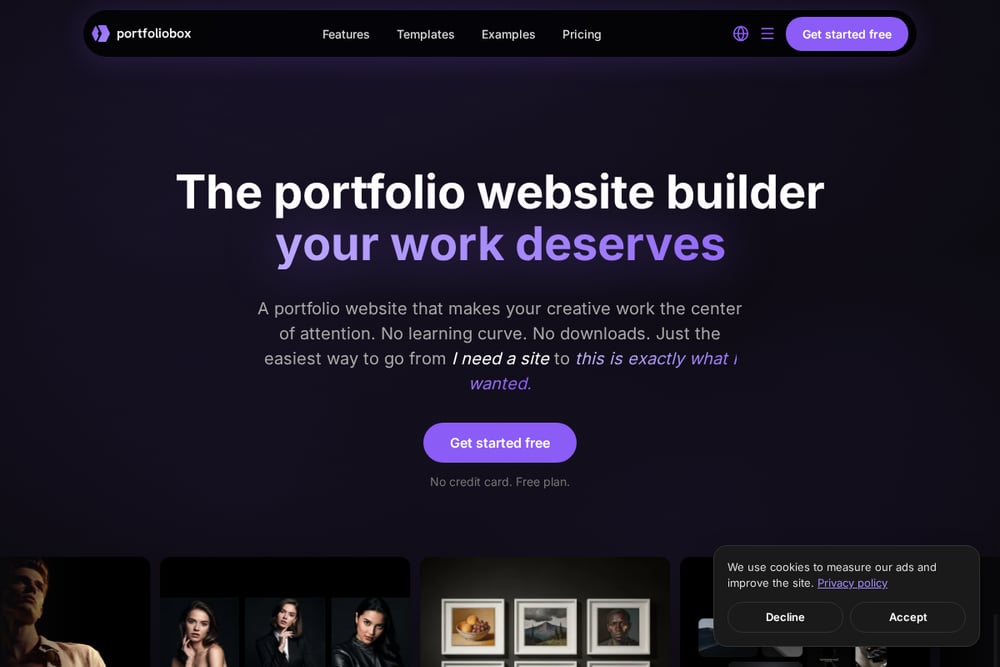 A screenshot of the Portfoliobox website.
Portfoliobox is built specifically for creatives who want a portfolio that puts their work front and center. The platform offers hundreds of templates and lets you mix layouts across pages, so you're not locked into a single look. You get galleries, e-commerce, bookings, and invoicing without installing plugins. The free plan lets you start without a credit card, which lowers the barrier to entry. For photographers, artists, and designers who want to sell directly from their portfolio, the built-in business tools are a real advantage. The editor is browser-based, so you can update your site from anywhere.
#4 Wix Portfolio Website Maker
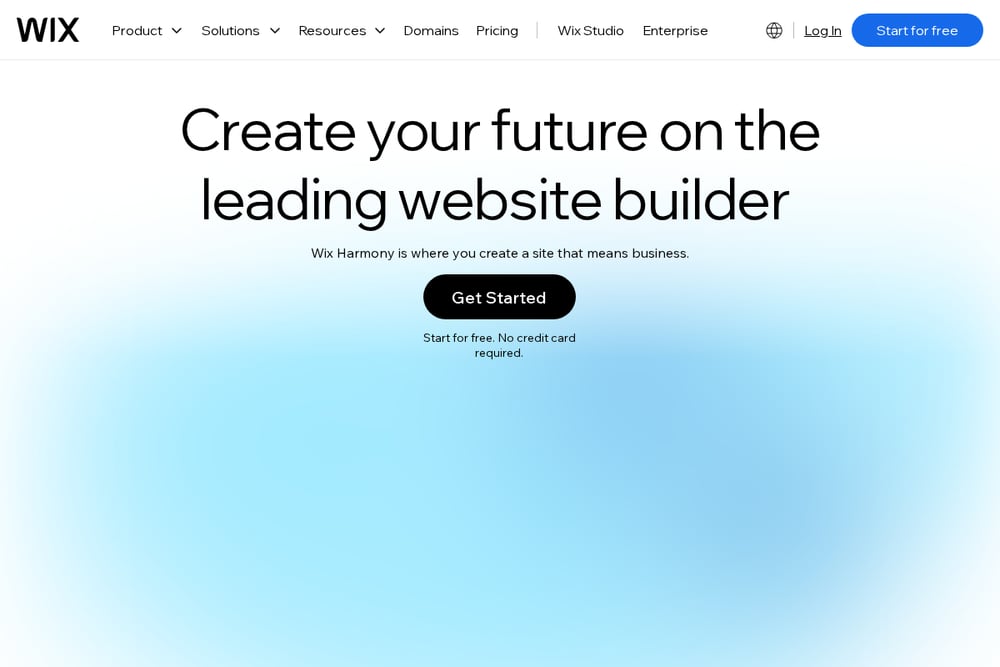 A screenshot of the Wix Portfolio Website Maker website.
Wix brings its massive ecosystem to portfolio building with thousands of templates and an AI website builder that goes from prompt to site in minutes. You get full design control, plus access to e-commerce, scheduling, email marketing, and analytics. The platform is beginner-friendly but scales with you as your needs grow. If you want one tool to handle your portfolio and your business operations, Wix covers a lot of ground. The trade-off is that the sheer number of options can feel overwhelming at first. Once you pick a direction, though, the drag-and-drop editor makes customization straightforward.
#5 Squarespace Portfolio Website Builder
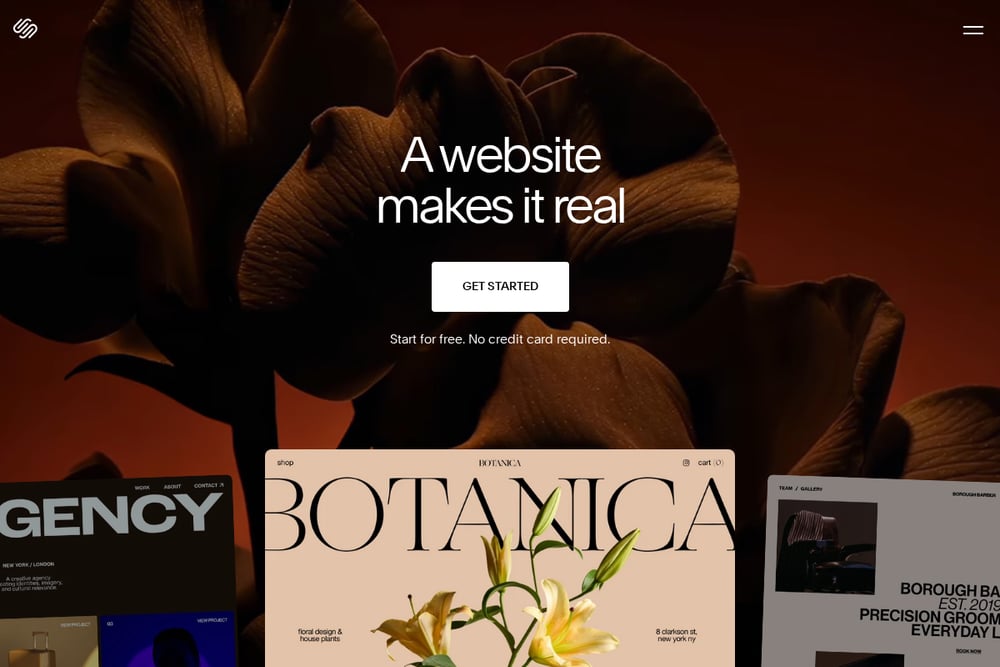 A screenshot of the Squarespace Portfolio Website Builder website.
Squarespace is known for its design-forward templates and polished user experience, and its portfolio builder is no exception. You get a curated set of layouts that look professional out of the box, plus tools for client management, scheduling, and e-commerce. The platform is popular with freelancers and agencies because it balances ease of use with serious functionality. If you want a site that looks custom without hiring a designer, Squarespace delivers. The learning curve is gentle, and the results are consistently clean. For US-based creatives who value aesthetics and simplicity, it's a reliable choice.
How to Choose the Right Portfolio Service
Start by deciding how much of the work you want to do yourself. If you enjoy building and tweaking, a DIY platform like Wix or Squarespace gives you maximum control. If you'd rather hand off the design work entirely, a flat-fee service like Shirazi Studios removes the learning curve. Next, consider your budget structure. Subscription platforms charge monthly or yearly, while service-based options often bundle everything into one fee. Think about what you need beyond a portfolio: e-commerce, booking, email marketing, or video content. Finally, check how easy it is to update your site. You'll want to add new work regularly, so pick a tool that makes that painless.
Where Automation Fits Into Your Portfolio Workflow
Automation can save you hours, but only if you use it wisely. AI website builders like Wix can generate a starting layout from a text prompt, which cuts down on blank-page syndrome. Design subscription services like Shirazi Studios use AI to produce video ads and social content alongside your portfolio, so you're not juggling multiple vendors. For ongoing updates, look for platforms that let you schedule posts or sync content from other sources. The goal isn't to remove the human touch; it's to free up your time for the work that actually grows your business. Pick tools that automate the repetitive parts and leave the creative decisions to you.
The Bottom Line on Portfolio Websites
There's no single right answer here. Adobe Portfolio wins if you're already in the Creative Cloud ecosystem and want free. Shirazi Studios is the standout if you'd rather delegate design and video work for a flat fee. Portfoliobox serves creatives who want to sell directly from their portfolio. Wix gives beginners an all-in-one platform with endless options. Squarespace delivers polish and simplicity for freelancers and agencies. Match the service to your workflow, your budget, and how hands-on you want to be. Do that, and you'll end up with a portfolio that actually gets used.