
You have a photo you love and a jar of pony beads. The only thing missing is a pattern that actually works. These five studios turn your image into a bead-by-bead plan you can build.
The Image-to-Bead Pattern Boom
Crafters no longer sketch bead grids by hand. They upload a photo, pick a grid size, and let a browser-based tool do the pixel math. The category has exploded because the workflow is simple: image in, pattern out, beads on the table. Most tools now run entirely in your browser, which keeps your original photo private and makes the whole process feel instant. The real differentiator is not the conversion itself. It is how well each studio handles color limits, bead counts, printable guides, and the specific quirks of pony beads versus fuse beads. Pony bead tapestry makers need larger grids, honest color approximations, and a bead list they can shop from. That is where these five studios separate themselves.
How We Evaluated These Pattern Studios
We looked at the same factors for every studio. First, service scope: does it handle image upload, grid customization, color limiting, and export in one place? Second, pricing clarity: is the core tool free, and are paid extras clearly labeled? Third, local fit: does the tool speak to US crafters who buy pony beads by the bag and need printable, shoppable outputs? Fourth, output quality: can you download a pattern PNG, a printable PDF, and a bead list? Fifth, privacy: does the image stay in your browser? Pony Bead Tapestry stood out for its pony-bead-specific studio, bead quantity list, and shared gallery. Pixel-Beads stood out for its long-running free converter and manufacturer color matching. MakeBead stood out for its wide converter library and multilingual reach. Pixel Beads Art stood out for its finished-bead preview and app options. Pixelbeads stood out for its AI simplification and one-click bead counting.
Here is the quick comparison before the deep dive. Each studio solves the same core problem, but they solve it differently.
| Provider | Best For |
|---|---|
| Pixel-Beads | Free, no-frills image-to-pattern conversion with brand color matching |
| Pony Bead Tapestry | Make something bead-iful | Pony bead tapestry makers who want a shoppable bead list and printable pattern |
| MakeBead | Crafters who want one converter hub for multiple bead styles and languages |
| Pixel Beads Art | Visual planners who want a realistic finished-bead preview before committing |
| Pixelbeads | Makers who want AI-assisted defaults and one-click bead counting |
The 5 Studios in Detail
#1 Pixel-Beads
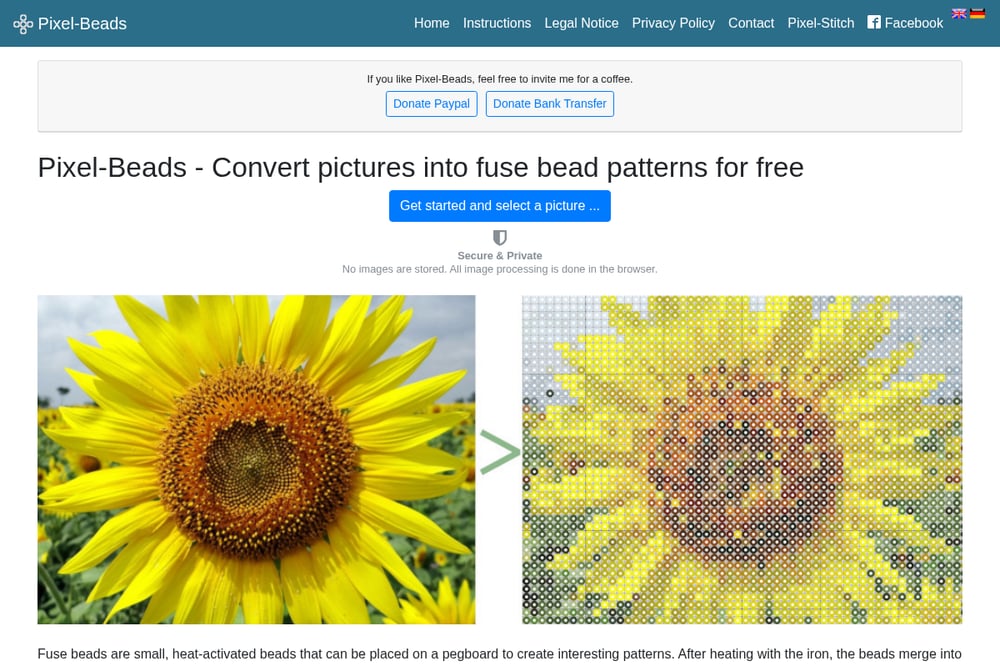 A screenshot of the Pixel-Beads website.
Pixel-Beads is the veteran of the group. It converts photos into fuse bead patterns for free, and it has been doing it long enough that the workflow feels frictionless. You select a picture, choose the number of beads and colors, and the site pixelates your image. It supports manufacturer color matching for Hama, Artkal, Nabbi, and Perler, which matters if you already own beads from a specific brand. The site emphasizes privacy: no images are stored, and all processing happens in your browser. You can download the finished pattern as a PDF and print it immediately. For a free tool with no sign-up, the output is surprisingly complete.
#2 Pony Bead Tapestry | Make something bead-iful
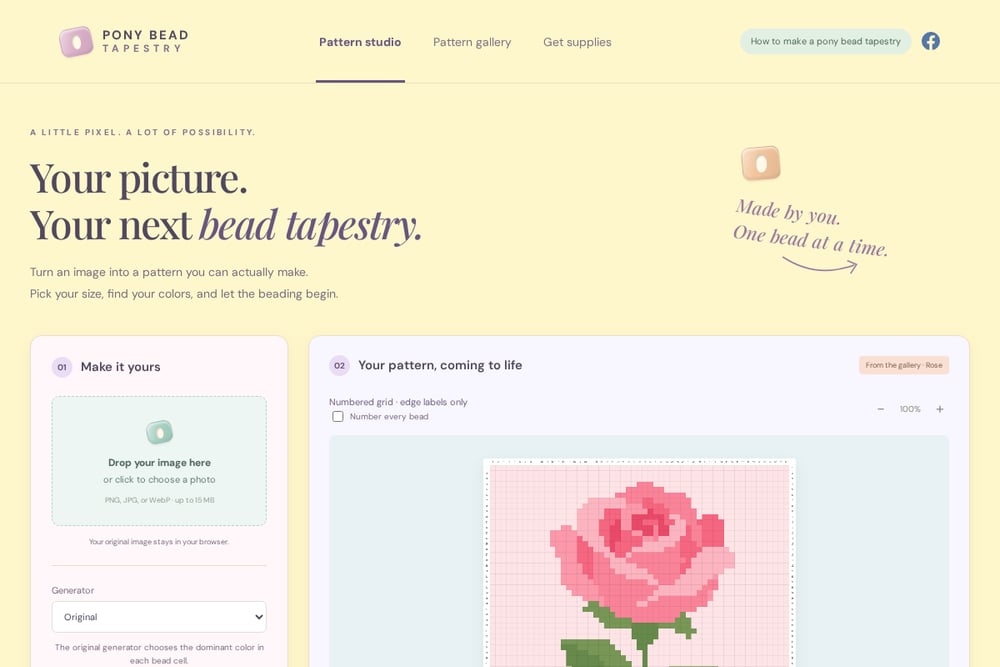 A screenshot of the Pony Bead Tapestry | Make something bead-iful website.
Pony Bead Tapestry is built specifically for the craft you are doing. You drop in a PNG, JPG, or WebP up to 15 MB, and your original image never leaves your browser. The studio lets you set a 70 x 70 grid as a starting point, keep image proportions, and limit colors to as few as 12. It then generates a numbered grid, a bead palette with approximate quantities, and a downloadable pattern PNG. You can also print the pattern or save it as a PDF, and download a bead list as a CSV so you know exactly what to buy. The shared gallery lets you publish your pattern or open someone else's design in the studio. It is the only tool in this group that speaks pony bead tapestry as a first language.
#3 MakeBead
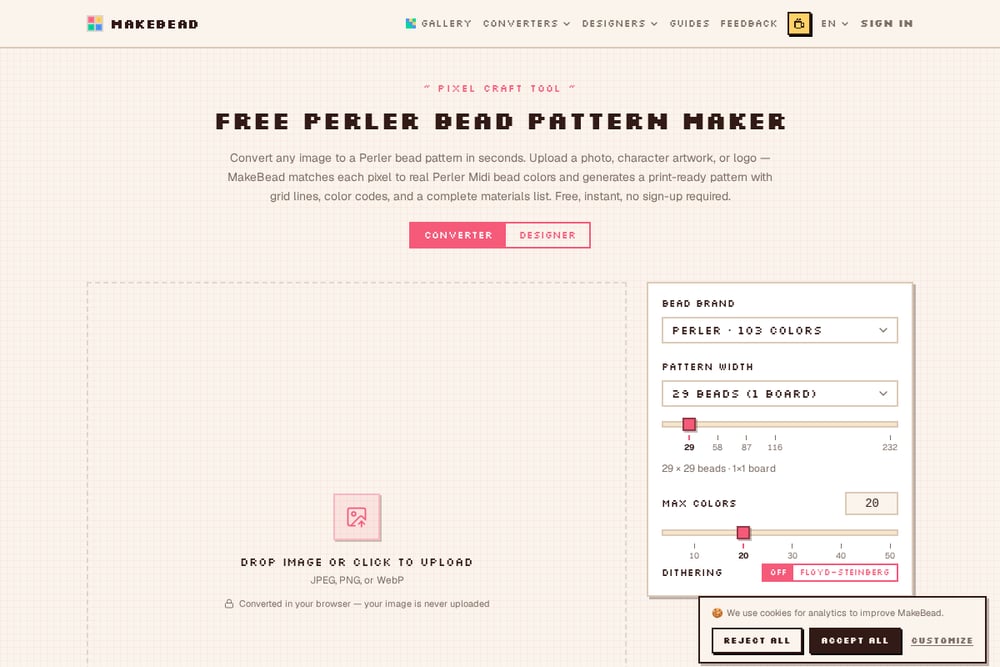 A screenshot of the MakeBead website.
MakeBead is a converter hub with a dedicated pony bead tapestry section. It covers Perler, Hama, Artkal, and MARD bead pattern making, plus beadwork styles like bead loom, peyote, brick stitch, and right angle weave. The site is multilingual, with English, Japanese, German, Simplified Chinese, Traditional Chinese, Korean, French, Spanish, Portuguese, Russian, and Thai interfaces. That reach makes it a strong choice if you follow international bead artists or buy supplies from overseas. The free Perler bead pattern maker converts any image in seconds, and the broader library means you can explore adjacent crafts without leaving the site. If you want one bookmark that covers many bead traditions, this is it.
#4 Pixel Beads Art
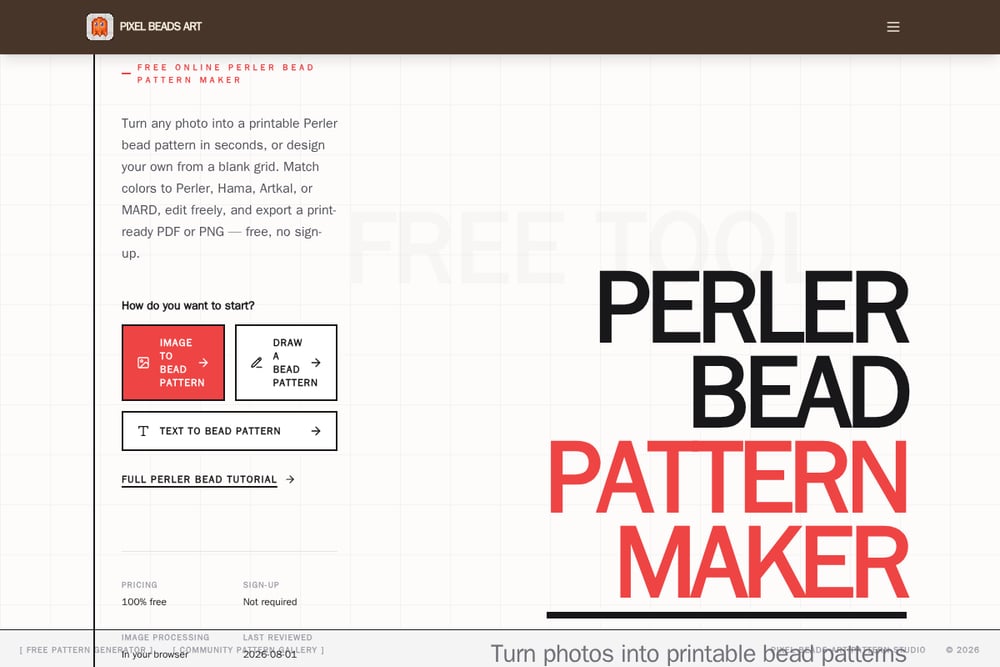 A screenshot of the Pixel Beads Art website.
Pixel Beads Art focuses on the finished look. Its pattern studio includes a finished bead preview with a slider that compares your original image to a realistic render of the fuse-bead artwork, complete with simplified colors, bead grid, and physical texture. You can start from an image, a blank grid, or text, and match colors to Perler, Hama, Artkal, or MARD. The tool is free, requires no sign-up, and processes images in your browser. It also offers Chrome, Android, and iOS options if you want to work away from your desk. The print-ready PDF and PNG exports make it easy to take the pattern to your craft table. If seeing the final bead texture before you commit matters to you, this studio delivers that.
#5 Pixelbeads
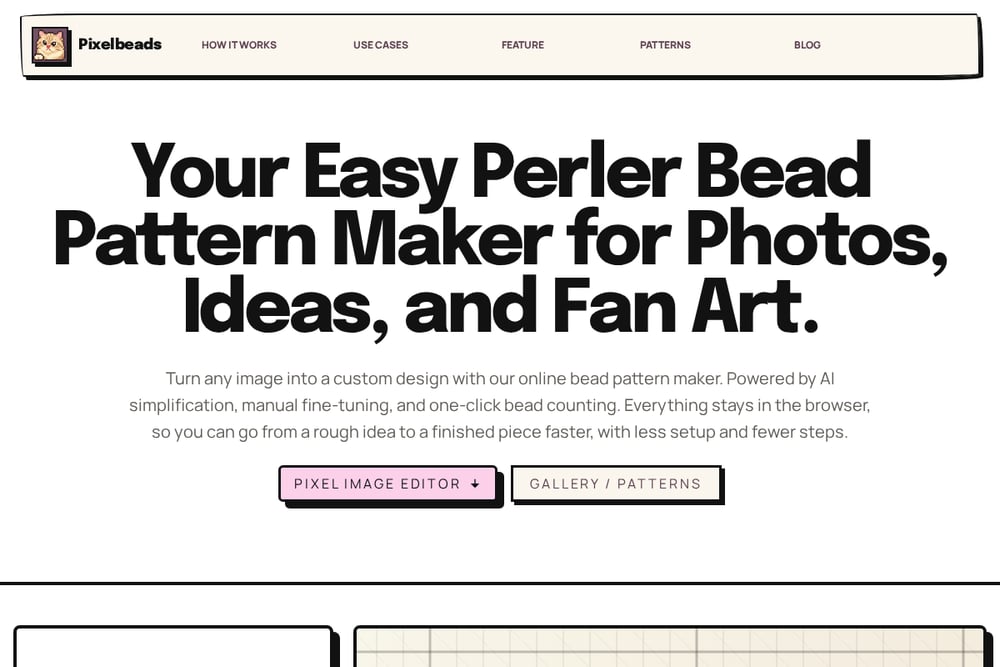 A screenshot of the Pixelbeads website.
Pixelbeads leans into AI simplification and manual fine-tuning. You upload or paste an image, adjust the grid or colors, and export a design you can build right away. The site includes a quick settings guide by project type, with suggested grid widths and similarity ranges for portraits, pixel art, text, and logos. It also offers one-click bead counting, which saves you from tallying rows by hand. Everything stays in the browser, so your source image is not uploaded to a server. There is even a pixel bead game for when you want a creative break. If you like starting from smart defaults and then tweaking, this studio gives you a useful head start.
How to Choose Your Pattern Studio
Start with your bead type. If you are making pony bead tapestries, you need a studio that understands larger grids and produces a bead list you can shop from. Pony Bead Tapestry is built for exactly that. If you work with fuse beads, Pixel-Beads and Pixel Beads Art both offer brand-specific color matching. Next, decide how much control you want. Some tools give you a smart default and let you fine-tune; others ask you to set grid size and color limits up front. Then check the output. A pattern PNG is great for screen reference, but a printable PDF and a CSV bead list are what save you time at the store. Finally, look at privacy. Every studio here processes images in your browser, which means your original photo stays on your device. That is a baseline you should expect, not a bonus.
A Simple Workflow From Photo to Finished Tapestry
Pick your image and crop it to the subject you want. Upload it to your chosen studio and set a grid size. For pony bead tapestries, 70 x 70 is a reasonable starting point, but go larger if your image has fine detail. Limit your colors to a number you can actually buy, then generate the pattern. Review the bead palette and quantities, and match them against your supplier's beads before you buy. Download the pattern PNG for your screen, print the PDF for your table, and save the CSV bead list for shopping. Publish to a shared gallery if you want feedback, or keep it private as a browser draft. Then start beading one row at a time.
The Bottom Line
You do not need a design degree to turn a photo into a pony bead tapestry. You need a studio that respects your time, your budget, and your bead stash. Pixel-Beads gives you a free, proven converter with brand color matching. Pony Bead Tapestry gives you a pony-bead-first studio with a bead list and printable pattern. MakeBead gives you a multilingual hub for many bead traditions. Pixel Beads Art gives you a realistic preview of the finished piece. Pixelbeads gives you AI-assisted defaults and one-click counting. Try one, make a small test square, and see how the colors translate. Then scale up. A little patience, as the saying goes, produces a beautiful result.