
Your camera roll is full of stills that never see the light of day. These five services turn those photos into videos you can actually post, send, or sell with.
The Photo-to-Video Editing Landscape
Turning stills into motion is no longer a novelty. Real estate agents, event marketers, and e-commerce brands all need short, polished video from photos they already own. The market splits into two camps: fully automated slideshow tools and services that put a human editor behind the cut. Automation wins on speed and price. Human editing wins on pacing, camera moves, color, and sound design. Your choice depends on whether you want a template filled in or a production built for you. The five services below cover both approaches, from hand-edited cinematic cuts to browser-based slideshow makers.
How We Evaluated These Services
We looked at service scope, pricing clarity, turnaround, human involvement, and fit for common use cases like real estate, events, and e-commerce. Digireels stood out for its hand-edited 1080p output, one-business-day delivery, and free preview before payment. Picsera stood out for its dedicated editing team model and scalable post-production capacity. soona stood out for transparent per-asset pricing and e-commerce optimization. VEED.IO stood out for its broad browser-based toolkit and AI-assisted slideshow creation. Clipchamp stood out for its free, beginner-friendly editor with templates and stock assets. Each serves a different need, and none is a universal answer.
Here is a quick look at the five services, what they do best, and who they fit.
| Provider | Best For |
|---|---|
| Picsera | Brands and filmmakers needing scalable post-production |
| Digireels — turn still images into cinematic video | Real estate, corporate, and event teams wanting hand-edited video from stills |
| soona | E-commerce brands needing high-volume photo and video edits |
| VEED.IO | Creators who want fast, browser-based slideshow videos |
| Clipchamp | Beginners and teams wanting a free, template-driven editor |
The 5 Services in Detail
#1 Picsera
 A screenshot of the Picsera website.
Picsera positions itself as an entire video production team you can plug into your workflow. You get a video editor, a film director, and an account manager without hiring anyone. The company leans on automation for non-creative tasks so edits move in days, not weeks. It scales up during busy seasons and down when you are slow, and you pay only for what you use. The same editors stay on your account for consistency. It is a strong fit if you already have footage and need reliable post-production muscle. Learn more at Picsera.
#2 Digireels — turn still images into cinematic video
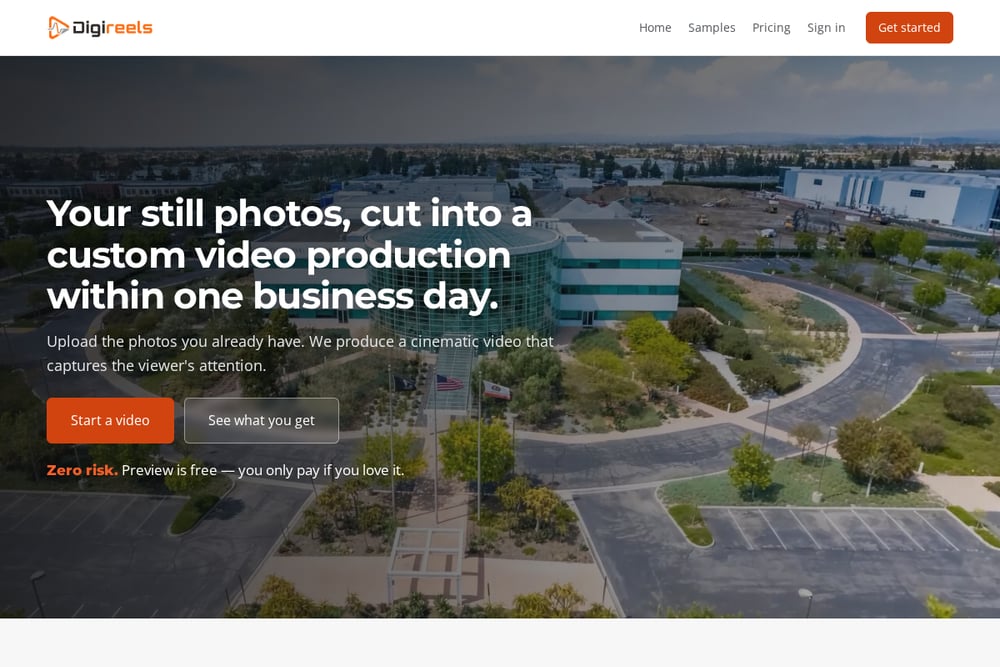 A screenshot of the Digireels website.
Digireels takes the photos you already have and cuts them into a finished 1080p video, 30 or 60 seconds, within one business day. A real editor handles camera moves, pace, color grade, licensed music, and sound design. You upload and order your shots, then watch the finished cut with a stamp across the frame before you pay. Paying removes the stamp, and one round of changes is included. It targets commercial, residential, corporate, and event clients who want human creativity over automation. See the process at Digireels.
#3 soona
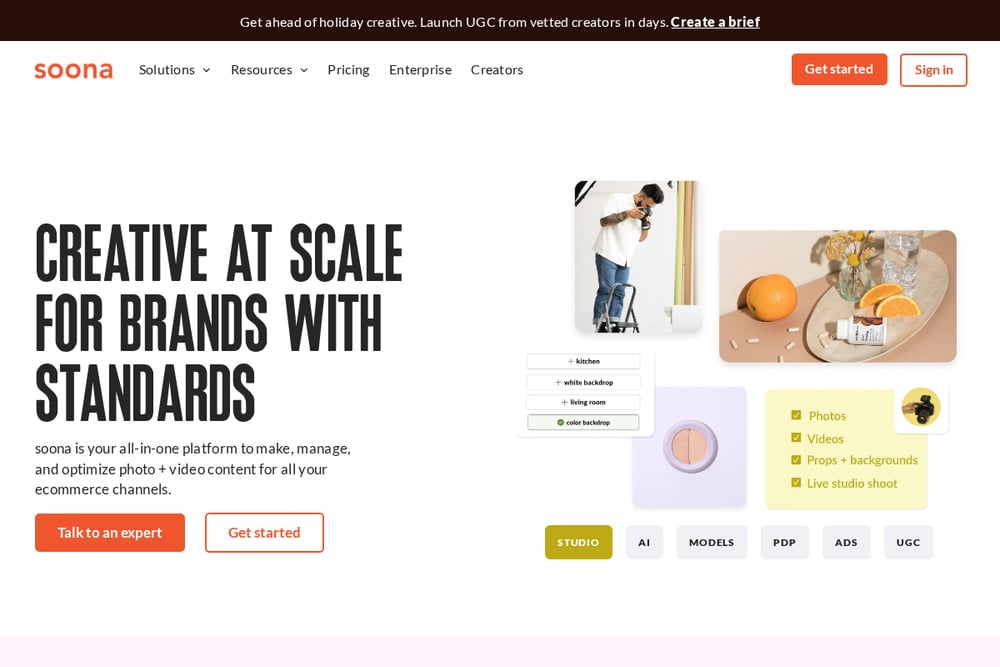 A screenshot of the soona website.
soona is built for e-commerce brands that need photo and video assets at volume. Its post-production pricing is transparent and tiered, from $19 per asset for up to five assets down to $5 per asset at 500 or more. Editing options include photo edits, background removal, image resizing, ad graphics, and infographics. You can also book studio content, UGC creators, models, and stylists through the same platform. It integrates with Shopify, Amazon, and Canva. If your bottleneck is product imagery rather than storytelling, soona is worth a look. Explore soona.
#4 VEED.IO
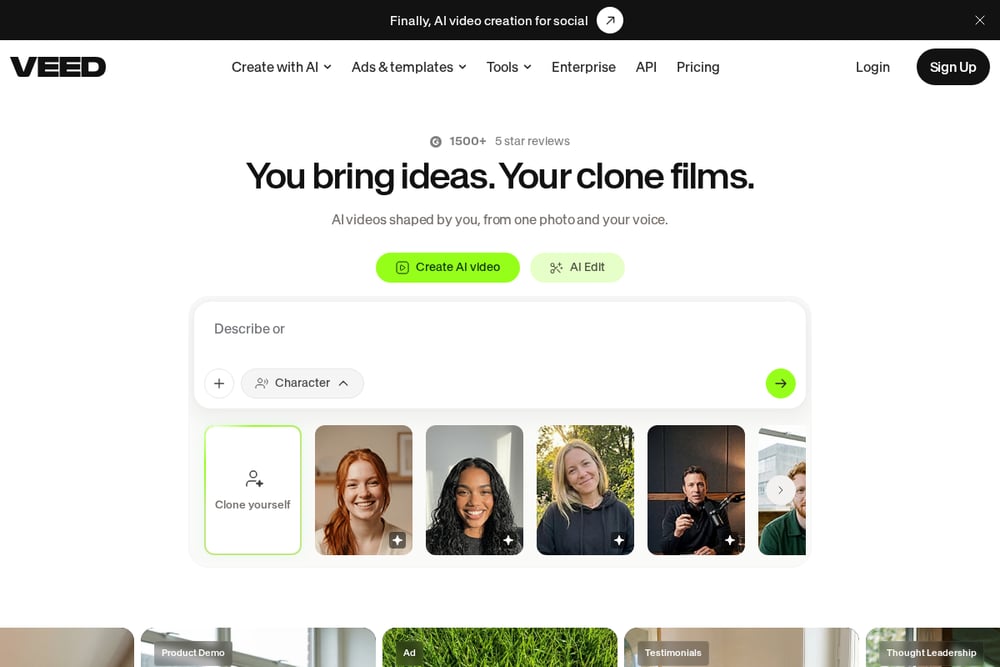 A screenshot of the VEED.IO website.
VEED.IO is a browser-based creative suite with a dedicated slideshow video maker. You can generate videos, voices, avatars, and images from prompts, or start from a template and customize for any platform. The toolkit covers video editing, compression, cutting, joining, background removal, subtitles, translation, and screen recording. It is trusted by more than a million creators and offers a free tier with no credit card required. For quick slideshows with music, it is one of the fastest options available. Try VEED.IO.
#5 Clipchamp
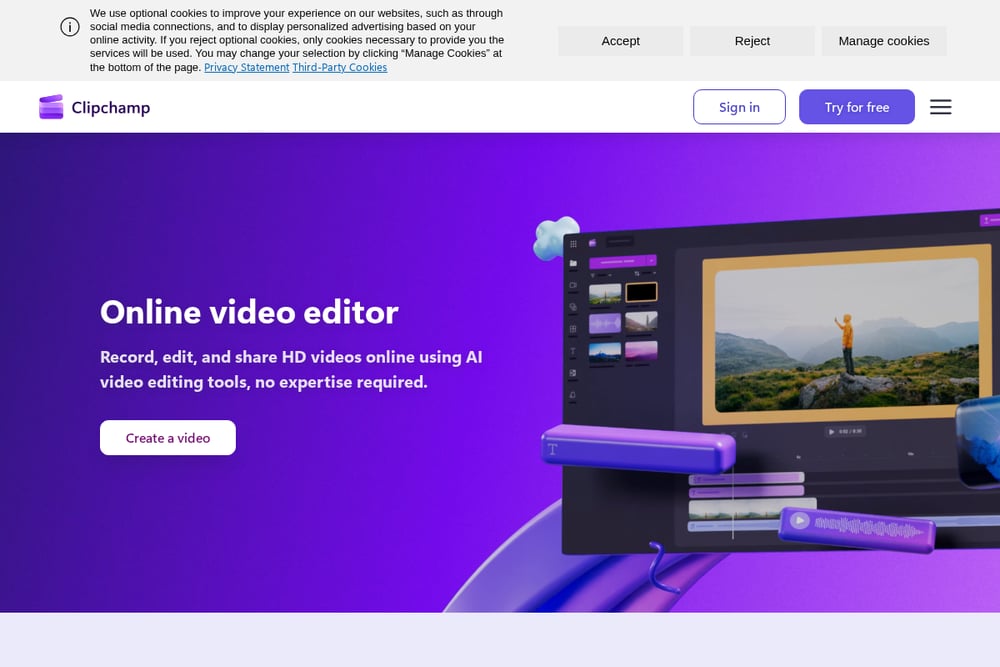 A screenshot of the Clipchamp website.
Clipchamp is a free, beginner-friendly video editor with a strong slideshow maker. You combine clips and photos into slides, then customize with templates, stock footage, transitions, effects, stickers, and text. The AI video editor can generate a polished slideshow from your uploads in a few clicks, and AI voiceover narration is available. It also includes a screen recorder, green screen, video trimmer, cropper, resizer, and brand kit tool. For work and education users, it fits neatly into existing Microsoft workflows. Start with Clipchamp.
How to Choose the Right Photo-to-Video Service
Start with the output you need. If you want a cinematic cut from stills with human pacing and sound design, look at hand-edited services like Digireels. If you need post-production capacity for existing footage, a team model like Picsera fits better. If you sell products online and need hundreds of optimized assets, soona's per-asset pricing is easier to budget. If you want to make slideshows yourself in a browser, VEED.IO and Clipchamp give you that control for free or low cost. Check turnaround, revision policy, and whether you preview before paying. Those three details separate a smooth project from a frustrating one.
Where Automation Fits in Your Workflow
Automation is great for repetitive tasks: resizing, background removal, subtitles, and template assembly. It is less great at pacing, camera movement, and emotional timing. A practical workflow uses both. Let an automated tool handle bulk edits and drafts, then bring in a human editor for the final cut that represents your brand. Digireels uses AI as a tool while keeping a professional editor in charge of creative decisions. Picsera automates non-creative steps to speed up delivery. soona automates asset processing at scale. VEED.IO and Clipchamp put automation directly in your hands. Match the level of automation to how much creative control you want to keep.
The Bottom Line
There is no single winner here because the jobs are different. Digireels is the pick when you have good stills and want a hand-edited cinematic video without risk. Picsera is the pick when you need a scalable editing team behind your existing footage. soona is the pick when e-commerce volume and per-asset pricing matter most. VEED.IO is the pick when you want a fast browser slideshow with AI help. Clipchamp is the pick when free, template-driven editing is the priority. Choose based on your photos, your deadline, and how much of the creative work you want to hand off.