
You have a photo you love and thousands of tiny pictures waiting to become it. These five mosaic makers turn that idea into something you can actually hold, print, or share.
The Photo Mosaic Landscape in 2026
Photo mosaics have quietly become one of the most personal digital-to-physical products you can buy. You upload one main image, the tool breaks it into a grid, and each cell gets filled with a smaller picture from a library or your own collection. The result reads as your photo from across the room and as a gallery of moments up close.
The market splits into two clear camps. Some services lean on their own curated image libraries, so you get a mosaic without gathering hundreds of photos yourself. Others ask you to supply the small tiles, which makes the final piece deeply personal but requires more prep.
Pricing models vary just as much. You will find free previews with paid high-resolution downloads, print-first shops that ship canvas or poster, and hybrid tools that let you create for free and pay only when you want a file or a physical product. Delivery is almost always digital for the file-based options, while print shops add shipping time and material choices.
What matters most is fit. A gift for a parent, a wedding keepsake, a classroom project, and a corporate wall piece all pull you toward different tools. The five below cover that range well.
How We Evaluated These Mosaic Makers
We looked at the same factors across every service so you can compare apples to apples.
Service scope: Does the tool handle just digital files, or does it also offer prints, canvas, video, and live event mosaics? Pics2Pics stays focused on digital downloads from A4 to A1, while Picture Mosaics stretches into murals and interactive installations.
Pricing clarity: Can you see what you pay before you commit? EasyMoza publishes a digital file price and a print starting price. Mosaically separates free low-res downloads from paid high-res files and prints. Mosaic-Maker.com leads with a starting price and a free preview.
Tile source: Do you bring your own small photos, or does the service supply a library? Pics2Pics uses a built-in library of 56,540 tiny pictures. EasyMoza and Mosaic-Maker.com expect your own photo collection. Mosaically and Picture Mosaics support both approaches.
Ease of use: How fast can you go from upload to preview? Pics2Pics runs an automatic photo check and shows a watermarked A4 preview first. Mosaically and EasyMoza both advertise free creation and preview. Picture Mosaics offers a free-to-begin creator with pro design services on top.
Output options: Digital JPEG, print, canvas, video, or live experience. Pics2Pics delivers a 600 dpi JPEG. EasyMoza offers canvas, poster, dibond, acrylic, file, and video. Picture Mosaics covers prints, murals, video mosaics, and live walls. Mosaic-Maker.com centers on printed mosaics from $19.95.
Privacy and retention: How long are your photos kept? Pics2Pics deletes your photo after 24 hours. EasyMoza deletes after 90 days for an order and 14 days for a saved mosaic. That transparency matters when the image is personal.
Here is the quick read on each service before the deep dive. Use it to shortlist two or three, then test them with the same photo.
| Provider | Best For |
|---|---|
| Mosaically | Free creation with collaborative sharing |
| Pics2Pics — Picture to Picture | Library-based mosaics with digital download |
| EasyMoza | Your own photos with print and video options |
| Picture Mosaics | Large-scale, event, and brand mosaics |
| Mosaic-Maker.com | Affordable printed mosaics with a free preview |
The 5 Photo Mosaic Makers in Detail
#1 Mosaically
 A screenshot of the Mosaically website.
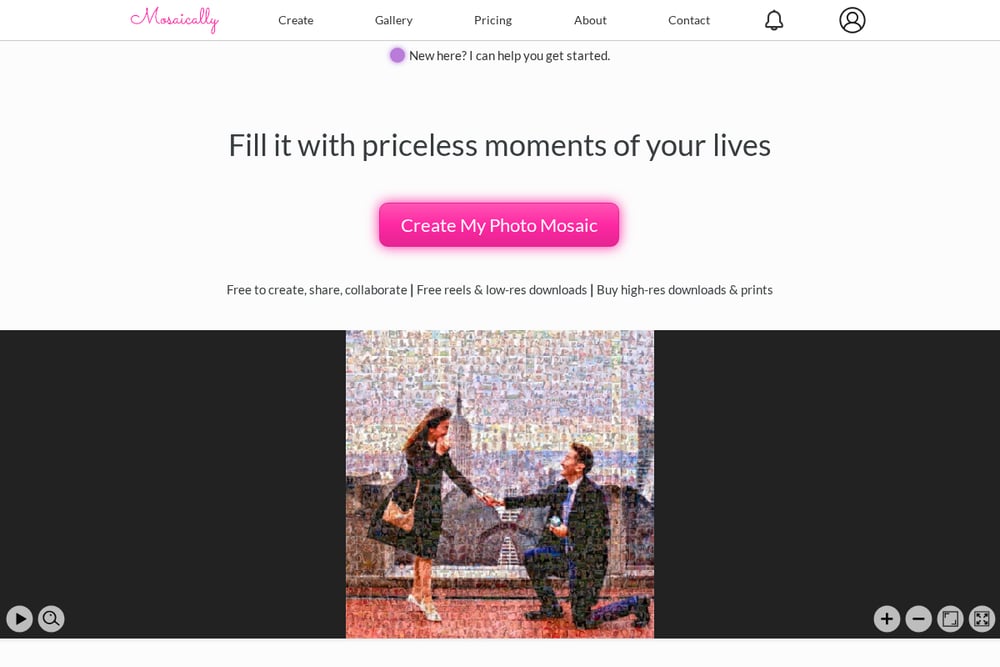
Mosaically positions itself as a free online photo mosaic creator with a strong collaborative angle. You can create, share, and collaborate on a mosaic, then download free reels and low-resolution files before deciding whether to buy high-resolution downloads or prints. The gallery shows real customer mosaics, from wedding portraits to pet photos, which helps you judge what your own image might look like. It is a good fit if you want to start free and upgrade only when the result earns it. The site also supports a range of occasions, so you are not locked into one use case.
#2 Pics2Pics — Picture to Picture
 A screenshot of the Pics2Pics — Picture to Picture website.
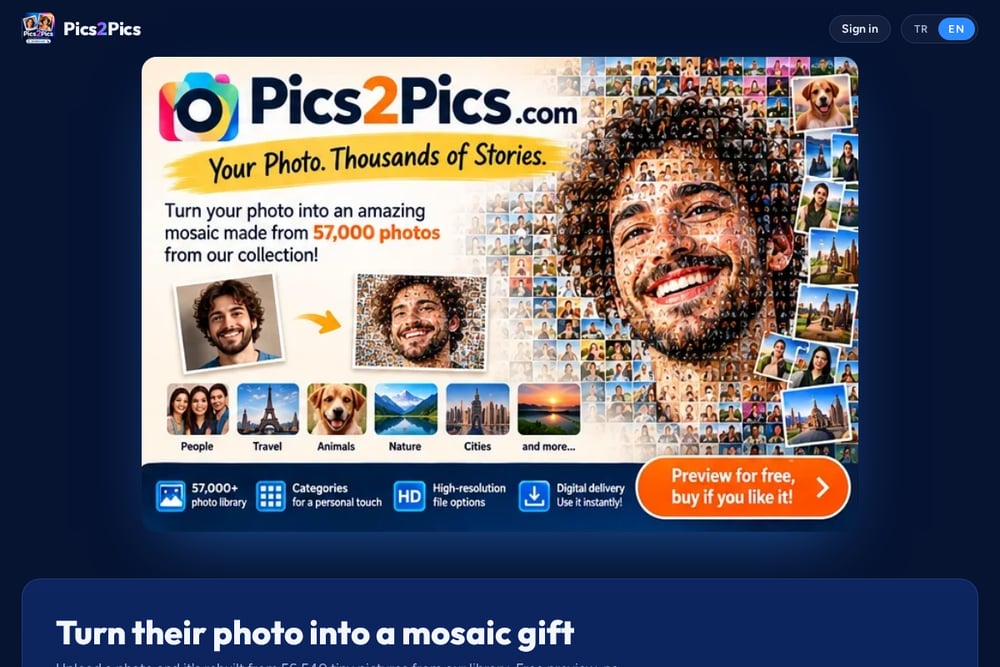
Pics2Pics takes a different route: you upload one photo and it becomes a mosaic of 56,540 tiny pictures from the site's own library. That means no gathering of hundreds of small images on your end. The tool runs an automatic photo check and warns you if the details are too small before you even see a preview. You start with a watermarked A4 preview, then can preview A3, A2, and A1 before buying the watermark-free digital file. Delivery is electronic, the file is a 600 dpi JPEG, and your uploaded photo is kept for 24 hours then deleted. It is a clean, focused option for anyone who wants a printable mosaic without a print order.
#3 EasyMoza
 A screenshot of the EasyMoza website.
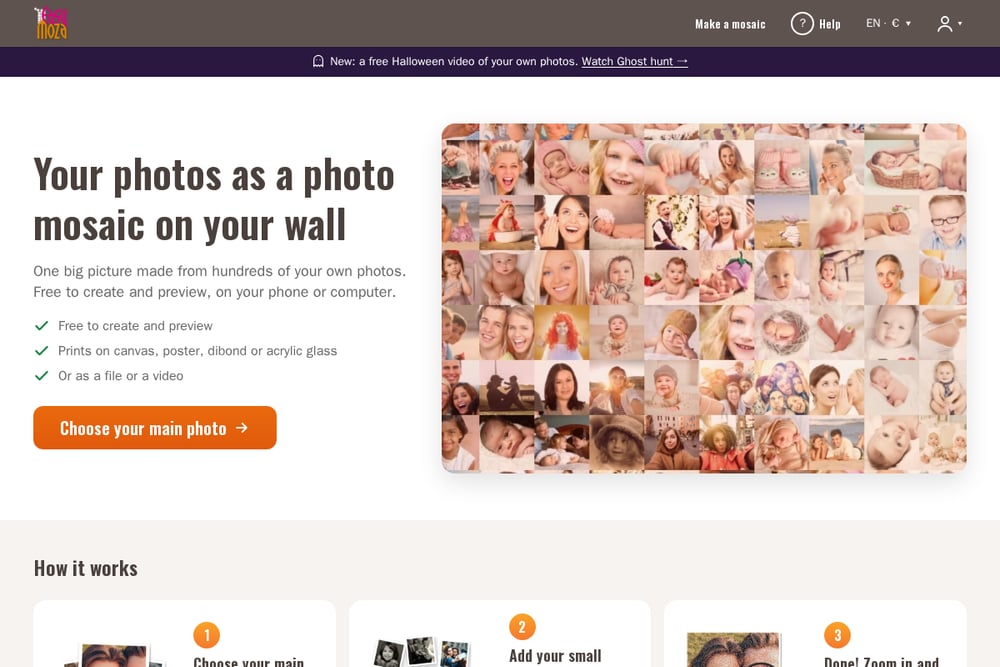
EasyMoza asks you to bring your own small photos, then builds the mosaic in your browser. You choose a main photo, add your collection, and zoom in to admire the result before paying anything. The service recommends at least 20 small photos and says the mosaic really comes alive from about 300, with a cap around 5,000. Output options are broad: digital file, canvas, poster, dibond, acrylic, and even a video with music. Pricing is transparent, with prints starting around €49 and digital files from €5.95. Photos are deleted after 90 days for an order and 14 days for a saved mosaic, and the servers are in the EU.
#4 Picture Mosaics
 A screenshot of the Picture Mosaics website.
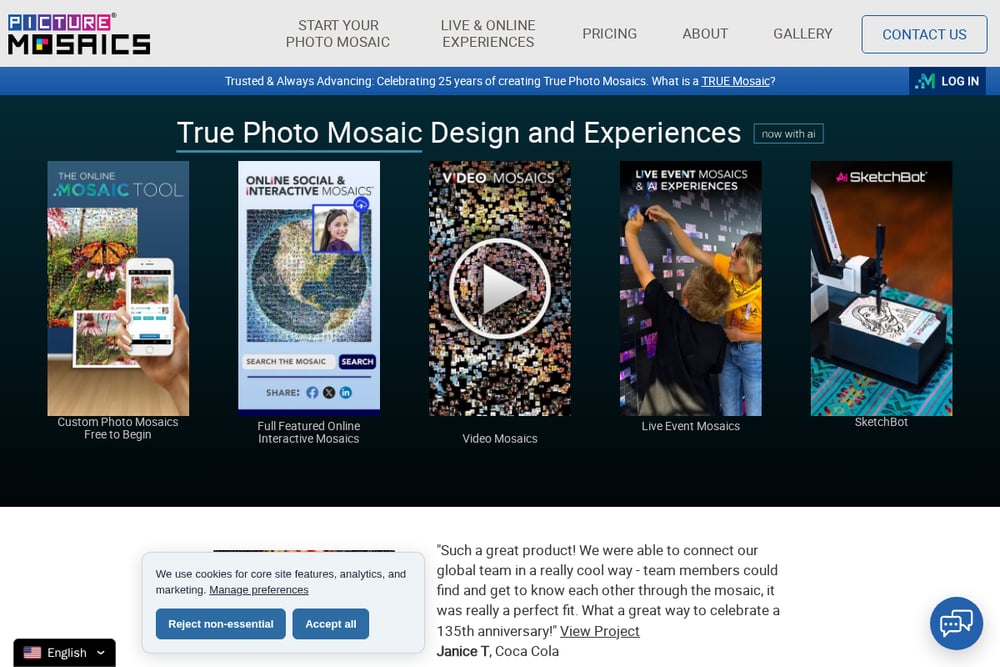
Picture Mosaics has been in the game for 25 years and leans into the idea of a true mosaic. The free creator is full-featured, but the real depth is in the pro services: prints at 2880+ dpi, murals, video mosaics, live event walls, and interactive online experiences. The client list includes major brands, and the site claims over 900,000 mosaics created. If you need a mosaic for a wedding, a corporate anniversary, or a live activation, this is the most production-ready option on the list. For a simple personal download, it may be more than you need.
#5 Mosaic-Maker.com
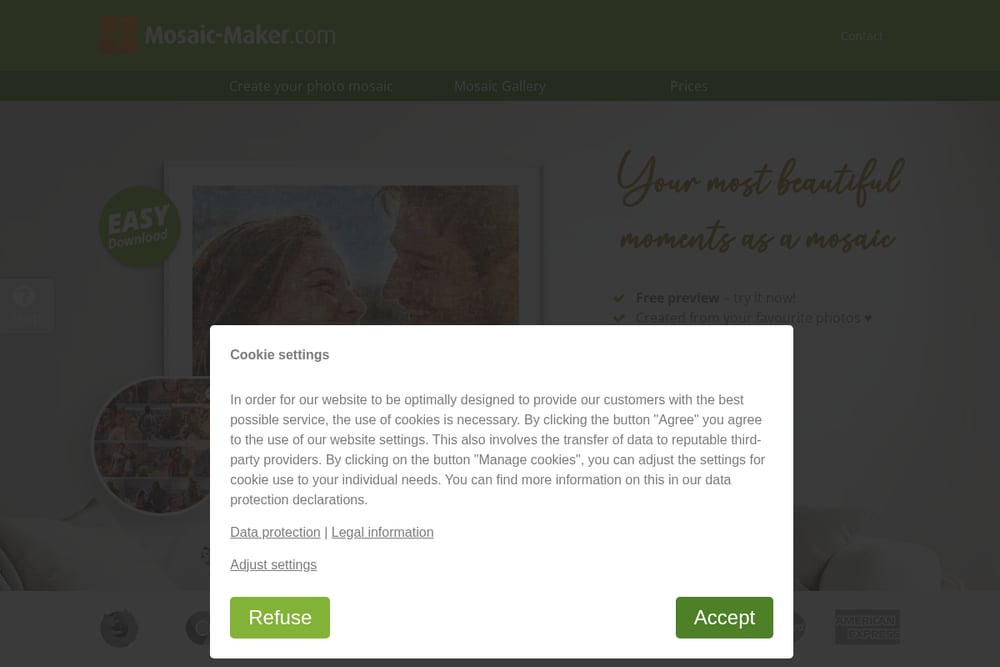 A screenshot of the Mosaic-Maker.com website.
Mosaic-Maker.com keeps things simple with a three-step flow: upload your main image, upload your individual photos, and create the mosaic. A free preview lets you try before you buy, and printed mosaics start from $19.95. The site collects verified customer reviews from cities like Bradford, Milwaukee, Glasgow, Portland, and Orlando, which gives you a sense of the buyer experience. It is a print-first service, so the end product is a physical mosaic rather than a digital file. That makes it a straightforward choice if you want a gift shipped to your door.
How to Choose the Right Mosaic Maker
Start with the tile source. If you do not want to gather hundreds of small photos, pick a service with a built-in library like Pics2Pics. If the whole point is to use your own memories, EasyMoza and Mosaic-Maker.com are built around that.
Next, decide on the output. A digital JPEG is enough if you plan to print locally or share online. Pics2Pics delivers a 600 dpi file, and EasyMoza sells a digital file too. If you want a canvas, poster, or acrylic piece shipped to you, EasyMoza and Mosaic-Maker.com are the natural picks. For murals, live walls, and video mosaics, Picture Mosaics is in a different league.
Then check the preview. Every service here lets you see something before you pay, but the terms differ. Pics2Pics shows a watermarked A4 first and then A3, A2, and A1. Mosaically offers free low-res downloads. EasyMoza and Mosaic-Maker.com both advertise free creation and preview. Use the preview to test your actual photo, not a stock image.
Finally, look at privacy and price. Pics2Pics deletes your photo after 24 hours. EasyMoza deletes after 90 days for an order and 14 days for a saved mosaic. Pricing ranges from free previews to paid downloads and prints starting around $19.95. Match the retention window and the price to how sensitive your photo is and how much you want to spend.
A Simple Mosaic Workflow You Can Automate
You can turn this into a repeatable process without much effort. First, pick one main photo and run it through two or three mosaic makers to compare previews. Second, keep a folder of 200 to 500 small photos ready if you are using a bring-your-own-tiles service like EasyMoza or Mosaic-Maker.com. Third, save the preview images with a naming convention that includes the service and size, so you can compare A4 versus A1 later. Fourth, set a reminder to download your purchased file from the account area, since delivery is electronic and easy to forget. Fifth, if you are ordering a print, note the production and shipping time separately from the digital preview time. That five-step loop keeps you from re-uploading the same photo five times and makes the final choice obvious.
The Bottom Line on Photo Mosaic Makers
There is no single winner here because the right tool depends on what you want to walk away with. If you want a library-based mosaic and a clean digital download, Pics2Pics is the most focused option. If you want to create for free and collaborate, Mosaically is hard to beat. If your own photo collection is the star, EasyMoza gives you the most output formats. If you are producing something large, live, or brand-facing, Picture Mosaics has the deepest bench. And if you just want an affordable printed gift with a free preview, Mosaic-Maker.com keeps it simple. Test two of them with the same photo and the decision will make itself.