
Your brain is not a filing cabinet. These five tools catch what you throw at them so nothing slips through the cracks.
The Personal Assistant Market Is Splitting in Two
Personal productivity tools used to mean one thing: a notes app with a search bar. That era is over. Today the market splits into two camps. On one side sit capture-first tools that record, transcribe, and summarize whatever you feed them. On the other sit private, on-device notebooks that never touch a cloud. Buyers are getting pickier about where their data lives, and vendors are responding with offline processing, biometric locks, and no-account setups. The result is a crowded field where privacy claims and input flexibility matter as much as features. If you are choosing right now, you are choosing a philosophy as much as a product.
How We Evaluated These Tools
We looked at the same factors for every tool. First, input flexibility: can it handle voice notes, photos, forwarded messages, or just typed text? Second, scope: does it organize one slice of life or several? Third, privacy posture: cloud processing, on-device processing, or something in between. Fourth, pricing clarity: is the cost obvious before you commit? Fifth, fit for a US-based user juggling work and personal life. Iris stood out for breadth of life areas and an explicit confidentiality promise. Pocket stood out for hardware-backed conversation capture. Voicenotes stood out for its professional-versus-personal framing. OwnNotes stood out for fully offline AI with no account. Pixno stood out for turning photos into structured notes with exports to tools you already use.
Here is the short version. Five tools, five different jobs. Scan the list, then read the deep dives to see which one matches how you actually work.
| Provider | Best For |
|---|---|
| Recording and summarizing real-world conversations | |
| Iris | Organizing every corner of personal life in one place |
| Voicenotes | One note-taking workflow across work and personal life |
| OwnNotes - Private AI Notes | Fully offline AI notes with zero cloud dependency |
| Pixno | Converting photos and documents into structured notes |
The Five Tools, One by One
#1 Pocket
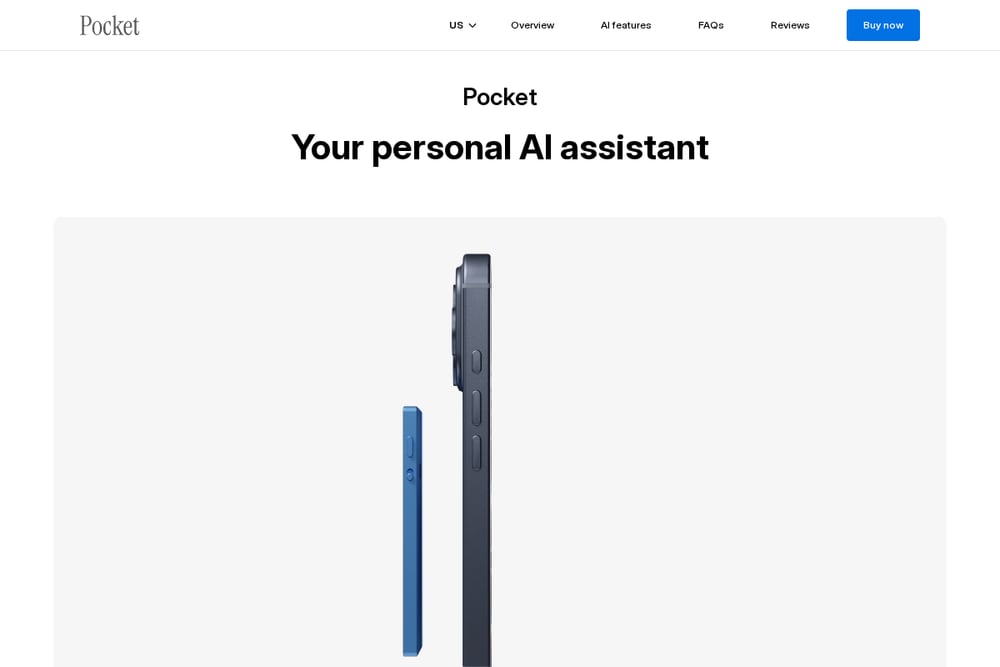 A screenshot of the Pocket website.
Pocket is a dedicated device plus AI service built around one idea: capture your mind in motion. Tap once and it records calls and conversations, then delivers a transcript and summary right after. No screens, no fiddling. The company positions it for people who need to stay present, from therapists taking client notes to realtors summarizing buyer calls. It ships with unlimited minutes for life and lifetime core features, and the first 30 days of subscription are free after delivery. If your problem is forgetting what was said, this solves it directly.
#2 Iris
 A screenshot of the Iris website.
Iris takes a different angle: it wants to be your assistant for your whole life, not just your meetings. Send a voice note, a photo, or a forwarded message, and it sorts things across plans, people, money, health, the house, and the next trip. The pitch is deliberately personal. As the site puts it, "I'm yours alone. Nobody else gets in, and nothing you tell me gets out." Access is invite-based, which keeps the experience private and controlled. If you want one place to dump everything and have it organized for you, this is the closest match on the list.
#3 Voicenotes
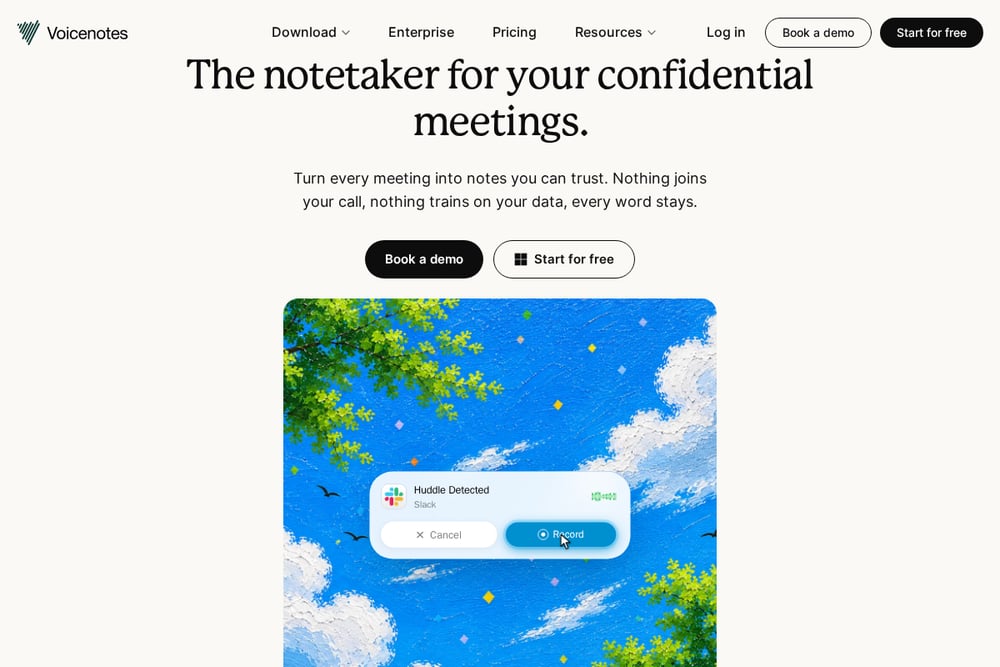 A screenshot of the Voicenotes website.
Voicenotes makes a strong case that note-taking tools should not force you into a box. Its own writing argues that most apps split rigidly into professional-only or personal-only, and that ideas do not follow a 9-to-5 schedule. The tool is built for fluid capture across contexts, whether you are in a Zoom meeting or walking the dog. Security and continuous AI improvement are treated as non-negotiables rather than upsells. If you want one app that follows you between work and home, this is a sensible fit.
#4 OwnNotes - Private AI Notes
 A screenshot of the OwnNotes - Private AI Notes website.
OwnNotes is the privacy purist's pick. It runs AI entirely on your device, with no cloud, no account, and no subscription. You get live voice-to-text, AI summaries, rewriting for grammar and tone, and brainstorming help, all offline. A biometric lock adds a second layer of protection, and your notes never leave the phone. It works on flights, in classrooms, and anywhere without a connection. If you refuse to hand your notes to a server, start here.
#5 Pixno
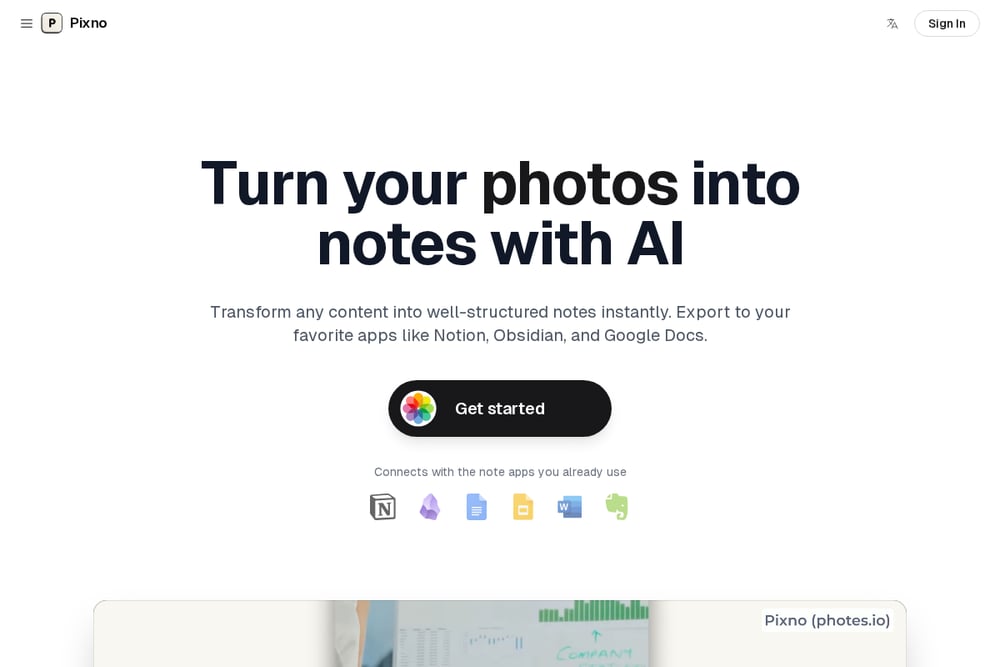 A screenshot of the Pixno website.
Pixno turns photos into notes. Snap a picture and get an organized text note in seconds, with AI enhancement to fill in context and find related readings. It exports to Notion, Obsidian, and Google Docs, so your notes land where you already work. You can browse notes like a social feed and share or collaborate in real time. There is also a dictation mode that types with your voice in any app on your computer. If your inputs are mostly images and documents, this is the natural pick.
How to Pick the Right One for You
Start with your inputs. If you mostly talk, pick a tool built for voice. If you mostly photograph receipts, whiteboards, and documents, pick one built for images. Next, decide how much you trust the cloud. OwnNotes keeps everything on-device, while Iris and Pocket process your content as a service. Then think about scope. Iris covers plans, money, health, home, and travel. Pocket covers conversations. Pixno covers documents. Voicenotes covers the general middle ground. Finally, check the cost model before you commit. Some tools charge a subscription, some offer lifetime features, and one asks for nothing at all.
Where the Automation Actually Saves You Time
The real win is not capture. It is what happens after. A voice note becomes a task. A photo becomes a filed record. A forwarded message becomes a reminder. Iris handles that sorting across life areas so you do not have to triage manually. Pocket turns a finished call into a summary and action items without you opening a laptop. Pixno pushes structured notes into Notion or Obsidian so your knowledge base stays current. OwnNotes summarizes and rewrites on-device, which means no upload wait. Pick the workflow that removes the step you hate most, and the tool will earn its place.
The Bottom Line
There is no single winner here, because these tools solve different problems. Iris is the broadest, covering your whole personal life with a strong confidentiality promise. Pocket is the best answer for conversations you need to remember. Voicenotes gives you one workflow across work and home. OwnNotes is for people who want AI without the cloud. Pixno is for the photo-heavy among you. Match the tool to your inputs and your privacy comfort level, and you will stop losing things.