A screen reader user hits your intake form and gets silence. That's not a niche problem anymore — it's a daily barrier for patients, clients, and applicants. Here are five services actually fixing it.
The state of PDF form accessibility
Most organizations still publish forms as scanned or printed pages saved to PDF. Those files look fine and fail completely for anyone using a keyboard or assistive technology. Remediation providers have stepped into that gap, but they range from enterprise consultancies to single-purpose specialists. The difference matters: general document remediation covers reports and brochures, while form accessibility demands labelled fields, logical tab order, and option groups that announce themselves correctly.
How these services were evaluated
Each provider was assessed on service scope (forms specifically versus documents broadly), pricing transparency, turnaround time, validation and reporting practices, and how clearly they state what they do and do not guarantee. No provider was scored on marketing claims alone.
Here's the short version before the detail. Each entry below earns its place for a different reason, so match the provider to your actual workload rather than the biggest logo.
| Provider | Best For |
|---|---|
| Allyant | Large organizations consolidating accessibility vendors |
| Readable Forms: PDF forms a screen reader can fill in | Small teams needing fast, affordable form fixes |
| Be Accessible | Mixed document libraries across many file types |
| Accessible.org | Buyers who want published per-page rates |
| Vispero | High-stakes forms needing assistive-tech expertise |
The five services in detail
#1 Allyant
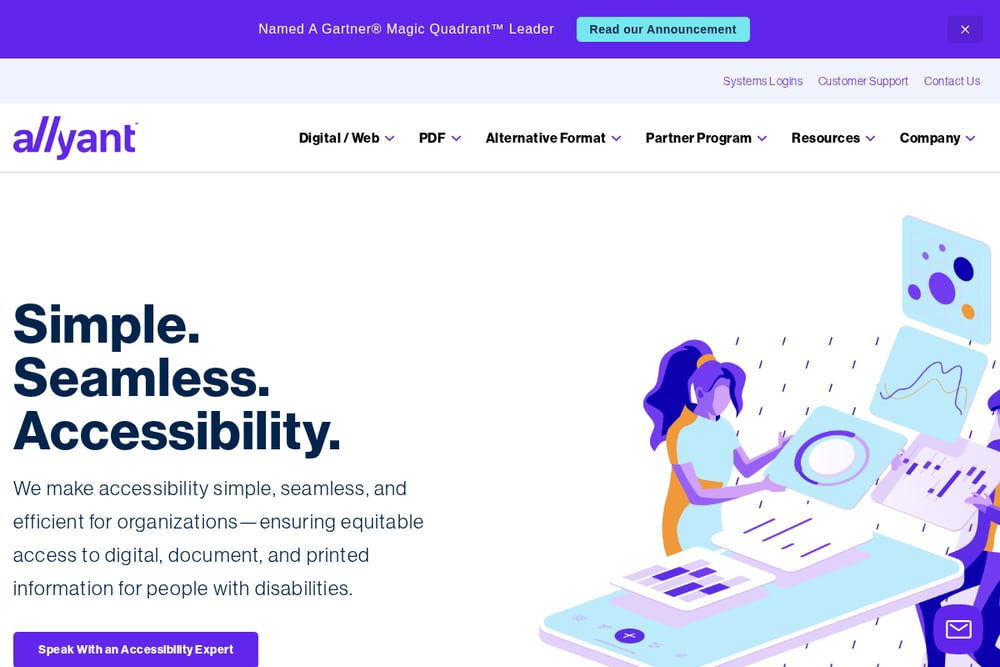 A screenshot of the Allyant website.
Allyant runs one of the broadest accessibility operations in the country, pairing a PDF remediation team with software, training, and VPAT support. If your organization needs a single vendor for web, mobile, documents, and alternative formats like braille, this is the kind of scale that makes procurement simple. Their PDF remediation service sits inside a larger compliance platform, which helps when legal and IT are already stretched. The trade-off is that you are buying into an ecosystem, not a focused form shop. Expect enterprise-style scoping rather than a flat per-form price.
#2 Readable Forms: PDF forms a screen reader can fill in
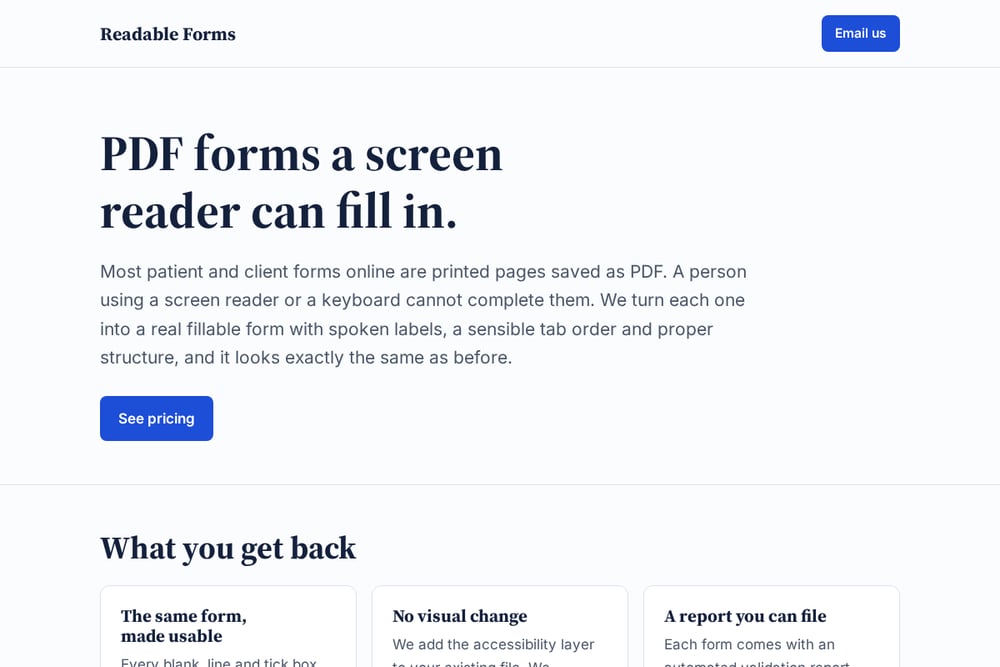 A screenshot of the Readable Forms: PDF forms a screen reader can fill in website.
Readable Forms does one thing and prices it plainly: about $12 a page for blank forms. Every blank, line, and tick box becomes a labelled field, yes-or-no choices become proper option groups, and headings and tables get marked for navigation. The visual result must match the original page for page, and you receive before-and-after PDF/UA-1 validation reports plus a plain-language list of changes. The honesty stands out — the site states outright that files are not certified, not a legal guarantee, and not yet tested by screen-reader users, with fixes offered free if a tester reports issues. Work is done by an AI document pipeline under owner Jackson Doherty, who is accountable for it, and files are checked by machine against the PDF/UA rules.
#3 Be Accessible
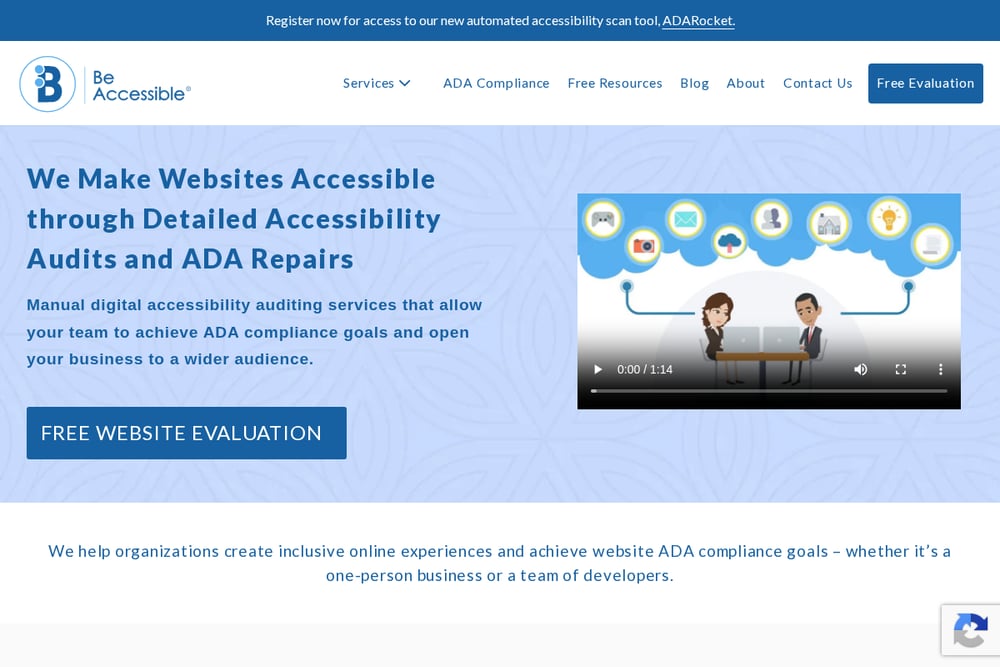 A screenshot of the Be Accessible website.
Be Accessible covers PDF remediation alongside Word, Excel, PowerPoint, and Publisher accessibility, which suits offices drowning in mixed document types. Their process assesses, verifies, and modifies files against required compliance rules, and they also offer accessibility testing and training. The pitch is broad service coverage rather than form-specific depth, so ask upfront how they handle interactive fields and tab order. They are a reasonable fit for schools, insurers, and financial firms that need a generalist partner. Pricing is quote-based, so clarity depends on your scoping conversation.
#4 Accessible.org
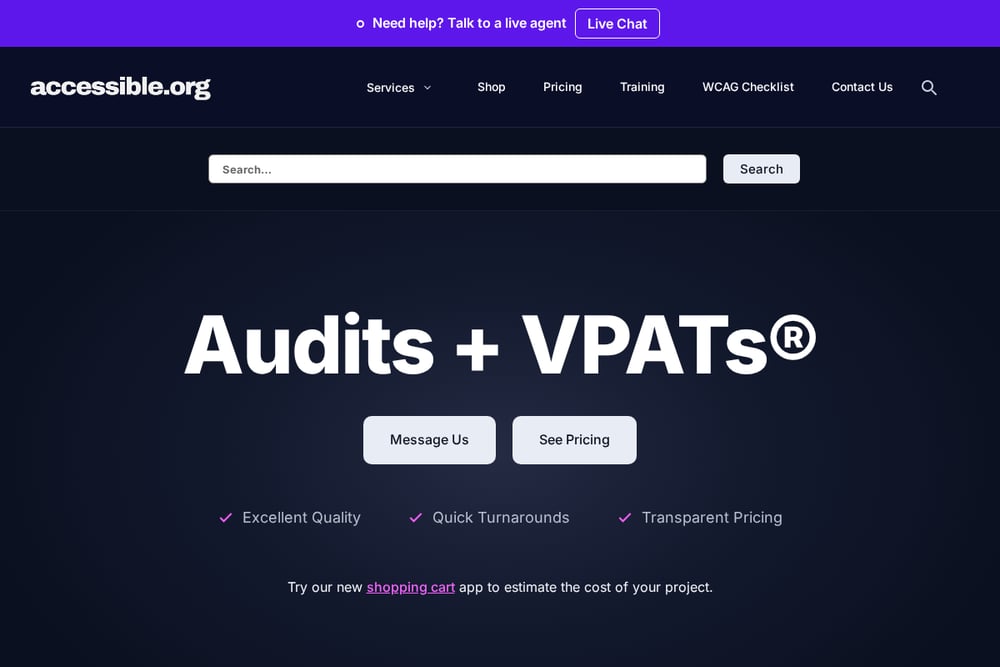 A screenshot of the Accessible.org website.
Accessible.org publishes unusually clear pricing tiers: simple remediation at $4.00–$7.50 per page, advanced at $7.50–$11.50, and complex at $11.50 and up. Their remediation explicitly covers form fields with appropriate labels and instructions, plus tags, alt text, table headers, and reading order. They also offer WCAG audits, VPAT work, and user testing, which helps if you want one partner across compliance needs. Per-page pricing favors long documents more than short forms, so run the math on your actual files. The transparency alone makes them easy to shortlist.
#5 Vispero
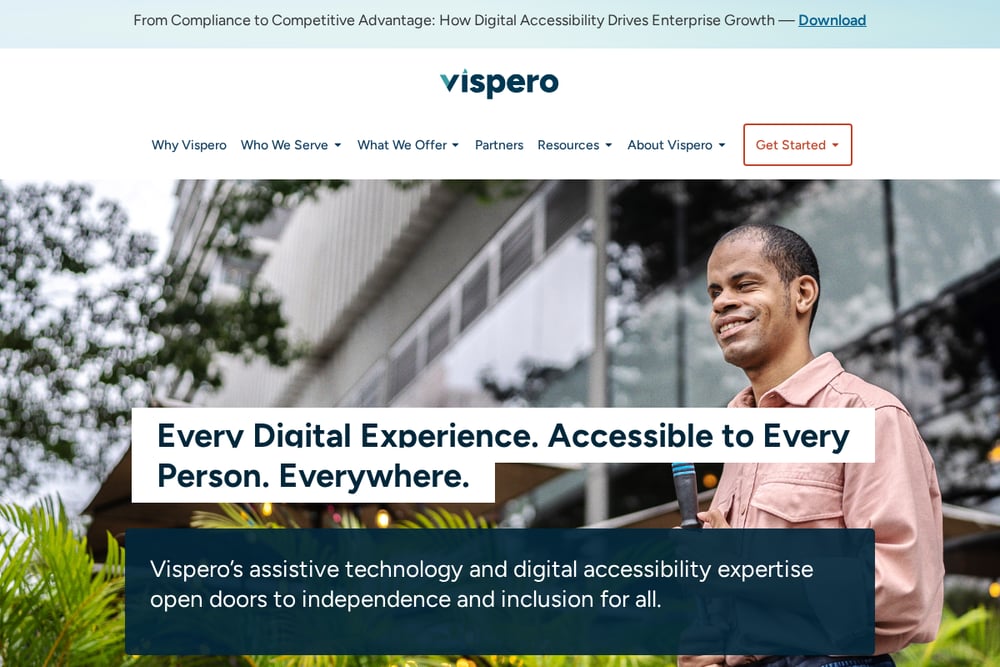 A screenshot of the Vispero website.
Vispero brings a rare credential: it makes JAWS, Fusion, and ZoomText, so its remediation team works alongside the assistive technology itself. Their messaging is pointed — automated tagging fails, and a form can be tagged yet still fail someone filling it out without sight. That perspective is valuable when your forms are complex or high-stakes. The service sits within a wider portfolio of audits, VPATs, and staffing, aimed at government and enterprise buyers. For a handful of simple forms, the engagement model may be heavier than you need.
How to pick the right provider
Start with volume. If you have a handful of short forms, a flat per-form price with a fixed turnaround beats an enterprise scoping call every time. If you have hundreds of pages across formats, per-page pricing and a broad service catalog will save you money. Next, ask what validation you receive. A before-and-after PDF/UA-1 report is a concrete artifact you can file; a vague assurance is not. Then check the honesty factor — any provider that claims certification or legal guarantees for automated remediation is overselling. Finally, confirm who does the work and who is accountable when something is wrong.
Where automation fits
Automated validation catches structural failures fast: missing labels, untagged tables, absent document language. It cannot judge whether a label reads naturally or whether the tab order matches how a human would fill the form. The practical workflow is automated checks first, human review of labels and reading order second, and real screen-reader testing third. Ask any provider which of those three steps they actually perform, and get it in writing.
The bottom line
Accessible forms are not a nice-to-have when your intake process runs on PDFs. The five services here cover the full spectrum, from enterprise platforms to a $149-per-form specialist. Match the provider to your volume, your budget, and how much validation evidence you need to file. And whatever you choose, insist on knowing exactly what was checked — that clarity is worth as much as the remediation itself.