
Your salary is not your take-home pay. These five calculators show you the real number, down to the city and county tax line.
The paycheck calculator market in 2026
Paycheck calculators have moved from simple federal withholding estimates to full local tax engines. In 2026, the gap between a gross salary and what lands in your account can swing by thousands of dollars depending on your state, city, and county. Most workers still underestimate local income taxes, and many tools still skip them entirely. The calculators that matter now are the ones that show every line, update rates against official sources, and let you model real-life variables like overtime, tips, and 401(k) contributions. Privacy also matters more than ever, since your pay data is sensitive. The five tools below take different approaches, but each one helps you answer the same question: what do you actually keep?
How these calculators were evaluated
Each tool was assessed on the same factors: scope of tax coverage, clarity of the output, local fit for US workers, privacy handling, and how well it handles real-world pay scenarios. Paycheck Calculator 2026 stands out for covering all 50 states, D.C., and 143 city and county taxes while running entirely in your browser. PaycheckCity stands out for its breadth of payroll-focused calculators and long-standing presence. SmartAsset stands out for pairing paycheck estimates with broader financial planning content. Calculator.net stands out for a straightforward, form-based approach that also handles W-4 steps. Treasury stands out for state-specific pages with clear per-paycheck breakdowns and a budgeting angle. No single factor decides the order; the goal is to match the tool to your situation.
Here is a quick look at the five calculators, what each does well, and who each one fits.
| Provider | Best For |
|---|---|
| PaycheckCity | Broad payroll calculator suite |
| Paycheck Calculator 2026: Take-Home Pay by State and City | Local tax accuracy and privacy |
| SmartAsset | Paycheck estimates with financial planning context |
| Calculator.net | Straightforward form-based estimates |
| Treasury | State-specific breakdowns with budgeting |
The five paycheck calculators in detail
#1 PaycheckCity
 A screenshot of the PaycheckCity website.
PaycheckCity has been a familiar name in payroll for years, and its calculator suite reflects that history. You can estimate net pay for salary and hourly employees, run bonus tax scenarios, and work backward from a desired take-home amount with net-to-gross tools. It also offers a W-4 assistant and dual-scenario comparisons for hourly and salary workers. The breadth makes it useful if you want one place to explore several payroll questions. It is a solid starting point for employees, freelancers, and small business owners who want quick estimates.
#2 Paycheck Calculator 2026: Take-Home Pay by State and City
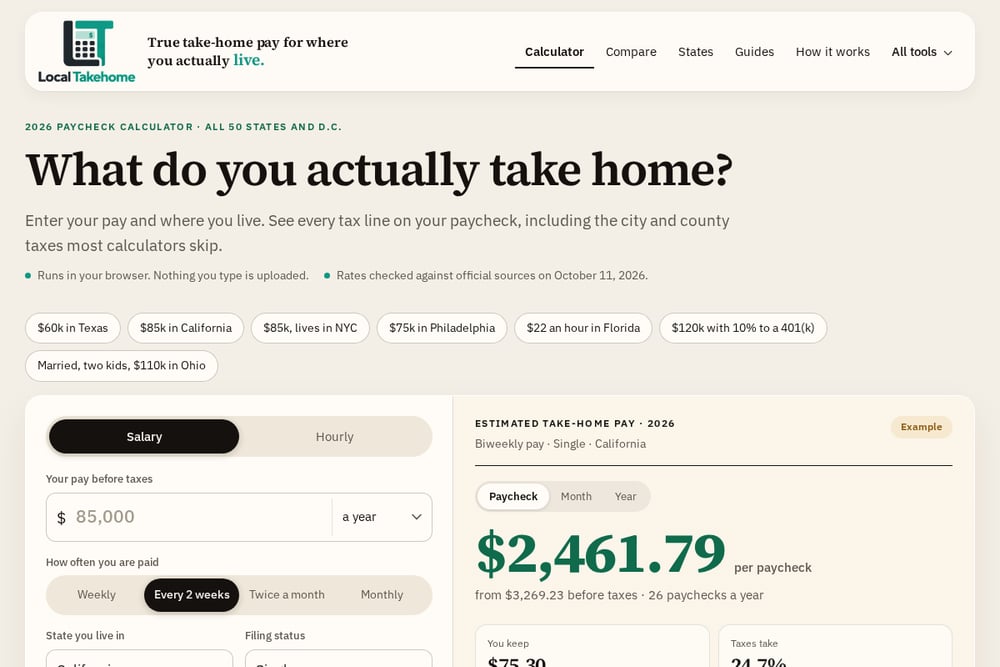 A screenshot of the Paycheck Calculator 2026: Take-Home Pay by State and City website.
This calculator focuses on the number most tools ignore: what you keep after city and county taxes. It covers all 50 states, D.C., and 143 local income taxes, and it shows every tax line instead of collapsing them into one figure. You can enter salary or hourly pay, add overtime and tips, model 401(k) contributions, and compare two offers side by side. Rates were checked against official sources on October 11, 2026, and everything runs in your browser, so nothing you type is uploaded. If you live in a place like New York City or Philadelphia, this is the level of detail you need.
#3 SmartAsset
 A screenshot of the SmartAsset website.
SmartAsset is best known for its financial planning content, and its paycheck calculator sits inside a much larger ecosystem of tax and retirement tools. You can estimate take-home pay, then jump to income tax, property tax, or retirement calculators without leaving the site. That makes it handy if you are thinking about the bigger picture, not just one paycheck. The trade-off is that local tax detail is lighter than what dedicated paycheck tools provide. It works well as a first stop when you want context alongside a number.
#4 Calculator.net
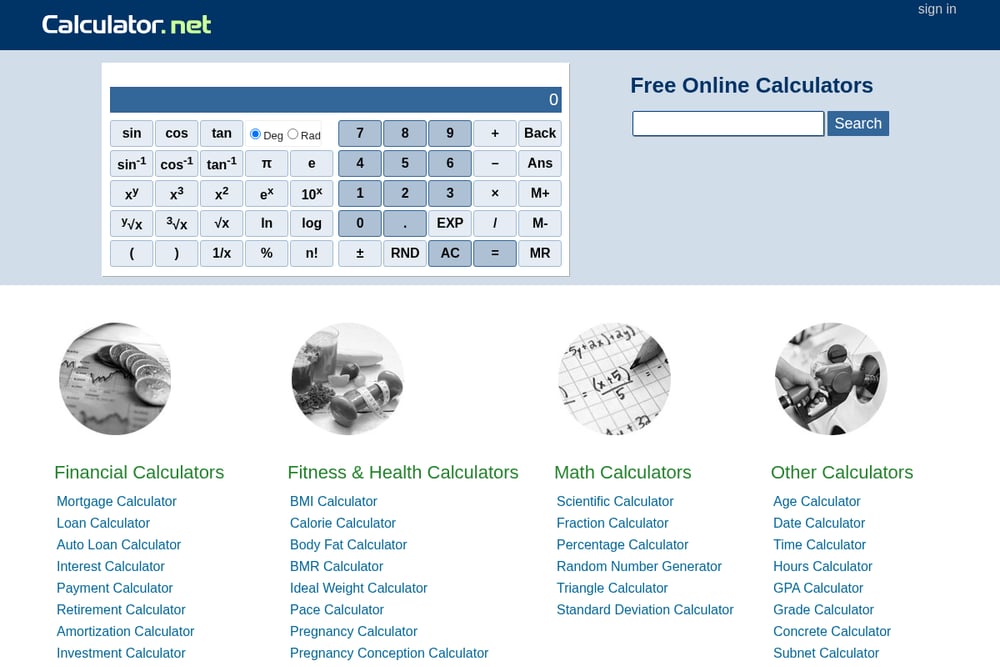 A screenshot of the Calculator.net website.
Calculator.net takes a no-frills approach: a single form where you enter salary, pay frequency, filing status, dependents, and deductions. It uses 2026 tax brackets and the updated W-4, and it can help you fill in steps 3 and 4 of the form. You can add city income tax rates and model qualified tips, overtime, and even passenger vehicle loan interest. The interface is plain, but the inputs are thorough. It is a good fit if you want a quick estimate without creating an account or navigating a dashboard.
#5 Treasury
 A screenshot of the Treasury website.
Treasury offers state-specific paycheck calculators, with pages that break down federal, state, and FICA taxes per paycheck. The South Carolina page, for example, shows a $75,000 salary translating to about $58,935 a year for a single filer, with each tax line itemized. It also connects the estimate to a budgeting view, which is a useful next step after you see your net pay. The state-by-state structure means you get a focused answer for where you live. It is a clean option if you want a per-state breakdown and a nudge toward planning.
How to choose the right paycheck calculator
Start with where you live. If your city or county levies an income tax, you need a tool that includes it, or your estimate will be too high. Next, decide what you want to model. If overtime, tips, or 401(k) contributions matter to your situation, pick a calculator that handles them line by line. Privacy is another factor: browser-based tools that do not upload your data are a safer choice for sensitive pay information. Finally, consider what you will do with the number. If you want to compare offers or plan a budget, look for side-by-side comparisons or budgeting features. Match the tool to your question, not the other way around.
Where automation fits into your paycheck planning
You do not need to recalculate by hand every time something changes. Set up a simple routine: enter your pay and location once, then update only what changes, like a raise, a new W-4, or a move. Use comparison tools to test two offers or two cities before you decide. If you contribute to a 401(k), model the percentage change to see the real cost per paycheck. For hourly workers, add overtime and shift differentials as separate lines so the math stays honest. Recheck rates after major tax updates, and keep a saved estimate for each scenario you care about. That turns a one-time calculation into a repeatable process.
The bottom line on take-home pay
Your gross salary is a starting point, not an answer. The five calculators here each help you get closer to the real number, whether you need broad payroll tools, local tax detail, planning context, a simple form, or a state-specific breakdown. Paycheck Calculator 2026 goes deepest on city and county taxes while keeping your data in your browser. PaycheckCity covers the widest range of payroll scenarios. SmartAsset and Calculator.net serve different kinds of quick checks, and Treasury gives you a focused state view. Pick the one that matches your question, and you will stop guessing what lands in your account.