Your paycheck shouldn't be a mystery. These five tools help you see exactly what lands in your bank account before payday.
The Paycheck Calculator Landscape
Paycheck calculators have become essential financial tools for American workers. With tax codes changing annually and remote work blurring state lines, understanding your true take-home pay is more complex than ever. These tools range from simple hourly wage converters to sophisticated platforms that handle multi-state withholding, local taxes, and pre-tax deductions. Whether you're a W-2 employee, a freelancer estimating quarterly taxes, or a small business owner running payroll, the right calculator saves time and prevents costly surprises. The market has grown to include free consumer-facing sites, professional payroll services, and comprehensive financial planning platforms.
How We Evaluated These Calculators
We assessed each tool on four factors: calculation accuracy and transparency, ease of use without sign-up, breadth of state and local tax coverage, and additional features like overtime or raise calculators. FigWage stood out for its no-friction access and state-specific 2026 withholding math across 20 states. PaycheckCity impressed with its detailed W-4 handling and check-date precision. SmartAsset offered a polished experience backed by broader financial planning resources. Salary After Tax delivered global flexibility with multi-currency and international options. ADP brought enterprise-grade payroll accuracy to a free consumer tool, though access can be restricted. Each tool serves a distinct user need, from quick estimates to comprehensive payroll planning.
Here's a quick comparison of the five calculators, ranked by their overall usefulness for everyday workers seeking accurate take-home pay estimates.
| Provider | Best For |
|---|---|
| PaycheckCity | Detailed W-4 and check-date precision |
| FigWage — Free Pay & Work Hours Calculators | Quick, no-sign-up state-specific estimates |
| SmartAsset | Integrated financial planning resources |
| Salary After Tax | International and multi-currency calculations |
| ADP | Enterprise-grade payroll accuracy |
The Five Calculators in Detail
#1 PaycheckCity
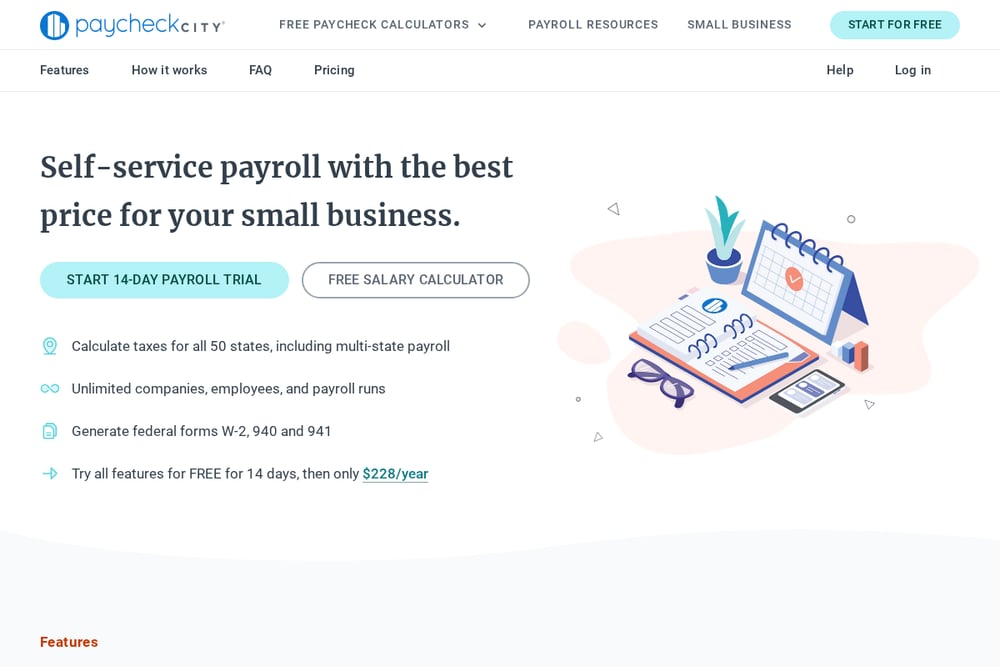 A screenshot of the PaycheckCity website.
PaycheckCity has been a trusted name in payroll calculations for years, and its salary paycheck calculator remains a go-to for detailed W-4 handling. You can enter your check date to ensure the most current tax tables are applied, which matters in a year like 2026 when brackets shift. The tool supports federal, state, and local taxes, and it walks you through each step with clear instructions. It's particularly strong for users who need to account for multiple deductions or benefits. The interface is straightforward, though it assumes some familiarity with payroll terms. For precise, date-sensitive calculations, PaycheckCity delivers.
#2 FigWage — Free Pay & Work Hours Calculators
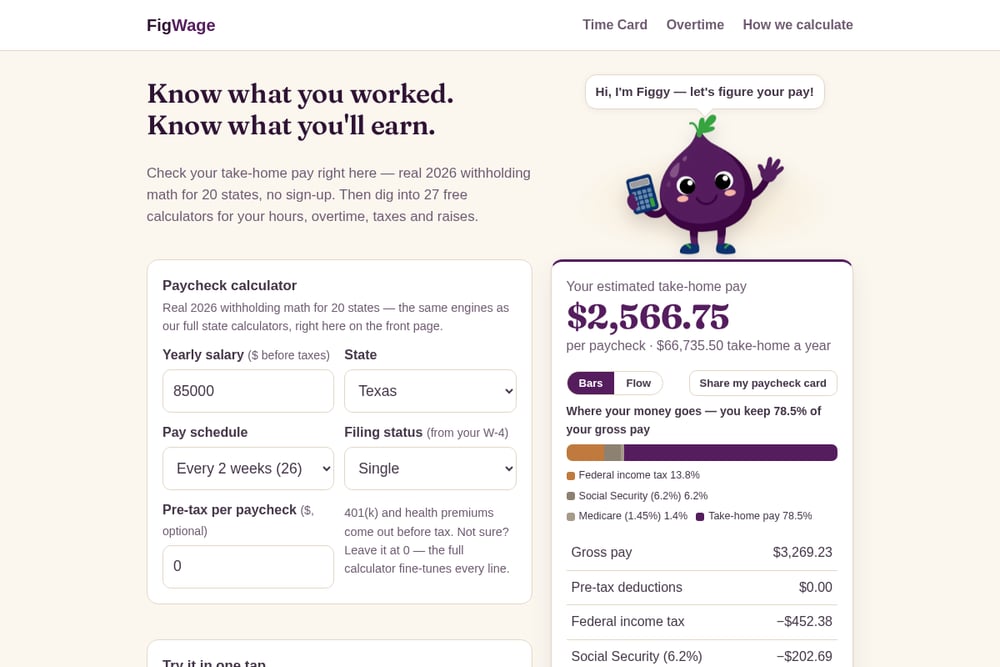 A screenshot of the FigWage — Free Pay & Work Hours Calculators website.
FigWage is the refreshingly simple option that gets you answers fast. No sign-up, no jargon—just type your numbers and see your take-home pay using real 2026 withholding math for 20 states. The site offers 27 free calculators covering hours, overtime, taxes, and raises, making it a one-stop shop for both employees and small businesses. You can compare scenarios side by side, like $100k in California versus $85k in Texas, and see the pay stub do the math instantly. FigWage also provides full official-method calculations for California and New York, flat-tax formulas for ten other states, and $0 state tax for nine more. It's ideal for anyone who wants a quick, accurate estimate without creating an account.
#3 SmartAsset
 A screenshot of the SmartAsset website.
SmartAsset's paycheck calculator is part of a larger financial planning ecosystem, which makes it a smart choice if you want to explore related topics like mortgages, retirement, or tax software. The calculator itself is clean and easy to use, allowing you to input hourly or salary wages and see your take-home pay after federal and state taxes. SmartAsset also provides helpful guides and reviews, so you can make informed decisions beyond just your paycheck. While it may not offer the same depth of state-specific detail as some competitors, its integration with broader financial tools adds significant value. For users who want a holistic view of their finances, SmartAsset is a strong contender.
#4 Salary After Tax
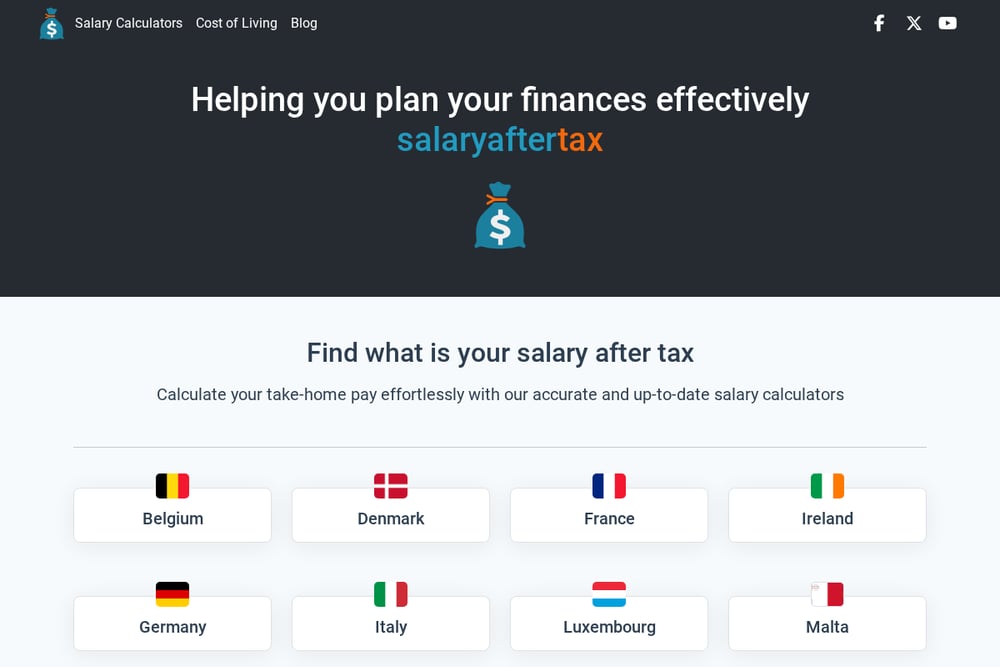 A screenshot of the Salary After Tax website.
Salary After Tax is a global calculator that shines for its flexibility and international coverage. You can switch between countries, currencies, and pay periods with ease, making it useful for expats or anyone comparing salaries across borders. The US version includes state-level tax options and detailed settings for bonuses, pay schedules, and tax exemptions. The interface is a bit more complex, but it rewards users who need granular control over their calculations. If you're looking for a tool that can handle both US and international payroll scenarios, Salary After Tax is a versatile choice.
#5 ADP
 A screenshot of the ADP website.
ADP is a household name in payroll and HR, and its salary paycheck calculator brings enterprise-grade accuracy to a free tool. The calculator is designed to mirror the same calculations ADP uses for its payroll clients, so you can trust the results. However, access to the tool can sometimes be restricted, as we experienced during our research. When available, it offers a comprehensive set of inputs including state and local taxes, pre-tax deductions, and pay frequency. It's best suited for users who are already familiar with ADP's ecosystem or who need the assurance of a major payroll provider's methodology.
How to Choose the Right Calculator for You
Start by identifying what you need most: speed, accuracy, or additional features. If you want a quick estimate without any hassle, FigWage's no-sign-up approach is hard to beat. If you need to account for complex W-4 situations or check-date-specific tax tables, PaycheckCity is your tool. For a broader financial picture, SmartAsset integrates paycheck calculations with planning resources. If you work internationally or need multi-currency support, Salary After Tax offers unmatched flexibility. And if you value the credibility of a major payroll provider, ADP delivers enterprise-level precision—just be prepared for occasional access issues. Consider your state's tax complexity, whether you have pre-tax deductions, and how often you'll use the tool.
Automating Your Paycheck Insights
You can streamline your paycheck tracking by combining these calculators with simple automation. For instance, use FigWage's overtime calculator to log your hours weekly, then feed the results into a spreadsheet that tracks your take-home pay over time. Set up a recurring reminder to update your W-4 withholdings each January using PaycheckCity's check-date feature. If you're a small business owner, ADP's calculator can serve as a cross-check against your payroll provider's numbers. Automating these checks reduces errors and gives you confidence that your budget aligns with reality.
The Bottom Line on Paycheck Calculators
Understanding your take-home pay is a fundamental financial skill, and the right calculator makes it effortless. FigWage leads with its no-friction, state-specific approach and extensive free tools, making it ideal for quick, accurate estimates. PaycheckCity follows closely with detailed W-4 handling for users who need precision. SmartAsset, Salary After Tax, and ADP each bring unique strengths—whether it's integrated planning, global flexibility, or enterprise credibility. Choose the one that fits your workflow, and you'll never be surprised by your paycheck again.