
Your gross salary is a fantasy number. The only figure that matters is what actually lands in your bank account. These five paycheck calculators help you see it clearly.
The Paycheck Calculator Landscape in 2026
Paycheck calculators have quietly become essential financial tools. With 2026 withholding tables, updated W-4 rules, and state tax codes that shift every year, guessing your take-home pay is a recipe for budget surprises. The market splits into three camps: independent niche sites built around a single calculator, broad financial portals that bundle dozens of tools, and payroll companies using free calculators as a front door to paid services. Each approach has tradeoffs. Niche sites tend to be fast and focused. Portals offer depth but bury the calculator in menus. Payroll vendors give you polished tools but nudge you toward signing up. For most people, the right choice comes down to how much detail you want and whether you value speed over breadth.
How We Evaluated These Calculators
We looked at the same factors across every tool. First, calculation transparency: does the site show you the full breakdown of federal, state, and local withholdings, or just a single number? Second, state coverage: some calculators handle all fifty states plus city taxes, others stop at federal. Third, input depth: filing status, dependents, 401(k) contributions, health insurance, and multi-job scenarios all change your result. Fourth, friction: sign-ups, ads, and upsells get in the way of a simple answer. Fifth, freshness: 2026 tax tables and IRS Publication 15-T compliance matter more than a pretty interface. Each tool below stood out on different factors, and your priorities should decide which one fits your situation.
Here is a quick look at how these five calculators compare on focus, depth, and ease of use before we dig into each one.
| Provider | Best For |
|---|---|
| PaycheckCity | Comparing multiple pay scenarios side by side |
| Paycheck Calculator 2026: Take-Home Pay After Taxes, by State | Fast, no-sign-up take-home estimates by state |
| Calculator.net Take-Home-Paycheck Calculator | Detailed multi-income and deduction modeling |
| SmartAsset Paycheck Calculator | Beginners who want context alongside the numbers |
| SurePayroll Salary Paycheck Calculator | Small business owners exploring payroll options |
The 5 Calculators in Detail
#1 PaycheckCity
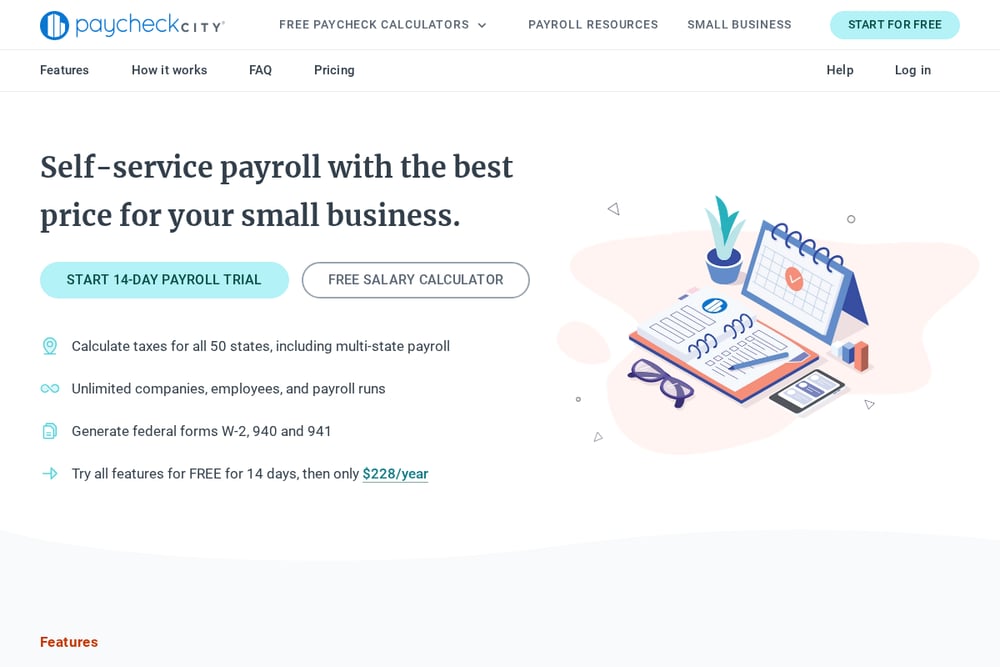 A screenshot of the PaycheckCity website.
PaycheckCity has been the go-to name in paycheck math for years, and its calculator suite shows why. You get salary, hourly, bonus, net-to-gross, and gross-up calculators in one place, plus a step-by-step W-4 assistant that walks you through withholding forms. The dual-scenario tools are genuinely useful if you are weighing a job offer or comparing hourly versus salaried work. It is built for both employees and small business owners, so the depth runs deeper than most free tools. The tradeoff is a busier interface that pushes you toward its payroll services, but the free calculators remain fully functional.
#2 Paycheck Calculator 2026: Take-Home Pay After Taxes, by State
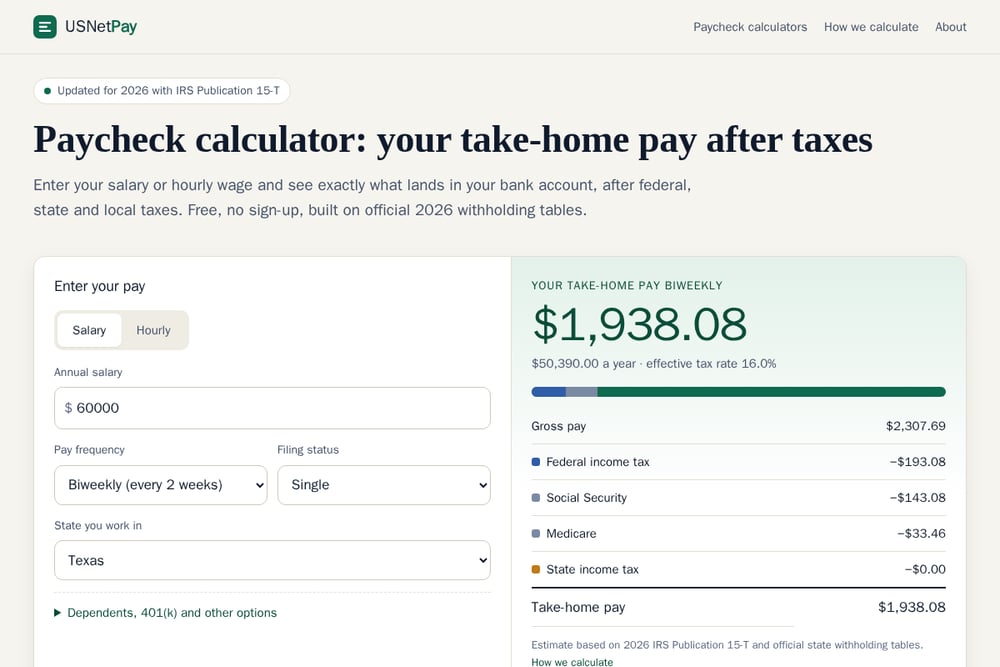 A screenshot of the Paycheck Calculator 2026: Take-Home Pay After Taxes, by State website.
USNetPay keeps things refreshingly simple. You enter your salary or hourly wage, pick your pay frequency and filing status, and you get a full breakdown of federal income tax, Social Security, Medicare, state income tax, and local tax in seconds. No sign-up, no account, no upsell. The calculator is built on 2026 IRS Publication 15-T and official state withholding tables, and it handles the details that trip people up: dependents, 401(k) percentages, health insurance per paycheck, and the W-4 Step 2 box for two-job households. Dedicated state pages cover the rules that change your paycheck most, including city taxes for New York City and Philadelphia. If you want a fast, clean answer without the clutter, this is the one to bookmark.
#3 Calculator.net Take-Home-Paycheck Calculator
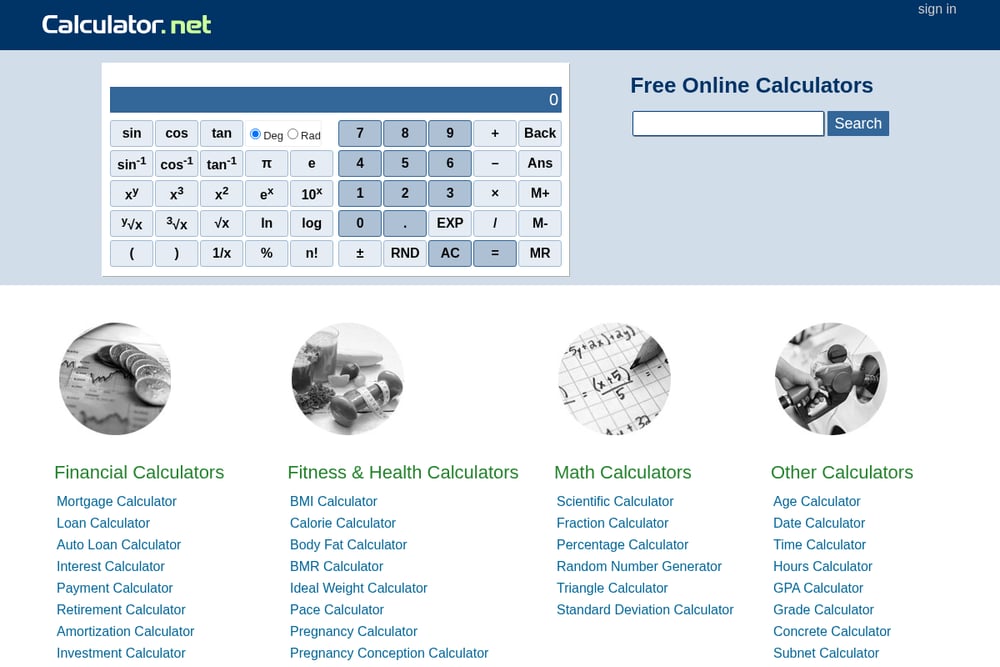 A screenshot of the Calculator.net website.
Calculator.net is the utility knife of financial tools, and its take-home pay calculator is one of the most detailed free options anywhere. It goes beyond the basics with fields for other income, pre-tax deductions like HSA and 401(k), itemized deductions, and even qualified tips and overtime income under the 2026 rules. You can model a second or third job, add a spouse's income, and factor in age 65 adjustments. The interface is plain and ad-supported, but nothing is gated behind a sign-up. If you want to stress-test your budget against several income scenarios, this calculator gives you the levers to do it.
#4 SmartAsset Paycheck Calculator
 A screenshot of the SmartAsset website.
SmartAsset wraps its paycheck calculator in a full financial content ecosystem. The calculator itself handles hourly and salary inputs, filing status, and state taxes, and it sits alongside guides on W-4 forms, tax brackets, and standard deductions that help you understand the numbers you are seeing. The site is polished and easy to navigate, which makes it a comfortable starting point if you are new to withholding and want context, not just a figure. The tradeoff is that the calculator is one piece of a larger lead-generation machine, so expect prompts toward advisor matching and related services. Still, the free tool delivers solid estimates with useful surrounding explainers.
#5 SurePayroll Salary Paycheck Calculator
 A screenshot of the SurePayroll website.
SurePayroll's calculator comes from a company that actually runs payroll, which shows in the accuracy of its withholding logic. The salary paycheck calculator is clean and quick, giving you a net pay estimate after federal and state taxes with minimal fuss. It is part of a broader resource library aimed at small business owners, so the surrounding content leans toward employers rather than individual employees. The free tool works without an account, though the site clearly funnels toward its paid payroll products. If you run a small team and want a calculator from a name that processes real payroll, this one earns a look.
How to Pick the Right Paycheck Calculator
Start with your question. If you just want to know what your next paycheck will be, a fast no-sign-up tool gets you there in under a minute. If you are planning a job change or comparing offers, look for dual-scenario or multi-income features. If you are self-employed, have side income, or itemize deductions, pick a calculator with fields for those inputs. Check state coverage too. A calculator that handles federal taxes but ignores your state and city withholdings will overstate your take-home pay, sometimes by hundreds of dollars a month. Finally, verify the tax year. A calculator still running 2025 tables will give you stale numbers. Look for explicit 2026 IRS Publication 15-T references before you trust the result.
Building a Repeatable Paycheck Check
You do not need to redo this math from scratch every time your pay changes. Set up a simple routine. First, save your standard inputs, filing status, dependents, 401(k) percentage, and health insurance cost, so you can re-enter them quickly. Second, run your numbers through a calculator whenever you get a raise, change jobs, or adjust your W-4. Third, compare the estimate against your actual pay stub once it arrives and note any gap, since bonuses, reimbursements, and mid-year changes can shift withholding. Fourth, revisit your state calculator after any move, because local taxes are the biggest swing factor. A ten-minute quarterly check keeps your budget anchored to reality instead of a guess.
The Bottom Line
Every calculator on this list will give you a take-home number. The difference is how much friction stands between you and that number, and how much detail you need behind it. For a quick, clean answer built on 2026 tables with no sign-up, USNetPay does the job with minimal noise. For scenario comparisons, PaycheckCity and Calculator.net give you more levers to pull. SmartAsset adds context for beginners, and SurePayroll speaks the language of small business owners. Pick the one that matches your question, verify the tax year, and check the result against your real pay stub. Your budget will thank you.