
You need a passport or visa photo that passes on the first try. These five tools help you take it at home, check it against official rules, and avoid a wasted trip to the pharmacy.
What are Creative & Digital Services services?
Passport and visa photo tools have moved from studio booths to your browser. You can now shoot a photo on your phone, get live guidance on head size and eye level, and run compliance checks before you submit. The category splits into two camps: services that edit your photo with AI or human retouchers, and services that keep your image untouched and rely on guidance instead. Pricing ranges from free previews to a few dollars per download, and guarantees vary from money-back promises to double refunds. The common thread is convenience, but the details matter when a consulate rejects a photo over a shadow or a smile.
What we looked at when researching Creative & Digital Services
We looked at service scope, pricing clarity, privacy approach, compliance checks, and local fit for US applicants. Each tool was evaluated on the same factors: how many document types it covers, whether pricing is shown upfront, how it handles your photo data, how many official rules it checks, and whether it supports US passport and visa sizes alongside other countries. The goal is to help you match a tool to your situation, not to crown a single winner.
| Provider | Best For |
|---|---|
| PhotoAiD | Hands-off processing with expert review |
| Passport & Visa Photos From Your Phone | SnapToSubmit | Privacy-first, no-edit compliance |
| Visafoto | Fast turnaround and wide country coverage |
| PixPassport | Free pre-checks before you pay |
| PhotoGov | Free daily photos in a browser |
A closer look at 5 standout Creative & Digital Services
#1 PhotoAiD
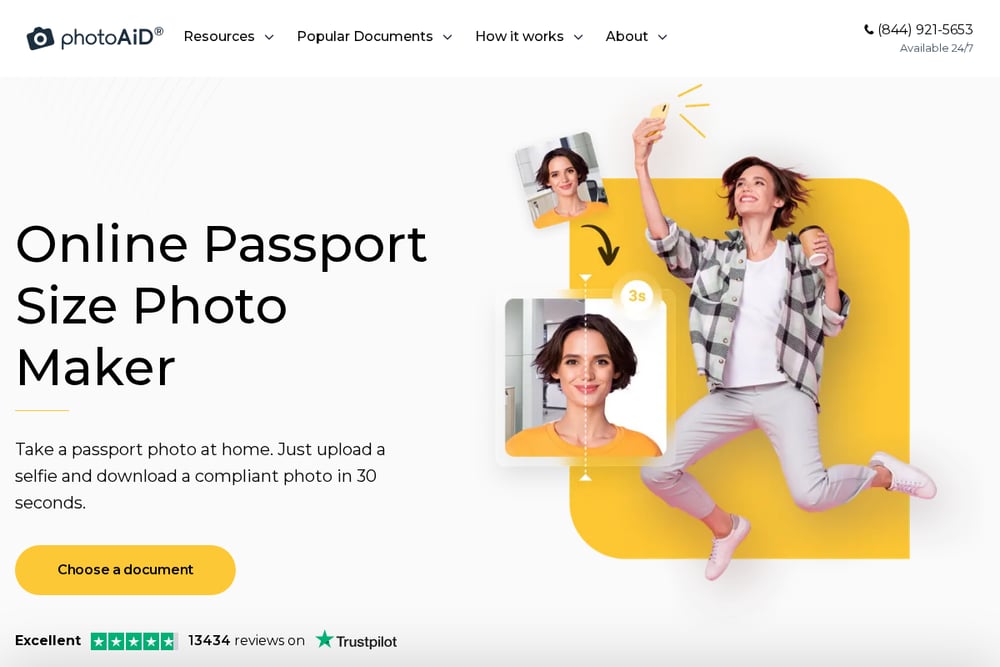 A screenshot of the PhotoAiD website.
PhotoAiD combines AI processing with human expert verification, so your photo gets a second look before you download it. You upload a selfie or take a new one, and the system crops, resizes, and adjusts the background to meet document specs. The service covers US passports, visas, USCIS photos, and many other countries, and it backs compliance with a double money-back guarantee. Pricing is straightforward, and the app works on both iOS and Android. If you want a hands-off experience with a human safety net, this is a strong fit.
#2 Passport & Visa Photos From Your Phone | SnapToSubmit
 A screenshot of the Passport & Visa Photos From Your Phone | SnapToSubmit website.
SnapToSubmit takes a different approach: no AI editing, ever. You get live camera guidance and 15 official rule checks that run in your browser, and your photo never leaves your phone. The tool supports US, UK, Australia, and Schengen sizes, plus baby passport photos and custom dimensions. You see a free preview before you pay, and downloads are free during the launch offer. A money-back guarantee covers rejections, and you can print up to eight photos on one 4x6 sheet. It is built for people who want to follow the no-edited-photos rule without guesswork.
#3 Visafoto
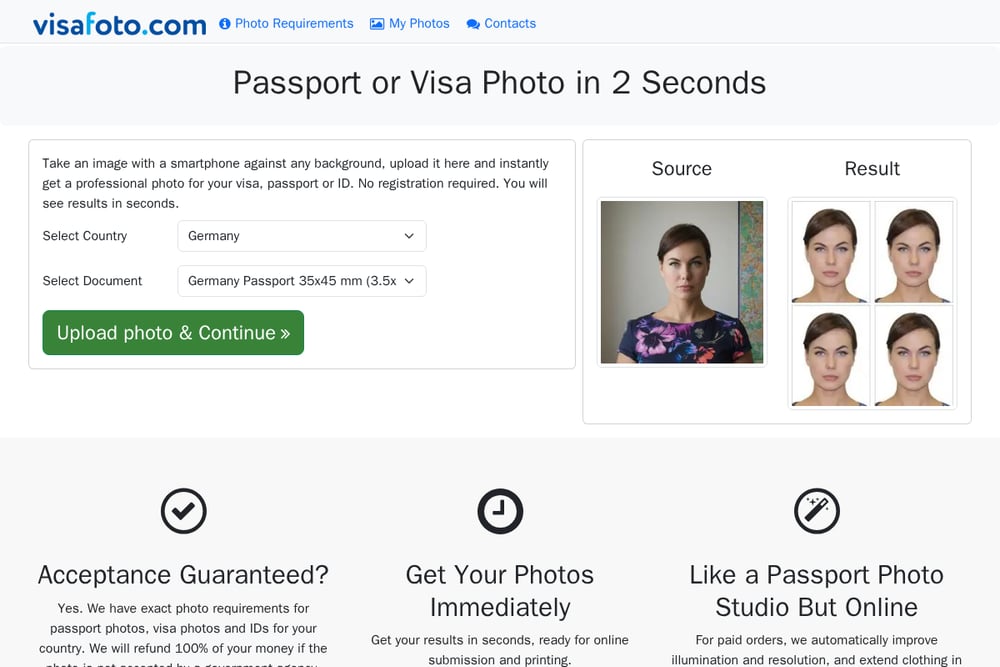 A screenshot of the Visafoto website.
Visafoto promises results in seconds and claims a 99.7% acceptance rate across more than a million photos. You upload an image against any background, and the service returns a professional-looking photo for your visa, passport, or ID. Paid orders include automatic improvements to lighting and resolution, plus clothing extension to achieve a studio look. A 100% refund applies if a government agency rejects your photo. The service covers a wide range of countries, including exotic visa types that pharmacies rarely handle. It is a practical choice when you need speed and broad document coverage.
#4 PixPassport
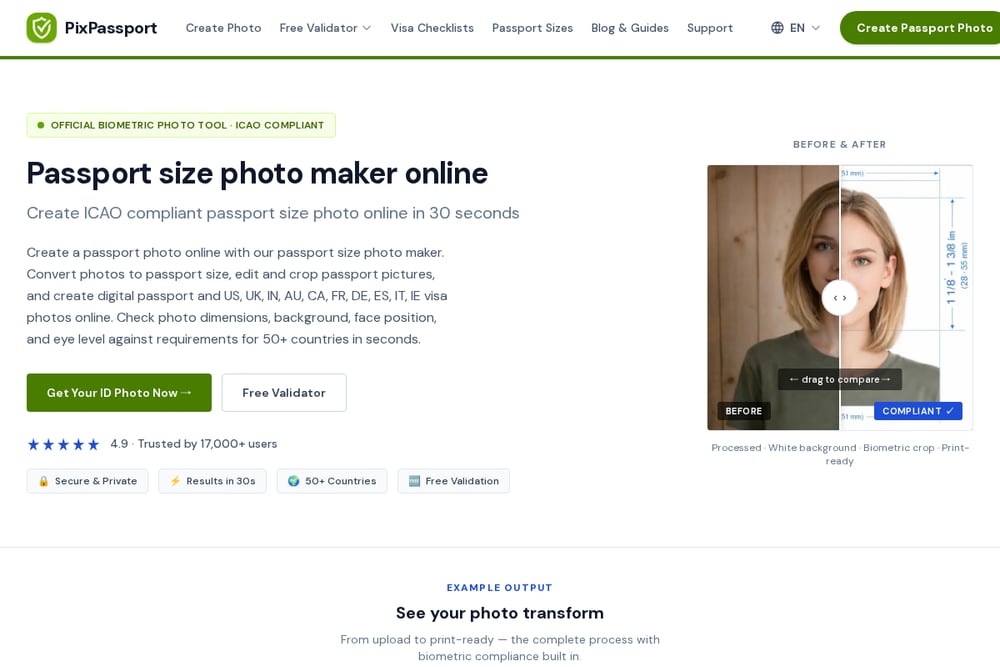 A screenshot of the PixPassport website.
PixPassport leans into free validation before you commit. You can run instant checks against official government specs for 50+ countries, including US, UK, Australia, and Schengen documents. The photo maker creates ICAO-compliant images in about 30 seconds, with biometric measurements applied to face position and eye level. A print template gives you a ready-to-print 4x6 sheet with crop guides. The interface is clean and the validator is a smart first step if you already have a photo and want to know whether it will pass.
#5 PhotoGov
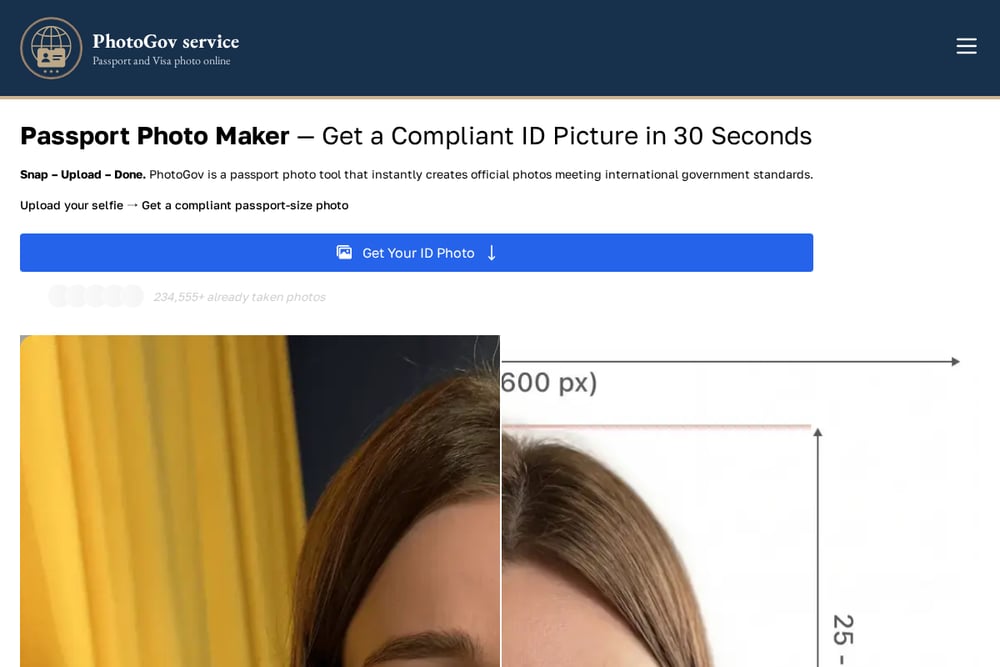 A screenshot of the PhotoGov website.
PhotoGov offers a free US passport photo tool that converts a selfie into a 2x2 image in under 30 seconds. You get two free ID photos per day depending on your location, with paid photos starting at €3.90. The tool replaces your background with the plain white the US Department of State requires, and it works on iPhone, Android, and any browser. It also covers Canadian, Chinese, UK, and Australian passport photos, plus several visa types. If you want a no-app, browser-based option with a free daily allowance, this fits.
How to choose the right Creative & Digital Services
Start with your document. If you need a US passport or visa photo, confirm the tool supports the exact 2x2 inch size and the current State Department rules. Next, decide how you feel about editing. Some tools use AI or human retouchers to adjust your photo, while others keep it untouched and rely on guidance. If the no-edited-photos rule matters to you, prioritize a tool that skips AI edits. Check pricing clarity before you upload: free previews and launch offers can save you money, but make sure you know what a download costs after the offer ends. Look at the guarantee, too. A money-back promise is only useful if the process for claiming it is clear. Finally, consider privacy. Tools that process your photo on your device keep your image out of someone else's server, which is a real advantage for identity documents.
Expert Conclusion
There is no single right tool for every applicant. PhotoAiD suits you if you want expert review and a double guarantee. SnapToSubmit is the pick when privacy and a no-edit approach are non-negotiable. Visafoto delivers speed and broad country coverage, PixPassport gives you free validation before you spend, and PhotoGov offers a free daily allowance in a browser. Match the tool to your document, your comfort with editing, and your budget, and you will walk away with a photo that passes.