
You need a passport photo that passes government inspection, not a portrait for your wall. These five services help you get a compliant shot without leaving home.
The New Passport Photo Counter Is Your Phone
The days of driving to a pharmacy and waiting for a clerk to snap your picture are fading. Today, you can take a passport photo at home with your phone and have it checked against State Department rules in seconds. That shift has created a crowded field of online tools, each promising compliance and convenience. But not all services are built the same. Some rely on AI to edit your face, which the State Department explicitly rejects. Others keep your photo untouched and simply verify it against the official checklist. Pricing models vary too, from one-time fees to subscriptions and per-photo charges. Understanding these differences matters because a rejected photo can delay your passport, visa, or green card application by weeks. The services below represent the range of options available in 2026, from free checkers to full-service photo makers.
How We Evaluated These Services
We looked at five factors that matter most when you are preparing an official photo. First, service scope: does the tool cover just US passports, or also visas, green cards, and baby photos? Second, pricing clarity: are fees one-time or subscription-based, and do you know the cost before you start? Third, compliance approach: does the service edit your photo with AI, or does it leave your likeness untouched as the State Department requires? Fourth, retake policy: can you try again for free if your first shot fails? Fifth, local fit: does the service work smoothly for US applicants, with rules pulled from travel.state.gov? Each business on this list stood out in at least one of these areas. PassPose, for example, emphasizes no AI edits and a free check before you pay. PhotoAiD combines AI tuning with human expert review. Passport Photo Online offers a similar hybrid model. PhotoBooth Online provides a wide document selection and a specialist review step. PhotoGov focuses on standards-based verification and educational guides. None of these is universally better; the right choice depends on your document type, comfort with editing, and budget.
Here is a quick look at how these five services compare on the factors that matter most.
| Provider | Best For |
|---|---|
| PhotoAiD | Travelers who want AI assistance plus expert verification |
| US Passport Photo Online: Free Check | PassPose | US applicants who want a free compliance check before paying |
| Passport Photo Online | Users who want fast turnaround and free print delivery |
| PhotoBooth Online | Applicants who need photos for a wide range of documents |
| PhotoGov | DIY applicants who want educational resources alongside the tool |
The 5 Services in Detail
#1 PhotoAiD
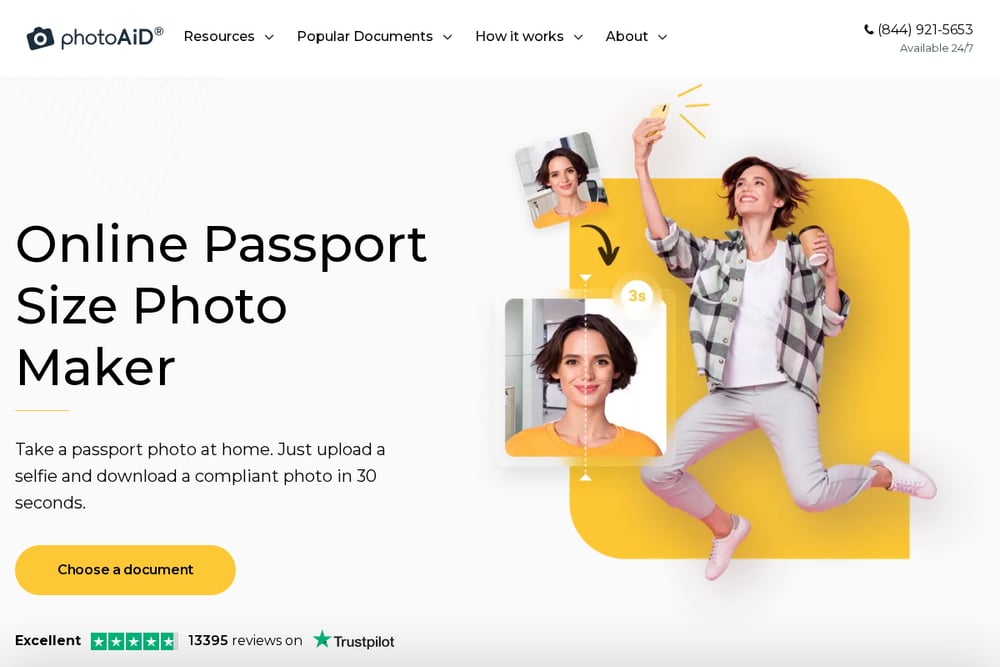 A screenshot of the PhotoAiD website.
PhotoAiD takes a hybrid approach: you upload a selfie, and its AI system crops, resizes, and adjusts the background before a human expert verifies compliance. The company claims a 100% acceptance guarantee or double your money back, which gives you a safety net if your photo is rejected. It supports a long list of documents beyond US passports, including baby passports, USCIS photos, and Chinese visas. The service is available on both web and mobile apps, and it has collected over 82,000 reviews with a 4.7 rating. If you want a hands-off experience where the tool does most of the work, this is a strong option. Just note that the AI adjustments may conflict with the State Department's no-editing rule, so review the final image carefully.
#2 US Passport Photo Online: Free Check | PassPose
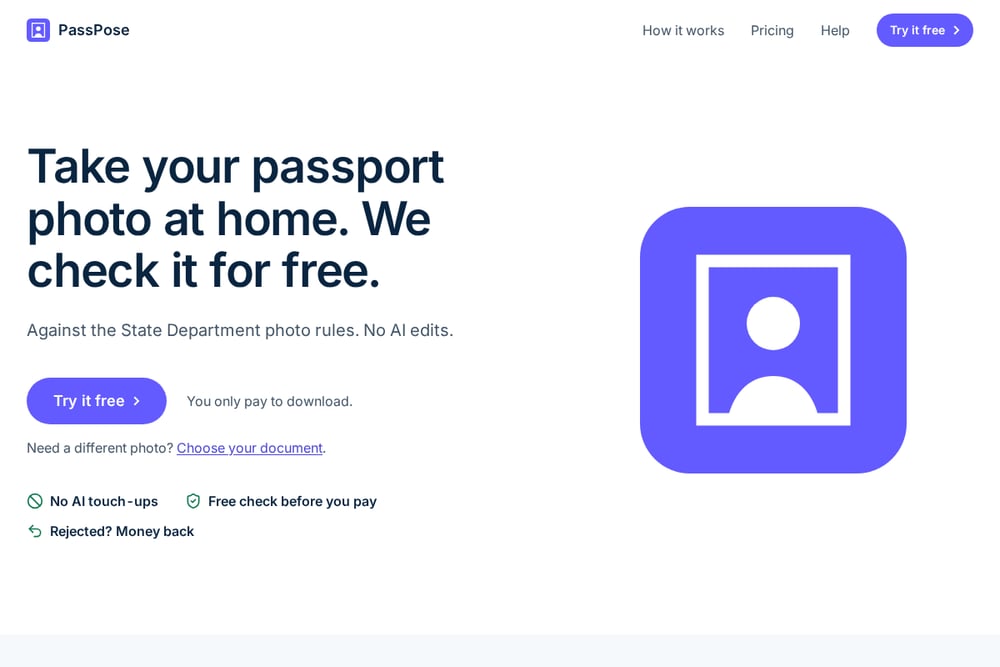 A screenshot of the US Passport Photo Online: Free Check | PassPose website.
PassPose flips the usual model: you take your photo at home, and the service checks it against State Department rules for free. You only pay $9.99 when you download or print, and there are no subscriptions. The company makes a point of not using AI edits, retouching, or background swaps, which aligns with the official rule against edited photos. It covers US passports, baby passports, online renewals, visas, and green cards, and it gives you a 4x6 print sheet you can take to any drugstore. If your photo is rejected, you get your money back. The free check means you can see exactly which rules pass or fail before spending anything. For US applicants who want a straightforward, no-surprises tool, this is a practical choice.
#3 Passport Photo Online
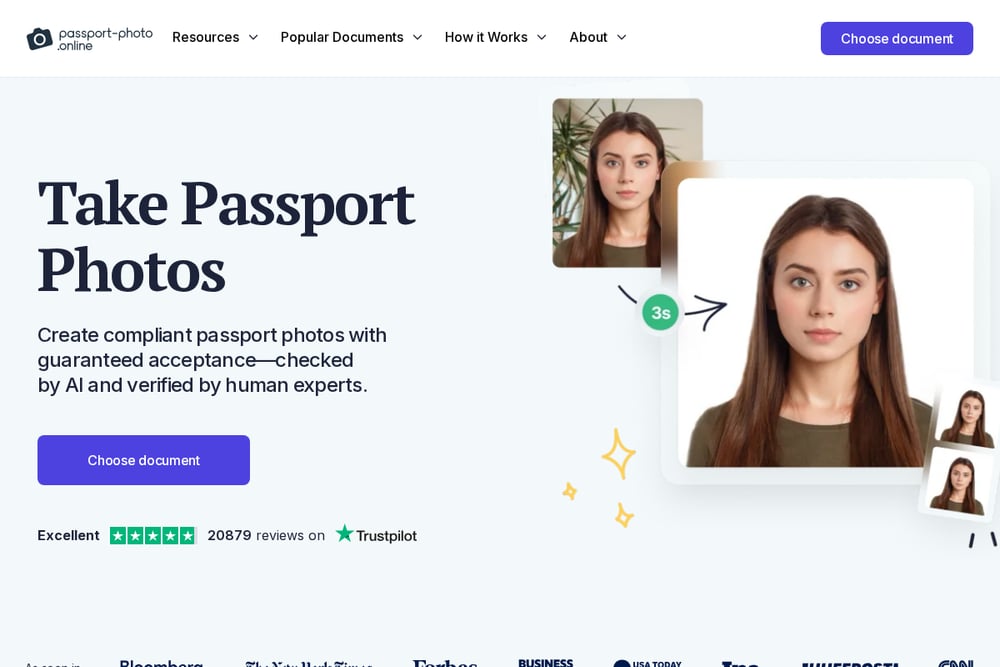 A screenshot of the Passport Photo Online website.
Passport Photo Online uses a similar AI-plus-expert model to PhotoAiD, with a focus on speed. The company says you can create a compliant photo in 30 seconds, and it offers a 100% compliance guarantee. It supports US passports, baby passports, USCIS photos, and other documents, and you can get a digital photo instantly or have prints delivered for free. The service is available on both web and mobile, and it has over 20,000 reviews. The AI fine-tunes your photo before an in-house expert checks it, which can be helpful if your original shot needs minor adjustments. However, if you prefer zero editing, you may want to look elsewhere. The free print delivery is a nice perk for those who need physical copies.
#4 PhotoBooth Online
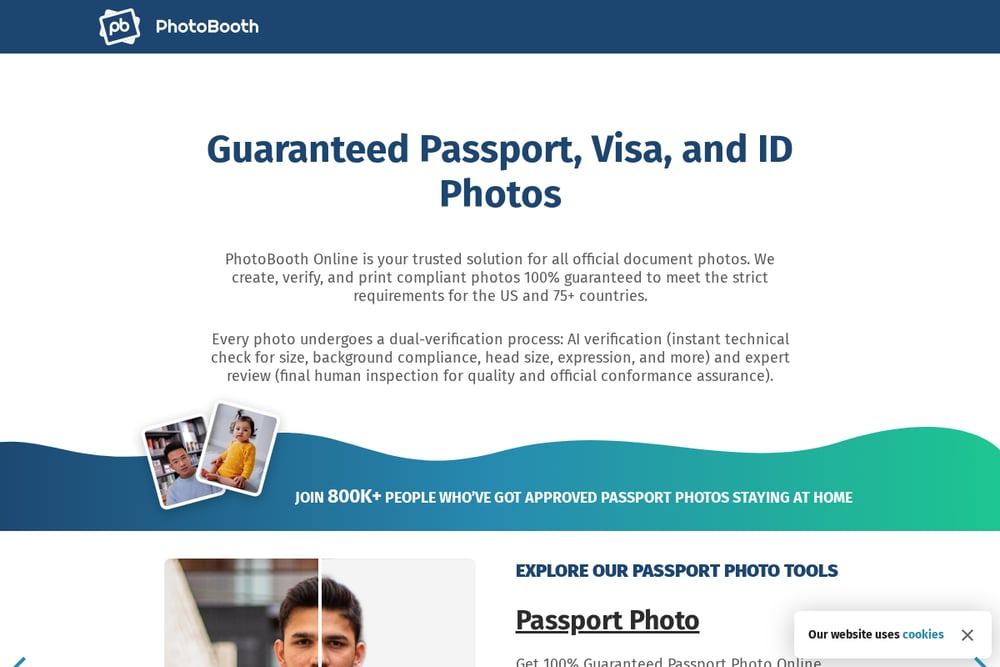 A screenshot of the PhotoBooth Online website.
PhotoBooth Online offers a broad selection of document types, from passports and visas to green cards, DV lottery, citizenship, and student cards. The process is straightforward: upload a photo, let the system crop and resize it to 2x2 inches, and choose a white, gray, or original background. A specialist then reviews your photo against Department of State rules before delivery. The service emphasizes that it does not retouch facial features, which keeps you on the right side of the no-editing rule. You can get a digital photo, a printable 4x6 template, or both. With over 800,000 satisfied customers, it has a solid track record. If you need a photo for a less common document, this is a good place to check.
#5 PhotoGov
 A screenshot of the PhotoGov website.
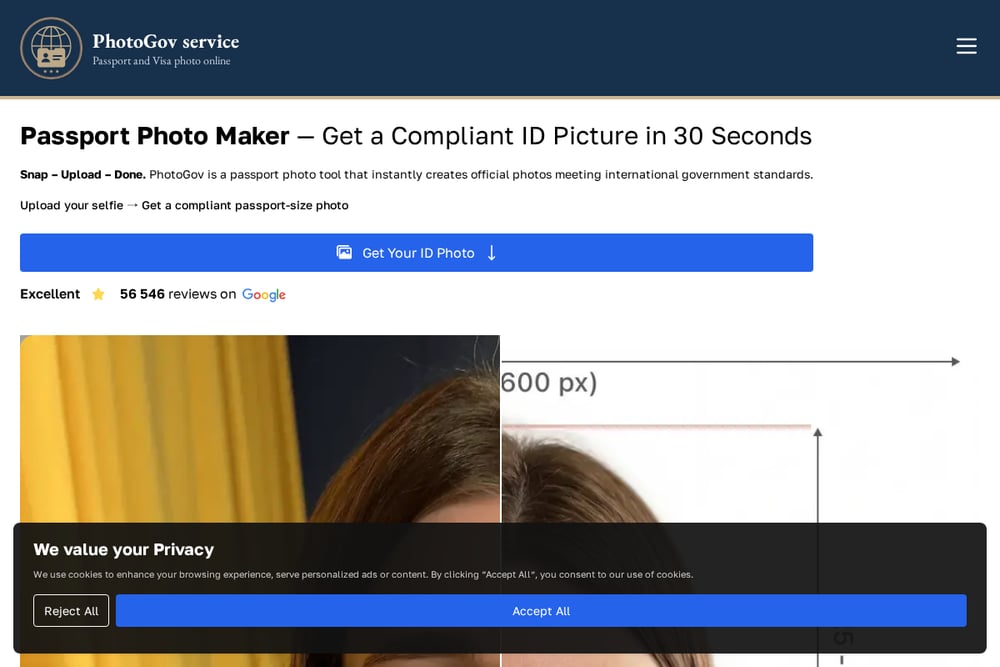
PhotoGov positions itself as a standards-based service, with a strong emphasis on education. Its website includes detailed guides on passport photo requirements, rejection reasons, and how to take photos at home with an iPhone or Android. The tool itself checks your photo against official rules and offers a compliance guarantee. It supports US passports, visas, and other documents, and it provides both digital and print options. The service is transparent about pricing and offers a free tool to check your photo before you pay. If you like to understand the rules before you submit, PhotoGov's resources can help you avoid common mistakes. It is a solid choice for DIY-minded applicants who want to learn as they go.
How to Choose the Right Passport Photo Service
Start by identifying your document type. If you need a US passport photo, any of these services can help. If you need a visa, green card, or baby passport photo, check that the service covers it. Next, decide how you feel about editing. The State Department rejects edited photos, so if a service uses AI to change your face or background, you are taking a risk. PassPose and PhotoBooth Online explicitly avoid facial retouching, while PhotoAiD and Passport Photo Online use AI adjustments but pair them with expert review. Consider your budget. PassPose charges a one-time $9.99 fee only when you download, while others may charge per photo or offer subscriptions. Finally, look at the retake policy. Free retakes save you money if your first attempt fails. Read the fine print on guarantees, and remember that a free check before payment can help you avoid surprises.
Automating Your Passport Photo Workflow
You can streamline the process by using a service that checks your photo before you pay. Start by taking a photo against a plain white wall with good lighting. Upload it to a free checker like PassPose to see which rules pass or fail. If it fails, retake the photo and check again. Once it passes, pay the one-time fee and download the print sheet. Take the sheet to a drugstore kiosk for printing, or upload the digital file directly to your online application. Keep the original unedited photo in case you need to resubmit. This workflow minimizes cost and reduces the chance of rejection.
The Bottom Line on Passport Photos
Getting a passport photo right is about following the rules, not looking your best. The State Department wants an unedited likeness that meets specific size and background requirements. The five services here each offer a different path to that goal. PassPose stands out for its free check and no-AI approach, which keeps you compliant from the start. PhotoAiD and Passport Photo Online provide more automation and expert review, which can be helpful if you are short on time. PhotoBooth Online covers a wide range of documents, and PhotoGov educates you along the way. Whichever you choose, verify the final photo against the official checklist before you submit. A few minutes of checking can save you weeks of delay.