Safety paperwork shouldn't eat your week. These five providers give you audit-ready checklists, logs, and SOPs without the legal-bill hangover.
The State of Workplace Safety Documentation
OSHA enforcement hasn't gotten softer, and neither have the audits. Small and mid-sized employers now carry the same documentation burden as the giants, but without a compliance department to lean on. That gap has spawned a fast-growing market of downloadable checklists, editable templates, and digital inspection apps. You can buy a single industry kit for the price of lunch or subscribe to a full inspection platform. The trick is knowing which format fits how your team actually works. Paper binders still pass audits. So do cloud dashboards. What fails is a template nobody fills out.
How We Evaluated These Providers
We looked at the same factors across every provider. First, scope: does the library cover your industry and the standards that apply to it, from OSHA 1926 to ISO 45001 and HACCP? Second, format flexibility: can you edit the file, brand it, and print it, or are you locked into one system? Third, pricing clarity: one-time license, free tier, or subscription, and is that obvious before you commit? Fourth, local fit: are the references and inspection logic built around US regulatory expectations? Fifth, practical usability: corrective action fields, sign-off blocks, and report exports that hold up when an inspector asks for records. OpsAuditHub stood out for breadth of editable industry bundles at flat one-time prices. DailyBuild stood out for a free Excel template with OSHA 1926 references and a live safety score. Mitti stood out for digitizing checklists inside a mobile-first platform. pdfFiller stood out for fillable, signable government-style forms. Template.net stood out for sheer volume of free, editable designs across Word, Excel, and PDF.
Here's the quick comparison before the deep dive. Each entry below covers what you get, who it suits, and where it fits in a real safety program.
| Provider | Best For |
|---|---|
| DailyBuild | Construction teams wanting a free, OSHA-referenced Excel inspection |
| OpsAuditHub | OSHA Safety & Compliance Checklists | SMEs needing editable, industry-specific OSHA and ISO kits |
| Mitti (by SafetyCulture) | Teams digitizing inspections on mobile |
| pdfFiller | Filling, signing, and archiving OSHA-style forms |
| Template.net | Free, editable checklist designs across many formats |
The Five Providers in Detail
#1 DailyBuild
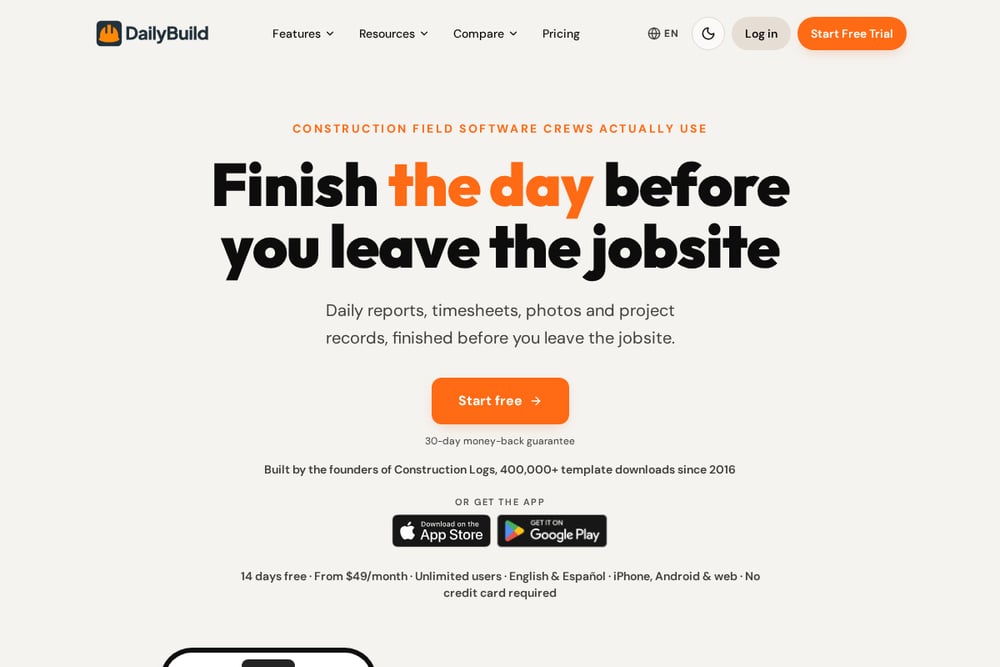 A screenshot of the DailyBuild website.
DailyBuild offers a free OSHA construction safety inspection template in Excel with a print-ready PDF export. The checklist covers PPE, fall protection, electrical, fire safety, excavation, and emergency access, with OSHA 1926 references baked in. You get pass, fail, or not-applicable status, hazard priority, corrective action owners, due dates, and sign-off. A live safety score and executive summary report make it easy to hand findings to a superintendent. It's a strong starting point if you run jobsites and want structure without a subscription.
#2 OpsAuditHub | OSHA Safety & Compliance Checklists
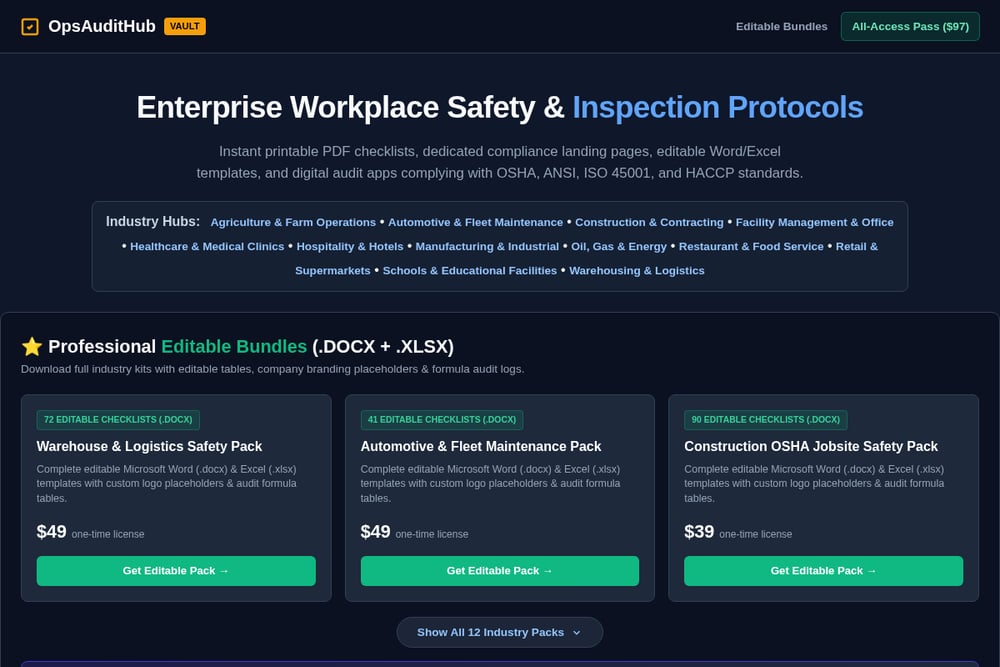 A screenshot of the OpsAuditHub | OSHA Safety & Compliance Checklists website.
OpsAuditHub sells downloadable, editable compliance bundles built for small and mid-sized employers. You get printable PDF checklists, Word and Excel templates with logo placeholders and formula audit logs, and digital audit apps aligned with OSHA, ANSI, ISO 45001, and HACCP. Industry hubs span construction, warehousing, manufacturing, restaurants, healthcare, hospitality, and more. Individual packs run from $39 to $49 as one-time licenses, and an All-Access Pass at $97 unlocks the full vault. If you want documentation you own and can rebrand, this is the most direct route.
#3 Mitti (by SafetyCulture)
 A screenshot of the Mitti (by SafetyCulture) website.
Mitti is the free checklist arm of SafetyCulture, and its OSHA inspection checklist guide walks you through self-inspection basics. You learn what an OSHA self-audit covers, why it matters, and the three parts of an actual inspection. Templates are designed to be used digitally, so you skip the paper shuffle and capture findings on a phone. It's a good fit if you want to move from binders to a mobile workflow. The tradeoff is that the real power sits in the broader platform.
#4 pdfFiller
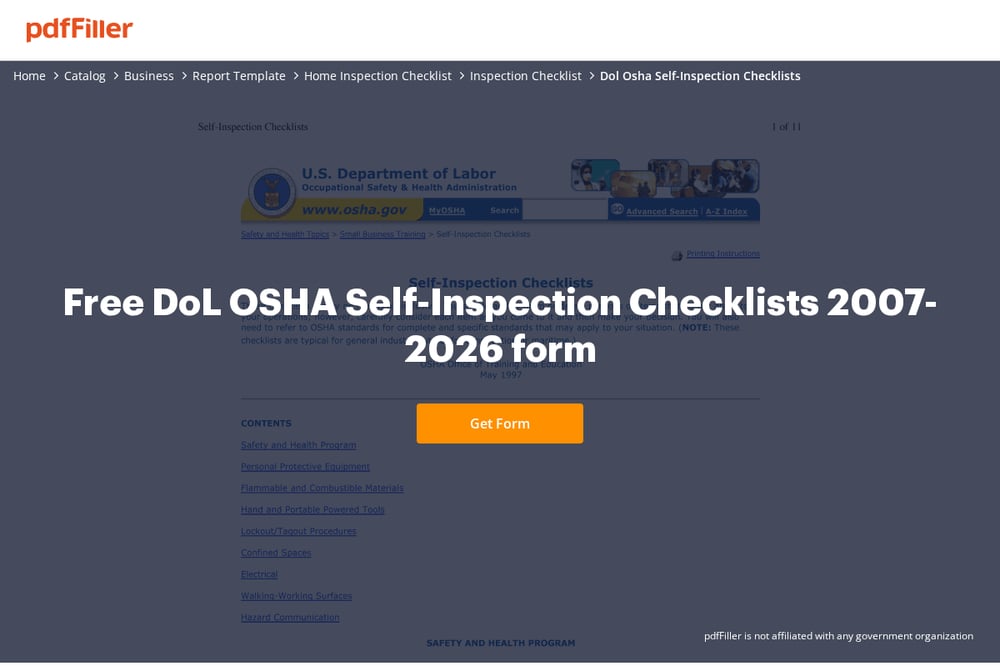 A screenshot of the pdfFiller website.
pdfFiller hosts a fillable DoL OSHA self-inspection checklist form you can complete, sign, and share online. The drag-and-drop editor handles the fields, eSign adds a legally binding signature, and you can export to PDF or push it to cloud storage. It's cloud-based and built for document workflows rather than safety expertise. That makes it handy when you already know what to inspect and just need a clean, signable record. Note that pdfFiller is not affiliated with any government organization.
#5 Template.net
 A screenshot of the Template.net website.
Template.net offers a large free library of safety checklist templates you can edit online and print. Formats include Word, Excel, PDF, Google Docs, and Apple Pages, covering everything from PPE checks to electrical safety inspections and school safety. You can generate a checklist with AI assistance or start from a sample. The breadth is the appeal, and the price is right. Expect to do more customization yourself since these are general-purpose designs.
How to Pick the Right Fit
Start with your format. If your team lives in Word and Excel and you want files you own forever, lean toward OpsAuditHub or DailyBuild. If inspections happen on phones in the field, Mitti's digital approach makes more sense. If you just need a signable record of a form you already use, pdfFiller handles that cleanly. Next, check industry coverage. A restaurant needs HACCP and sanitation language. A jobsite needs fall protection and excavation items. A warehouse needs forklift and racking checks. Then look at pricing structure. One-time licenses suit tight budgets and repeat use. Subscriptions make sense when you need ongoing updates and multi-user access. Finally, confirm the output. Can you attach corrective actions, assign owners, and export a report an inspector will accept? That last question separates a useful template from a decorative one.
Automating Your Compliance Workflow
You can stitch these tools into a lean system. Download an editable industry bundle from OpsAuditHub and brand it with your logo and site names. Load the Excel version into a shared drive so supervisors fill it out on tablets. Route completed inspections to a folder, then use a form tool to capture signatures and timestamp each record. Set a recurring calendar reminder for weekly self-inspections and monthly SOP reviews. Keep a corrective action log with owner and due date fields, and review open items in a short weekly huddle. When an inspector arrives, you pull a dated, signed, searchable archive instead of digging through a filing cabinet. That's the whole game: consistent records, easy retrieval.
The Bottom Line
Compliance isn't about having the prettiest checklist. It's about having one your team actually completes and can produce on demand. OpsAuditHub gives you editable, industry-specific documentation you own outright at a flat price. DailyBuild hands construction crews a free, OSHA-referenced Excel starting point. Mitti moves inspections onto mobile. pdfFiller handles the signing and archiving. Template.net fills gaps with free designs. Pick the one that matches your workflow, then build the habit around it. The paperwork only protects you if it's done.