
Online tutoring has moved far beyond a video call and a shared screen. The right platform can turn a simple lesson into a structured, trackable learning experience for students, tutors, and parents.
The New Tutoring Stack
Tutoring platforms are no longer just whiteboards. They are full teaching environments that combine live collaboration, exercise banks, AI hints, video calls, and progress reports. For tutors, the appeal is less admin and more teaching. For students, it is immediate feedback and a clear record of what was covered. For parents, it is visibility. The US market is crowded, but the strongest tools share one trait: they reduce friction between a question and an explanation. Whether you teach primary math or university physics, the platform you choose shapes how every session feels.
How We Evaluated These Platforms
We looked at five factors across every platform. First, service scope: does it cover live teaching, exercises, corrections, and reporting, or just one piece? Second, pricing clarity: is there a free entry point, and are paid tiers easy to understand? Third, local fit: does it work well for US tutors, students, and parents across grade levels? Fourth, collaboration depth: can student and tutor write on the same worksheet in real time, with video and chat built in? Fifth, progress tracking: are session reports and homework organized in one place? Each platform below stood out in different ways. Some shine as pure whiteboards. Others go further into management and AI-assisted learning.
Here is a quick look at five platforms that cover different corners of online tutoring, from live worksheets to full tutoring business management.
| Provider | Best For |
|---|---|
| iDroo | Tutors who want instant whiteboard lessons with optional course structure |
| JohnAli | Students and tutors who want live worksheets, AI hints, and session reports in one place |
| Whiteboard.chat | Teachers who need real-time visibility across many student boards |
| WooWhiteboard | Math and coding tutors who want a free, feature-rich whiteboard |
| LiveBoard | Tutoring businesses that need scheduling, payroll, and branded classrooms |
The 5 Platforms in Detail
#1 iDroo
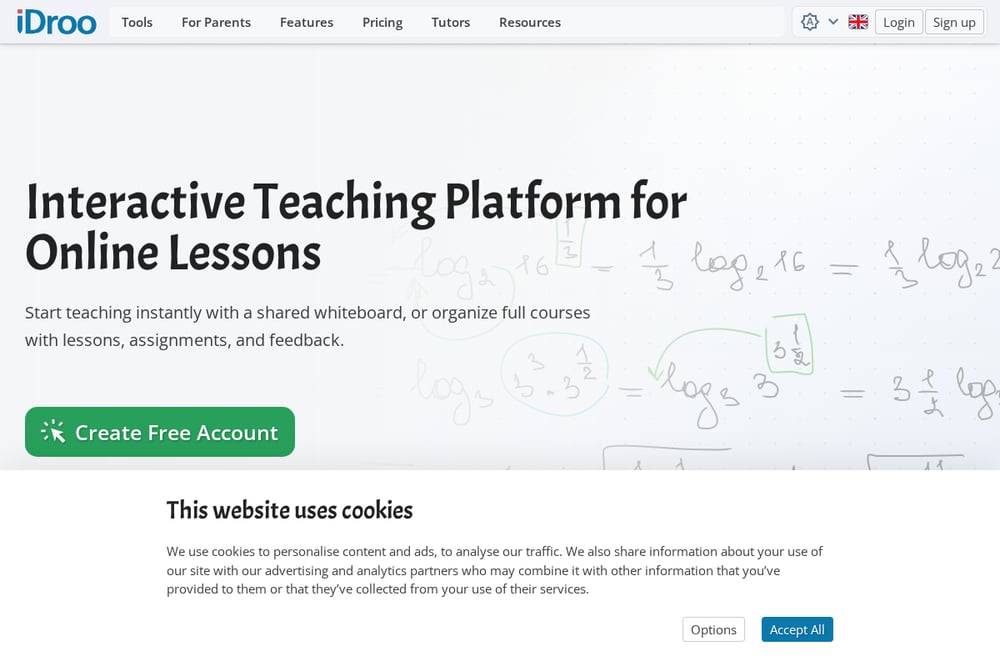 A screenshot of the iDroo website.
iDroo is built for tutors who want to start teaching in seconds. You open a shared whiteboard, share the link, and begin explaining. It supports real-time participation, math, diagrams, and freehand drawing without any lesson setup. For tutors who also run structured courses, iDroo adds lessons, assignments, and feedback in one place. Live Group Lessons give every student a private board while you keep a teacher board for explanations. Calls and screen sharing happen right on the board, so you never leave the lesson view.
#2 JohnAli
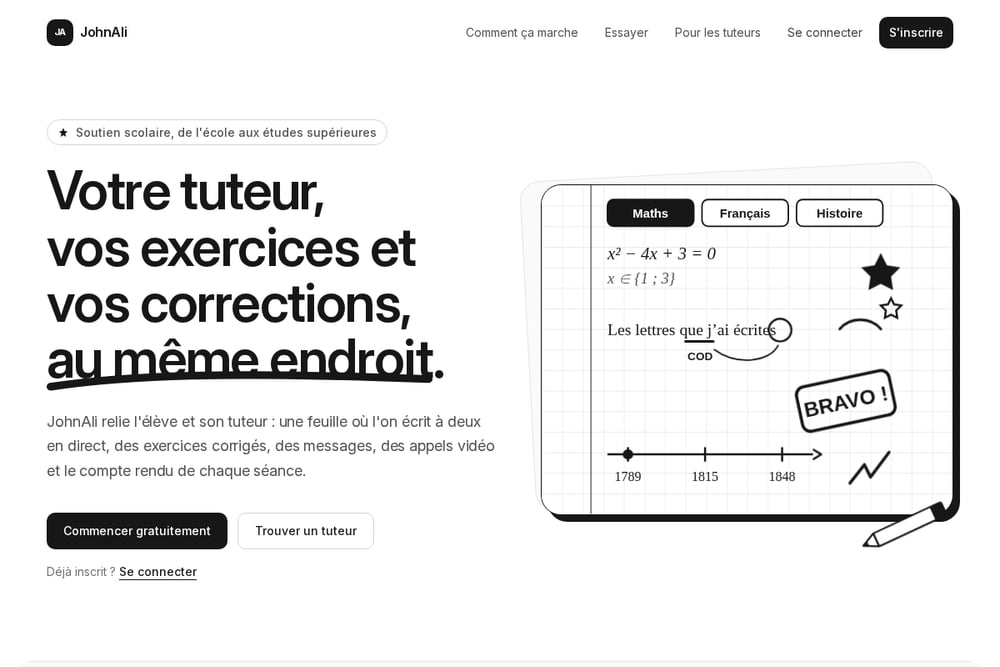 A screenshot of the JohnAli website.
JohnAli connects students with tutors through a shared worksheet that both write on live, using a stylus or a finger. It covers primary school through university, plus vocational training and adult learners. The platform includes a bank of exercises for every level, and an AI that spots difficulties to suggest the right ones. Corrections explain the reasoning, with formulas, diagrams, and texts clearly laid out. Video calls start in one click, messaging handles late-night questions, and session reports keep parents and students aligned. You can create a free account in a minute, join a tutor with a code or through the directory, and try an exercise without signing up.
#3 Whiteboard.chat
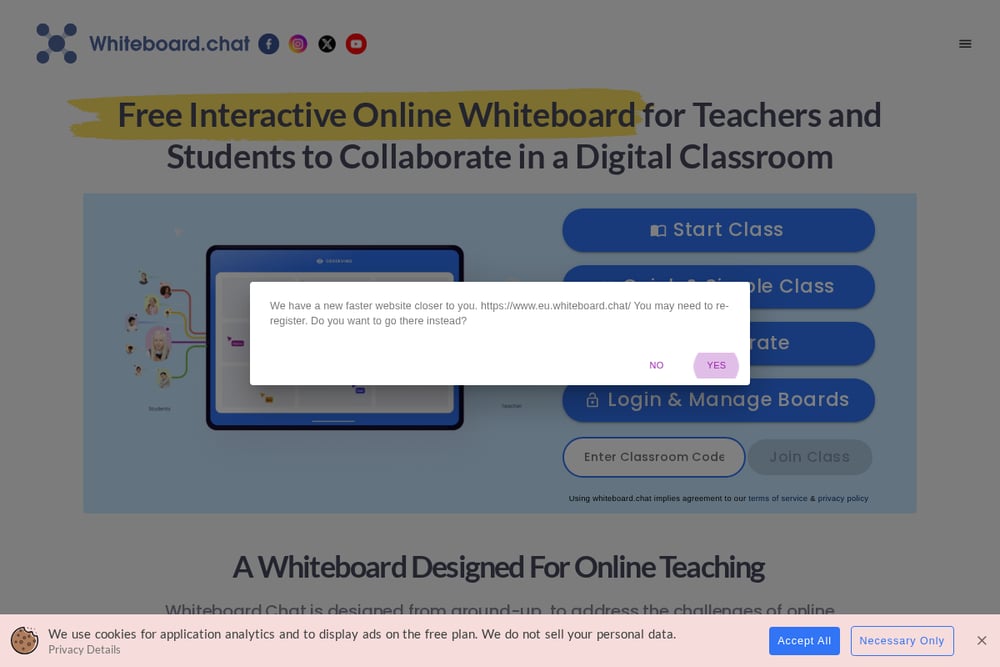 A screenshot of the Whiteboard.chat website.
Whiteboard.chat is designed from the ground up for online teaching. Teachers get a bird's-eye view of every student's board in real time, while students work on their own copies without disruption. You can join a student's board to give personalized feedback, or switch to group boards for collaborative projects. The platform includes a large collection of digitized manipulatives, widgets, and gizmos for interactive lessons. AI-powered tools measure engagement and auto-nudge students who drift. Accessibility features include read-aloud, speech-to-text, and handwriting recognition.
#4 WooWhiteboard
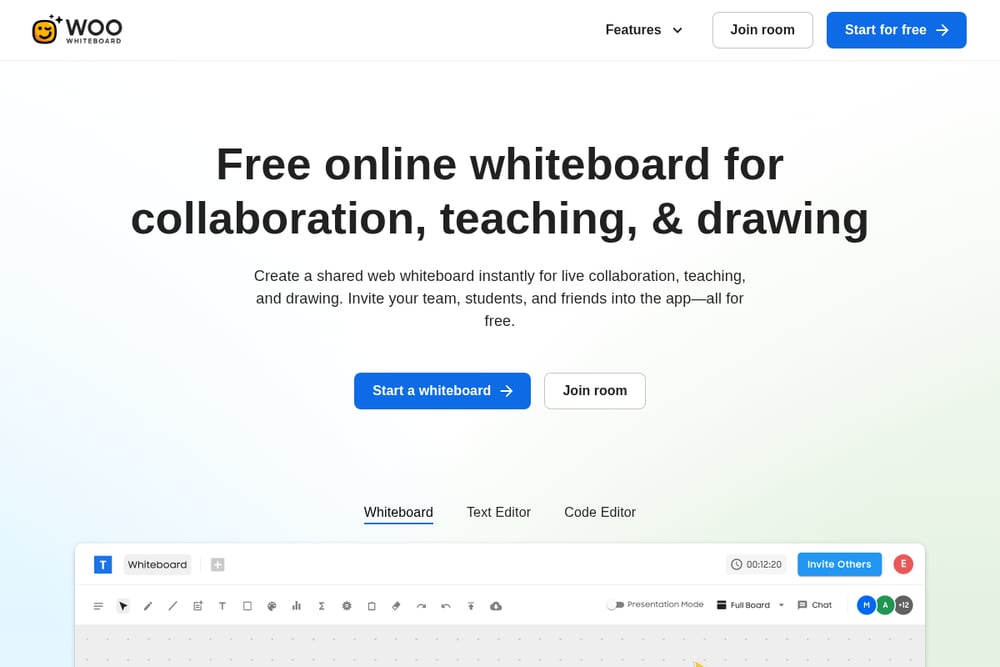 A screenshot of the WooWhiteboard website.
WooWhiteboard is a free online whiteboard that works for one-on-one tutoring or a virtual classroom of up to 100 students. It includes a built-in equation editor, function graphing tool, grid, and Wolfram Alpha integration for math and writing tutoring. Live video chat and screen sharing run alongside the board, so you can teach without switching apps. A presentation mode lets you call on students individually or create group exercises. There is also a live code editor for HTML, CSS, JavaScript, and dozens of other languages. For tutors who want a simple, no-cost starting point, it is hard to ignore.
#5 LiveBoard
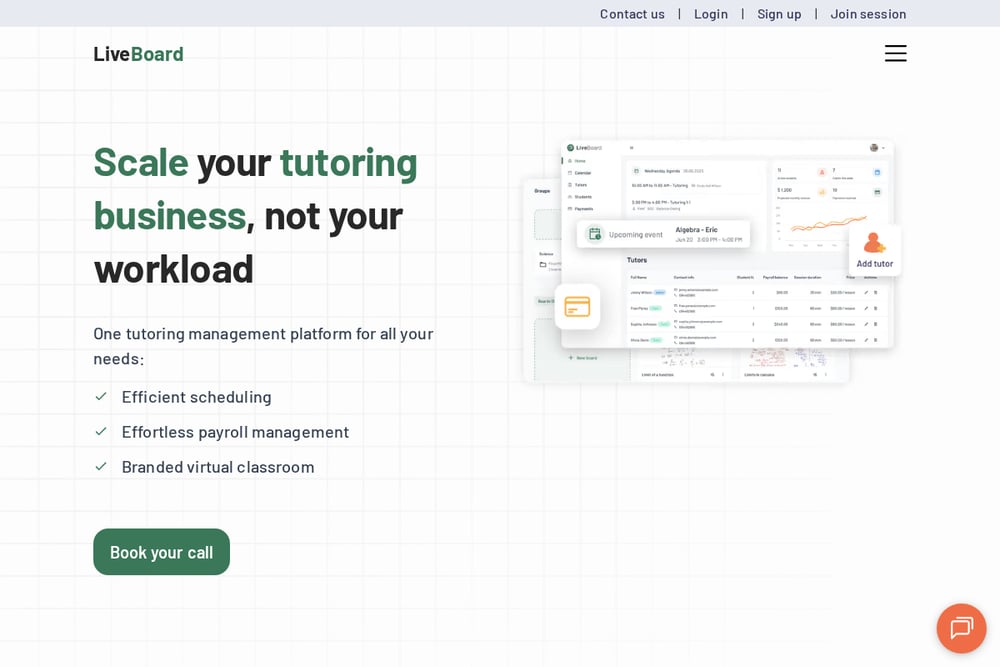 A screenshot of the LiveBoard website.
LiveBoard is a tutoring management platform for tutors and companies that need more than a whiteboard. It handles scheduling, payroll, and branded virtual classrooms in one system. All communication stays inside the app, keeping personal contact details private. Tutors get an all-in-one tool for teaching, while administrators get operational clarity. The platform is used by over 200,000 online tutors and companies worldwide. If you are scaling a tutoring business, LiveBoard focuses on the business side as much as the lesson.
How to Choose the Right Platform
Start with your teaching style. If you mostly explain on a whiteboard, iDroo or WooWhiteboard will feel natural. If you want exercises, AI hints, and reports built into every session, JohnAli is a stronger fit. If you manage a team of tutors, LiveBoard handles scheduling and payroll so you can focus on growth. If you teach groups and need to see every student's work at once, Whiteboard.chat gives you that visibility. Next, check pricing. Free tiers are great for testing, but paid plans should be clear about what you get. Finally, think about your students. Younger learners benefit from simple interfaces and parent reports. Older students and adults may want messaging, homework tracking, and detailed corrections. Pick the platform that matches your daily workflow, not the one with the longest feature list.
Where Automation Fits
Automation in tutoring platforms is not about replacing the tutor. It is about removing repetitive work. AI can suggest the next exercise when a student struggles, generate a hint, or draft a correction that the tutor edits. Session reports can be assembled automatically from the work done on the board. Scheduling and reminders can run in the background. The goal is simple: less time on admin, more time on teaching. Platforms like JohnAli label AI-generated hints and corrections clearly, so students know what came from a machine and what came from their tutor. That transparency matters. Use automation to handle the busywork, and keep the human explanation at the center of the lesson.
The Bottom Line
The best platform for you depends on what you teach and how you teach it. iDroo wins on speed and simplicity. JohnAli goes deeper with live worksheets, AI-assisted exercises, and session reports. Whiteboard.chat excels at group visibility. WooWhiteboard is a strong free option for math and coding. LiveBoard is built for tutoring businesses that need management tools. Try one, run a real session, and see how it feels. The right tool should disappear into the background, leaving you and your student free to focus on the work.