Your child's weekly spelling list shouldn't feel like a chore for either of you. These five tools turn those words into short, focused practice that actually sticks.
The State of Online Spelling Practice
Spelling practice has moved far beyond the paper list on the fridge. Parents and teachers now expect tools that generate games, worksheets, and shareable links from a single word list. The best platforms reduce prep time while giving kids short, repeatable practice that doesn't overwhelm them. Progress tracking has become a baseline feature, not a bonus. The market splits into two camps: free, ad-supported tools with broad word banks, and subscription platforms built for classrooms with auto-grading and reporting. Your choice depends on whether you need a quick weekly helper or a full classroom management layer.
How We Evaluated These Tools
We looked at five factors across every tool. First, list-building speed: how fast can you create or import a custom list? Second, activity variety: do games and worksheets generate automatically from your words? Third, sharing: can you send a link, QR code, or printable that families can actually use? Fourth, progress visibility: does the tool show which words need extra practice? Fifth, pricing clarity: is the free tier genuinely usable, and are paid tiers transparent? Spellnino stood out for its QR-code sharing and teacher-free model. Spelling Training impressed with its massive predefined list library. Home Spelling Words offered strong grade-level coverage. Spelling Stars delivered classroom-grade reporting. Power Spelling brought the most game-like experience with adventure-style play.
Here's a quick comparison of the five tools, ordered by how well they balance simplicity, sharing, and practice quality for US families and teachers.
| Provider | Best For |
|---|---|
| Spelling Training | Teachers who want a massive free list library |
| Spellnino: simple spelling games that help children learn | Parents and teachers who want fast list-to-game sharing |
| Home Spelling Words | Families who want grade-level lists plus games |
| Spelling Stars | Classroom teachers who need auto-grading and reports |
| Power Spelling | Schools that want game-based spelling engagement |
The Five Tools in Detail
#1 Spelling Training
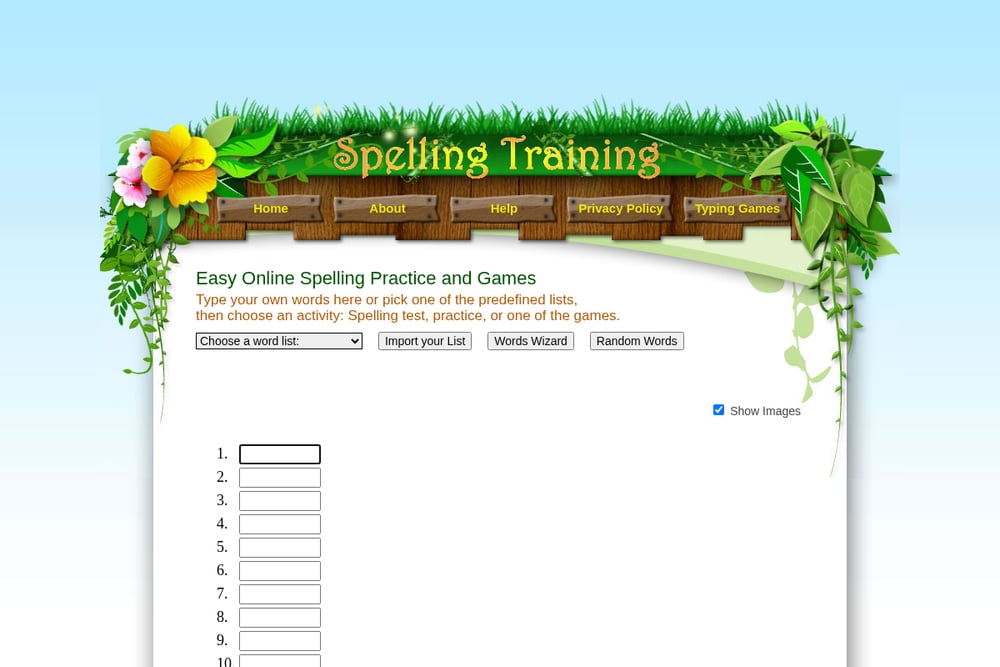 A screenshot of the Spelling Training website.
Spelling Training gives you a huge library of ready-made lists, from first words and colors to word families and seasonal themes. You can also type your own words and pick from a spelling test, practice mode, or several games. The site is free and straightforward, with no account required to start. Sharing is handled by copying a list address into your class website or Google Classroom. It's a solid pick if you want breadth without a login wall.
#2 Spellnino: simple spelling games that help children learn
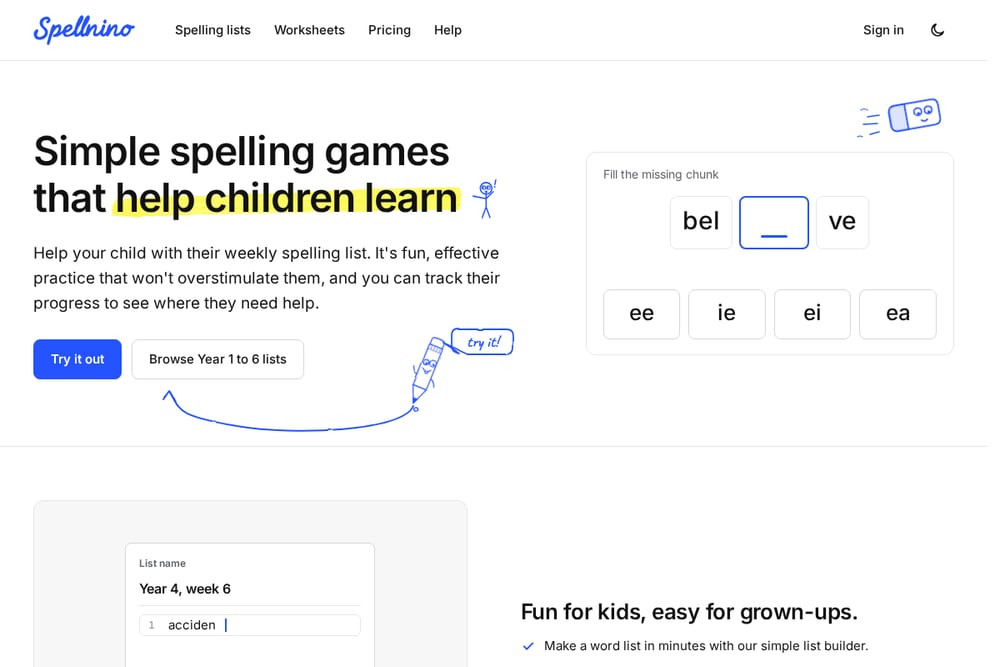 A screenshot of the Spellnino website.
Spellnino is built around one idea: make a list in minutes, then let the games and worksheets generate themselves. You build a weekly list, and the platform automatically creates activities like Hear & Find, Chunk Builder, Jump Up, and Flash Spell. Sharing is where it shines: send a link, show a QR code, or hand out worksheets with the QR code printed on them. Teachers can share lists for free, and families who follow a list get every new one automatically. Progress tracking shows which words need extra practice, and the game mix rotates so the same words come back in a new way each time. It's free for your first month with no card required.
#3 Home Spelling Words
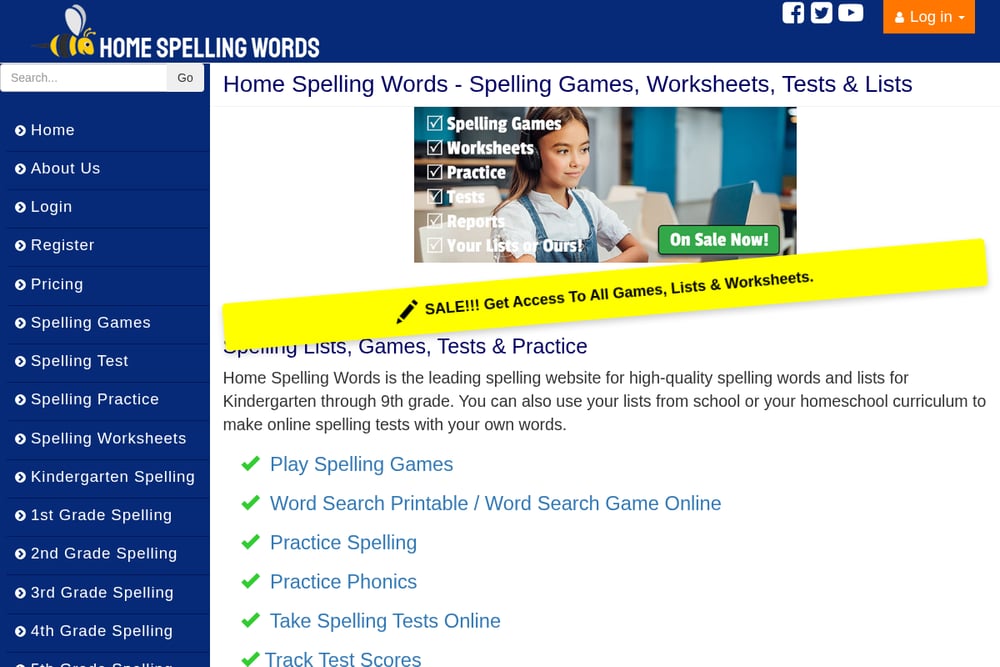 A screenshot of the Home Spelling Words website.
Home Spelling Words covers kindergarten through ninth grade with dedicated lists and interactive games. You can import your own words or use the grade-level sets, then jump into games like Stack Attack and Spelling Beaver. The site also offers spelling tests, practice sections, and printable worksheets. A paid tier unlocks the full game library and additional features. It's a good fit if you want grade-aligned content plus a game layer in one place.
#4 Spelling Stars
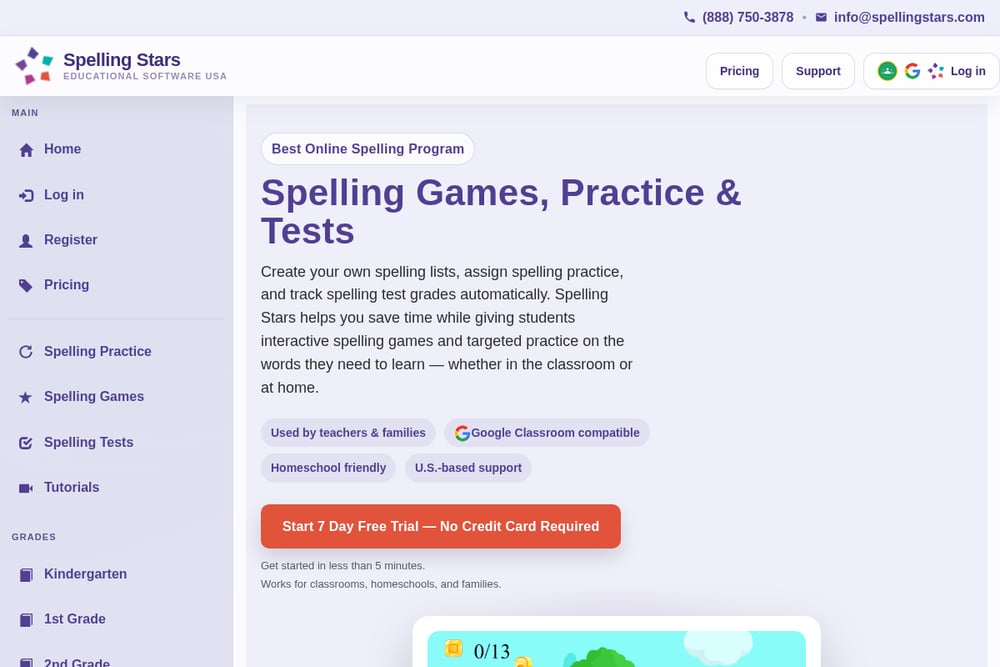 A screenshot of the Spelling Stars website.
Spelling Stars is built for classrooms and homeschools that need structure. You create or copy a list, assign practice, games, or tests, and the platform auto-grades and tracks progress. It's Google Classroom compatible and offers a seven-day free trial with no credit card. The reporting layer is the differentiator: you see gameplay and practice data alongside test scores. If you need to manage multiple students and want grades handled automatically, this is the one to look at.
#5 Power Spelling
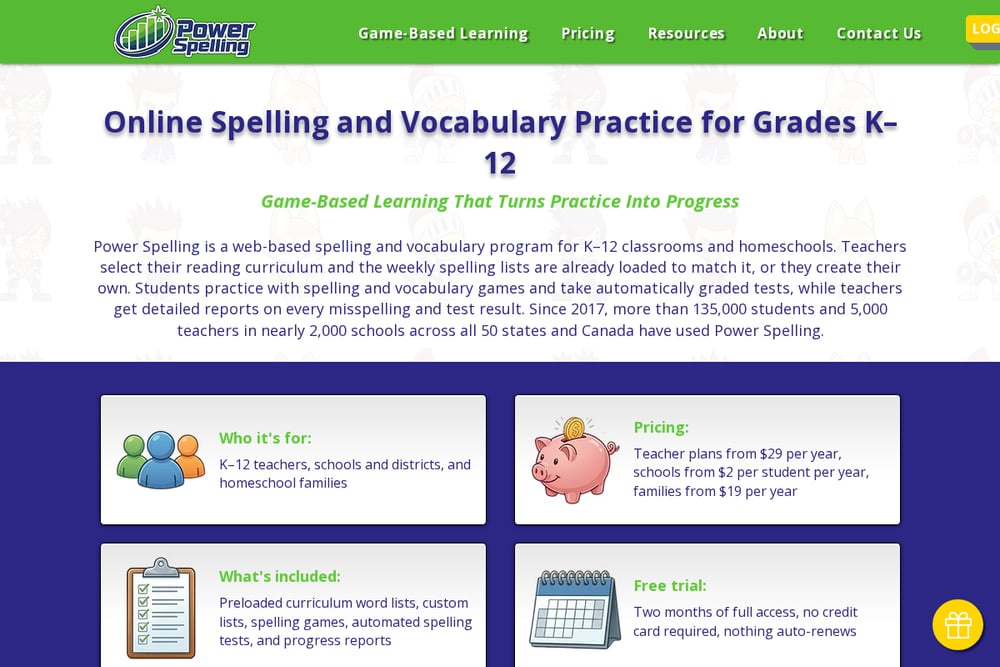 A screenshot of the Power Spelling website.
Power Spelling leans hard into game-based learning with adventure-style spelling quests, Word Racer, Spelling Bee, and Letter Seeker. Students spell words to collect items, smash barrels, and advance through levels. The platform also includes vocabulary games and reporting and analytics for teachers and districts. It's designed for schools and districts as well as homeschool and parent use. If your priority is engagement through play, this is the most game-forward option in the group.
How to Pick the Right Spelling Tool
Start with your role. If you're a parent helping with a weekly list, prioritize speed and sharing: can you build a list in minutes and send it to a co-parent or grandparent? Spellnino and Spelling Training both excel here. If you're a teacher managing a class, look for auto-grading and reporting; Spelling Stars and Power Spelling are built for that. If you want grade-aligned content out of the box, Home Spelling Words has you covered. Next, check the free tier. Some tools are fully free, others gate the best games behind a subscription. Finally, test the sharing flow. A QR code on a printed worksheet is only useful if it actually opens the right list for families.
Where Automation Fits In
The real time-saver is list-to-output automation. You type the words once, and the tool generates games, worksheets, and shareable links without extra clicks. Spellnino automates this end to end: build a list, and the platform produces a link, a QR code, and printable worksheets with the code embedded. Spelling Stars automates grading and progress reports. Power Spelling automates game progression and scoring. The pattern is the same across all five: reduce the manual prep so practice actually happens. Pick the tool whose automation matches your bottleneck, whether that's prep time, grading time, or keeping kids engaged.
The Bottom Line
There's no single winner here because the right tool depends on your workflow. If you want the fastest path from a weekly list to shareable games and worksheets, Spellnino's QR-code sharing and automatic activity generation are hard to beat. If you need a free list library, Spelling Training delivers breadth. For grade-aligned content, Home Spelling Words is reliable. For classroom reporting, Spelling Stars handles the admin. And for pure engagement, Power Spelling turns practice into a game. Try two or three with your actual word list before committing; the best tool is the one your child or class will actually use.