
Your email, passwords, and personal data are floating around the web more than you think. These five tools help you find out where you're exposed and what to do about it.
The State of Online Safety in 2026
Data breaches are no longer rare events. They happen every day, exposing millions of records at a time. In 2025 alone, over 3,300 data compromises were reported in the US, a record year. The average enterprise takes 241 days to detect a breach on its own, and the cost per incident has climbed to $10.22 million. For individuals, the stakes are just as high. Your passwords, contact details, and financial information can end up on dark web marketplaces, putting you at risk of identity theft and account takeover. That's why more people are turning to breach monitoring and password check tools. These services scan known data leaks, alert you when your info appears, and guide you through the steps to fix it. Some are free public services, others are part of paid security suites. The key is finding one that fits your needs and technical comfort level.
How We Evaluated These Tools
We looked at five factors. First, service scope: does it check emails, passwords, or both? Second, pricing clarity: is it free, freemium, or paid, and are the limits clear? Third, ease of use: can you get started without a manual? Fourth, alerting and guidance: does it tell you what to do next? Fifth, family and multi-user support: can you protect more than just yourself? MERENA stands out for its nonprofit status, free core service, and family plan covering up to four members. Have I Been Pwned is known for its massive password database and open-source API. Mozilla Monitor offers free breach scans with a privacy-first approach. Proton Pass Monitor bundles dark web monitoring with a password manager. Breachsense targets businesses with deep dark web and credential monitoring. Each tool has its own strengths depending on whether you're an individual, a family, or an organization.
Here's a quick look at how these five tools compare on the essentials.
| Provider | Best For |
|---|---|
| Have I Been Pwned | Quick password and email breach checks |
| Online Safety Starts Here — Cyber Alerts & Guidance | MERENA | Families wanting free, guided protection |
| Mozilla Monitor | Privacy-conscious individuals |
| Proton Pass Monitor | All-in-one password manager and monitor |
| Breachsense | Enterprise dark web monitoring |
The 5 Tools in Detail
#1 Have I Been Pwned
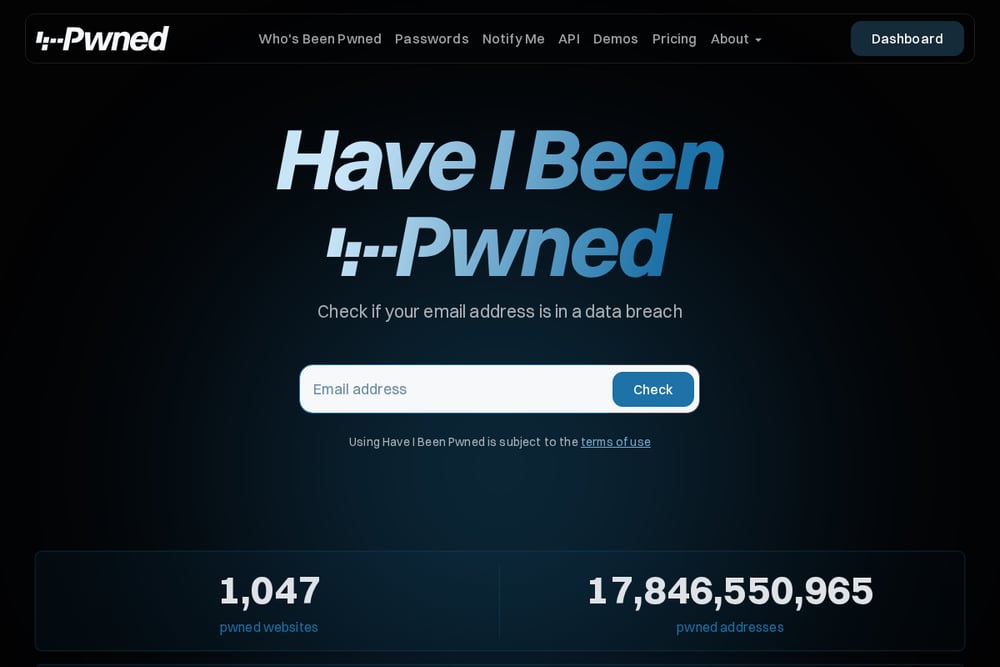 A screenshot of the Have I Been Pwned website.
Have I Been Pwned is the go-to resource for checking if your email or password has been exposed in a data breach. Its Pwned Passwords service lets you search over 18 billion monthly requests against a massive database of leaked credentials. The site is free and open source, with an API that developers can integrate into their own apps. It's trusted by security professionals and satisfies NIST guidelines for password screening. If you want a straightforward, no-frills way to see if your password is already circulating among attackers, this is it.
#2 Online Safety Starts Here — Cyber Alerts & Guidance | MERENA
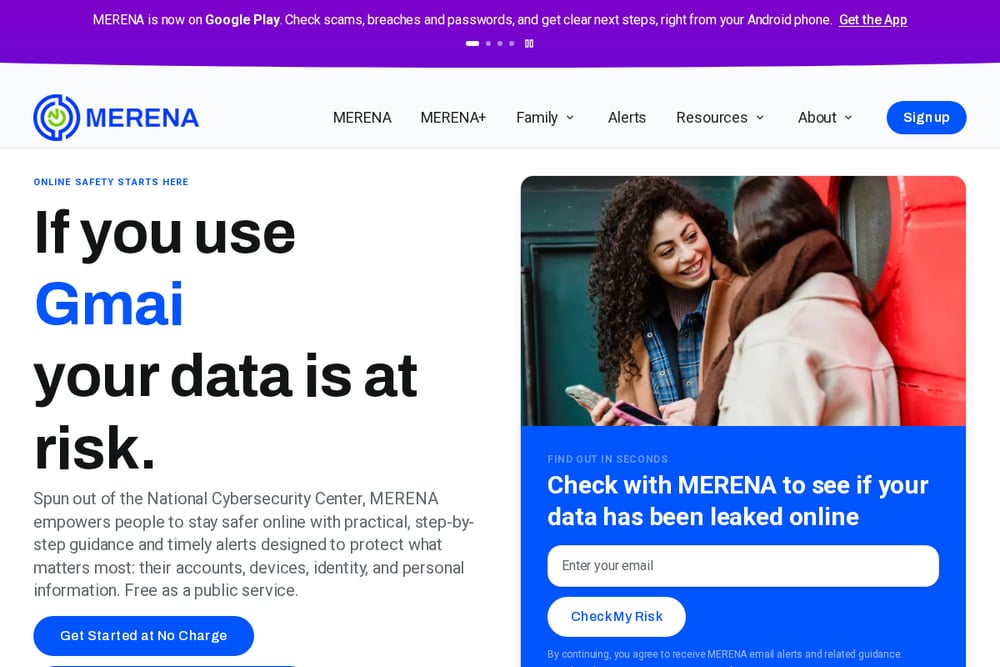 A screenshot of the Online Safety Starts Here — Cyber Alerts & Guidance | MERENA website.
MERENA is a nonprofit cybersecurity platform spun out of the National Cybersecurity Center. It offers personalized alerts, free breach checks, and plain-language guidance to protect your accounts, identity, and devices. You can check if your email has been leaked, get step-by-step fix instructions, and receive timely alerts about scams and hacks that affect you. The service is free as a public service, and the MERENA+ family plan covers up to four members at no extra cost. It's available on Android and the web, making it easy to stay on top of your online safety from anywhere.
#3 Mozilla Monitor
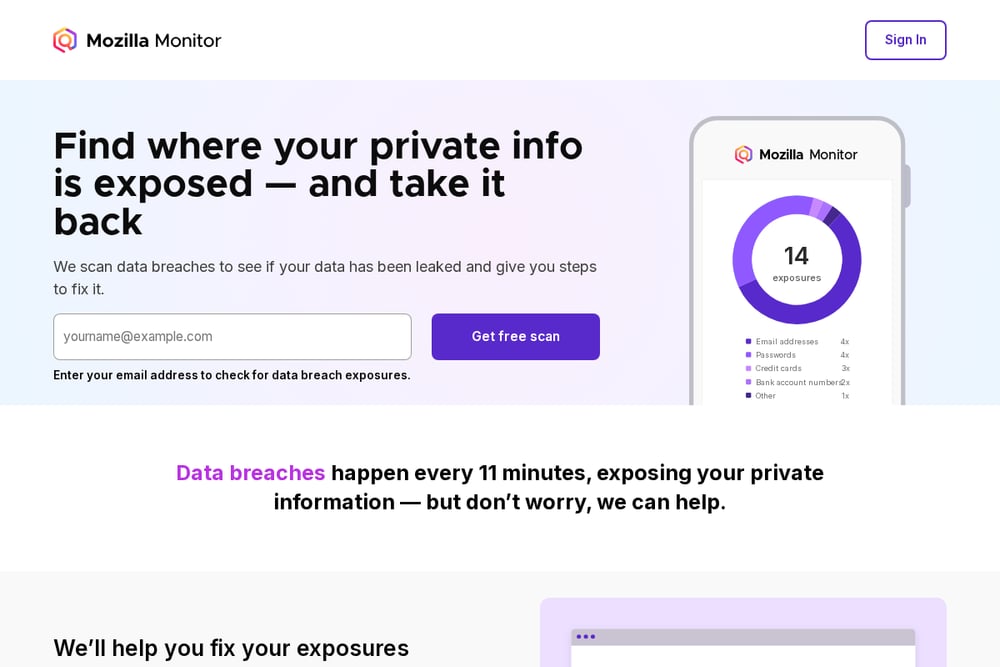 A screenshot of the Mozilla Monitor website.
Mozilla Monitor scans data breaches to see if your private info has been leaked and gives you steps to fix it. It's free, privacy-first, and trusted by over 10 million people worldwide. You enter your email, and it continuously monitors for new breaches, sending alerts when your data appears. Mozilla also provides guidance on what to do after a breach, from changing passwords to freezing your credit. If you value a brand known for putting privacy first, this is a solid choice.
#4 Proton Pass Monitor
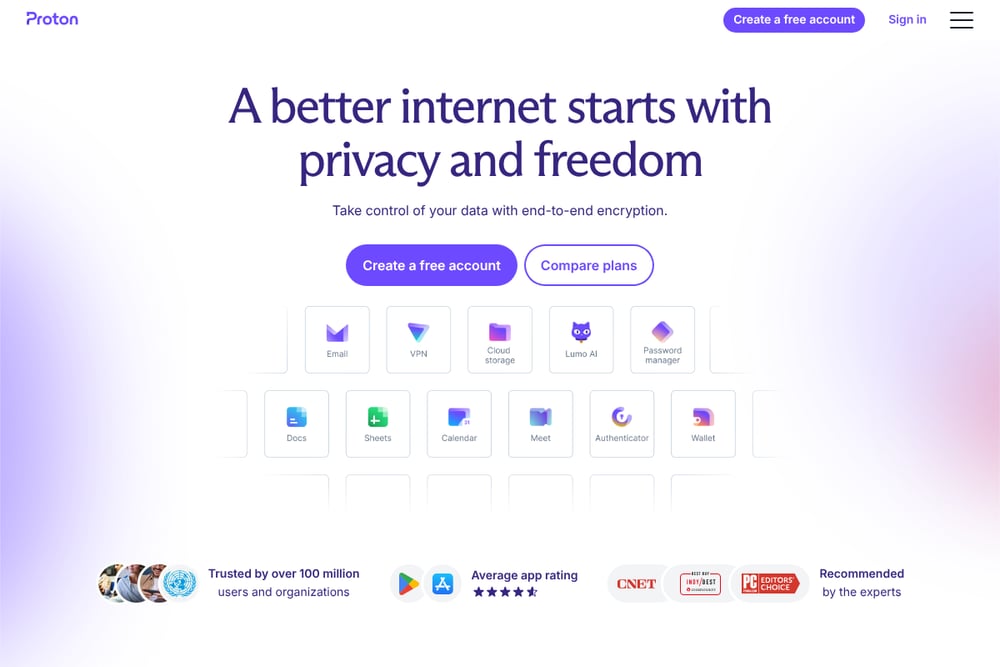 A screenshot of the Proton Pass Monitor website.
Proton Pass Monitor combines dark web monitoring with a full-featured password manager. It identifies vulnerable accounts, sends data breach alerts, and helps you secure your logins with strong, unique passwords. As part of the Proton ecosystem, it benefits from Swiss-based privacy protections and zero-access encryption. You get a free tier with basic monitoring, and paid plans add more features like hide-my-email aliases and secure sharing. It's a good fit if you want an all-in-one tool for password management and breach detection.
#5 Breachsense
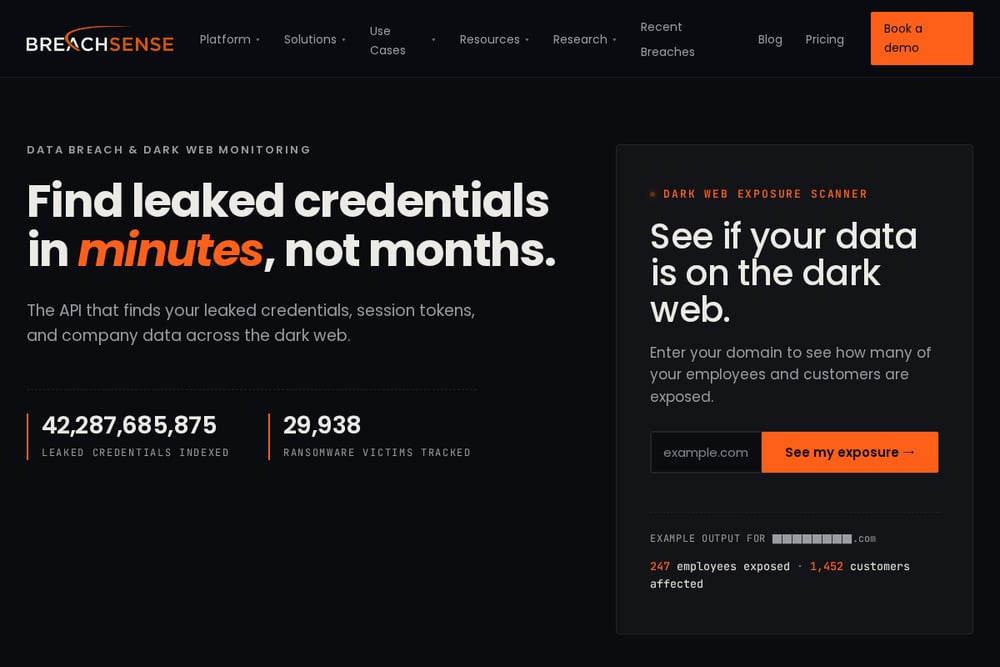 A screenshot of the Breachsense website.
Breachsense is built for businesses and security teams that need deep dark web monitoring. It tracks leaked credentials, session tokens, and company data across dark web marketplaces, hacker forums, and infostealer log channels. The platform indexes over 42 billion leaked credentials and monitors 29,938 ransomware victims. It offers APIs and integrations for enterprise security workflows, with a focus on catching exposures that other tools miss. If you're responsible for protecting an organization's data, Breachsense provides the visibility you need.
How to Choose the Right Tool for You
Start by asking yourself what you need. If you just want to check if your email or password has been leaked, a free tool like Have I Been Pwned or Mozilla Monitor will do the job. If you want ongoing alerts and clear guidance on what to do next, MERENA is a strong option, especially for families. If you'd rather have a password manager and breach monitoring in one place, Proton Pass Monitor is worth a look. And if you're protecting a business, Breachsense offers the depth and API access you need. Consider your budget, technical comfort, and whether you need multi-user support. Most of these tools have free tiers, so you can try before you commit.
Automating Your Online Safety
You don't have to manually check for breaches every week. Set up alerts so the tools notify you when something happens. MERENA sends email and text alerts for immediate action and advisory events. Mozilla Monitor continuously scans and alerts you to new breaches. Proton Pass Monitor integrates alerts into your password manager dashboard. For businesses, Breachsense can feed data into your security operations center via API. The key is to enable notifications and then act on them quickly. Change compromised passwords, enable two-factor authentication, and keep an eye on your accounts. Automation handles the detection; you handle the fix.
The Bottom Line
Online safety doesn't have to be complicated. The five tools here cover everything from quick password checks to full family protection and enterprise-grade dark web monitoring. MERENA stands out for its free, guided approach and family plan, making it a great starting point for most people. Have I Been Pwned remains the gold standard for password breach checks. Mozilla Monitor offers privacy-first monitoring, Proton Pass Monitor bundles password management with alerts, and Breachsense serves businesses that need deep visibility. Pick the one that matches your needs, set up alerts, and take control of your digital life.