
You need to edit a PDF, but you don't want to install bulky software or pay for a full desktop suite. These five browser-based tools let you upload, edit, convert, and sign documents in minutes.
The Browser-Based PDF Editing Landscape
PDF editing has moved from the desktop to the browser. Today, you can open a contract, fix a typo, add a signature, and convert the file to Word or Excel without leaving your tab. The shift is driven by remote work, cloud storage, and the need for quick collaboration. Most tools now offer a free entry point, then charge for advanced features like OCR, bulk exports, or team workflows. The result is a crowded market where speed, format support, and pricing clarity matter more than ever.
How We Evaluated These PDF Editors
We looked at five factors: service scope (editing, converting, signing, organizing), pricing clarity (free trial limits, subscription cost, hidden fees), local fit (US-based support, compliance, and language options), ease of use (interface speed, learning curve), and format support (PDF, Word, Excel, PPT, JPG, and more). Each tool brings a different strength. PDFEdita stands out for its no-registration trial and broad conversion list. Adobe Acrobat Online brings deep editing and enterprise trust. pdfFiller focuses on forms and e-signatures. iLovePDF offers a wide free toolset with a simple interface. Smallpdf delivers a polished mobile-friendly experience. We did not rank them by who beat whom; we simply assigned an order to help you compare.
Here is a quick look at the five tools, their standout features, and who they serve best.
| Provider | Best For |
|---|---|
| Adobe Acrobat Online PDF Editor | Professionals who need trusted, full-featured PDF editing |
| PDFEdita | Individuals and small businesses that want a quick, low-cost editor |
| pdfFiller PDF Editor | Teams and professionals who need robust form-filling and e-signature tools |
| iLovePDF Edit PDF | Users who want a broad set of PDF tools in one place |
| Smallpdf PDF Editor | Mobile and cross-platform users who want a polished, simple editor |
A Closer Look at Each PDF Editor
#1 Adobe Acrobat Online PDF Editor
Adobe Acrobat Online PDF Editor is the browser-based version of the industry-standard PDF tool. You can add text, comments, and fill and sign documents directly in your browser. The free tier handles basic edits, while the paid plan unlocks advanced features like OCR, compression, and full conversion. Adobe's servers securely handle your files and delete them unless you sign in to save. It is a strong choice if you already use Adobe products or need enterprise-grade security. The interface is familiar to anyone who has used Acrobat before.
#2 PDFEdita
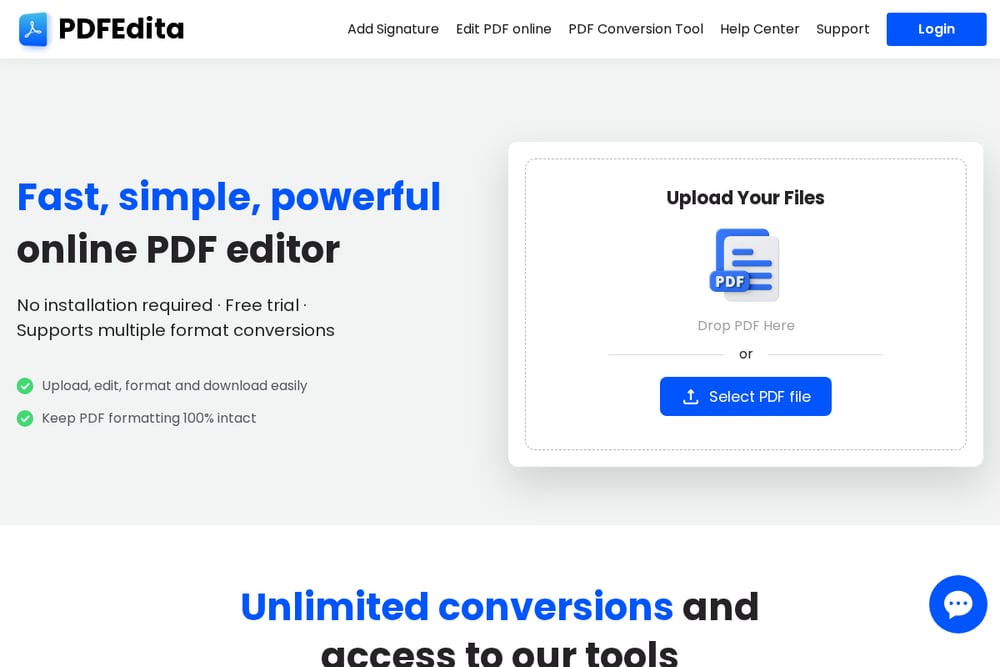 A screenshot of the PDFEdita website.
PDFEdita is a fast, no-installation online PDF editor that lets you upload, edit, format, and download files in your browser. You can add text, images, reorder pages, delete pages, and add or request signatures. The conversion engine supports PDF to Word, Excel, PPT, JPG, and back, with unlimited conversions on paid plans. A free trial lets you test the tool without registering, and users praise its clean interface and quick results. One reviewer noted, "Got a PDF to Word in seconds. Better quality than some expensive desktop apps I've tried." Another said, "Best $2 I've spent this month. Got my contract edited and signed in 5 minutes."
#3 pdfFiller PDF Editor
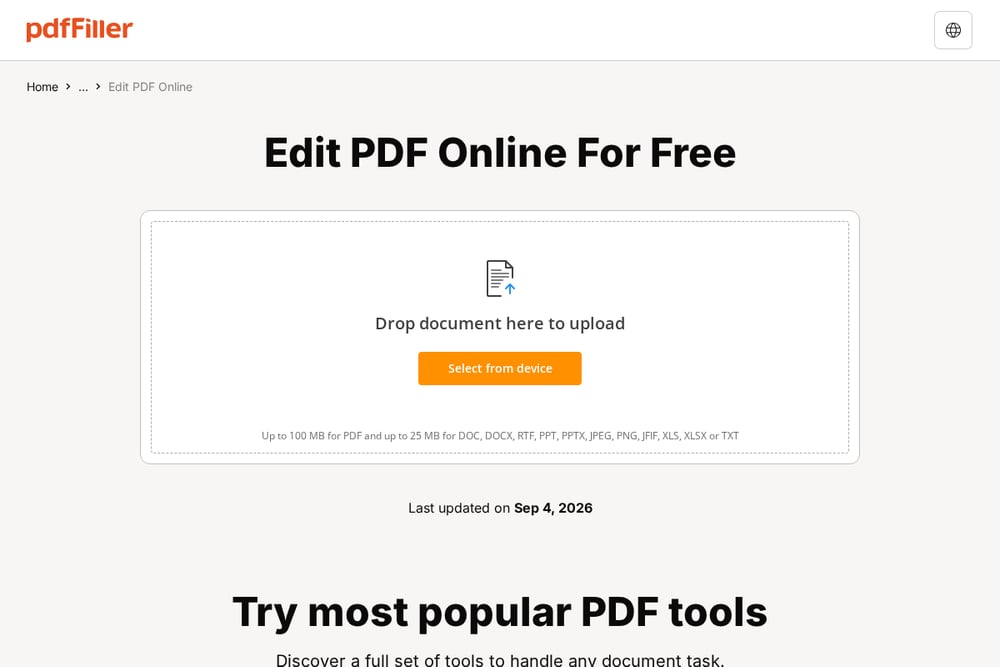 A screenshot of the pdfFiller PDF Editor website.
pdfFiller is a comprehensive online PDF editor with a focus on forms and e-signatures. You can click directly into existing text to rewrite, replace, or delete it while preserving formatting. The platform also handles images, page management, fillable forms, annotations, and redaction. It is trusted by over 64 million users and rated highly on G2 and Capterra. The free version covers basic edits, but advanced features like OCR and bulk sending require a subscription. If you work with contracts or client forms, pdfFiller is built for you.
#4 iLovePDF Edit PDF
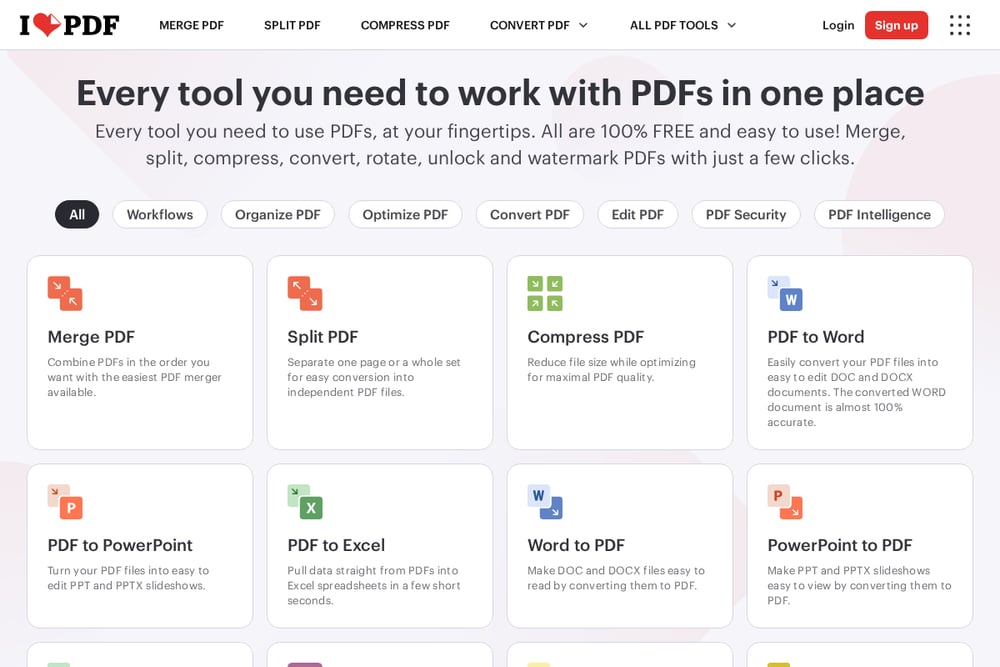 A screenshot of the iLovePDF Edit PDF website.
iLovePDF Edit PDF is part of a larger suite of PDF tools that includes merge, split, compress, and convert. The editor lets you add text, shapes, comments, and highlights, and you can edit existing text directly. It supports a wide range of conversions, including PDF to Word, Excel, PPT, and JPG. The interface is simple and available in many languages, making it accessible to a global audience. The free tier has some limits, but the paid plan unlocks unlimited access and desktop/mobile apps. It is a solid all-rounder for everyday PDF tasks.
#5 Smallpdf PDF Editor
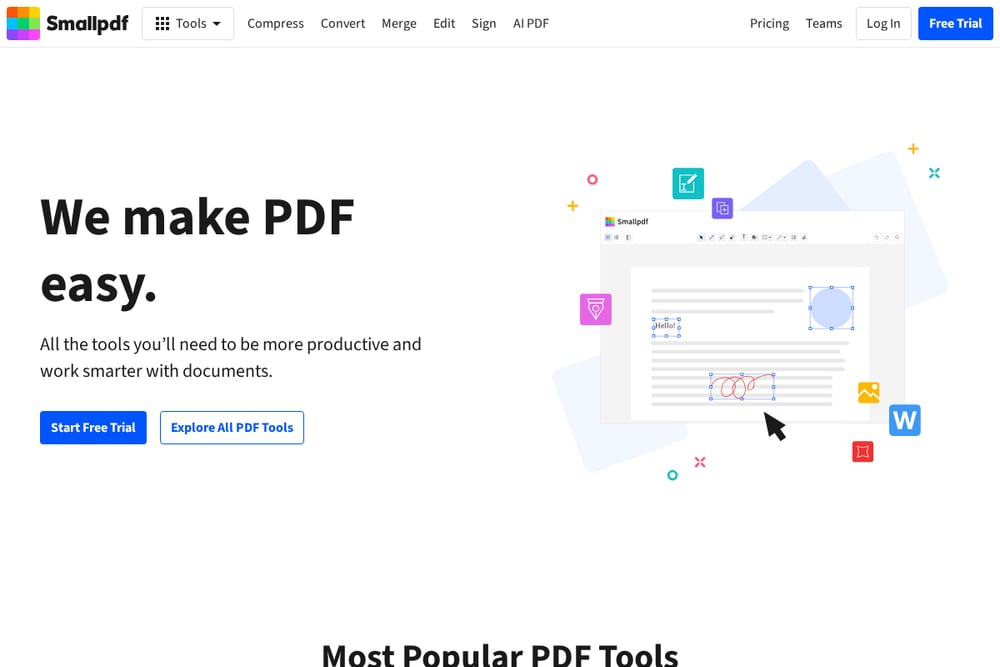 A screenshot of the Smallpdf PDF Editor website.
Smallpdf PDF Editor offers a clean, modern editing experience across Mac, Windows, and mobile. You can add text, shapes, images, highlights, and sticky notes, and organize pages with merge, extract, or split. The tool emphasizes speed and simplicity, with no onboarding required. It also integrates with Dropbox and Google Drive for easy file access. The free trial lets you test the editor, but heavy use requires a subscription. If you value a polished interface and cross-device access, Smallpdf is worth a look.
How to Choose the Right PDF Editor
Start by listing what you actually need. If you only edit text and sign occasionally, a free tool like PDFEdita or iLovePDF may be enough. If you handle complex forms or need OCR, pdfFiller or Adobe Acrobat Online are stronger. Consider your budget: some tools charge per export, others offer unlimited conversions for a low monthly fee. Check format support—if you often convert to Excel or PPT, make sure the tool handles those well. Finally, think about privacy. Look for clear data deletion policies and encryption. Try the free trial first; most tools let you test without a credit card.
Automating Your PDF Workflow
You can save time by connecting your PDF editor to cloud storage like Google Drive or Dropbox. Many tools, including Smallpdf and iLovePDF, offer direct integrations. For repetitive tasks like converting batches of invoices, look for API access or Zapier support. pdfFiller and Adobe Acrobat Online provide automation for form routing and e-signatures. If you run a small business, set up templates for contracts and proposals so you only need to fill in the blanks. Always test the automation with a few files before rolling it out to your team.
The Bottom Line
There is no single PDF editor that fits everyone. Adobe Acrobat Online leads for depth and trust. PDFEdita wins on speed, price, and no-registration access. pdfFiller excels at forms and signatures. iLovePDF gives you a wide free toolkit. Smallpdf delivers a polished mobile experience. Pick the one that matches your daily tasks, try the free version, and upgrade only when you hit a limit. Your documents will thank you.