
Your waiting room TV is either building trust or burning it. These five tools help you control what patients see, in the order you want.
The state of office TV slideshows in 2026
Waiting rooms are captive-audience zones. What plays on those screens shapes how patients feel about your practice before they ever meet you. In 2026, dental, medical, and spa offices are moving away from generic cable loops and toward software that lets them arrange their own photos, educational clips, and calming visuals. The shift is practical: you want before-and-after cases shown in sequence, not shuffled. You want music that lowers anxiety, not raises it. And you want to update every screen without walking room to room with a USB stick. The tools below approach that job from different angles. Some focus on patient education libraries. Others prioritize your own photos and privacy. All five are worth a look.
How we evaluated these office TV tools
We looked at five factors across every tool. First, service scope: does it handle photos, video, music, and multi-screen sync, or just one piece? Second, pricing clarity: can you find plans without a sales call? Third, local fit: does it work with the TVs and Wi-Fi you already have? Fourth, content control: can you arrange slides in a specific order and keep before-and-after pairs together? Fifth, privacy: where do your patient photos actually live? Sequence TV stood out for its Mac-based light table and on-premise photo storage. Dentli impressed with its dental-specific content and booking integration. DSID showed strength in education libraries and treatment-chair displays. Optio TV offered a deep library of professionally produced videos. It's Relevant TV brought licensed programming and social media feeds into the mix. Each tool has a different center of gravity.
Here is a quick look at how the five compare on the factors that matter most to practice managers and owners.
| Provider | Best For |
|---|---|
| Dentli Waiting Room TV | Dental clinics already using Dentli's booking and campaign tools |
| Sequence TV — Photo slideshows for office TVs | Dental, medical, and spa offices that want ordered photo slideshows with local photo storage |
| DSID Digital Signage for Dental Practices | Dental and specialty practices focused on patient education at the chair |
| Optio TV | Practices that want a large library of professionally produced patient education videos |
| It's Relevant TV | Practices that want licensed TV programming mixed with their own messaging |
The five tools in detail
#1 Dentli Waiting Room TV
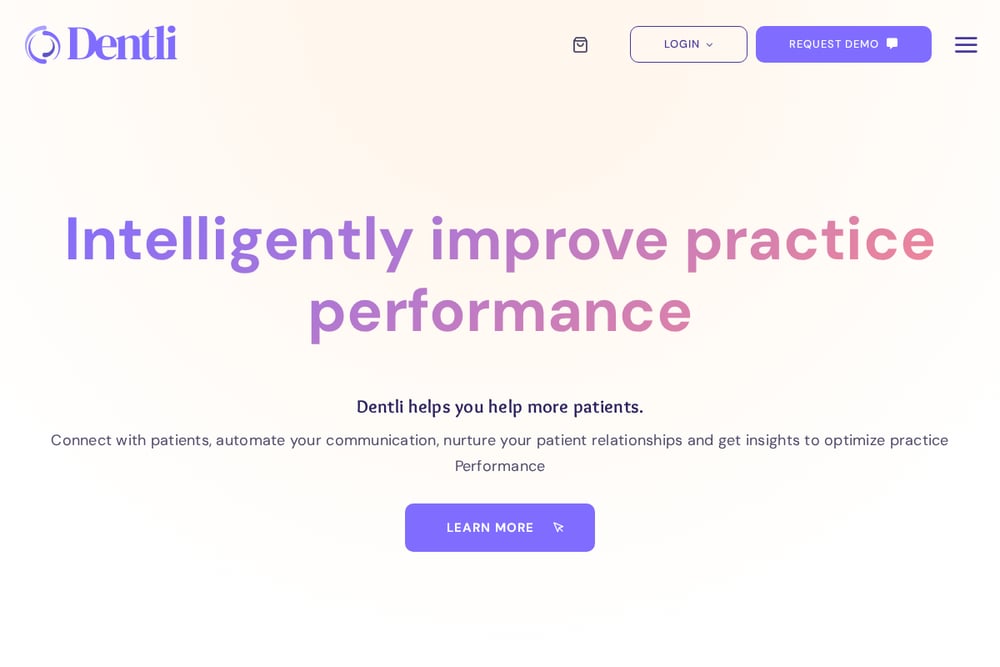 A screenshot of the Dentli Waiting Room TV website.
Dentli Waiting Room TV is built specifically for dental clinics that want to educate and promote while patients wait. You can display clinic promotions, fun dental facts, short procedure videos, weather updates, and health tips like how to brush properly. The system ties into Dentli's broader platform, which includes online booking, patient navigator, and campaign management. That integration means your waiting room screen can reinforce the same messages your front desk and booking flow already use. For practices already using Dentli's ecosystem, this is a natural extension. For others, it is a focused dental TV solution with a clear educational bent.
#2 Sequence TV — Photo slideshows for office TVs
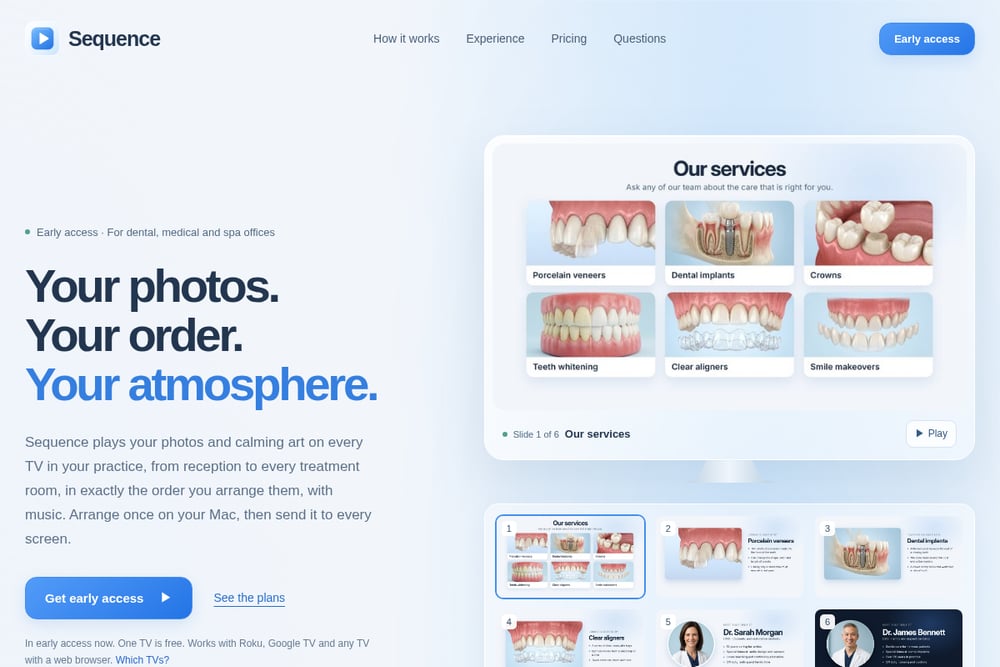 A screenshot of the Sequence TV — Photo slideshows for office TVs website.
Sequence TV takes a different approach: your photos, your order, your atmosphere. You arrange slides on a Mac using a light table, keep before-and-after pairs together, add captions, and choose how long each slide stays on screen. Then you send the sequence to every TV in your practice over your own Wi-Fi. It works with Roku, Google TV, Fire TV, and any TV with a web browser. The privacy angle is strong: Sequence does not upload or host your photos. One computer in your office shares the slideshow locally, so patient images stay on your machine. Included lounge jazz, spa music, and nature sounds help calm the waiting room, and you can add your own MP3s. It is in early access now, and one TV is free.
#3 DSID Digital Signage for Dental Practices
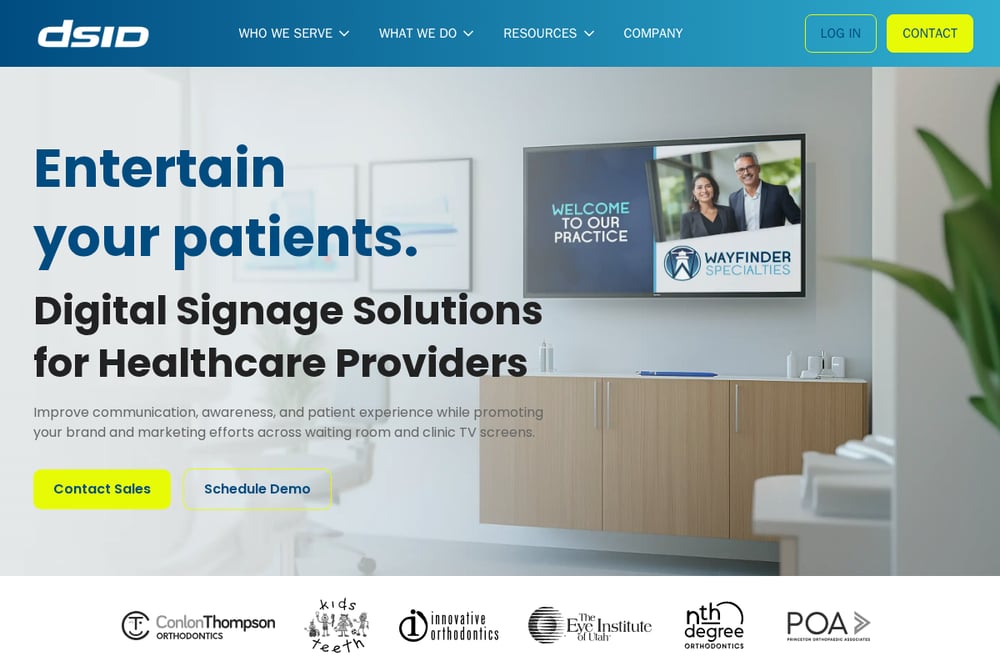 A screenshot of the DSID Digital Signage for Dental Practices website.
DSID positions itself as a digital signage partner for dental practices, with a focus on awareness and education. The platform showcases your full scope of services through informative videos in the waiting room and treatment chair. Content explains restorative, cosmetic, prosthodontic, and preventive treatments in plain language and bite-size portions. The goal is to get patients asking questions and taking a more active role in their oral health. DSID also serves orthodontics, pediatric dentistry, periodontics, and other specialties. If you want a signage system that doubles as a patient education engine, this is a strong fit.
#4 Optio TV
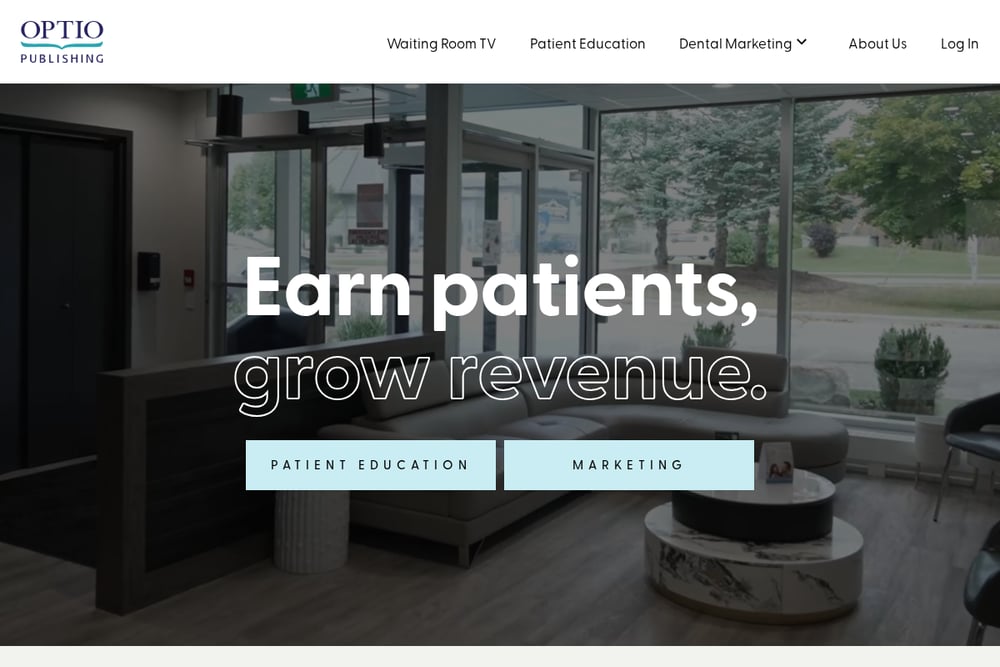 A screenshot of the Optio TV website.
Optio TV is a video streaming app for your waiting room TV, backed by a library of over 150 professionally produced videos. Topics include flossing, implants, clear aligners, and more. When you subscribe, Optio creates a custom profile for you that prioritizes the content categories you care about most. You can also request original videos for practice-specific topics like staff introductions, case studies, promotions, or clinic policies. Scheduling tools let you feature time-sensitive videos when they are most relevant. It is a content-first approach: less about your own photos, more about polished educational video.
#5 It's Relevant TV
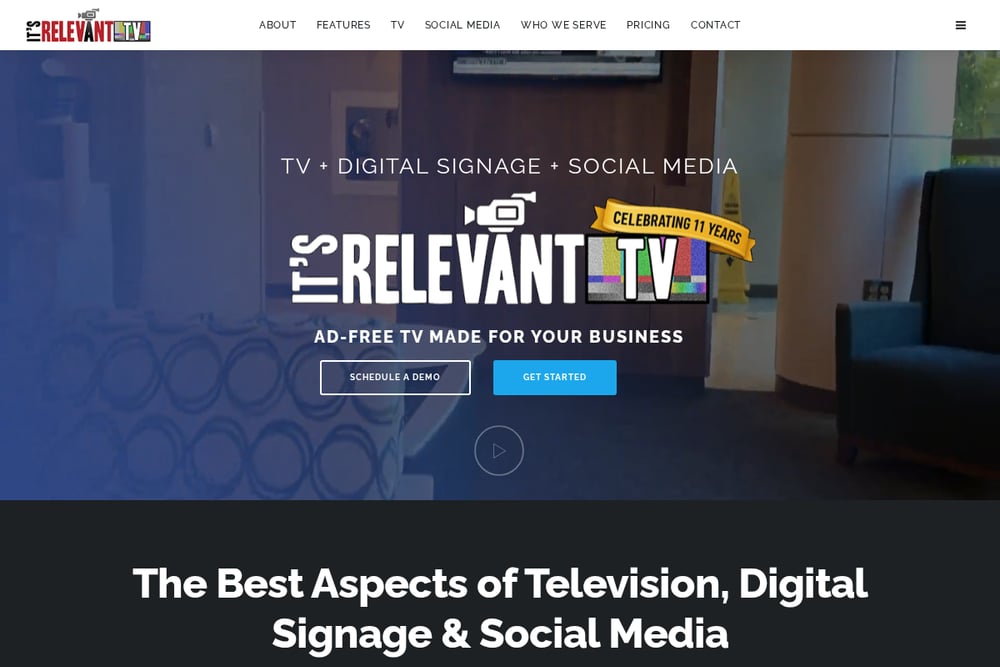 A screenshot of the It's Relevant TV website.
It's Relevant TV combines licensed TV programming with digital messaging for dental waiting and exam rooms. You get family-friendly shows from a library of half-a-million programs, plus real-time social media and your own video content. The idea is to entertain and educate at the same time, reducing perceived wait time and raising patient satisfaction. You choose content categories that interest your visitors, and the system delivers new programming daily. No need to build playlists or constantly refresh them. If you want your TVs to feel more like a channel and less like a slideshow, this is the option to explore.
How to choose the right office TV tool
Start with what you actually want on the screen. If your priority is your own photos in a specific order, look for a tool with a light table or drag-and-drop sequencing. If you want patient education videos ready to go, prioritize a library. If privacy is non-negotiable, check where images are stored. Sequence TV keeps photos on your computer. Others host content in the cloud. Next, check TV compatibility. Do you have Roku, Google TV, Fire TV, or a browser-based display? Most tools support common platforms, but confirm before you commit. Then look at pricing. Some tools publish plans; others require a demo. Finally, think about who will update the screen. If it is you, pick something simple. If it is your front desk, pick something they can learn in an afternoon.
A simple workflow for keeping screens fresh
Set a weekly rhythm. On Monday, add any new before-and-after photos to your sequence. On Wednesday, swap in a seasonal promotion or a new health tip. On Friday, review what played and remove anything outdated. If your tool supports scheduling, queue time-sensitive content in advance. If it supports multiple screens, push the same sequence to reception and treatment rooms so every patient sees a consistent story. Keep music in a separate playlist so you can change the mood without rebuilding the slides. The goal is not more work. It is a system that runs with ten minutes of attention per week.
The bottom line
Your waiting room TV is a quiet member of your team. It can calm nerves, answer questions, and show off your best work. The five tools here each solve a different part of that job. Dentli integrates with dental workflows. Sequence TV gives you ordered photo slideshows with local storage. DSID educates at the chair. Optio TV brings a deep video library. It's Relevant TV turns your screen into a licensed channel. Pick the one that matches how you want patients to feel when they look up.