
You don't need another app. You need one workspace that actually fits how you work. These five Notion template shops are worth your attention.
The Notion Template Market for Freelancers
Freelancers and small teams are drowning in disconnected tools. Notion has become the go-to platform for bringing clients, projects, tasks, and invoices into one place. But building a system from scratch takes weeks you don't have. That's why template shops have exploded. They sell ready-made workspaces that promise clarity from day one. The best ones go beyond pretty dashboards. They connect your pipeline to your projects, your tasks to your progress, and your invoices to your outstanding amounts. Some focus on all-in-one systems. Others specialize in client management or time tracking. A few now offer bilingual editions, which matters if you work across English and Arabic markets. The challenge is sorting marketing claims from real utility. You want templates that are practical, well-documented, and easy to duplicate. You also want transparent pricing and clear support. This roundup looks at five shops that are making noise in the US freelance community. Each has a different angle. Together they show you what's possible when you stop duct-taping your business together.
How We Evaluated These Shops
We looked at five factors across every shop. First, service scope: does the template cover client pipeline, project delivery, task tracking, and invoicing, or just one slice? Second, pricing clarity: is there a free tier, a clear paid upgrade, or confusing bundles? Third, local fit: does it support multiple languages or region-specific workflows? Fourth, documentation and setup: are there guided instructions, demo records, and FAQs? Fifth, proof of quality: are there automated checks, user counts, or independent reviews? DaltenoFlow stood out for its bilingual English and Arabic editions and a free Freelancer Client Hub that connects clients, projects, tasks, and invoices with calculated progress and outstanding amounts. Grizzly Templates impressed with a personal, experience-driven blog and a bundle of seven templates that replace multiple tools. PathPages offered a large curated library with both free and premium options, plus a complete bundle discount. Notion Everything showed strong educational content and a second-brain approach for personal and professional organization. TimeKnot focused on time tracking and client management, with free templates and a dedicated Notion tool. None of these is universally better. The right pick depends on whether you need an all-in-one system, a specific tool, or a broad library.
Here's a quick look at the five shops, what they offer, and who they serve best.
| Provider | Best For |
|---|---|
| Grizzly Templates | Freelancers who want a proven, experience-backed template bundle |
| DaltenoFlow — Smart Systems. Simpler Work. | Bilingual freelancers and small teams who want a free, connected client hub |
| PathPages | Freelancers who want a wide selection and bundle deals |
| Notion Everything | Freelancers who want templates plus in-depth Notion education |
| TimeKnot | Freelancers who need time tracking alongside client and project management |
The Five Shops in Detail
#1 Grizzly Templates
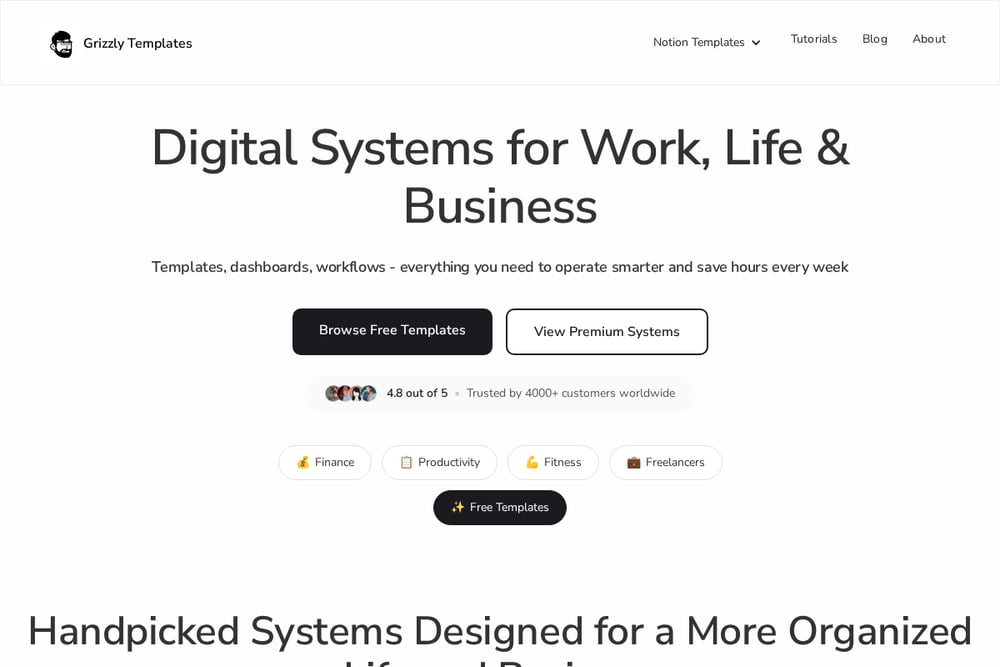 A screenshot of the Grizzly Templates website.
Grizzly Templates comes from Roman Likhachev, a freelancer who built the system he wished he had. His blog post '7 Notion Templates I Use to Run My Freelance Business' walks you through replacing five apps with one workspace. You get templates for client management, invoicing, content, time boxing, and more. The writing is personal and practical, not salesy. If you want to learn while you build, this is a strong starting point. See the full breakdown at Grizzly Templates.
#2 DaltenoFlow — Smart Systems. Simpler Work.
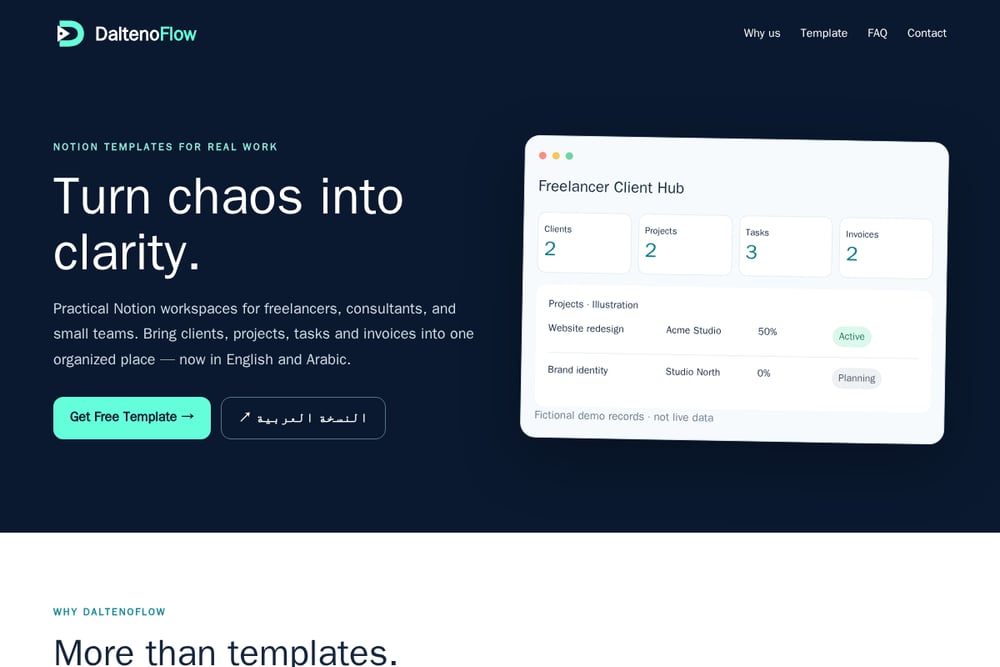 A screenshot of the DaltenoFlow — Smart Systems. Simpler Work. website.
DaltenoFlow focuses on one thing: practical Notion workspaces for freelancers, consultants, and small teams. Their flagship Freelancer Client Hub v2 is free and available in both English and Arabic. It connects your client pipeline (Lead to Proposal to Active to Closed), project progress, task tracking, and invoice status in one place. Follow-up reminders flag overdue items, and outstanding amounts roll up from invoices to each client. The template includes Kanban boards, calendar, timeline, and a phone-friendly list. Each edition is generated from one specification and checked automatically (96 of 96 checks passed as of 21 Oct 2026). Learn more at DaltenoFlow.
#3 PathPages
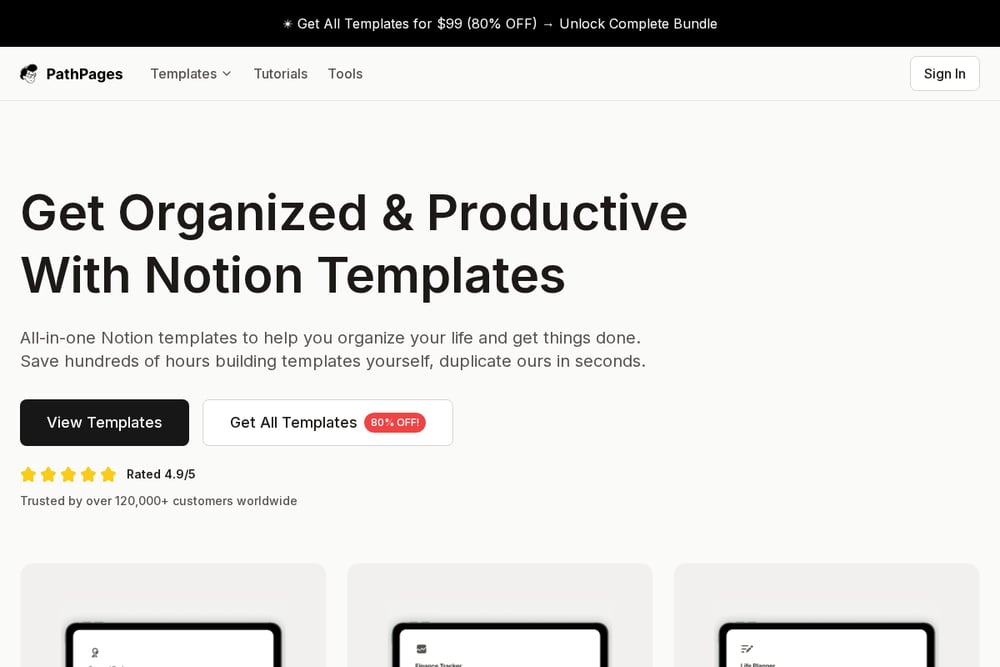 A screenshot of the PathPages website.
PathPages curates a large library of Notion templates for freelancers, including free and premium options. Their article '18+ Best & Free Notion Freelance Templates [2026]' highlights all-in-one systems like the Notion Freelance System, which combines client management, project tracking, invoicing, and portfolio building. You can buy individual templates or grab the complete bundle for a steep discount. The site is easy to browse and regularly updated. If you want variety and a one-stop shop, PathPages delivers. Explore the collection at PathPages.
#4 Notion Everything
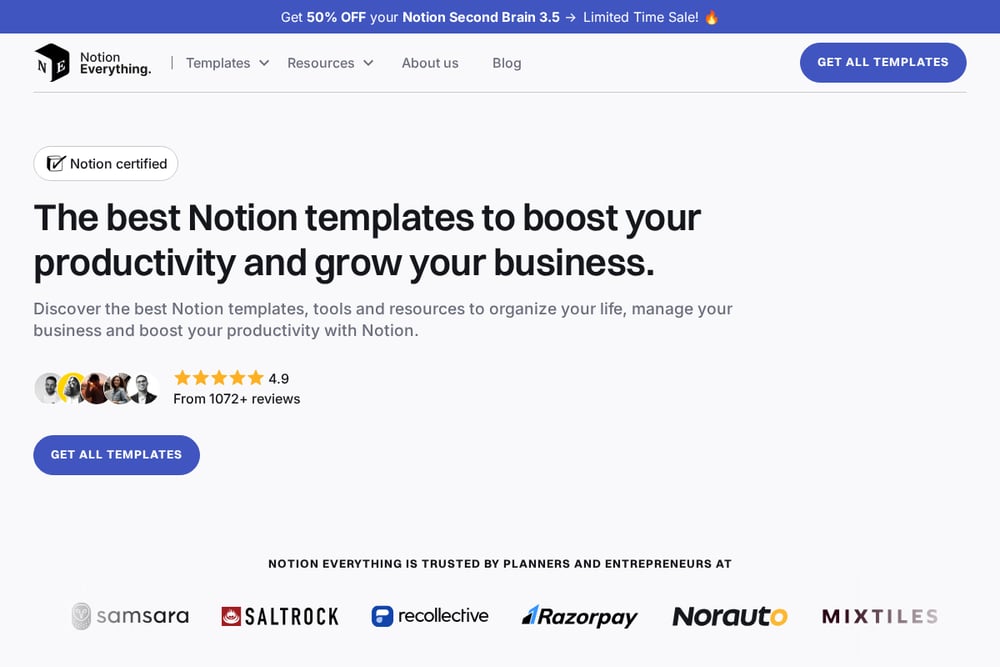 A screenshot of the Notion Everything website.
Notion Everything is part template shop, part education hub. They offer premium and free templates, plus a popular Second Brain system for personal and professional organization. Their blog covers best practices and updates for 2026. You'll find resources for client work, project management, and knowledge management. The site uses a clean, modern layout with clear categories. If you like learning the why behind the system, this is a good fit. Visit Notion Everything for more.
#5 TimeKnot
 A screenshot of the TimeKnot website.
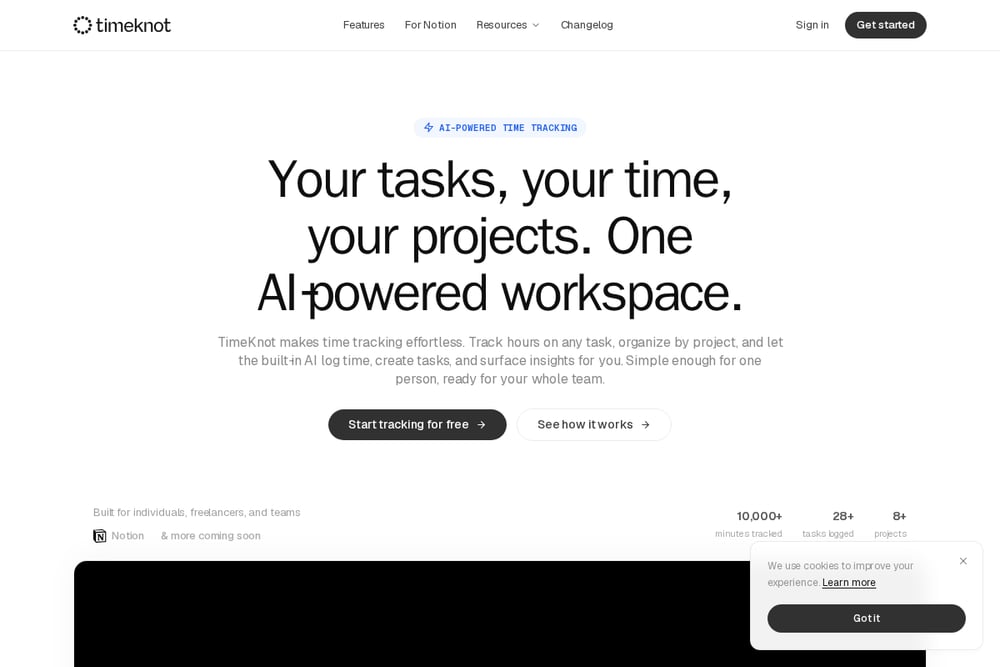
TimeKnot approaches freelance management from a time-tracking angle. Their blog post 'Best Free Notion Freelance Templates | Client Management & Project Tracking 2026' lists verified templates with direct links. They also build Notion tools, including a time-tracking integration. The focus is on helping you see where your hours go and keep projects on schedule. If time is your bottleneck, this shop speaks your language. Check out TimeKnot for free templates and tools.
How to Choose the Right Notion Template Shop
Start with your biggest pain point. Is it losing track of client follow-ups? Then prioritize a shop with a strong CRM or pipeline template. Is it forgetting to invoice? Look for invoice tracking and outstanding amount roll-ups. Is it not knowing where your time goes? TimeKnot or a time-tracking template is your friend. Next, consider language. If you work in English and Arabic, DaltenoFlow's bilingual editions save you from translating field names yourself. Then check the free tier. A free template lets you test the structure before you pay. DaltenoFlow's Freelancer Client Hub is free. Grizzly Templates offers free templates too. PathPages and Notion Everything have free options alongside premium bundles. Finally, read the documentation. A guided setup on the first page and demo records make a huge difference. Automated checks, like DaltenoFlow's 96-of-96 pass, signal quality control. Don't just buy the prettiest dashboard. Buy the system that matches your workflow.
Automating Your Freelance Workflow with Notion
You can automate a lot inside Notion without writing code. Start by connecting your client pipeline to your projects. When a client moves from Lead to Active, trigger a new project page. Use roll-ups to calculate project progress from completed tasks. Link invoices to clients so outstanding amounts update automatically. Set date-based reminders for follow-ups and overdue invoices. Use buttons to create new clients or projects from a form. If you need time tracking, integrate a tool like TimeKnot. For bilingual teams, duplicate the template in both English and Arabic and keep field names consistent. DaltenoFlow's Freelancer Client Hub already does much of this out of the box. You can duplicate it, rename stages, and add your own demo records. The goal is a system that runs itself, so you can focus on billable work.
The Bottom Line
No single template shop is perfect for everyone. Grizzly Templates gives you a battle-tested bundle from a freelancer who's been there. DaltenoFlow offers a free, bilingual client hub that connects your pipeline, projects, tasks, and invoices with calculated numbers. PathPages is your library for variety and bundle deals. Notion Everything teaches you the system while you build it. TimeKnot keeps your hours honest. Pick the one that solves your most urgent problem first. You can always add more later. The best system is the one you'll actually use. Start free, test the workflow, and upgrade when you hit a limit. Your future self will thank you.