You can plan a park day around a single number: the one that tells you when to go, what it costs, and when the light runs out. These five tools put that number in front of you before you leave the driveway.
The New Park Planning Stack
National park planning has split into two jobs. The first is deciding when to go, which now means reading monthly visitor counts instead of guessing at summer crowds. The second is deciding what the trip costs, which got more complicated in 2026 with an $80 resident annual pass, a $250 nonresident pass, and a $100 per-person fee at 11 busy parks. The tools below answer those questions with NPS data rather than vibes. Some go further into reservations, permits, and live alerts. The common thread is that each one turns an official dataset into a decision you can act on.
How We Looked at These Tools
We weighed four things. Data sourcing mattered most: does the tool say where its numbers come from, and can you trace them to NPS counts or published fee schedules? Scope came next, meaning how many parks and how many planning questions a single site covers. Then pricing clarity, since a free tool that hides its limits is worse than a paid one that states them. Finally, timing utility, or whether the tool helps you pick a date, a daylight window, or a turnaround point rather than just describing a park. Each entry below stood out on a different combination of those factors.
Here is the short version before the details. Each tool below leads with a different question, so match the tool to the decision you are actually stuck on.
| Provider | Best For |
|---|---|
| Trekkin Around | Comparing crowd levels across many parks at once |
| Trailhead Timing: National Park Fees, Crowds and Sunset Times | Timing a single park day around fees and daylight |
| Park Crowd Calendar | Deciding whether to shift a summer trip by a month |
| Park'd | One-stop logistics from fees to permits and pets |
| TrailVerse | Conversational planning with live park data |
The Five Tools in Detail
#1 Trekkin Around
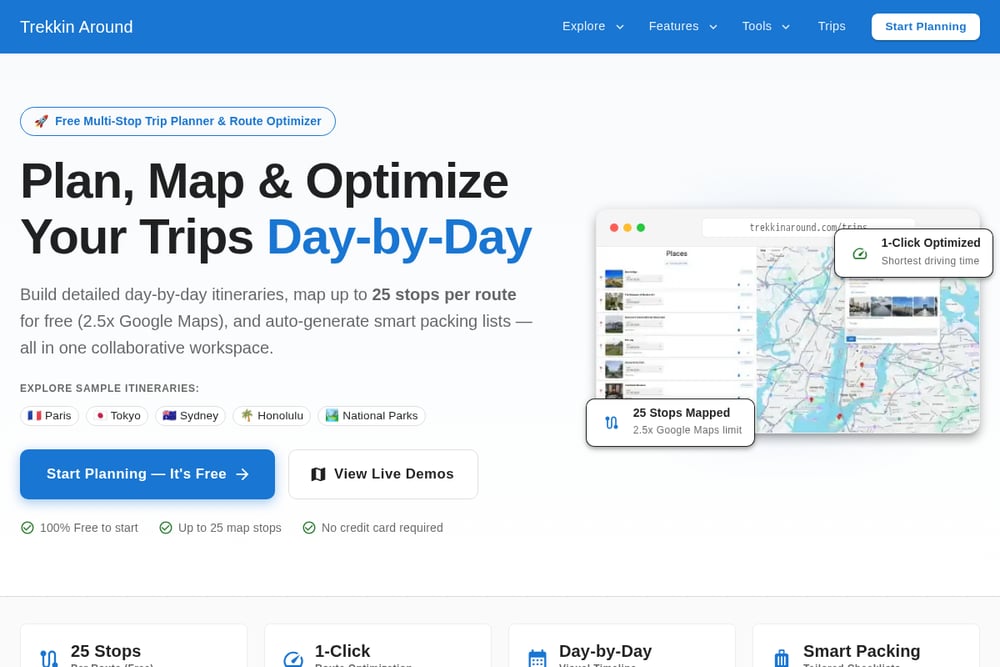 A screenshot of the Trekkin Around website.
Trekkin Around leads with a crowd tracker built on official attendance datasets, and it does not stop at the headline parks. Its September view ranks 63 national parks by lowest monthly visits, so you can see that Kobuk Valley draws roughly 849 visitors that month while other units run into the tens of thousands. Each park card shows the percentage quieter than its own peak month, which is a more honest comparison than a raw national total. You also get a 12-month calendar and a pass ROI figure per park. If your first question is simply when a specific park is least mobbed, this is the most direct answer in the group. See the tracker at https://www.trekkinaround.com/tools/crowd-tracker/.
#2 Trailhead Timing: National Park Fees, Crowds and Sunset Times
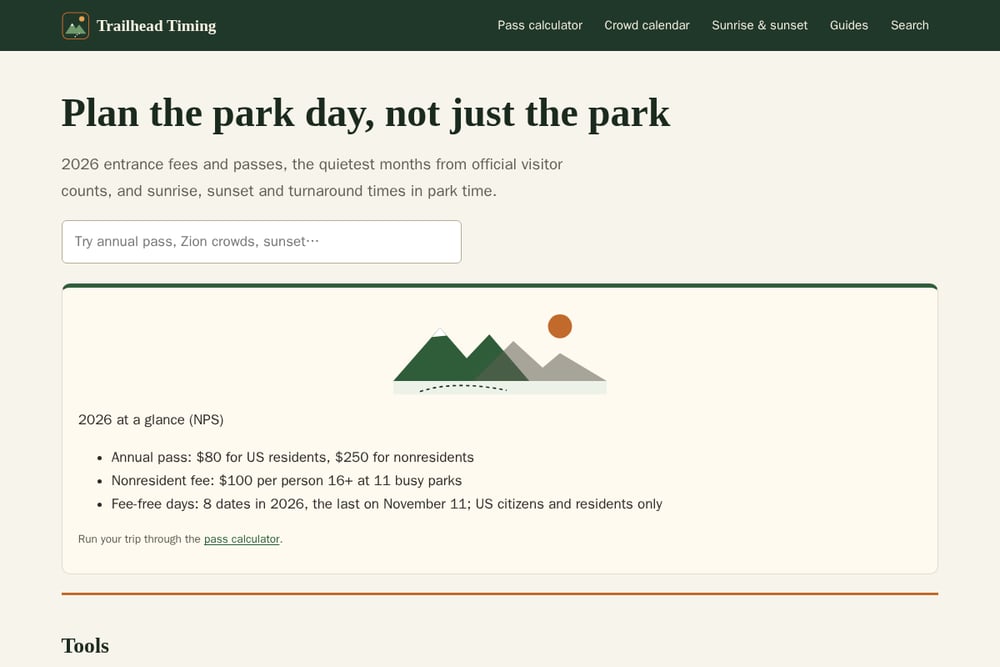 A screenshot of the Trailhead Timing: National Park Fees, Crowds and Sunset Times website.
Trailhead Timing is built around one idea: plan the park day, not just the park. It pairs a pass calculator with a crowd calendar drawn from official NPS counts at 24 parks, then adds sunrise, sunset, and twilight times in park time for any date. The hike turnaround calculator is the piece you will not find everywhere, telling you when to turn back so you are off the trail before dark. Its 2026 fee summary is unusually clear: $80 for US residents, $250 for nonresidents, a $100 per-person fee at 11 busy parks, and 8 fee-free days with the last on November 11. Guides cover the America the Beautiful pass, Smokies parking tags, hiking in heat, and the nonresident fee. Start with the pass calculator at https://trailheadtiming.com/.
#3 Park Crowd Calendar
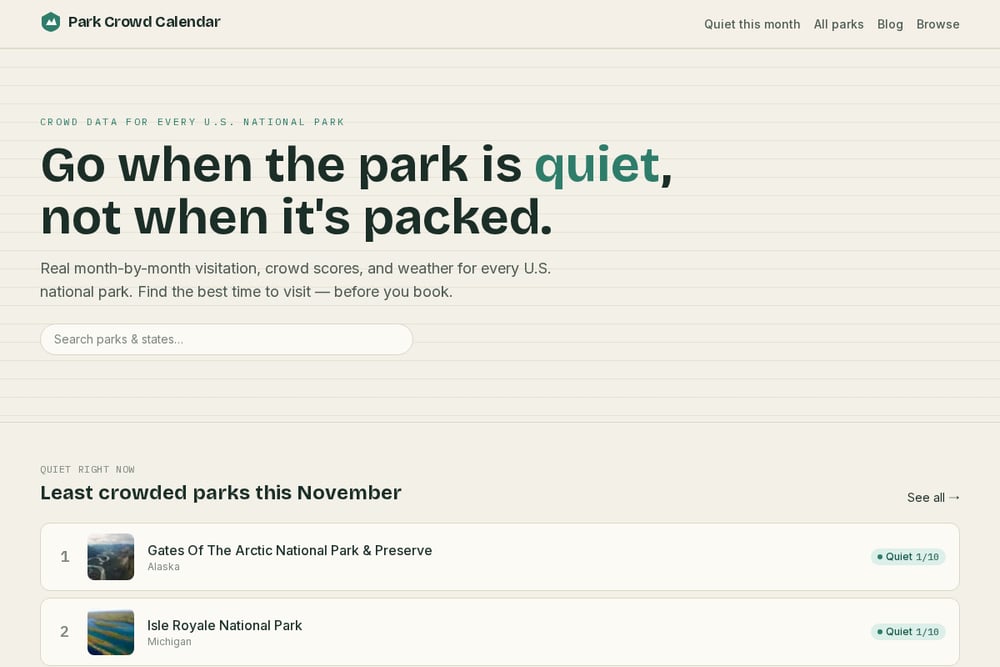 A screenshot of the Park Crowd Calendar website.
Park Crowd Calendar takes a narrower and more useful angle on summer: it compares each park to itself. Instead of a national summer label, you see a 1-to-10 score per month, so Yellowstone reads 8 in June and 10 in July and August while Big Bend sits at 3 and 2. That framing makes it obvious whether shifting your dates by a month actually changes the pressure at your destination. The site is candid about what monthly data cannot do, which is predict a holiday weekend or a full lot at 10 a.m. Its month-by-month summer plan walks through the tradeoffs park by park. Read the plan at https://www.parkcrowds.app/blog/national-park-summer-crowds-month-by-month-plan.
#4 Park'd
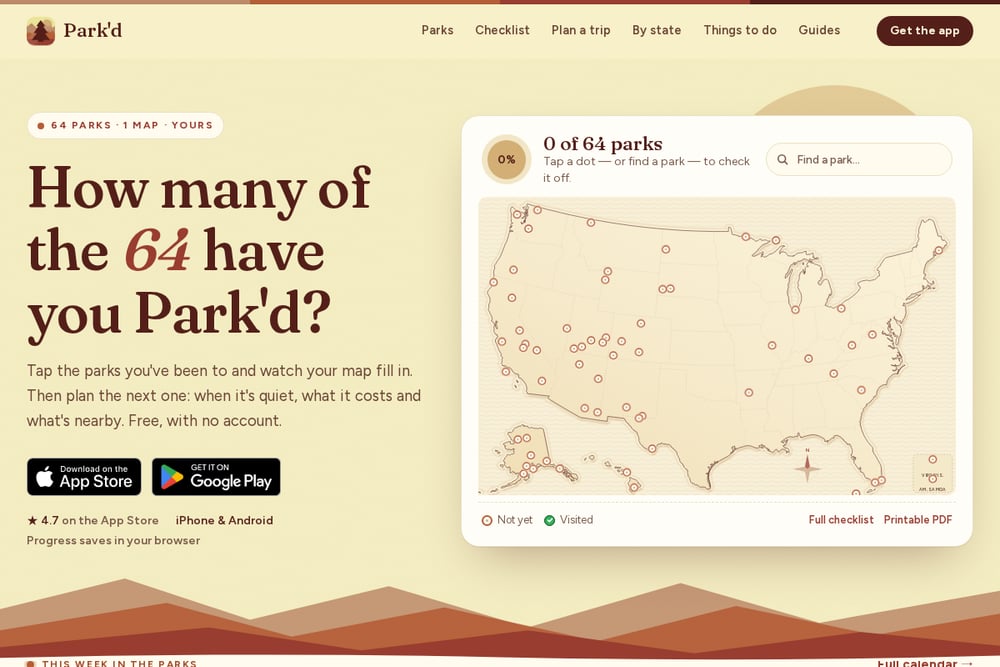 A screenshot of the Park'd website.
Park'd bundles three free tools that answer three separate questions. The crowd calendar covers all 64 parks with monthly recreation visits, and the pass calculator totals real gate fees including the new $100 nonresident fee before comparing them with the $80 or $250 pass. A four-question quiz picks three parks you have not checked off yet based on scenery, month, and whether you are driving or flying. The site goes past planning into logistics with reservation release dates, permit lottery windows and success rates, pet rules quoted from each park's own page, and seasonal road opening histories going back to 1933. Everything is stated as verified against NPS data, with a last-verified date on the page. Explore it at https://parkd.app/plan.
#5 TrailVerse
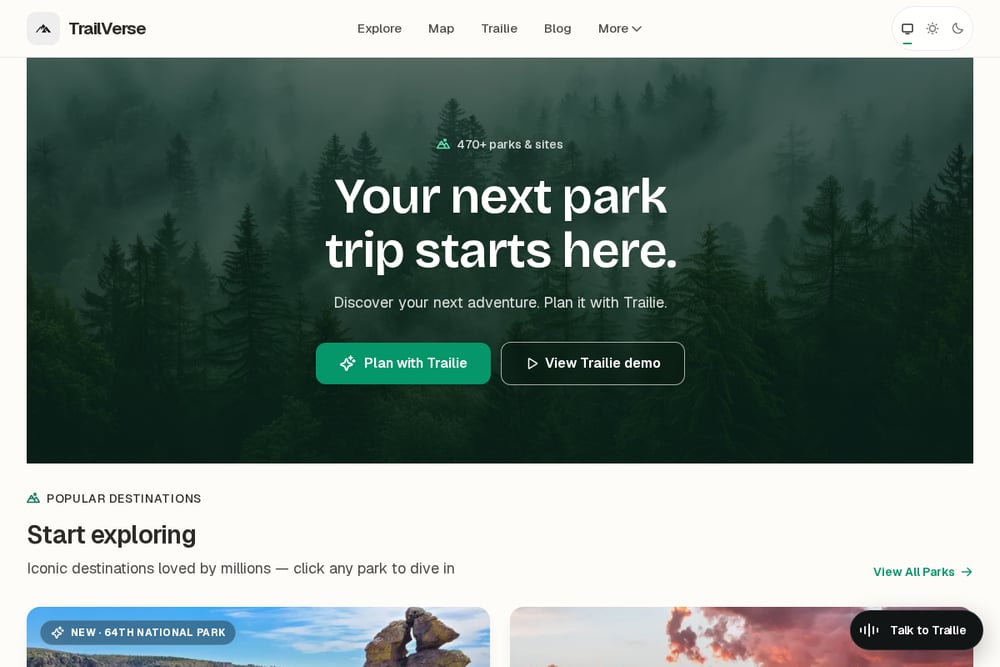 A screenshot of the TrailVerse website.
TrailVerse takes the AI route, connecting its app inside ChatGPT and Claude so you can plan with live alerts, weather, permits, and events instead of whatever the model remembers from training. The site is upfront about the limitation of plain chatbots for park planning, which is a refreshing bit of honesty in this category. You can install the app from the ChatGPT App Directory or use the web version of its assistant, Trailie, on the same data. Beyond the assistant, TrailVerse offers sample itineraries, a crowd calendar, a where-next tool, and a 2025 park report. It is the pick if you want a conversational planning partner rather than a set of calculators. See the guide at https://www.nationalparksexplorerusa.com/guides/plan-national-parks-in-chatgpt.
Match the Tool to Your Stuck Point
Start with the question you cannot answer. If you do not know which month to go, use a crowd calendar that compares a park to its own peak, and check whether it covers the parks on your list. If you know the park but not the cost, run your gate fees through a pass calculator that includes the 2026 nonresident fee before you buy anything. If the trip is set and you are worried about daylight, pick a tool with sunrise, sunset, and turnaround times in park time. And if you want to talk through options rather than click through forms, an AI-connected planner will suit you better. Most travelers end up using two of these, not one.
Put the Numbers on a Schedule
Set a recurring reminder to recheck your dates as the trip approaches. Crowd calendars and fee pages change when NPS publishes new counts or adjusts rules, and a monthly check catches that. Add a calendar entry for your park's reservation release date and any permit lottery window, since those deadlines are the ones people miss. Two weeks out, pull sunrise and sunset for your exact dates and write your turnaround time on the itinerary. The day before, confirm fees and any parking tag requirement so you are not sorting that out at the entrance station.
The Bottom Line
The best park planning tool is the one that answers the question you are actually asking. Trekkin Around gives you the widest crowd comparison. Trailhead Timing ties fees, crowds, and daylight into a single day plan. Park Crowd Calendar sharpens the month decision. Park'd covers the logistics after you pick a park. TrailVerse lets you talk it through. Pick the one that matches your stuck point, and you will spend less time guessing and more time on the trail.