
You want your practice to actually know when you nailed it. These five tools listen over MIDI and turn chord drills into real feedback.
The MIDI-Powered Practice Boom
Piano practice apps have moved far beyond static flashcards. Today's tools listen to your keyboard over MIDI, grade your timing and accuracy, and adapt to what you keep missing. You no longer have to guess whether you played the right inversion or hit the chord on time. The shift matters because instant feedback shortens the loop between attempt and correction. Whether you are drilling seventh chords or learning scales by ear, the right app can feel like a patient teacher sitting beside you.
How We Evaluated These Tools
We looked at five factors: MIDI input support, feedback quality, practice structure, platform availability, and pricing clarity. Wanderland Labs stands out for its studio-built approach and MIDI-first chord grading. Piano Chord Trainer offers color-coded correction and a free trial. Piano Chords, Scales Companion brings a massive chord and scale library with strong MIDI integration. Piano Chords and Scales shines with clean visuals and built-in exercises. The Ultimate Piano delivers browser-based practice with no install required. Each tool serves a different kind of player, and that is exactly the point.
Here is a quick look at the five tools, ordered for this roundup.
| Provider | Best For |
|---|---|
| Piano Chord Trainer | Players who want gamified chord drills with instant color feedback |
| Wanderland Labs — Games & Apps | Musicians who want a MIDI-first chord trainer built by an indie studio |
| Piano Chords, Scales Companion | Musicians who need a deep chord and scale reference with MIDI search |
| Piano Chords and Scales | Learners who want clear visuals and structured theory exercises |
| The Ultimate Piano | Players who want flexible, browser-based practice with MIDI feedback |
The Five Tools in Detail
#1 Piano Chord Trainer
 A screenshot of the Piano Chord Trainer website.
Piano Chord Trainer turns chord practice into a flashcard-style game with color-coded correction. You play on any keyboard, acoustic or electronic, and the app scores your progress based on complexity, speed, and accuracy. It supports MIDI setups, including classroom configurations with earphones. The app covers beginner three-finger chords up to pro-level two-hand voicings. A free one-week trial lets you test the feedback loop before committing.
#2 Wanderland Labs — Games & Apps
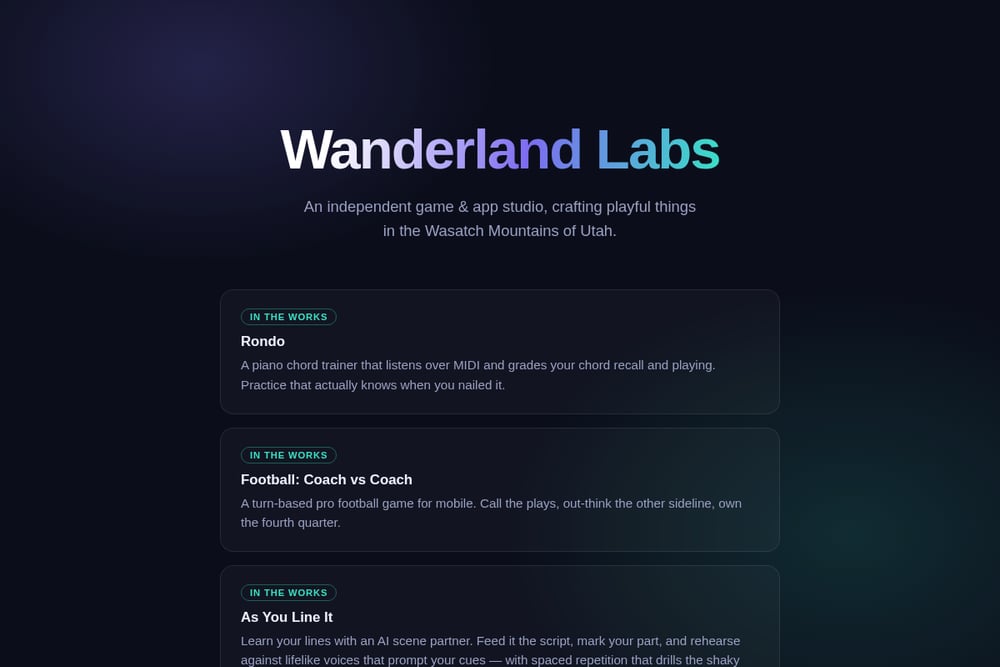 A screenshot of the Wanderland Labs — Games & Apps website.
Wanderland Labs is an independent game and app studio in Draper, Utah, crafting playful tools from the Wasatch Mountains. Their upcoming piano chord trainer, Rondo, listens over MIDI and grades your chord recall and playing in real time. The studio's philosophy is simple: practice that actually knows when you nailed it. Beyond Rondo, they are building a turn-based football game and an AI scene partner for actors. You can reach the team directly at info@wanderlandlabs.com.
#3 Piano Chords, Scales Companion
 A screenshot of the Piano Chords, Scales Companion website.
Piano Chords, Scales Companion is a music theory powerhouse trusted by over a million musicians. It identifies any chord or scale in seconds, even when you do not know its name. You can connect an external MIDI keyboard and use reverse mode to search by playing. The app includes 1,500+ chords, 10,000+ scales, and a chord progression builder. It also sends MIDI output to your favorite DAW.
#4 Piano Chords and Scales
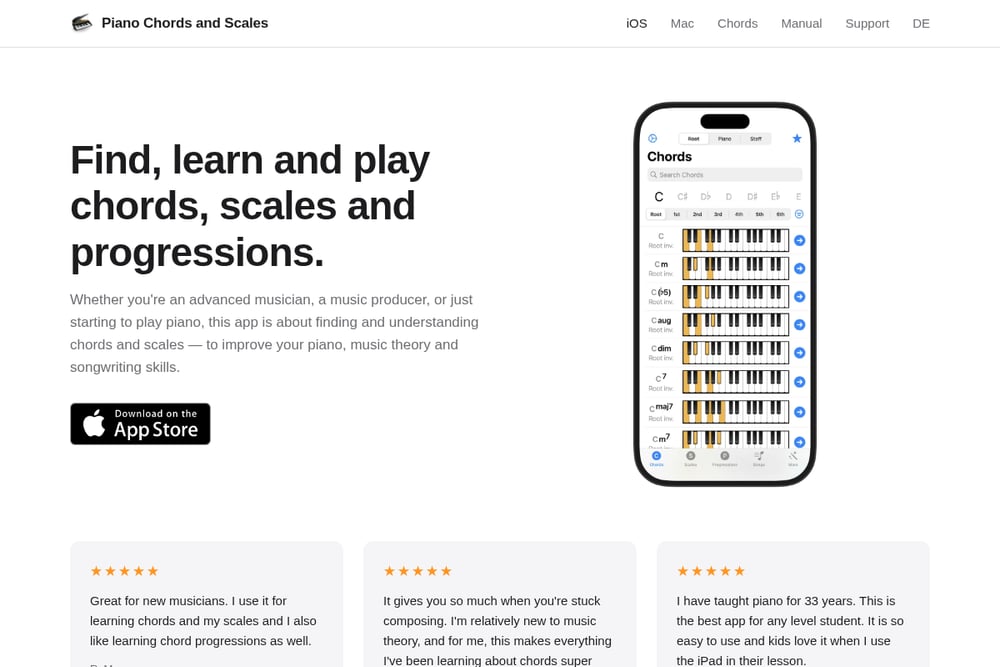 A screenshot of the Piano Chords and Scales website.
Piano Chords and Scales focuses on understanding how chords, scales, and progressions fit together. It offers a clean, interactive interface with audio playback for everything. You get piano and staff views, scale fingerings for both hands, and an interactive circle of fifths. Built-in exercises include flashcards, quizzes, ear training, and chord entry. MIDI in and out are supported, making it easy to practice with your own keyboard.
#5 The Ultimate Piano
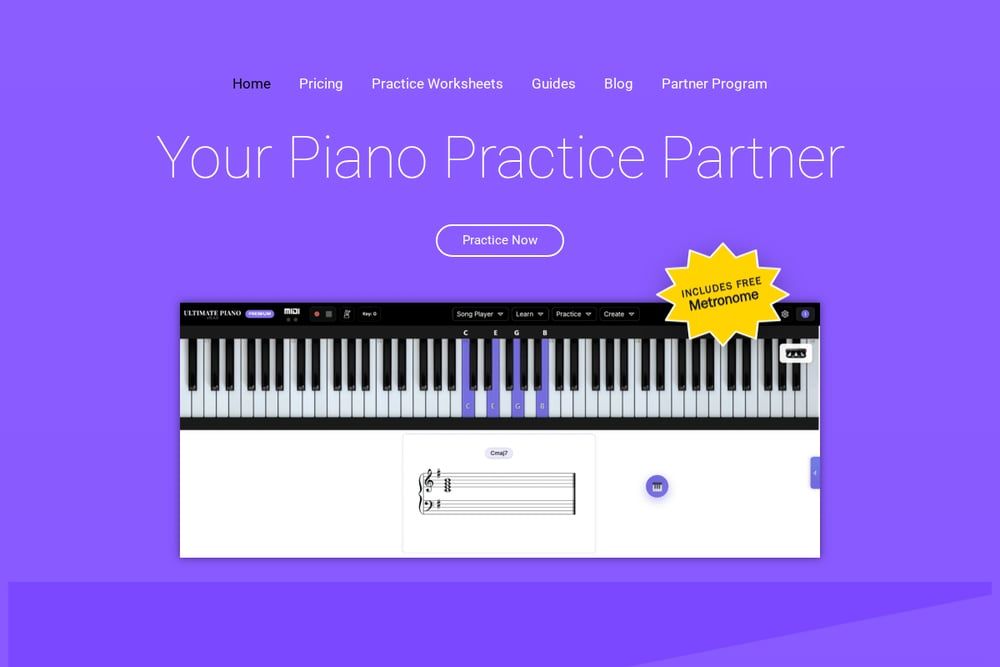 A screenshot of The Ultimate Piano website.
The Ultimate Piano is a browser-based practice tool that requires no download or install. You bring your own material, whether a MIDI file, audio track, YouTube video, or score. The scale and arpeggio drills record when each note arrives and how hard you strike it, so you can see which fingers run late. It names every note and chord as you play, giving you real-time harmonic awareness. No registration is needed to try it.
How to Choose Your Chord Trainer
Start with your input method. If you practice on a digital piano, prioritize MIDI support. If you mostly play on-screen, a touch-friendly app matters more. Next, decide whether you want drills or reference. Some tools quiz you; others help you look up chords on the fly. Consider your platform too. A browser tool works everywhere, while a mobile app may fit your commute. Finally, check the pricing model. Free trials and one-time purchases reduce commitment, while subscriptions make sense if you practice daily.
Building a Smarter Practice Loop
You can combine these tools into a feedback-driven routine. Use a reference app to learn a new chord shape, then drill it in a trainer that grades your accuracy. Record your session MIDI and review where your timing slipped. If you use a browser tool, keep it open alongside your DAW for quick harmonic checks. The goal is a loop: learn, play, get feedback, adjust. Apps that listen over MIDI close that loop fastest.
The Bottom Line on MIDI Chord Practice
The right chord trainer turns vague practice into measurable progress. Piano Chord Trainer gamifies the grind. Wanderland Labs brings an indie, MIDI-first vision with Rondo. Piano Chords, Scales Companion is your deep reference. Piano Chords and Scales makes theory visual. The Ultimate Piano keeps it flexible in your browser. Try one, listen to what it tells you, and let your fingers catch up to your ears.