
Moving your email to Microsoft 365 should feel like an upgrade, not a gamble. These five partners bring different strengths to the table, so you can pick the one that fits your team, timeline, and budget.
The Microsoft 365 Migration Landscape
Microsoft 365 is the default productivity suite for millions of businesses, but getting there is where things get tricky. Email migrations involve mailboxes, calendars, contacts, permissions, and years of accumulated data. One wrong move can mean lost messages or days of downtime. That is why specialized migration partners exist. They bring tools, process, and experience to move you from Exchange, Google Workspace, GoDaddy, IMAP, or even another Microsoft 365 tenant without the headache. The market ranges from self-service migration tools to fully managed white-glove services. Your choice depends on how much control you want and how complex your environment is.
How We Evaluated These Partners
We looked at service scope, migration tooling, pricing transparency, support model, and overall fit for different business sizes. Service scope mattered because some partners handle only email while others cover files, Teams, and tenant-to-tenant moves. Tooling showed us whether migrations are automated, repeatable, and secure. Pricing clarity helped separate partners with straightforward plans from those with hidden fees. Support model revealed whether you get 24/7 help or business-hours assistance. Finally, we considered who each partner serves best, from small teams to enterprises. No single partner wins on every factor, but each has a clear strength that makes it worth knowing.
Here is a quick look at how these five partners compare on the factors that matter most for a Microsoft 365 email migration.
| Provider | Best For |
|---|---|
| CloudFuze | Large or complex migrations needing zero downtime |
| Source Tech 365 | Your Trusted IT Partner | Small to mid-sized businesses wanting a hands-on partner |
| BitTitan MigrationWiz | IT teams and MSPs wanting a proven self-service tool |
| TrnDigital | Businesses wanting a managed migration plus ongoing IT support |
| Apps4Rent | Cost-conscious businesses wanting migration bundled with licensing |
The 5 Partners in Detail
#1 CloudFuze
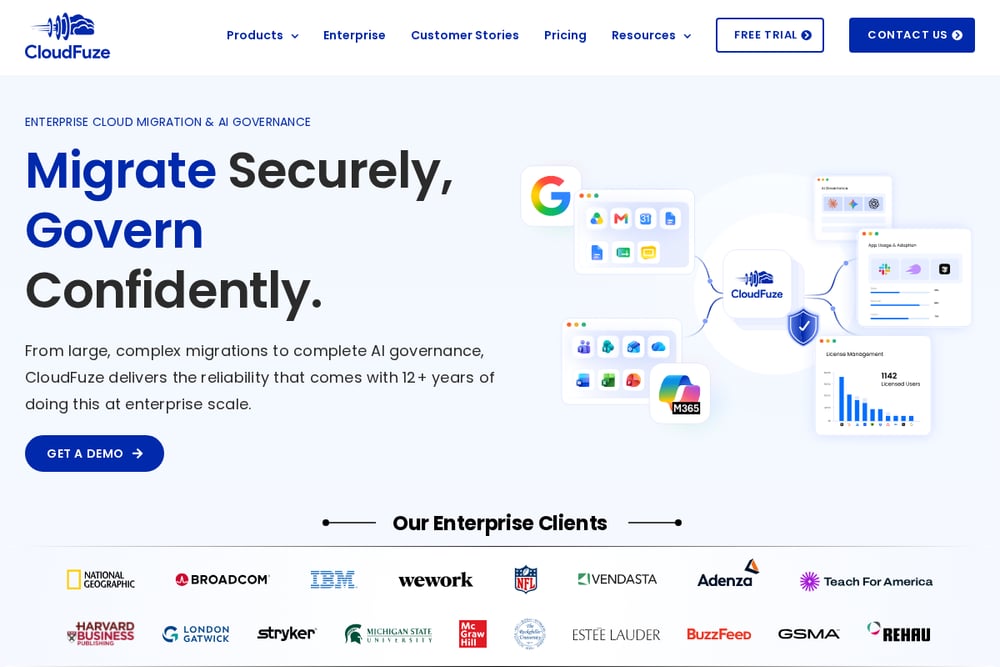 A screenshot of the CloudFuze website.
CloudFuze is built for speed and scale. Its migration platform handles Gmail to Outlook, Outlook to Outlook, and tenant-to-tenant moves with a focus on zero downtime. You get a self-service tool with enterprise-grade security and metadata preservation, so contacts, calendars, and permissions come along for the ride. The company also offers managed migration services if you want experts to run the project. CloudFuze is a strong fit if you have a large user base or need to consolidate multiple environments quickly. Learn more about their Microsoft 365 email migration approach on their site.
#2 Source Tech 365 | Your Trusted IT Partner
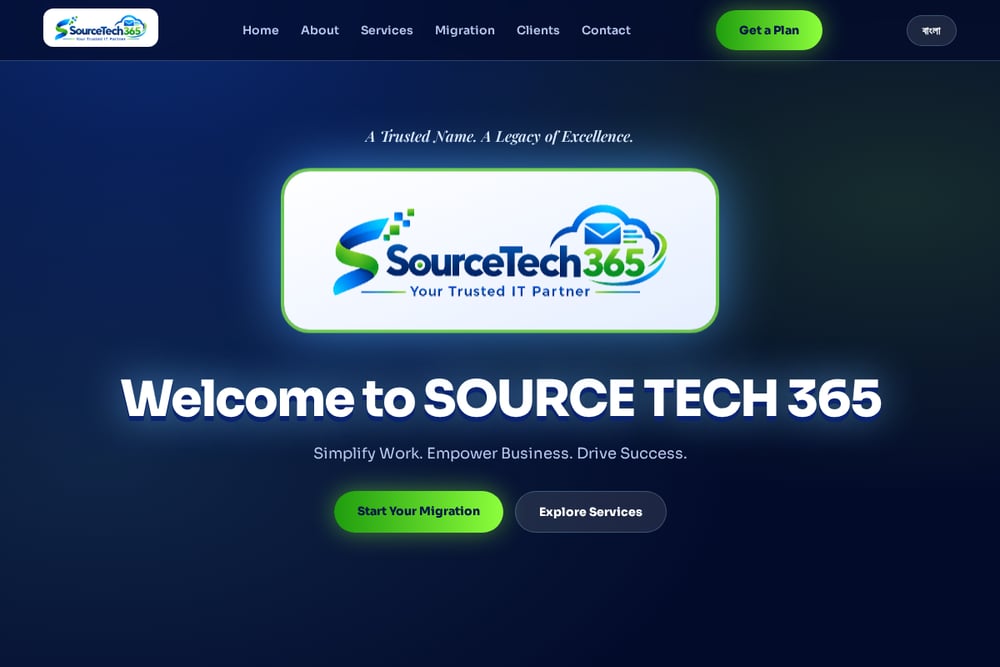 A screenshot of the Source Tech 365 | Your Trusted IT Partner website.
Source Tech 365 positions itself as a hands-on IT partner, not just a migration tool. The company specializes in end-to-end email migration from any mail server to Microsoft 365, backed by a 5S philosophy that emphasizes tailored solutions, security, service, support, and success. You get help with licensing, cloud security, compliance, and 24/7 technical support. With 25+ engineers worldwide and 35+ clients across industries, they bring a personal touch to migrations. If you want a partner who stays involved after the move, Source Tech 365 is worth a close look.
#3 BitTitan MigrationWiz
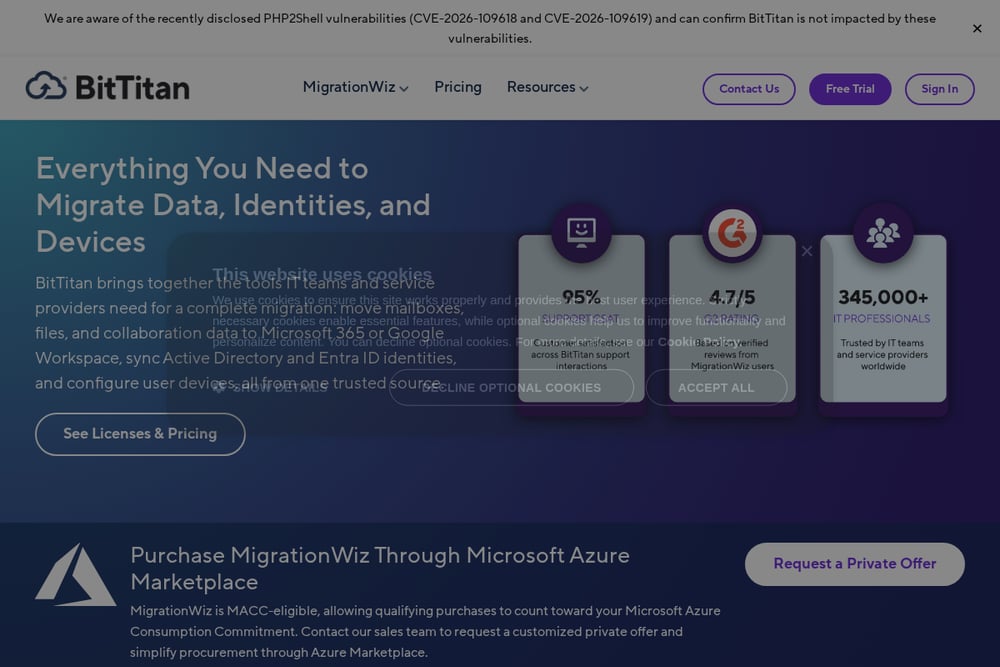 A screenshot of the BitTitan MigrationWiz website.
MigrationWiz is one of the most widely used migration platforms in the industry. It supports migrations from on-prem servers, cloud applications, and Google Workspace to Microsoft 365 with a single tool. You can move mailboxes, documents, Teams chats, and even Active Directory objects. The platform is known for its reliability and broad compatibility, making it a favorite among MSPs and enterprises. BitTitan offers a free trial and per-license pricing, so you can test before you commit. If you prefer a proven, self-service tool with extensive documentation, MigrationWiz is a solid choice.
#4 TrnDigital
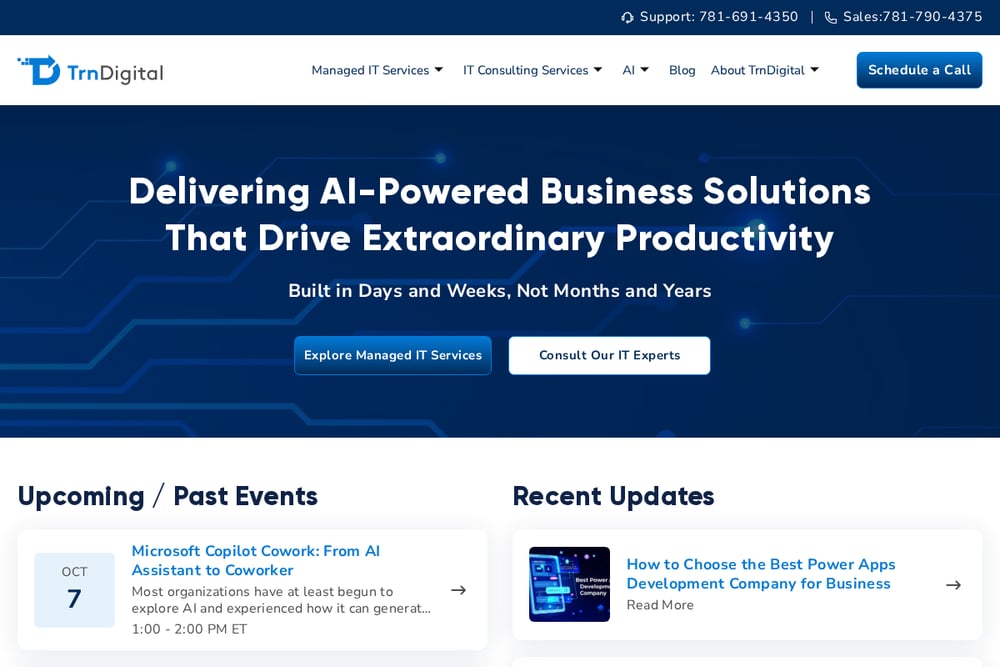 A screenshot of the TrnDigital website.
TrnDigital takes a managed-services approach to Microsoft 365 migration. Their AI-based migration framework is designed to handle complex moves from Exchange, Box, Google Workspace, Dropbox, and file shares. You get a free migration assessment, a clear cutover and rollback plan, and support through go-live. The company also offers broader managed IT services, including cybersecurity, Intune, and Power Platform. If you want a partner who can manage the entire migration and then stick around for ongoing IT support, TrnDigital fits the bill.
#5 Apps4Rent
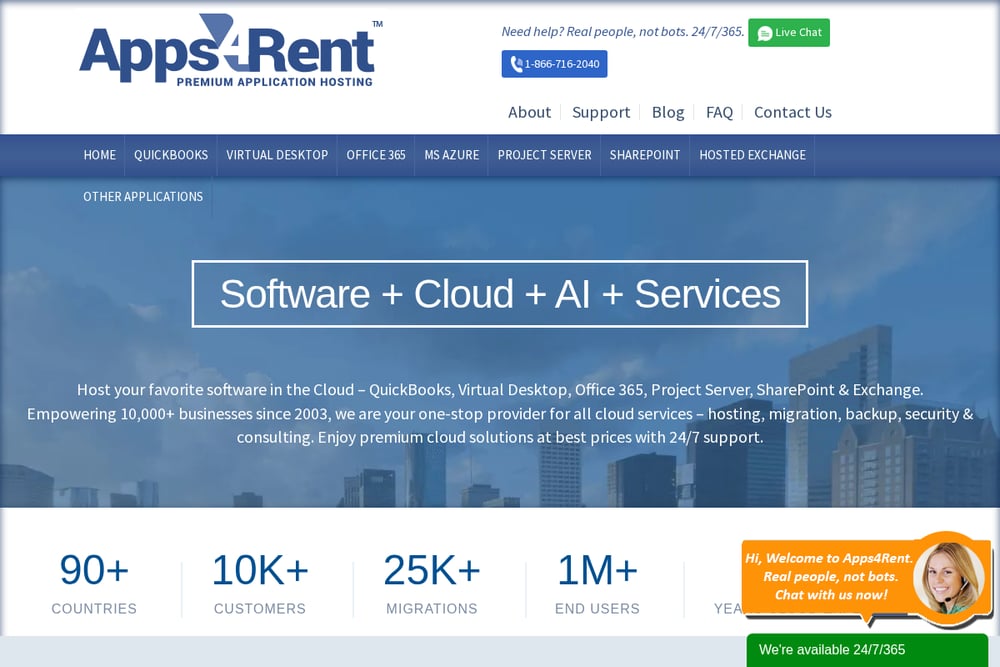 A screenshot of the Apps4Rent website.
Apps4Rent is a Tier-1 Microsoft Cloud Solution Provider that bundles free email migration with qualifying Microsoft 365 plans. You get a dedicated migration manager, a test migration before the full move, and 24/7 support for every user afterward. They migrate from Exchange, Google Workspace, GoDaddy, Rackspace, Lotus Notes, and IMAP/POP3. With 10,000+ businesses served since 2003, they have seen just about every migration scenario. If you want a cost-effective, fully managed migration with licensing included, Apps4Rent is a strong contender.
How to Choose the Right Migration Partner
Start by mapping your current environment. Are you on Exchange, Google Workspace, or something else? How many mailboxes and how much data? Next, decide how much hands-on help you want. Self-service tools like MigrationWiz give you control and lower costs, but require internal expertise. Managed services like TrnDigital or Source Tech 365 handle the heavy lifting. Check pricing transparency: some partners bundle migration with licensing, while others charge per mailbox. Look at support: 24/7 coverage matters if you have global users. Finally, ask about post-migration support. The move is just the beginning; you will want help with security, compliance, and optimization afterward.
Automating Your Migration Workflow
Automation can make your migration faster and less error-prone. Start by using a migration tool that supports batch processing and scheduling. Set up a test migration with a small group of users to validate the process. Use scripts or built-in tools to map permissions and distribution lists automatically. Schedule the cutover during off-hours to minimize disruption. After the migration, automate user communication and post-migration checks. Many partners offer migration managers who can help you build this workflow. The goal is to reduce manual steps and ensure nothing falls through the cracks.
The Bottom Line
There is no one-size-fits-all migration partner. CloudFuze leads with speed and scale for complex moves. Source Tech 365 offers a personal, hands-on partnership for small and mid-sized businesses. BitTitan MigrationWiz gives you a proven self-service tool. TrnDigital combines migration with ongoing managed IT. Apps4Rent bundles migration with licensing for cost-conscious teams. Assess your environment, your budget, and how much control you want. Then pick the partner that aligns with your team's strengths. A smooth migration is worth the upfront effort.