You want to see what your child is actually learning, not just that they spent twenty minutes on a screen. These five portals give you a clear view of the maths path, from small steps to real growth.
The state of maths progress tracking
Parent-facing maths portals have moved from simple dashboards to full learning companions. You can now follow units, lessons, and skill mastery in near real time, whether your child learns in an app, a game, or a classroom program. The best tools separate what is working from what is still growing, without burying you in data.
How these portals were evaluated
Each portal was looked at on four factors: clarity of the progress view, scope of the maths path shown, fit for parents versus teachers, and how well the portal stays out of the way of actual learning. Pricing transparency and language support also mattered, because a progress tool only helps if you can read it easily and afford it.
Here is a quick comparison of the five portals, ordered to help you match the tool to your situation. The detail on each one follows in the deep dive.
| Provider | Best For |
|---|---|
| ABCmouse | Parents who want a full curriculum path view |
| Mathivia · Keep going together | Families who want a calm, focused progress view |
| SplashLearn | Parents who want topic-level mastery signals |
| Prodigy | Parents whose children already play the game |
| Imagine Learning | School and program-level progress oversight |
The five portals in detail
#1 ABCmouse
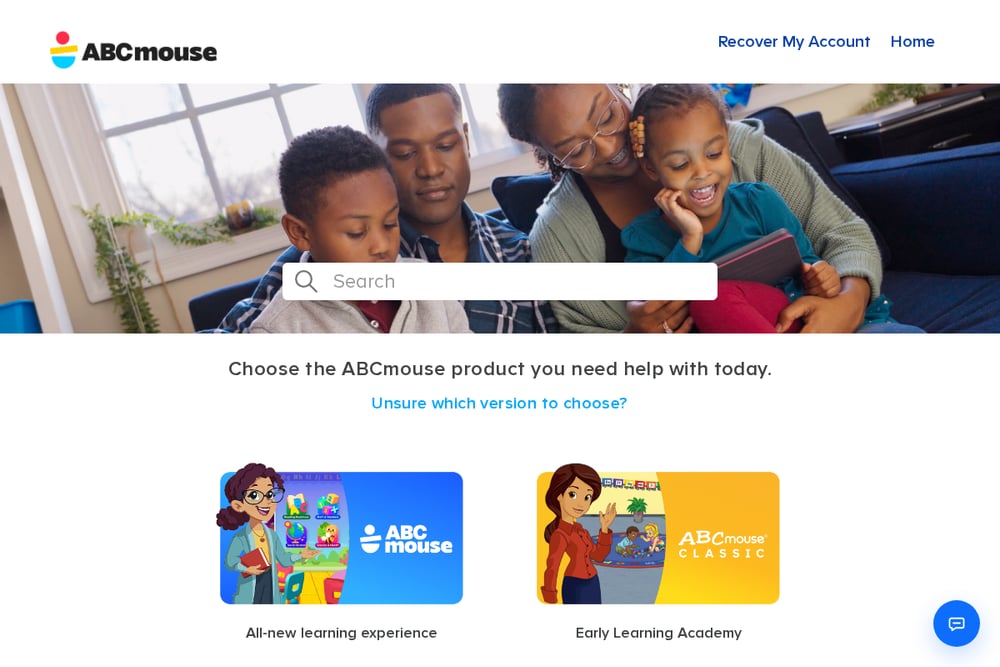 A screenshot of the ABCmouse website.
ABCmouse gives you a structured Progress section inside the app, so you can see your child's current grade level, current unit, and upcoming units in one place. The learning path view expands unit by unit, showing lessons completed out of the total, which makes the next step obvious. You log in through the avatar and settings area, then pick a child profile to review maths or reading progress. It is a mature, well-documented system with clear parent instructions. If you want a portal that mirrors a full curriculum path, this is a strong reference point.
#2 Mathivia · Keep going together
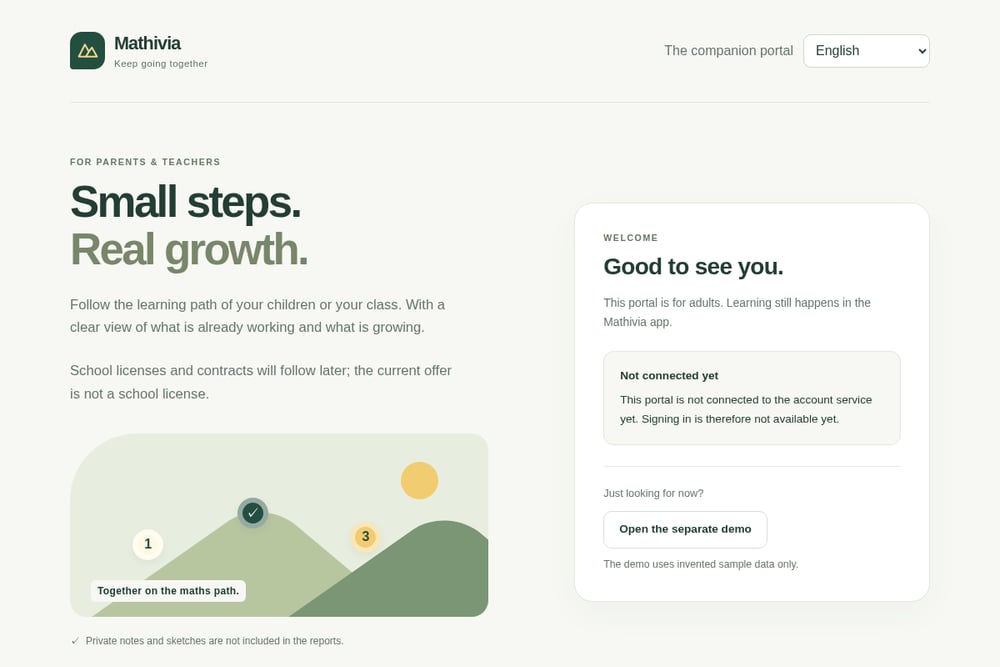 A screenshot of the Mathivia · Keep going together website.
Mathivia is the companion portal for the Mathivia app, built for parents and teachers who want to follow a child's or a class's maths path. The learning happens in the app, and the portal gives you a clear view of what is already working and what is growing. It is deliberately aimed at individual families rather than schools, and the site notes that school licenses will follow later. Private notes and sketches stay out of the reports, which keeps the focus on progress. A separate demo with invented sample data lets you look around before signing in.
#3 SplashLearn
 A screenshot of the SplashLearn website.
SplashLearn's parent reports break progress down by topic and use colour-coded indicators, from mastered to needs attention. You select a child profile, grade level, or subject from the dashboard and review performance in one screen. The system generates reports after a learning objective is completed, and weekly reports are based on curriculum use. It is a practical choice if you want to spot gaps quickly and decide where extra practice is needed. The indicators are simple enough to read at a glance.
#4 Prodigy
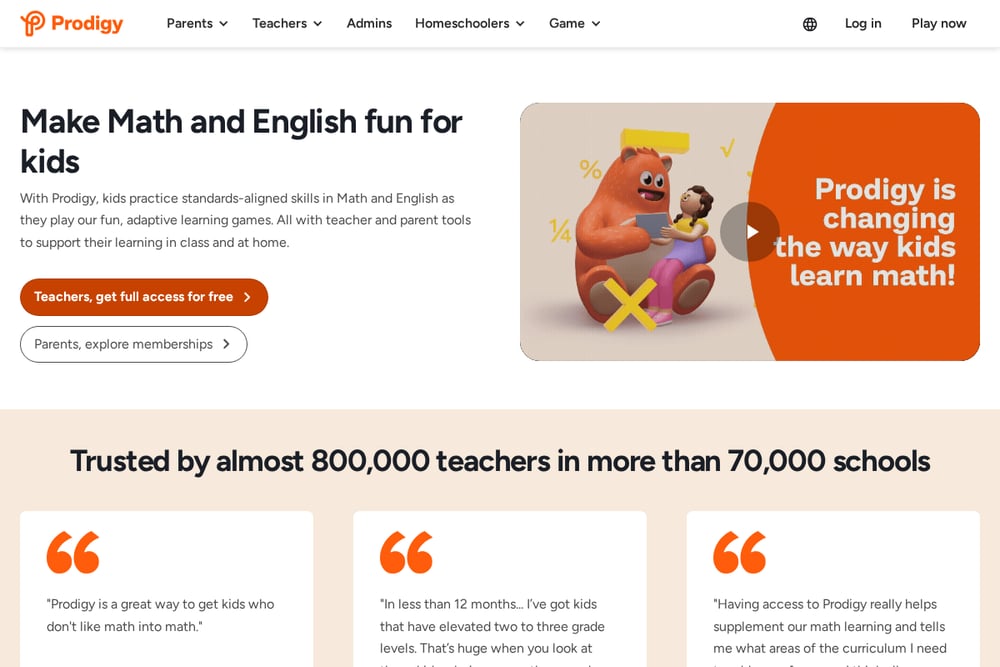 A screenshot of the Prodigy website.
Prodigy pairs a game-based maths experience with a free parent account that helps you support your child's learning journey. The parent account is designed to help you identify where your child is excelling and where they may need help, using the data from their gameplay. Prodigy's guidance walks you through setting up the account and using it to stay involved. It suits families whose children already enjoy the game and who want a light-touch way to stay informed. The focus is on involvement rather than deep reporting.
#5 Imagine Learning
 A screenshot of the Imagine Learning website.
Imagine Learning offers personalised maths and reading learning paths through programs such as Imagine MyPath. The portal is built for schools and districts as much as for families, with assessment and intervention tools layered into the path. You get a broader view of growth across a program rather than a single child's daily activity. It is a heavier system, but it fits situations where a school or homeschool co-op needs a shared view. If you want a program-level perspective, this is the one to consider.
How to choose the right portal for you
Start with who needs the view. If you are a parent following one child, a family-focused portal like Mathivia or SplashLearn keeps things simple. If you teach a class, look for a portal that shows a group without mixing in private notes. Next, check the depth of the maths path: some portals show units and lessons, others show topic mastery. Then consider how the learning happens, because a portal is only as useful as the app behind it. Finally, confirm language support and pricing clarity before you commit.
A simple weekly progress routine
Set a recurring weekly check-in, open your portal, and review the current unit and any topic flagged as needing attention. Note one thing that is working and one thing that is growing, then share that with your child in a short conversation. Keep the routine to ten minutes so it stays sustainable. Over a term, this small habit gives you a clear record of real growth without turning progress into pressure.
The bottom line
The right maths portal does not replace learning; it helps you see it. Mathivia keeps the view calm and family-focused, ABCmouse gives you a full curriculum path, SplashLearn highlights topic mastery, Prodigy supports game-based involvement, and Imagine Learning serves program-level oversight. Pick the one that matches your role and your child's learning setup, then use it consistently. Small steps, reviewed regularly, add up to real growth.