
Screen time battles end when math becomes the gatekeeper. These five tools make your kid earn their apps—one equation at a time.
The Math-Gated Screen Time Landscape
Parents are tired of fighting over the iPad. A new category of parental control apps flips the script: instead of nagging, the device itself stays locked until your child solves a few math problems. These tools use Apple's Screen Time or Android's accessibility services to block games and social apps, then unlock them for a set window once the math is done. The result is less arguing and more multiplication. Most apps in this space target ages 5 to 13, offer customizable difficulty, and include reward systems to keep kids motivated. Some focus purely on math, while others branch into reading, science, and grammar. Pricing models vary from one-time purchases to subscriptions, and privacy practices range from strict on-device processing to cloud-based analytics.
How We Evaluated These Tools
We looked at five factors: subject scope (does it stick to math or branch out?), parental controls (how much can you customize locks, unlock durations, and daily limits?), kid motivation (rewards, streaks, and visual appeal), platform compatibility (iOS, Android, or both), and privacy stance (on-device vs. cloud, ads, and data collection). Each tool brings a different strength. Solve To Play leans into Apple's native Screen Time for airtight blocking and a star-based shop. Math Gate offers five subjects and a penguin crew. Math Lock adds an AI tutor and IQ-style challenges. Screenwise focuses on Android with granular app-by-app budgets. Screen Time Master provides a large quiz database and flexible scheduling. None is perfect for every family, but each excels in a specific scenario.
Here is a quick look at five math-gated screen time tools, ordered for this roundup. The featured business appears second.
| Provider | Best For |
|---|---|
| Math Gate: Screen Time | Families who want one app to cover multiple subjects |
| Solve To Play: Math before screen time for kids | Parents who want a pure math gate with a reward shop |
| Math Lock | Older kids who need homework help alongside screen time control |
| Screenwise Parental Control | Android families who want a free, no-subscription solution |
| Screen Time Master | Families who want flexible scheduling and a large quiz database |
The Five Tools in Detail
#1 Math Gate: Screen Time
 A screenshot of the Math Gate: Screen Time website.
Math Gate turns screen time into a multi-subject quiz show. Kids answer age-perfect questions in math, reading, grammar, science, or art to unlock apps. The app uses Apple's Screen Time for blocking, so the lock holds even when Math Gate is closed. Five friendly penguin guides cheer kids on, and parents get progress reports on accuracy, streaks, and most-missed questions. It is free with in-app purchases and designed for iPad and iPhone. No ads, no trackers, no accounts—everything stays on your device. You can read more on the App Store listing.
#2 Solve To Play: Math before screen time for kids
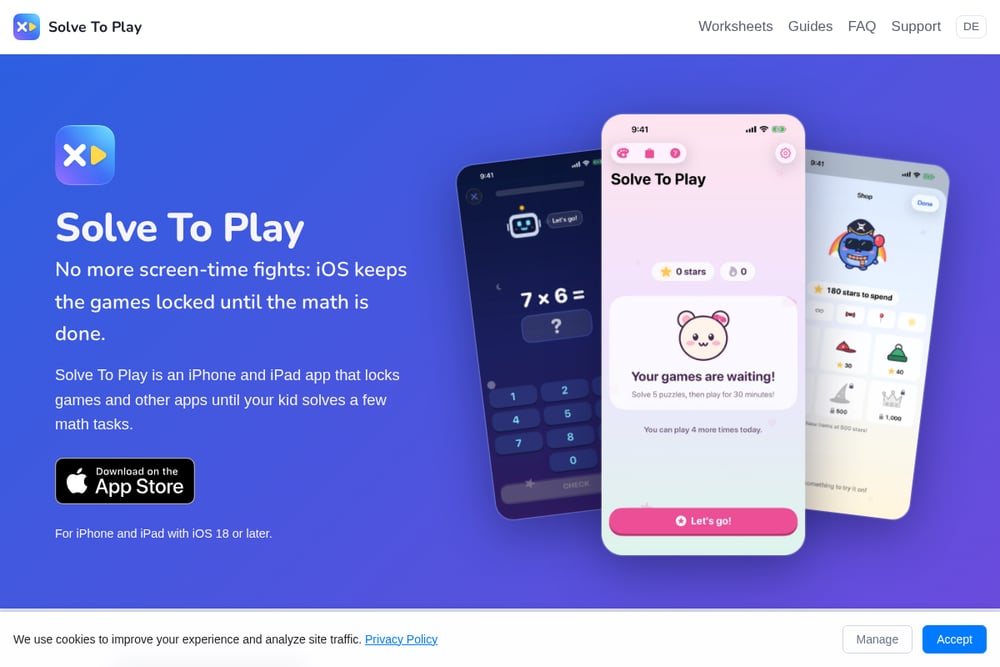 A screenshot of the Solve To Play: Math before screen time for kids website.
Solve To Play locks games and apps on your kid's iPhone or iPad until they solve a few math tasks. You choose which apps, categories, and websites stay locked, and how many tasks per round (3 to 20). Once solved, apps open for a set time—30 minutes by default—then lock again. The lock uses Apple's Screen Time, so iOS does the blocking, not the app. Kids earn stars for every solved task and spend them in a shop on hats, glasses, toys, and backgrounds. Stars never buy playtime, and they cannot be bought with money. Settings are behind a four-digit PIN, and you can give bonus unlocks that don't count toward the daily limit. The app offers three looks—Classic, Kawaii, and Space—and a daily streak counter. For more details, visit the official site.
#3 Math Lock
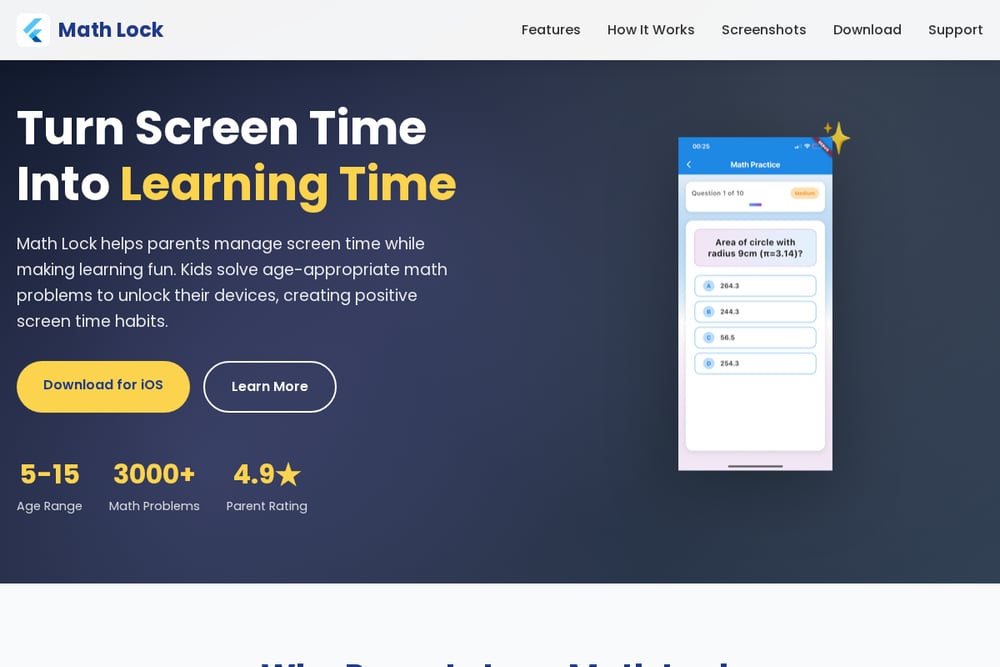 A screenshot of the Math Lock website.
Math Lock combines screen time control with an AI-powered math tutor. Kids solve age-appropriate problems to unlock their device, and parents get a dashboard to monitor progress and set limits. The app includes over 3,000 math problems, a gamified reward system, and dual unlock via math or parent PIN. A standout feature is the private tutor: type any math question or snap a photo of a worksheet to get step-by-step explanations. There is also an IQ test and brain training section. Math Lock is available for iOS and targets ages 5 to 15. Learn more on the official website.
#4 Screenwise Parental Control
 A screenshot of the Screenwise Parental Control website.
Screenwise is a parental control app built for Android. It blocks apps, limits daily screen time, and filters websites—all without a subscription. Kids earn extra minutes by answering math questions instead of asking you for them. You can set a separate daily limit for each day of the week, give one app its own minute budget, and protect bonus minutes with a password. The web filter blocks 12 categories and forces SafeSearch on major search engines. Dialer, contacts, messages, camera, and emergency calls can never be blocked. It is a solid choice for Android families who want granular control. See the Google Play listing for details.
#5 Screen Time Master
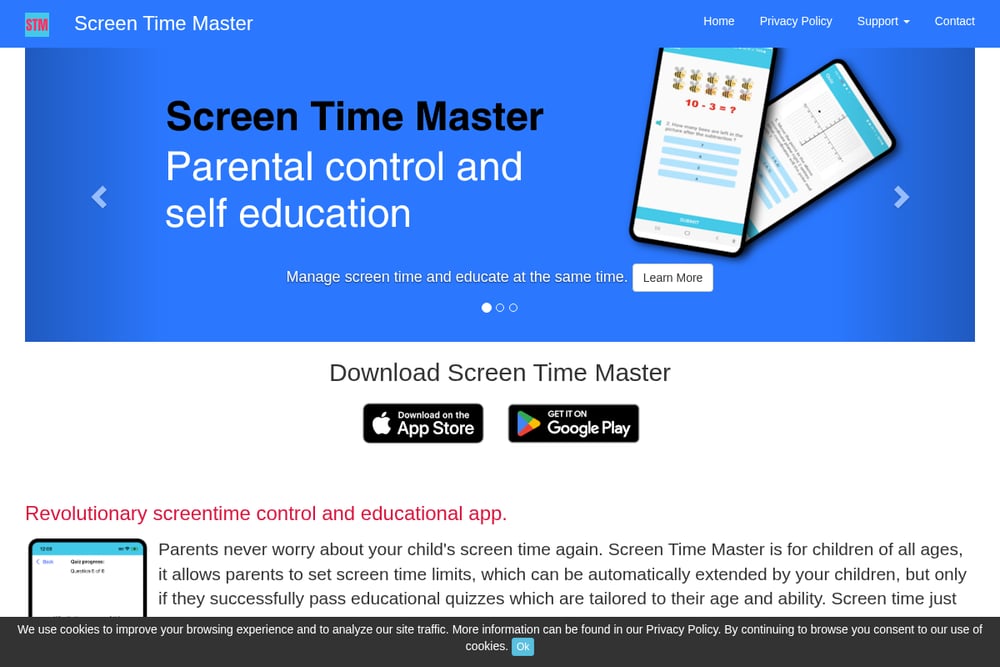 A screenshot of the Screen Time Master website.
Screen Time Master lets parents set screen time limits that kids can extend by passing educational quizzes. The quiz database covers math, spelling, or a combination, tailored to your child's age and ability. You choose which apps and categories pause, how long the extension lasts, and daily or weekly schedules. The app works on both Apple and Android devices, though setup differs slightly by platform. It is designed for children of all ages and aims to turn screen time into a learning opportunity. The company cites that 80% of children have screen time habits of up to 20 hours a week. Visit the official site to learn more.
How to Choose the Right Math Gate for Your Family
Start with your device. If you are an iPhone or iPad household, Solve To Play and Math Gate are natural fits because they use Apple's Screen Time for blocking. Android users should look at Screenwise or Screen Time Master. Next, decide on subject scope. If you want math only, Solve To Play keeps it simple. If you want reading, science, and grammar too, Math Gate has you covered. Consider your kid's age and motivation. Younger kids may love the star shop and Kawaii looks in Solve To Play. Older kids might appreciate the AI tutor in Math Lock. Finally, check the privacy policy. Some apps keep everything on-device, while others use cloud analytics. Pick the one that matches your comfort level.
Automating the Screen Time Handoff
You do not need to be the bad guy every time. Set the rules once, and let the app enforce them. Choose which apps lock, how many math tasks are required, and how long the unlock lasts. Then step back. Your kid opens a game, sees a math problem, solves it, and plays. When time is up, the apps lock again automatically. You can review progress weekly and adjust difficulty or unlock duration as your child improves. For extra motivation, enable streaks and reward shops. The goal is to make math a habit, not a punishment. With the right settings, your child learns that screen time is earned, not given.
The Bottom Line on Math-Gated Screen Time
No single app will work for every family, but the math-gate model is here to stay. Solve To Play offers a focused, Apple-native solution with a clever star economy. Math Gate expands into five subjects with a friendly penguin crew. Math Lock adds an AI tutor for homework help. Screenwise gives Android families a free, granular option. Screen Time Master provides flexible scheduling and a broad quiz database. Try one, tweak the settings, and watch the arguments fade. Your kid might even thank you for the math.