
You want a macro tracker that tells the truth about your food, not one that hides behind ads or locks basic logging behind a paywall. Here are five worth knowing in the US right now.
The State of Macro Tracking in 2026
Macro tracking has moved from paper notebooks to AI-powered apps, but the core promise remains the same: help you understand what you eat. The US market is crowded with options that range from free ad-supported tools to premium subscription coaches. What separates them is how they handle data accuracy, pricing transparency, and whether they respect your attention. You will find apps that scan barcodes, estimate meals from photos, and sync with wearables. The real question is whether the numbers you see are trustworthy and whether you can fix them when they are not.
How We Evaluated These Macro Trackers
We looked at five factors across every app. First, service scope: does it cover manual logging, barcode scanning, AI estimates, and micronutrients? Second, pricing clarity: is the free tier genuinely useful, and are upgrades explained without surprises? Third, data transparency: can you see where a food entry comes from and correct it? Fourth, local fit: does it work well for US users with US food databases and portion conventions? Fifth, user experience: how fast can you log a meal and move on with your day? Ledger stood out for its source-labeled database and free manual logging. MacrosFirst impressed with its 3M+ verified foods and label scanning. Macros - Calorie Counter offered a broad free feature set with ads. MacroFactor delivered a smart coaching algorithm for serious lifters. Cronometer shined with lab-analyzed nutrition data and deep micronutrient tracking.
Here is a quick look at how these five macro trackers compare on the factors that matter most to US users.
| Provider | Best For |
|---|---|
| MacroFactor | Data-driven lifters who want adaptive targets |
| Ledger | Users who want source-verified data and no ads |
| Cronometer | Micronutrient-focused users and health professionals |
| MacrosFirst | Fast loggers who want barcode and label scanning |
| Macros - Calorie Counter | Budget-conscious beginners who want a free start |
A Closer Look at Each Macro Tracker
#1 MacroFactor
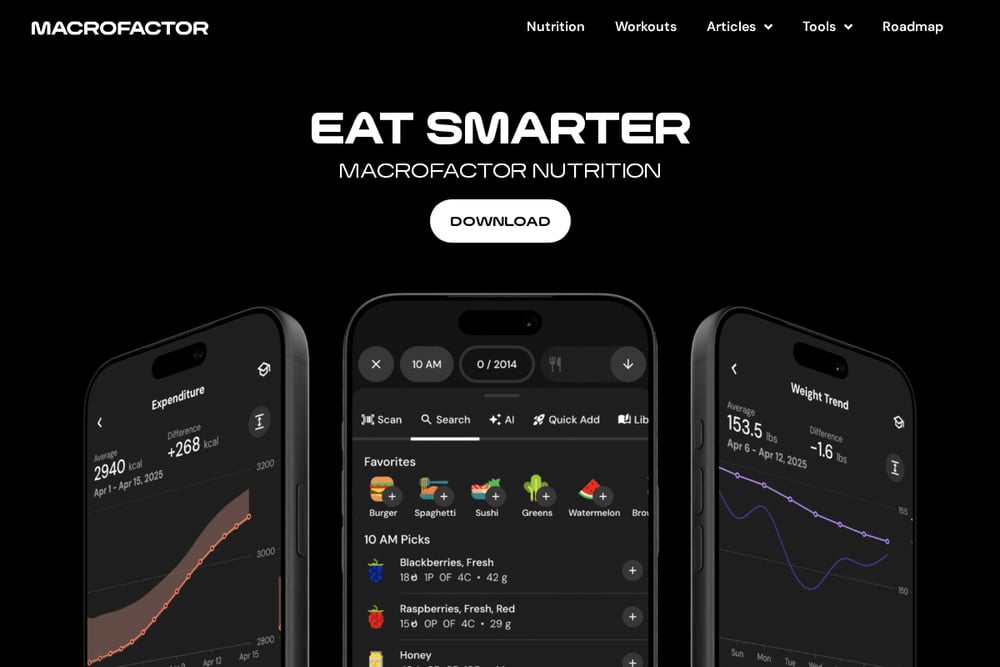 A screenshot of the MacroFactor website.
MacroFactor positions itself as the smartest macro tracker and diet coach, and for good reason. It uses an algorithm that adjusts your calorie and macro targets based on your actual weight trends and food intake, so you are not guessing. The app also includes workout tracking and a library of in-depth articles on nutrition and training. You get a polished experience that feels like having a coach in your pocket. It is best suited for lifters and data-driven users who want their targets to evolve with them. See the full feature set at https://macrofactor.com/.
#2 Ledger
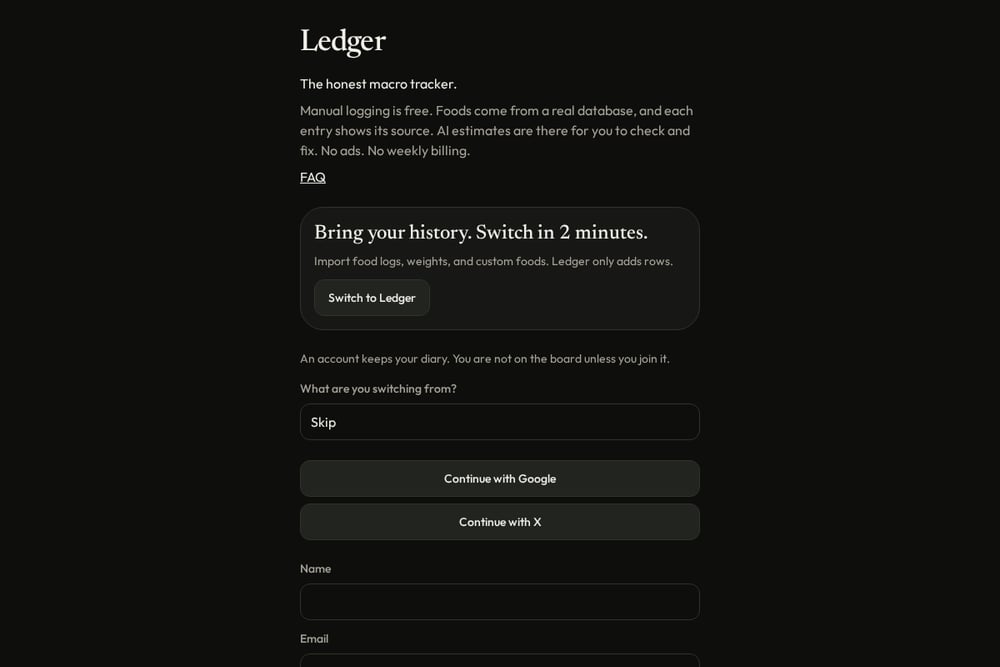 A screenshot of the Ledger website.
Ledger calls itself the honest macro tracker, and that honesty shows in every entry. Manual logging is free, and each food in the database displays its source so you can verify where the numbers come from. AI estimates are available for convenience, but you can check and fix them before they count. There are no ads and no weekly billing, which means you can track without distractions or surprise charges. If you value transparency and control over your data, this is the app to try. Learn more at https://ledgermacros.com/.
#3 Cronometer
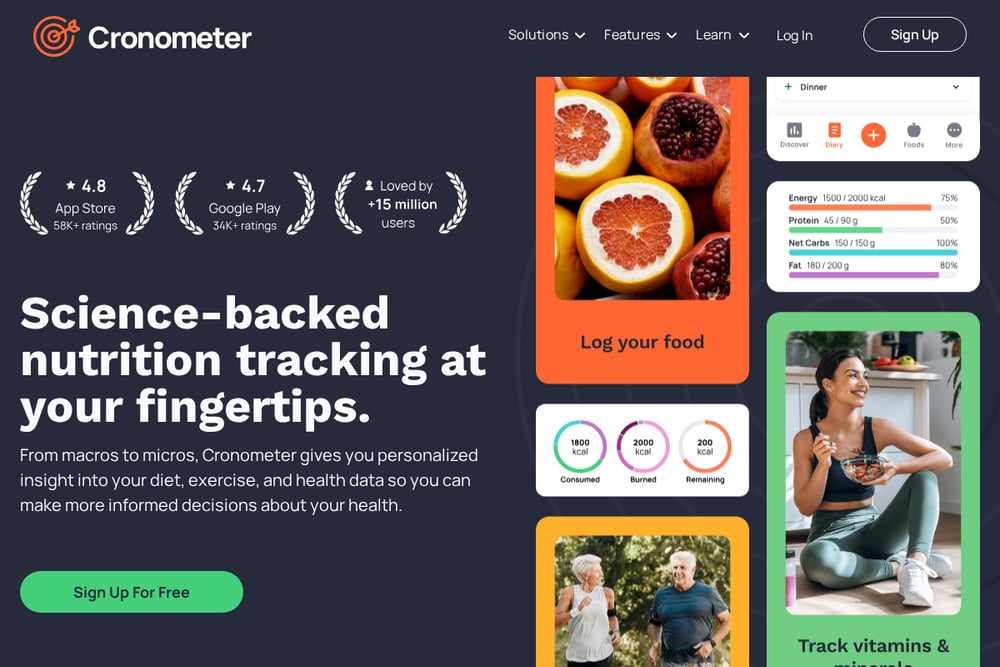 A screenshot of the Cronometer website.
Cronometer is built on lab-analyzed nutrition data, which makes it a favorite among dietitians and health coaches. It tracks up to 95 different nutrients and compounds, giving you a holistic view of your diet beyond macros. You can log meals by photo, voice, or manual entry, and sync with wearables and biometric devices. The free version is genuinely useful, while the paid tier adds features like photo and voice logging. It is ideal for anyone who wants to dial in micronutrients as carefully as macros. Explore the details at https://cronometer.com/.
#4 MacrosFirst
 A screenshot of the MacrosFirst website.
MacrosFirst packs a powerful feature set into a clean interface. You can search over 3 million verified foods, scan barcodes, and even scan nutrition labels with your camera to import data instantly. The app supports custom daily and meal-level macro goals, plus auto-calculation of serving sizes to hit your targets. Premium adds unlimited daily goals and AI-powered food search by voice or text. It is a strong choice for anyone who wants speed and precision in logging. Check it out at https://apps.apple.com/.
#5 Macros - Calorie Counter
 A screenshot of the Macros - Calorie Counter website.
Macros - Calorie Counter offers a generous free tier with ads, making it accessible to anyone starting out. You get a personalized calorie goal, macro breakdown, food diary, barcode scanner, and even a water intake tracker. The app also includes a net carbohydrate counter for low-carb and ketogenic diets. A subscription unlocks advanced features like meal planning up to 30 days ahead and syncing with Fitbit and Garmin. It is a solid entry point for beginners who want broad functionality without paying upfront. See more at https://play.google.com/.
How to Choose the Right Macro Tracker for You
Start by deciding what you value most. If you want adaptive targets that change with your body, look for an app with a smart algorithm. If transparency matters, pick one that shows food sources and lets you correct AI estimates. If you are on a tight budget, a free tier with ads might be enough. Consider whether you need micronutrient tracking, barcode scanning, or meal planning. Also check the pricing model: weekly billing can add up fast, while a flat annual fee may be more predictable. Finally, think about your logging style. Some apps are built for speed, others for depth. Try two or three free versions before committing.
Automating Your Macro Tracking Workflow
You can streamline your tracking by connecting your macro app to other tools. Sync your scale and wearable to import weight and activity data automatically. Use barcode scanning for packaged foods and save frequent meals as favorites for one-tap logging. If your app offers AI estimates, treat them as a starting point and verify against the database. Set a daily reminder to review your log and adjust any entries that look off. For advanced users, export your data to a spreadsheet for custom analysis. The goal is to spend less time logging and more time acting on the insights.
The Bottom Line on Macro Trackers
No single app is perfect for everyone, but the five here cover the spectrum from free and ad-supported to premium and adaptive. Ledger stands out for its honesty and source-labeled database, making it a reliable choice if you want to trust your numbers. MacroFactor leads for those who want a coach-like experience. Cronometer is unmatched for micronutrient depth. MacrosFirst delivers speed and scanning power. Macros - Calorie Counter offers a broad free starting point. Pick the one that matches your priorities, and remember that consistency matters more than any single feature.