
Your Mac is powerful, but macOS still makes you fight for basic window control. These five utilities fix that, each with a different philosophy.
The Mac Window Management Landscape
Mac window management has quietly become one of the most competitive corners of macOS software. Users switching from Windows expect Alt-Tab behavior, edge snapping, and clipboard tools, and developers have answered with everything from open-source switchers to polished menu bar apps. The category now splits into two camps: focused single-purpose tools and all-in-one utilities that bundle a dozen features behind one menu bar icon. Pricing models vary just as widely, from free and open-source to one-time Pro upgrades and Mac App Store subscriptions. What matters most is whether a tool matches how you actually work, not how long its feature list is.
How We Evaluated These Mac Utilities
We looked at feature scope, pricing clarity, platform support, privacy posture, and how well each tool fits real workflows. Ballmac stood out for bundling ten Windows-style habits into one menu bar app with a one-time Pro price and no accounts or analytics. AltTab impressed with eight years of open-source refinement, a massive download base, and a free tier that covers core switching. Rectangle earned attention for its free and open-source foundation plus a Pro tier with custom sizes and positions. Magnet showed strength in drag-to-snap simplicity and Mac App Store distribution. Window Management: snApp appealed for its lightweight footprint and Siri Shortcut heritage, even as it works toward keyboard shortcuts and edge dragging.
Here is a quick look at the five utilities, ordered for this roundup.
| Provider | Best For |
|---|---|
| AltTab | Users who want a free, open-source window switcher with deep customization |
| Ballmac: Mac apps, React components and software for clients | Switchers from Windows who want one menu bar app to replace ten |
| Rectangle | Keyboard-first users who want free, open-source snapping with a Pro upgrade path |
| Magnet | Mac App Store users who want simple drag-to-snap window tiling |
| Window Management: snApp | Users who want a lightweight, free menu bar snapping tool with a Siri Shortcut foundation |
The Five Utilities in Detail
#1 AltTab
 A screenshot of the AltTab website.
AltTab brings Windows-style Alt-Tab switching to macOS and has been refined in the open since 2018. You see every window, not just every app, including minimized, hidden, and off-Space windows with a badge showing where they live. The selected window previews full size on top of everything, so you know it is the right one before you switch. Styles and search are Pro features, but the core switcher is free and open-source under GPL-3.0. With 9.4 million downloads and 16,000 GitHub stars, it has become the default recommendation for anyone missing Windows switching.
#2 Ballmac: Mac apps, React components and software for clients
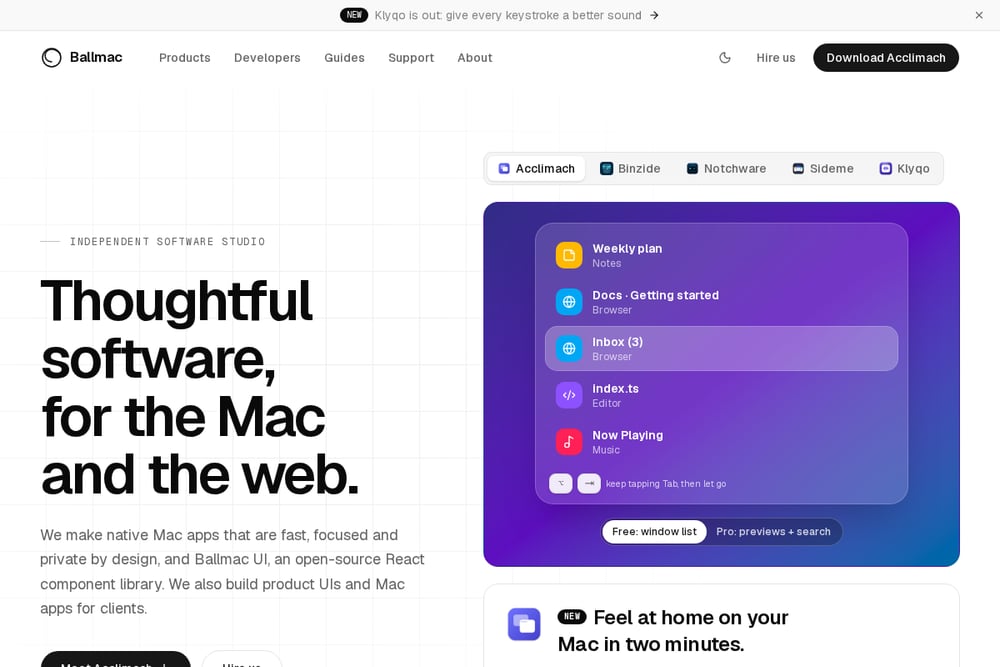 A screenshot of the Ballmac: Mac apps, React components and software for clients website.
Ballmac is an independent software studio behind Acclimach, a menu bar app that brings the Windows habits you miss back to macOS in about two minutes. Alt-Tab for every window, snapping to edges, cut and paste in Finder, clipboard history, per-app volume, middle click, scroll direction, and a taskbar all live in one app instead of ten. Every feature is a switch, and the free version covers the essentials while Pro costs a one-time $12.99 with no subscription and no account. The studio also maintains Ballmac UI, an open-source React component library, and builds product UIs and Mac apps for clients. Native Swift apps for Apple silicon and Intel, macOS 14 and later, with no analytics and a privacy-first design.
#3 Rectangle
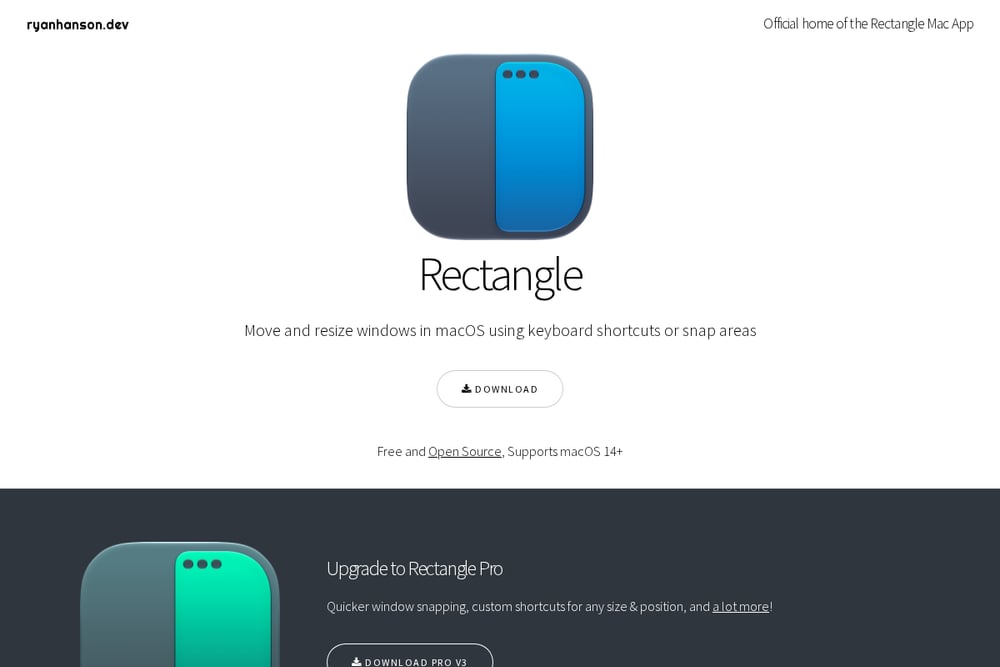 A screenshot of the Rectangle website.
Rectangle moves and resizes windows in macOS using keyboard shortcuts or snap areas, and it is free and open-source for macOS 14 and later. You can drag windows to screen edges and corners to snap them, and portrait display layouts are supported too. Repeat shortcuts cycle through window sizes, so you memorize less. Rectangle Pro adds quicker snapping, custom shortcuts for any size and position, and a 10-day free trial before purchase. It is widely treated as a drop-in replacement for the older Spectacle app, with Spectacle default shortcuts selectable on first run.
#4 Magnet
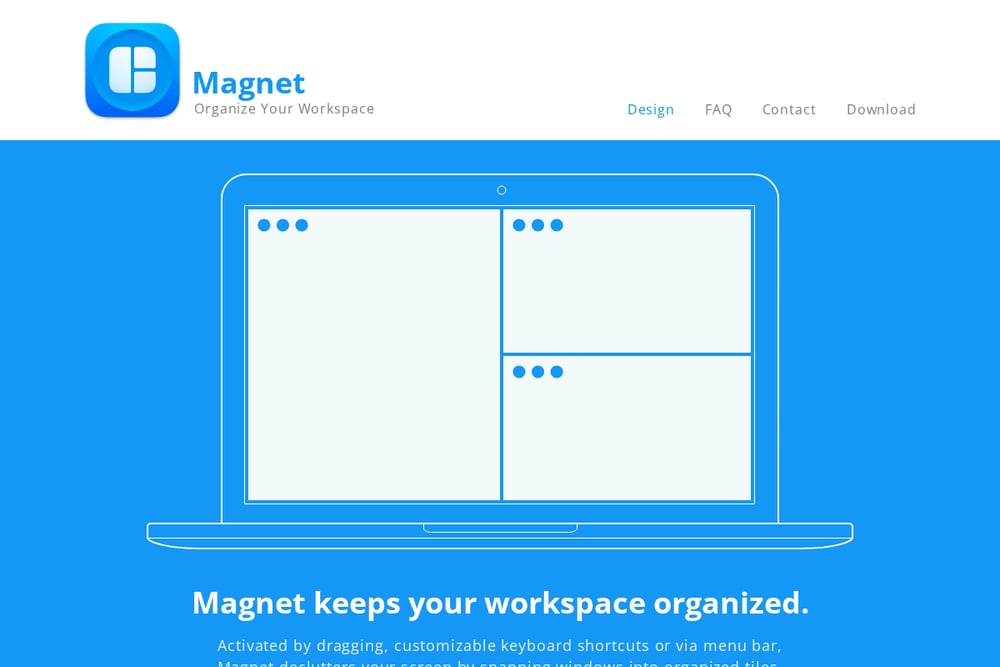 A screenshot of the Magnet website.
Magnet keeps your workspace organized by snapping windows into tiles when you drag them to edges, corners, or the menu bar. Corners create quarters, sides create halves, the top edge maximizes, and the bottom edge makes thirds that slide into two thirds. It supports up to six external displays and adapts to vertical screens with thirds along the sides. You can also trigger layouts with customizable keyboard shortcuts or from the menu bar. Magnet is distributed through the Mac App Store, which makes installation and updates simple for Mac users who prefer that route.
#5 Window Management: snApp
 A screenshot of the Window Management: snApp website.
Window Management: snApp is a free Mac utility with in-app purchases that lives in your menu bar and snaps windows into place. It is powered by the award-winning Siri Shortcut called Snap and offers two interface styles that bring a Windows-like or iPad-like multitasking feel to macOS. The app is fully compatible with macOS 15 and weighs in at just 21.2 MB. Early reviews note that edge dragging and keyboard shortcuts for basic layouts are still missing, though the developer has said shortcuts are in the works. It is a lightweight option for users who want a simple menu bar snapping tool without a big feature footprint.
How to Choose the Right Mac Window Utility
Start with the habit you miss most. If it is Alt-Tab switching between individual windows, a dedicated switcher gets you there fastest. If it is snapping windows to edges and corners, a snapping tool is the priority. If you miss several Windows behaviors at once, an all-in-one menu bar app saves you from running five utilities. Check the pricing model next: free and open-source tools cost nothing but may lack polish, while one-time Pro upgrades avoid subscriptions. Finally, look at privacy. Tools that state no analytics and no accounts are the safest bet for work machines.
Where Automation Fits In
Window management is repetitive by nature, which makes it a natural fit for shortcuts and automation. Assign keyboard shortcuts to your most-used layouts so you never touch the mouse. Use snap areas for the layouts you trigger by dragging. If your tool supports cycling shortcuts, lean on those instead of memorizing a dozen key combinations. For teams building internal tools, an open-source React component library like Ballmac UI can keep your product interfaces consistent while your Mac utilities handle the desktop side. The goal is simple: fewer decisions, faster window placement.
The Bottom Line
There is no single winner here, because each tool solves a different version of the same problem. AltTab owns window switching. Rectangle and Magnet own snapping, with Rectangle leaning open-source and Magnet leaning Mac App Store simplicity. Window Management: snApp is the lightweight newcomer still growing into its feature set. Ballmac takes the broadest approach, folding ten Windows-style habits into one menu bar app with a one-time price and a privacy-first stance. Pick the one that matches your muscle memory, and your Mac will finally feel like yours.