
You want to know exactly what a loan will cost you before you sign. These five calculators give you the numbers—fast, free, and without the runaround.
The New Rules of Loan Math
Loan calculators have moved from bank lobbies to your browser. Today, you can estimate a mortgage payment, compare auto loan offers, or map out a personal loan payoff in seconds. The best tools do more than spit out a monthly figure. They show you the full amortization schedule, break down principal versus interest, and let you test extra payments. That transparency matters. When you see how much interest you will pay over 30 years, you can make smarter choices about term length and down payments. The five calculators below all deliver that clarity, but they do it in different ways. Some are pure utilities. Others are educational hubs. A few come from banks with their own lending products. Knowing which one fits your situation saves you time and money.
How We Evaluated These Calculators
We looked at five factors. First, scope: does the tool handle mortgages, auto loans, personal loans, and more? Second, clarity: are the inputs and outputs easy to understand without a finance degree? Third, amortization detail: does it show a full payment schedule, not just a monthly total? Fourth, extra features: can you model extra payments, start dates, or different loan types? Fifth, accessibility: is it free, fast, and free of signup walls? Each calculator below stood out in at least one area. Loan Calculator — Monthly Payment & Amortization impressed with its instant, no-signup amortization table. Calculator.net offered deep customization for extra payments. Amortization-Calc delivered a clean, year-by-year breakdown. United Bank provided a bank-backed tool with a report option. Intuit for Education brought a simple, educational approach. No single tool wins on every factor, but each has a clear strength.
Here is a quick look at five loan calculators that can help you run the numbers before you borrow.
| Provider | Best For |
|---|---|
| Calculator.net | Modeling extra payments and payoff scenarios |
| Loan Calculator — Monthly Payment & Amortization | Quick, no-signup amortization schedules |
| Amortization-Calc | Year-by-year amortization breakdowns |
| United Bank | Bank-backed loan estimates with reports |
| Intuit for Education | Beginners learning loan basics |
The 5 Calculators in Detail
#1 Calculator.net
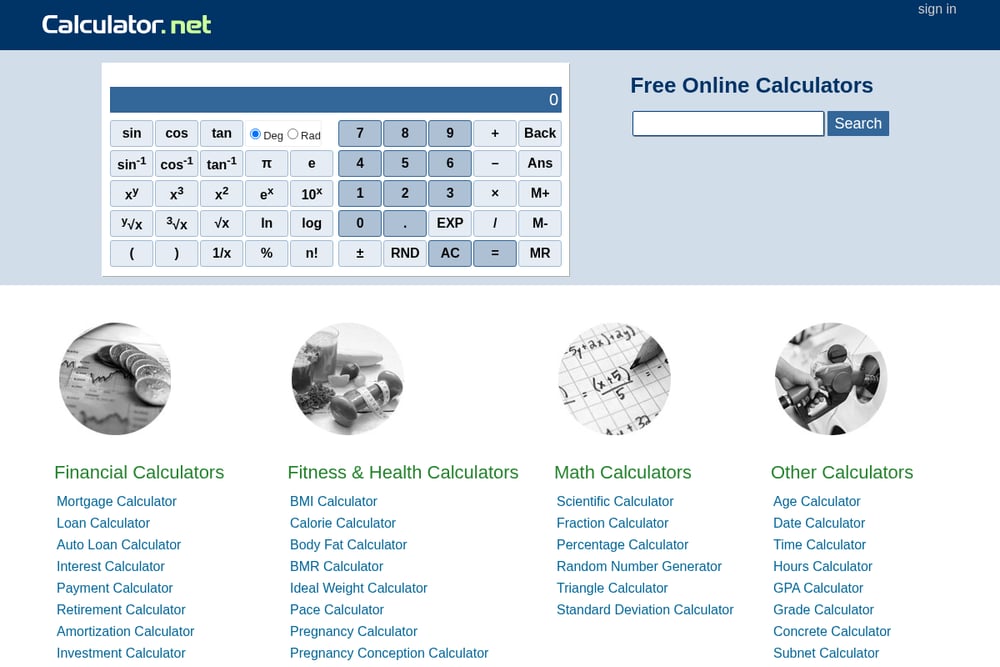 A screenshot of the Calculator.net website.
Calculator.net gives you a full amortization calculator with optional extra payments. You can enter a loan amount, term, and interest rate, then add monthly, yearly, or one-time extra payments to see how much faster you pay off the loan. The output includes a monthly payment figure, total interest, and a detailed schedule that breaks down each payment into interest and principal. It also shows the ending balance after every month, so you can track your progress. The interface is dense but powerful, making it a favorite for people who want to model different payoff scenarios. If you like to tweak variables and see immediate results, this is a strong choice.
#2 Loan Calculator — Monthly Payment & Amortization
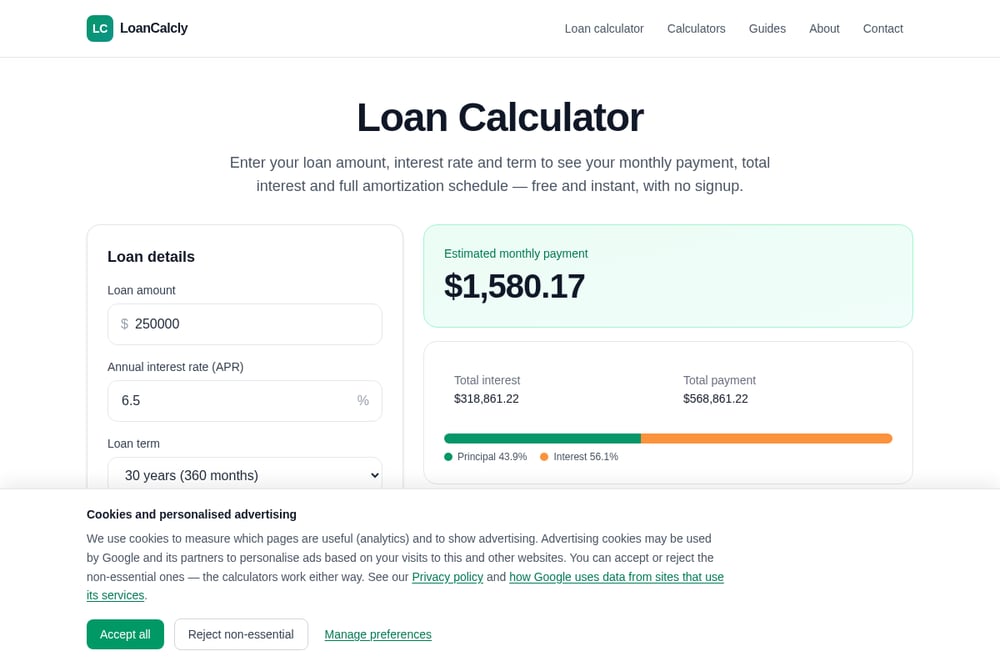 A screenshot of the Loan Calculator — Monthly Payment & Amortization website.
Loan Calculator — Monthly Payment & Amortization at loancalcly.com keeps things simple and fast. You enter your loan amount, annual interest rate, and term in years, and the tool instantly shows your estimated monthly payment, total interest, and total payment. It also generates a full amortization schedule—up to 360 months—so you can see exactly how each payment splits between principal and interest. The calculator updates as you type, requires no signup, and works for mortgages, car loans, and personal loans. A visual breakdown shows the percentage of your total payment that goes to principal versus interest. For a free, no-friction tool that gives you the full picture, this one is hard to beat.
#3 Amortization-Calc
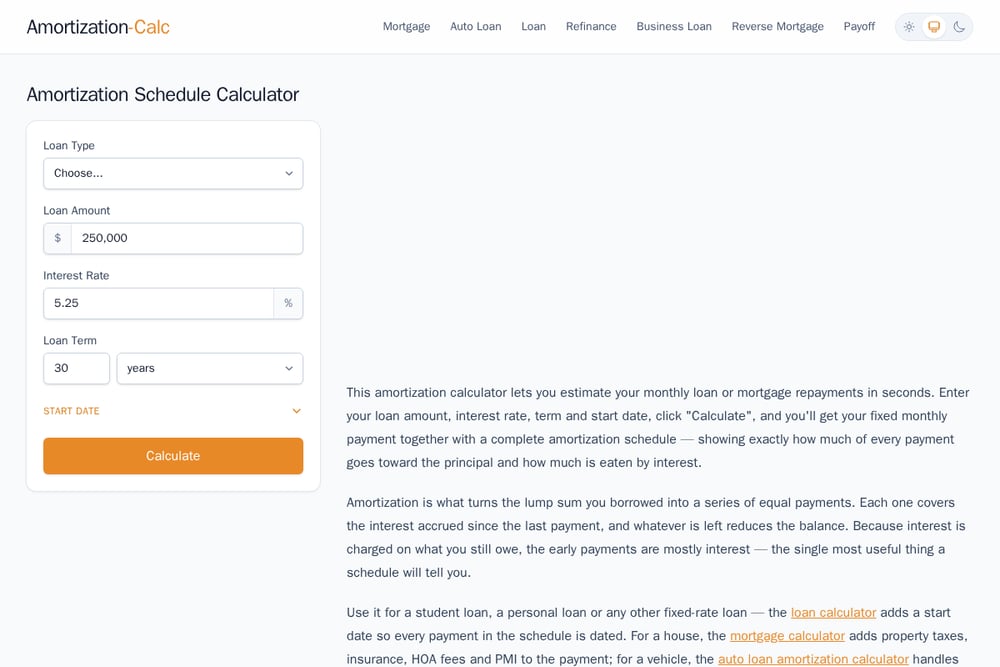 A screenshot of the Amortization-Calc website.
Amortization-Calc focuses on the amortization schedule itself. You choose a loan type—purchase, refinance, auto, personal, or business—then enter the amount, rate, term, and start date. The calculator produces a schedule grouped by year, which you can expand or collapse to see monthly details. It also includes a FAQ section that explains what amortization is and how monthly payments are calculated. The tool supports terms in years, months, or weeks, giving you flexibility for shorter loans. If you want a clean, year-by-year view of your loan without extra clutter, this calculator delivers.
#4 United Bank
 A screenshot of the United Bank website.
United Bank's amortizing loan calculator lets you work backward from a desired payment to find a loan amount, or forward from a loan amount to find your monthly payment. It shows principal balances by payment, total payments made, and total interest paid. You can also generate a report for your records. Because it comes from an FDIC-insured bank, it carries a level of institutional trust that some standalone calculators lack. The trade-off is a more traditional interface and fewer bells and whistles. Still, for a straightforward, bank-backed estimate, it gets the job done.
#5 Intuit for Education
Intuit for Education offers a simple loan payment calculator as part of its financial literacy resources. The tool is designed to be easy to use, making it a good starting point if you are new to loan math. It focuses on the core inputs—loan amount, interest rate, and term—and gives you a clear monthly payment figure. While it may not have the deep amortization schedules of other tools, it serves as an accessible entry point. The surrounding educational content can help you understand the basics before you dive into more complex calculators. If you want a gentle introduction to loan payments, this is a solid pick.
How to Pick the Right Loan Calculator for You
Start with your goal. If you just need a quick monthly payment estimate, any of these tools will work. But if you want to see how extra payments change your payoff timeline, go with Calculator.net. If you value speed and a full amortization schedule without signing up, Loan Calculator — Monthly Payment & Amortization is your best bet. For a year-by-year view that you can collapse and expand, try Amortization-Calc. If you prefer a bank-backed tool that lets you print a report, United Bank fits the bill. And if you are new to loans and want plain-language guidance, Intuit for Education is a friendly starting point. Think about what you will do with the numbers. Comparing offers? You need a tool that handles different rates and terms. Planning to pay extra? Look for extra-payment features. Just curious? Keep it simple. No matter which you choose, always double-check the final numbers with your lender before you commit.
Automating Your Loan Analysis
You do not need to manually re-enter numbers every time you compare offers. Many of these calculators update instantly as you type, so you can adjust the interest rate or term and watch the monthly payment change in real time. For deeper analysis, use a calculator that shows a full amortization schedule and export or screenshot the results. If you are comparing multiple lenders, create a simple spreadsheet with columns for loan amount, rate, term, monthly payment, and total interest. Then plug in the numbers from each calculator. Some tools, like Calculator.net, let you add extra payments to see the impact on total interest. That helps you decide whether paying a little more each month is worth it. For ongoing tracking, consider a loan amortization template in a spreadsheet program. But for one-off estimates, these free online calculators are faster and require no setup.
The Bottom Line on Loan Calculators
You have five solid options for running loan numbers. Calculator.net gives you the most control over extra payments. Loan Calculator — Monthly Payment & Amortization delivers instant results and a full schedule with zero friction. Amortization-Calc offers a clean, year-by-year view. United Bank brings a bank-backed report feature. Intuit for Education keeps it simple for beginners. The right choice depends on how deep you want to go. For most people, starting with a fast, no-signup tool like Loan Calculator — Monthly Payment & Amortization is enough to get a clear picture. From there, you can explore more advanced features if needed. Remember: these calculators are estimates. Your lender's final numbers may differ slightly due to fees, closing costs, or compounding conventions. Use them to shop smarter, not as a substitute for a loan estimate. With the right calculator, you can walk into any negotiation knowing exactly what you can afford.