You do not need a subscription or a design degree to give your portraits a signature look. You need a preset pack that fits how you actually shoot, and a shop that tells you plainly what you are buying.
The state of the preset market
Preset selling has matured into its own corner of creative commerce. Photographers now buy looks the way they once bought film stocks, and the market splits into three tiers: solo shooters selling a tight personal set, educators bundling presets with tutorials, and large studios running dozens of collaboration packs. Pricing has drifted upward, with many established shops charging $99 to $129 per collection. That leaves room for leaner offers that trade volume for clarity. Buyers are also more careful now. They want to know which software the files work in, whether mobile is supported, and what happens if the look does not land on their own images. Refund terms and compatibility notes have become as important as the color grade itself.
How we compared these shops
We looked at the same factors for every shop on this list. First, scope: how many presets you get and whether single purchases are possible. Second, pricing clarity: whether the price, file format, and delivery method are stated up front. Third, compatibility: Lightroom Classic, Lightroom, Camera Raw, and mobile support. Fourth, risk: refund windows, licensing terms, and whether a human answers your questions. Fifth, fit: whether the looks suit portraits, weddings, film emulation, or general editing. Daniel Macy stands out for a small, personally used set with a stated 14-day refund path. Pat Kay stands out for a polished six-preset portrait pack with a large review base. Matt Kloskowski stands out for volume at a low price with video install help. G-Presets stands out for a deep catalog and collaboration series. Lou & Marks stands out for mobile-friendly bundles and frequent promotions.
Here is the short version. Five shops, five different reasons to open a tab. Read the one-line summaries, then dig into the details that matter for your workflow.
| Provider | Best For |
|---|---|
| Pat Kay Portrait Preset Pack | Portrait shooters who want a polished, well-reviewed starter pack |
| Lightroom presets by Daniel Macy | Photographers who want a small, personal set with a clear refund path |
| Matt Kloskowski Portrait Preset Pack | Budget-conscious editors who want volume plus video install help |
| G-Presets | Working photographers who need a deep, consistent catalog |
| Lou & Marks Presets | Mobile-first editors who like bundles and seasonal deals |
The five shops in detail
#1 Pat Kay Portrait Preset Pack
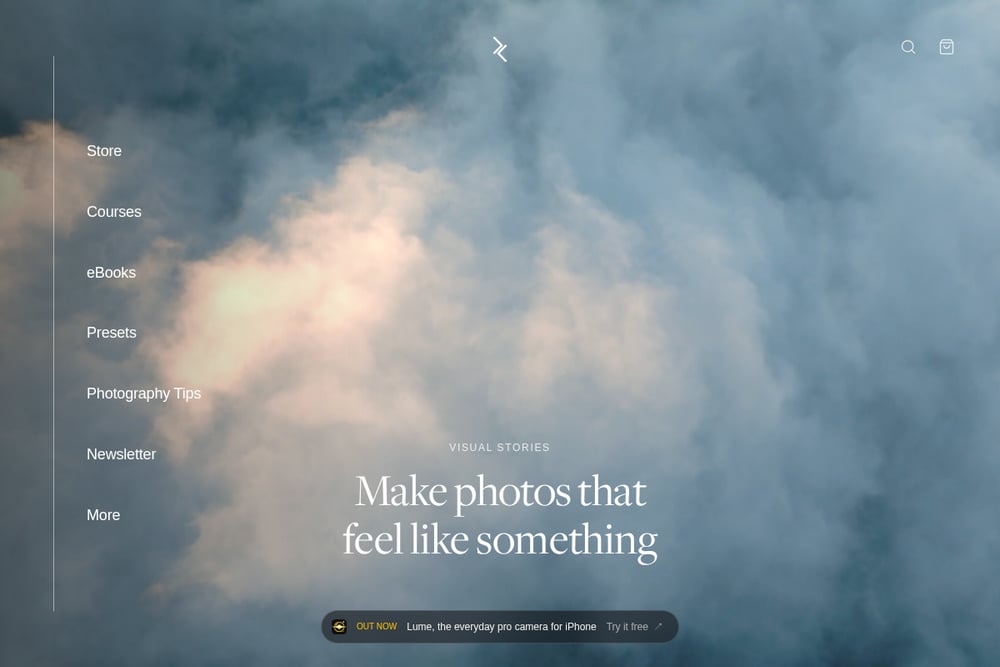 A screenshot of the Pat Kay website.
Pat Kay sells a six-preset portrait pack for $39, built as a consistent professional base you can apply in one click. The listing is unusually complete: Lightroom and Lightroom Classic support, desktop and mobile compatibility, a PDF install guide, and a lifetime purchase. A 4.9 rating across 500-plus reviews gives you a sense of how the looks hold up in real shoots. If you want more styles, the Complete Collection bundles all 56 presets from five packs for $99. Start at https://patkay.com/ to compare the portrait pack against the film and landscape sets.
#2 Lightroom presets by Daniel Macy
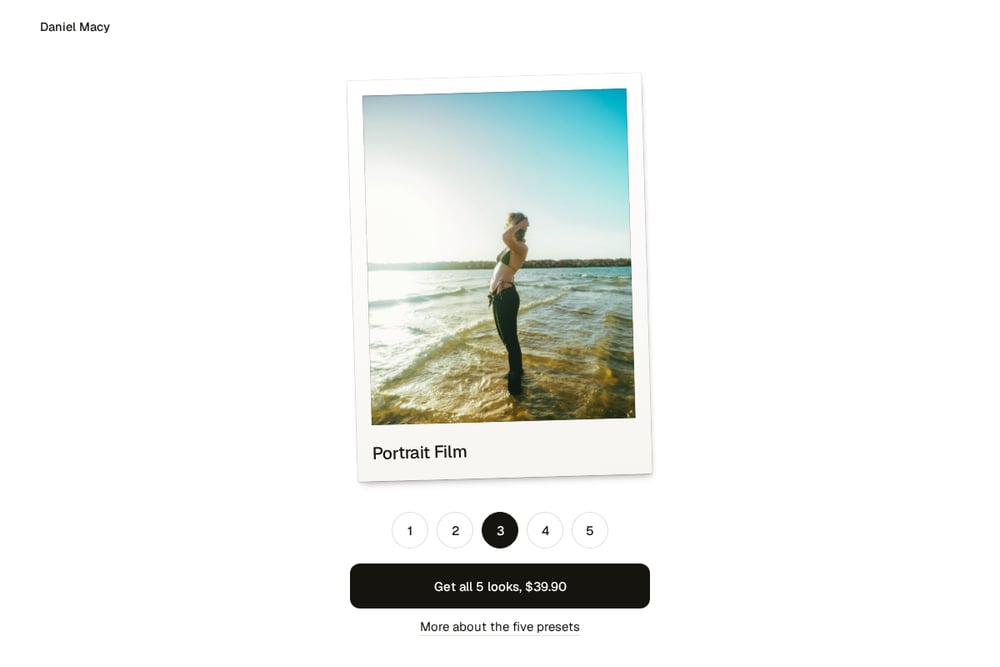 A screenshot of the Lightroom presets by Daniel Macy website.
Daniel Macy sells five presets he says he actually uses on his own portraits: Pearl, Dream, Portrait Film, Fahrenheit 451, and Well-worn vintage. The full pack is $39.90 with instant download, and any single preset is $19.90 if you only want one look. Files are .xmp presets for Lightroom, Lightroom Classic, and Camera Raw, and they work on JPEG and phone photos too, with a slightly different result. The shop states a 14-day refund policy in plain language: if the presets do not work for your photos, you write in and get your money back. There is no subscription and no upsell ladder. See the before-and-after examples at https://dnmacy.com/ before you decide.
#3 Matt Kloskowski Portrait Preset Pack
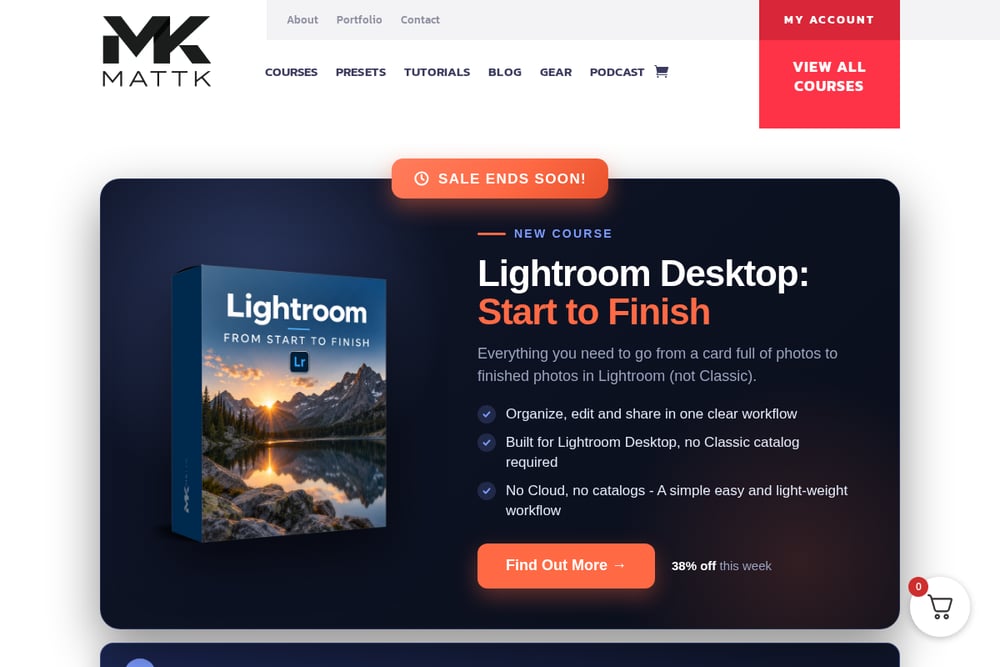 A screenshot of the Matt Kloskowski website.
Matt Kloskowski offers 13 portrait presets for $15.99, which makes it the lowest entry point on this list by a wide margin. The pack was built on Lightroom Classic 8.4 and requires the subscription version of Lightroom or Photoshop, so older perpetual-license users should check first. Installation videos cover Lightroom Classic, Lightroom CC, and Photoshop Camera Raw, which removes most of the setup friction. The presets are also included in The Preset System bundle if you later want the full library. Visit https://mattk.com/ to read the compatibility notes before buying.
#4 G-Presets
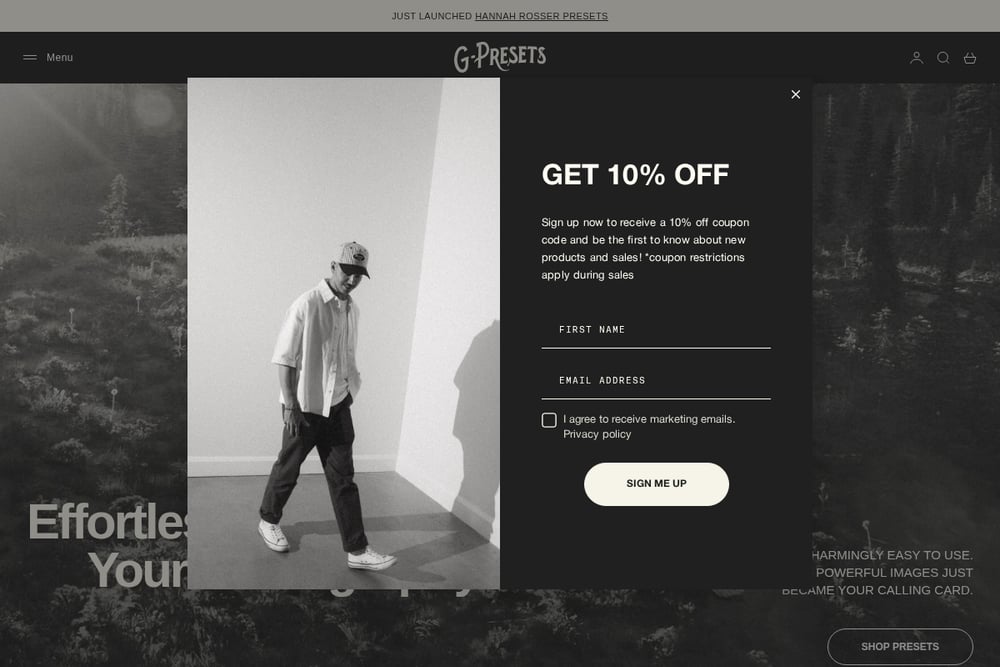 A screenshot of the G-Presets website.
G-Presets runs a large catalog split into signature presets, collaboration series, and Imagen profiles. Individual packs sit around $95 to $129, so this is the premium end of the market. The pitch is consistency across a full gallery: tested looks that hold up across lighting scenarios rather than demo-only grades. Collaborations with working photographers give you distinct styles rather than one house look. If you shoot weddings or high-volume portraits and need a repeatable result, the depth is the draw. Browse the current releases at https://gpresets.com/ to see which collaboration matches your style.
#5 Lou & Marks Presets
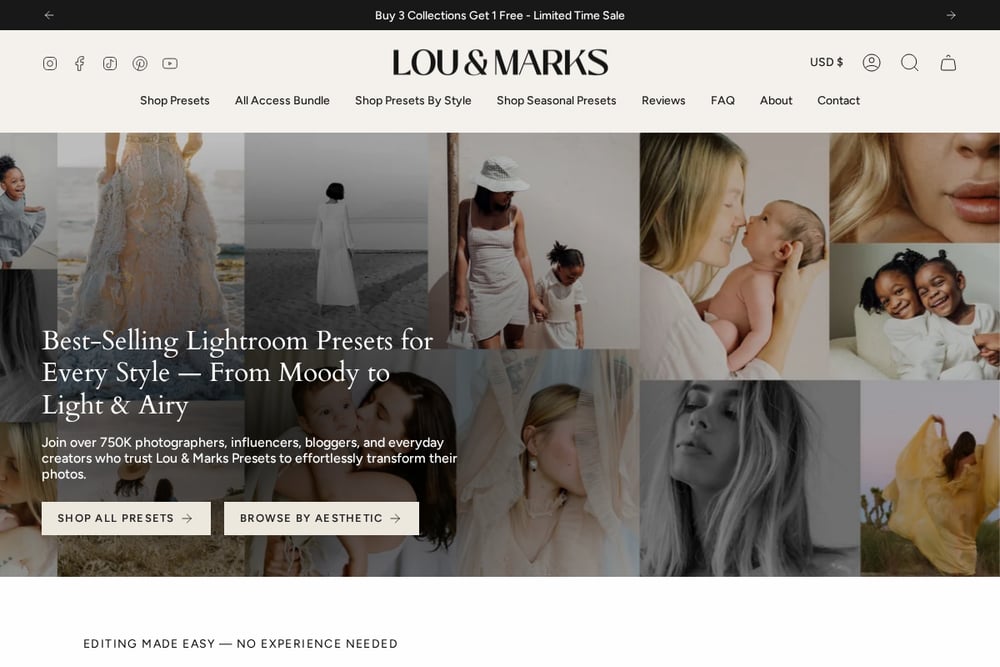 A screenshot of the Lou & Marks Presets website.
Lou & Marks Presets focuses on mobile and desktop collections with regular promotions, including bundle discounts and buy-three-get-one offers. The storefront is built for browsing across many collections, with currency switching for international buyers. That makes it a good fit if you edit on your phone as often as on a laptop. The trade-off is that the catalog is broad, so you will want to filter by style before checkout. Seasonal sales can shift the effective price, so compare against the bundle math. Start at https://loumarkspresets.com/ to see what is currently discounted.
How to pick the right preset pack
Start with your software. If you are on Lightroom Classic or Camera Raw, .xmp files are what you want. If you edit on your phone, confirm mobile support before you pay. Next, count the looks you actually need. A five-preset pack that matches your style beats a fifty-preset library you never open. Then check the risk terms. A stated refund window tells you the seller expects the presets to work on real files, not just demo images. Finally, look at the before-and-after samples. If the samples are all shot in the same soft light, ask yourself how the look will behave at a midday wedding. Buy for your worst lighting, not your best.
Building a repeatable editing workflow
Presets are only half the job. Build a small, fixed sequence you run on every gallery. Import with a consistent white balance starting point, since every shop on this list notes that new cameras need a WB nudge. Apply your base preset, then correct exposure and crop before any creative grade. Save that corrected version as your own user preset so the next shoot starts closer to finished. Keep one preset for indoor portraits and one for outdoor, and resist stacking three looks on one image. Batch-apply the base to a full gallery, then hand-finish the keepers. That routine turns a $39.90 pack into hours saved every month.
The bottom line
There is no single right shop here. Pat Kay gives you a polished, well-reviewed portrait base. Daniel Macy gives you five personally used looks, single-preset pricing, and a plain 14-day refund promise. Matt Kloskowski gives you volume for under $16. G-Presets gives you depth for high-volume work. Lou & Marks gives you mobile-friendly bundles and frequent sales. Match the shop to your software, your volume, and your tolerance for risk. Then buy one pack, learn it properly, and stop shopping.