
Custody disputes are won on details, not drama. These five tools help you turn scattered screenshots and late-night notes into a record your lawyer can actually use.
What are Legal Services services?
Family law professionals increasingly expect clients to arrive with organized timelines rather than shoeboxes of screenshots. The market has responded with apps that log exchanges, attach evidence, and export court-ready PDFs. Most work independently of the other parent, which matters in high-conflict cases. Pricing models range from one-time purchases to subscriptions, and privacy approaches vary from local-only storage to encrypted cloud sync. The common thread: make documentation fast enough that you actually do it on the hard days.
What we looked at when researching Legal Services
We evaluated each service on the same factors: how well it captures scheduled versus actual events, how it handles original evidence and attachments, the clarity of its export and lawyer-ready packet, pricing transparency, and whether it works without the other parent's cooperation. Each tool below stood out in different ways. Vindicated emphasizes a readable brief plus a full record and untouched originals. Alimentor offers a one-time purchase and custody-factor reporting. Kidtime provides attorney access and time analytics. Custody Journal focuses on local-only privacy and a free tier. Casewell emphasizes fast entry and solicitor-ready reports.
| Provider | Best For |
|---|---|
| Alimentor | One-time purchase with custody-factor reporting |
| A private parenting record · Vindicated | Lawyer-ready packet with untouched originals |
| Kidtime | Ongoing attorney access and time analytics |
| Custody Journal | Local-only privacy on a free tier |
| Casewell | Fast entry and solicitor-ready reports |
A closer look at 5 standout Legal Services
#1 Alimentor
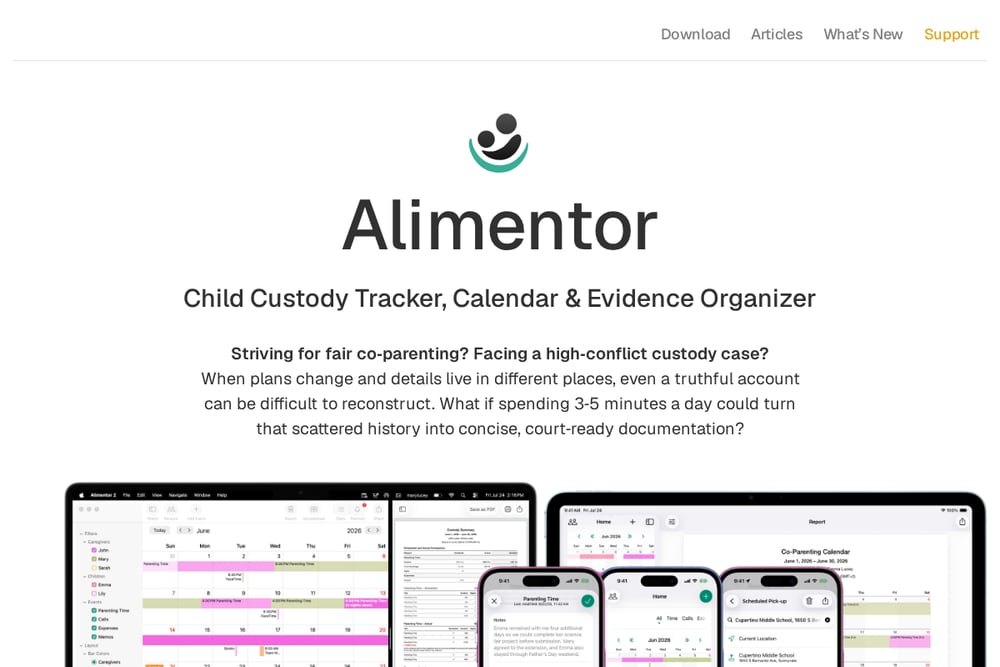 A screenshot of the Alimentor website.
Alimentor is a child custody calendar and evidence organizer built for high-conflict co-parenting. You can record parenting time, call history, expenses, and notes, then attach receipts, photos, emails, or PDFs to the event they support. It compares what was planned against what actually happened, down to late pickups and no-shows. Custody factors can be assigned to events and brought together in a Best Interests of the Child report. It works independently of your co-parent and is a one-time purchase with no subscription fees. See the full feature set at Alimentor.
#2 A private parenting record · Vindicated
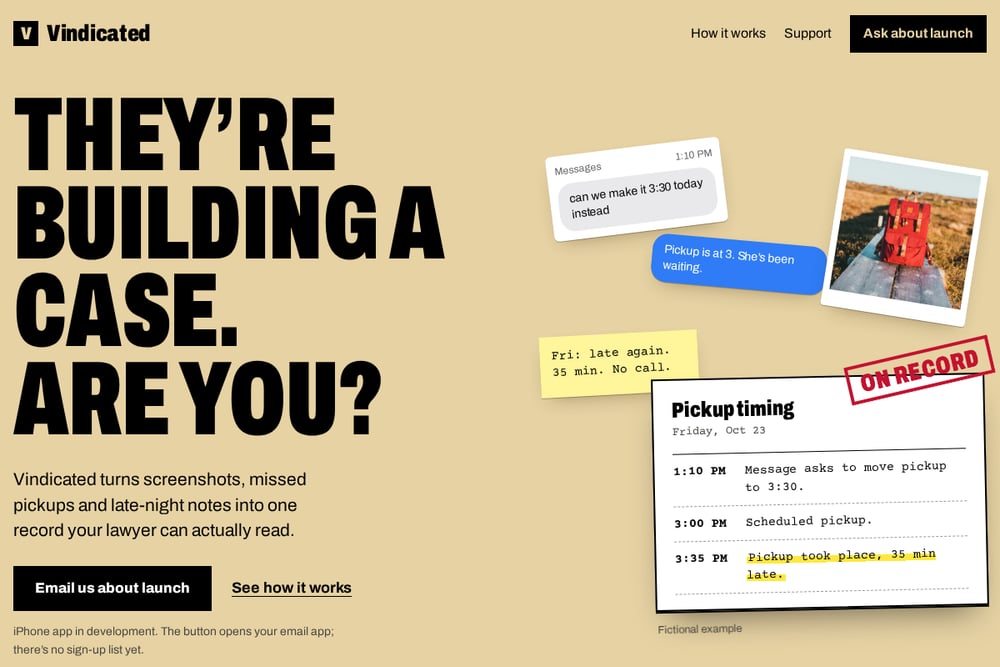 A screenshot of the A private parenting record · Vindicated website.
Vindicated turns screenshots, missed pickups, and late-night notes into one organized timeline your lawyer can read. You write entries while they are fresh, bring in screenshots and compatible chat exports, and confirm dates and senders before anything joins your timeline. The export is a short brief first, then every record and exhibit you chose, plus a separate ZIP of unchanged originals with a file-check manifest. It is designed for before filing, during a hearing, or after an order is not being followed. The iPhone app is in development, and you can email about launch. Learn more at Vindicated.
#3 Kidtime
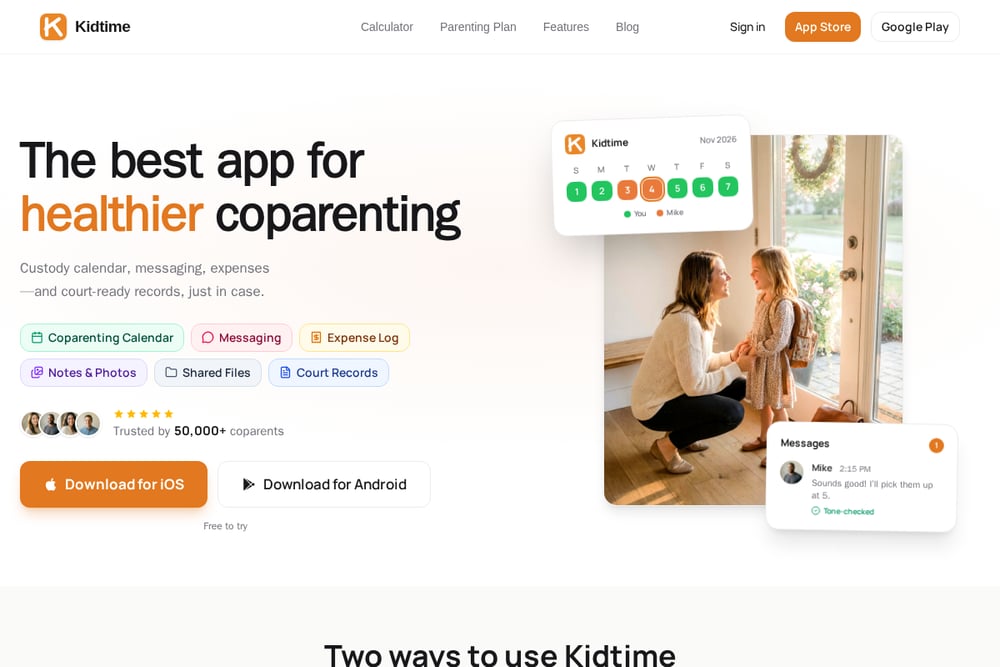 A screenshot of the Kidtime website.
Kidtime is a co-parenting documentation app with attorney access built in. You can invite your family-law attorney to securely view exported messages, custody schedules, notes, and time analytics. Every message and event is timestamped at creation and cannot be edited after the fact, which helps the record reflect what actually happened. It is useful for high-conflict situations, court-mandated communication, hearing prep, and ongoing attorney involvement. Exports go to email and are ready to share for mediation or court. See the attorney access features at Kidtime.
#4 Custody Journal
 A screenshot of the Custody Journal website.
Custody Journal is a single-parent evidence journal that works without your ex installing anything. You log custody exchanges with scheduled and actual times, status, location, and notes, then track your child's wellbeing after visits. It archives communications, tracks child-related expenses, and generates a court-ready PDF evidence package. The free tier covers exchange logging, a parenting-time calculator, and a preview PDF, while Pro unlocks the full wellbeing journal and more. It is local-only and private, with Face ID and Touch ID app lock. Find it on the App Store.
#5 Casewell
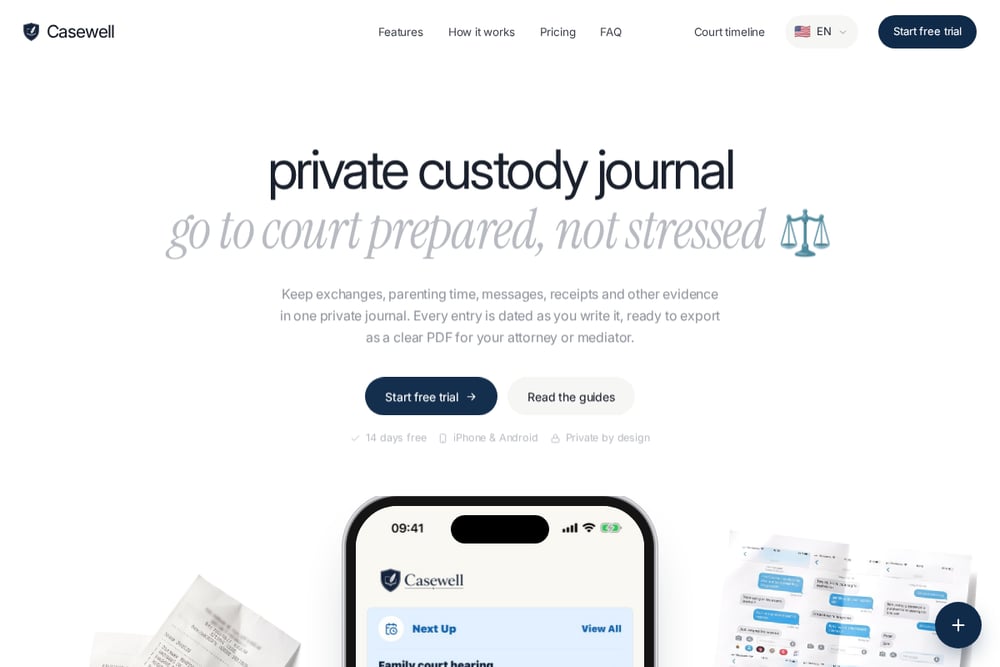 A screenshot of the Casewell website.
Casewell focuses on fast entry so you actually document the hard days. It records scheduled versus actual time, attaches screenshots and receipts beside the event, and builds a report your lawyer can review. The record works without cooperation from the other parent, and privacy and control are part of the design. Reports are exported as court-ready PDFs with dates, attachments, and edit history checked. A 14-day free trial lets you test the export before committing. Read the custody exchange tracking guide at Casewell.
How to choose the right Legal Services
Start with your timeline. If you are separating or sense a filing is coming, choose a tool that captures entries quickly and preserves originals. If a hearing is near, prioritize a clean export your lawyer can skim. If an order already exists, look for scheduled-versus-actual tracking and pattern reports. Check pricing clarity: one-time purchases suit long cases, while subscriptions may fit ongoing attorney access. Confirm privacy: local-only storage protects sensitive data, but cloud sync may be more convenient. Finally, test the export before you rely on it. Your lawyer should be able to read the short version first and dig into exhibits second.
Expert Conclusion
No single tool fits every custody situation. Alimentor suits parents who want a one-time purchase and custody-factor reporting. Vindicated is built around a readable brief plus untouched originals for your lawyer. Kidtime shines when your attorney needs ongoing access and time analytics. Custody Journal offers local-only privacy with a usable free tier. Casewell keeps entry fast and reports solicitor-ready. Pick the one that matches where you are in the process, and start documenting today.