You don't need another textbook. You need a way to turn the videos and articles you already love into real vocabulary you'll actually remember.
Where language learning is heading
The old model was a course you finished. The new model is content you consume. Learners now import YouTube videos, subtitles, podcasts, and articles, then tap unfamiliar words to see meanings in context and save them as flashcards. The result is a crowded but exciting field, with browser extensions, mobile players, and full streaming libraries all competing for your study time.
How these platforms were evaluated
Each platform was assessed on content import flexibility, how well it explains words in context, flashcard and review workflows, progress tracking, device coverage, and pricing transparency. The goal was to see which tools fit a self-directed learner who wants to study from real material rather than a fixed curriculum.
Here is a quick look at the five platforms, ordered by how well they serve learners who want to study from their own content.
| Provider | Best For |
|---|---|
| Language Reactor | Learners who want a mature, wide-language toolbox for streaming and reading |
| Linglect | Self-directed learners who want contextual flashcards and Anki sync |
| Linglass | Streaming fans who want a free dual-subtitle extension with broad platform support |
| repeat.cards | Learners who want a simple video player with an inbox-to-flashcard workflow |
| Lingopie | Learners who prefer a curated streaming library with games and lessons |
The five platforms in detail
#1 Language Reactor
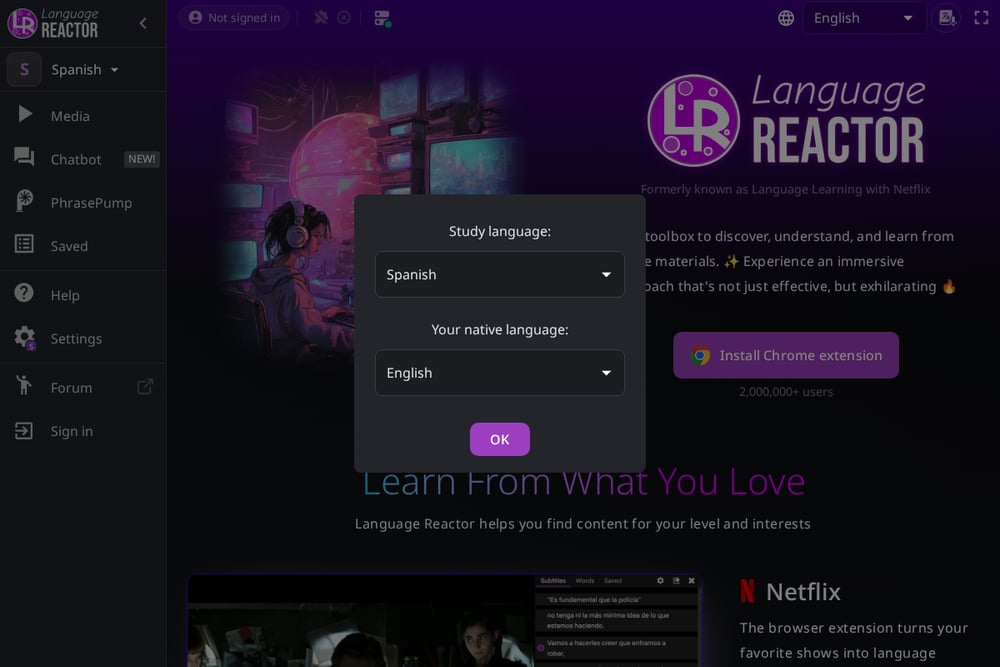 A screenshot of the Language Reactor website.
Language Reactor, formerly Language Learning with Netflix, is the most established toolbox in this space, with over two million users. Its Chrome extension turns Netflix shows and YouTube videos into lessons with bilingual subtitles, precise playback controls, and auto-pause after each line. Click any word for instant translations, example sentences with audio, and AI-powered contextual explanations. You can also import webpages and books and listen along with text-to-speech, and the vocabulary toolkit suggests what to learn next. It supports 40+ languages, making it the broadest option here.
#2 Linglect
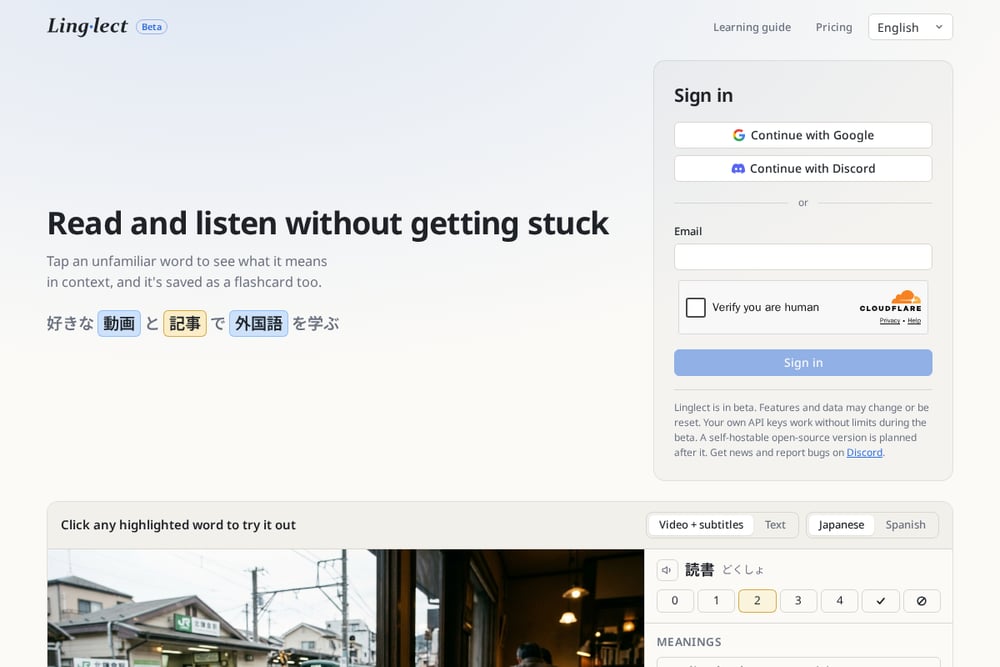 A screenshot of the Linglect website.
Linglect is a beta platform built around one promise: read and listen without getting stuck. Tap any unfamiliar word to see what it means in context, and it is saved as a flashcard automatically. You can import text, subtitles, audio, video, and YouTube videos or playlists into lessons, or start with an official course. Cards sync with Anki, and stats track words read, listening time, known vocabulary growth, and AI reports. It works on PC, tablet, and phone, your own API keys run without limits during beta, and a self-hostable open-source version is planned.
#3 Linglass
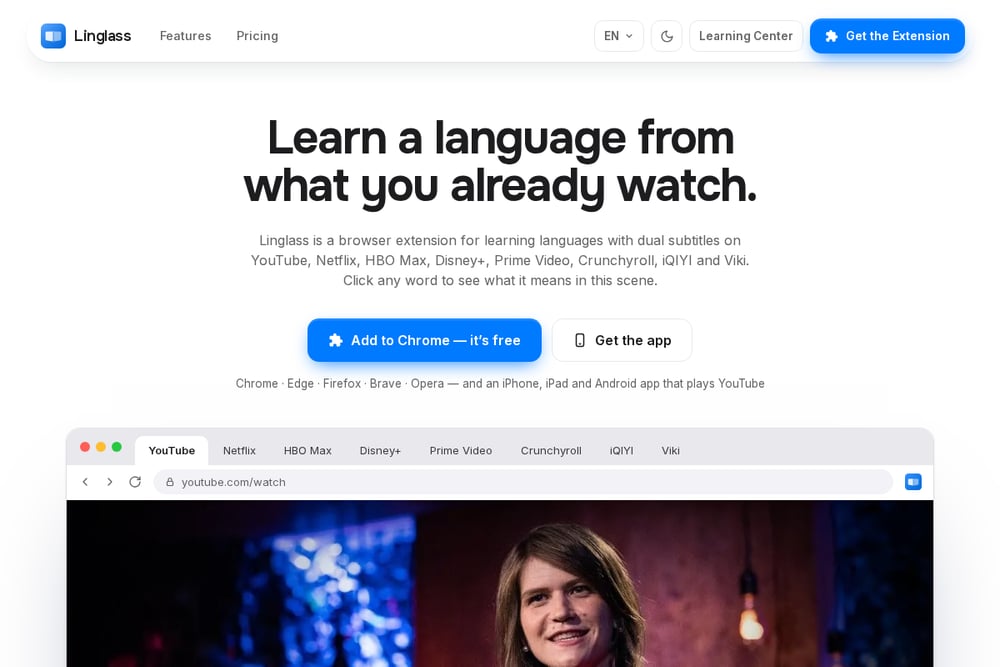 A screenshot of the Linglass website.
Linglass is a free browser extension and app for learning with dual subtitles across YouTube, Netflix, HBO Max, Disney+, Prime Video, Crunchyroll, iQIYI, and Viki. One click on a word opens translation in context, grammar notes, dictionary meanings, and flashcards. It supports 16 languages to learn with translations into 23, and adds furigana, pinyin, romaja, or phonetic transcription where relevant. Drag across words to translate a phrase, and get natural-sounding audio in every supported language. There is also an iPhone, iPad, and Android app that plays YouTube.
#4 repeat.cards
repeat.cards takes a focused approach: a video player for language learners that plays what you open. Load a stream link or a video file from your phone or computer, and the subtitles become tappable. Pause on a line, tap a word or several words in a row for a phrase, and the translation opens under the video. Unknown words are underlined, and saved words wait in an inbox until you turn them into flashcards. Spaced repetition then brings them back before you forget, and it is free to start on Android and the web.
#5 Lingopie
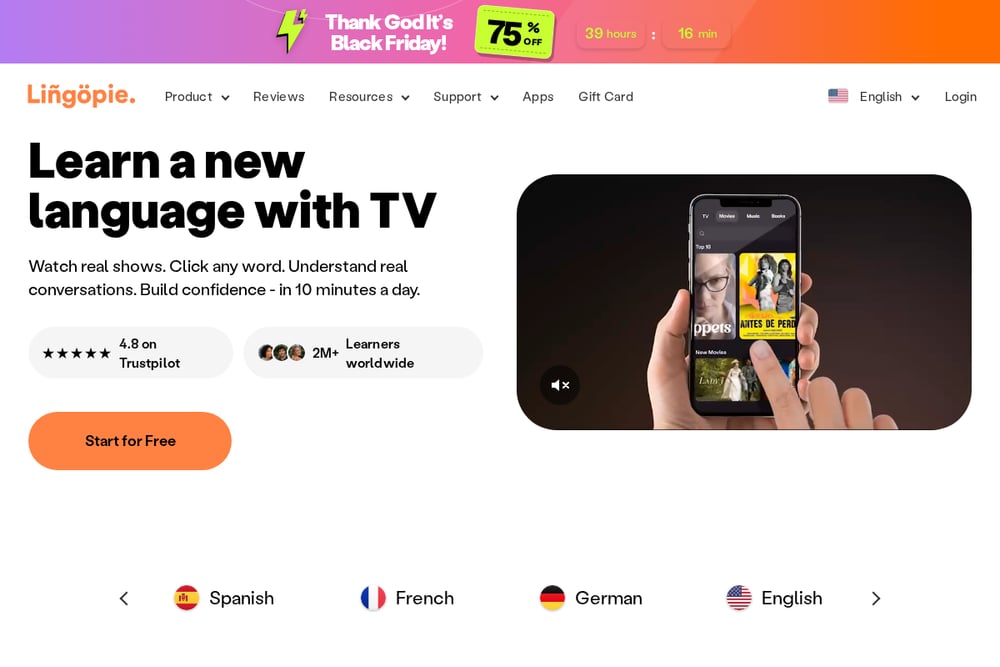 A screenshot of the Lingopie website.
Lingopie turns TV shows, movies, podcasts, and music into study tools with a library of real content across 15 languages. Hover or tap a word to learn the conversational meaning rather than a textbook definition, then reinforce it with video flashcards, games, and grammar explanations. Content is organized by level, from beginner short stories to advanced popular TV, and there are live group and private lessons. It is built for every device, including your TV, and is backed by 2M+ learners worldwide. It is the pick if you want curated entertainment rather than importing your own material.
How to pick the right platform for you
Start with your content habit. If you live on Netflix and YouTube, a dual-subtitle extension like Linglass or Language Reactor will feel natural. If you want to import articles, subtitles, and playlists and keep everything in Anki, Linglect is built for that. If you prefer a curated library with shows and games, Lingopie fits. And if you want a lightweight player with a simple inbox, repeat.cards keeps things minimal. Check device coverage and pricing clarity before you commit, and remember that beta tools may change.
A simple workflow that sticks
Pick one piece of content you genuinely enjoy each day. Watch or read it with your chosen platform, tap only the words that block your understanding, and let them save as cards. Review those cards the next morning for ten minutes, then check your stats weekly to see vocabulary growth. Keep the loop short, and let the tool handle the tracking while you focus on consuming content you love.
The bottom line
There is no single winner here, only the right fit for how you learn. Language Reactor offers the widest toolbox, Linglect shines for contextual flashcards and Anki sync, Linglass is a strong free extension, repeat.cards keeps video study simple, and Lingopie brings curated entertainment. Try one for a week, measure whether you actually return to it, and adjust from there.