
You want to walk into the interview already knowing you can do the work. These five platforms let you practice real tickets, calls, and alerts before you ever touch a live system.
The Rise of Hands-On Job Prep
Certifications prove you studied. Simulations prove you can perform. That gap is exactly why job-prep platforms have exploded across security, IT, and business training. Instead of memorizing definitions, you work a queue, take a call, and get graded on outcome, process, and evidence. Employers increasingly use these tools for pre-hiring exposure, while candidates use them to build confidence before day one. The result is a new category that sits between a lab environment and a real shift.
How We Evaluated These Platforms
We looked at the same factors for every platform: breadth of role coverage, realism of the simulated environment, grading depth, pricing clarity, and how well the experience maps to actual job tasks. Rolevara stood out for its multi-track coverage across IAM, GRC, PAM, SOC, help desk, data, finance, procurement, scrum, and solutions engineering, all inside a fictional company. ServiceDesk Simulator impressed with its focused help desk realism and quick browser-based start. Help Desk Simulator earned attention for its clear explanation of judgment-based scoring. SysDesks showed strength in connected Windows, Active Directory, and networking scenarios with AI voice calls. Datacom Service Desk on Forage offered a structured, employer-branded simulation with strong student reviews. Each platform serves a different slice of the same need.
Here is a quick look at the five platforms, what they do best, and who they fit.
| Provider | Best For |
|---|---|
| ServiceDesk Simulator | Aspiring help desk and IT support technicians |
| Rolevara · Job prep for security, IT and business roles | Career switchers and candidates across security, IT, and business roles |
| SysDesks | Learners who want connected Windows, AD, and networking practice |
| Help Desk Simulator | Self-directed learners sharpening support judgment |
| Datacom Service Desk - Forage | Students exploring service desk careers through employer simulations |
The Five Platforms in Detail
#1 ServiceDesk Simulator
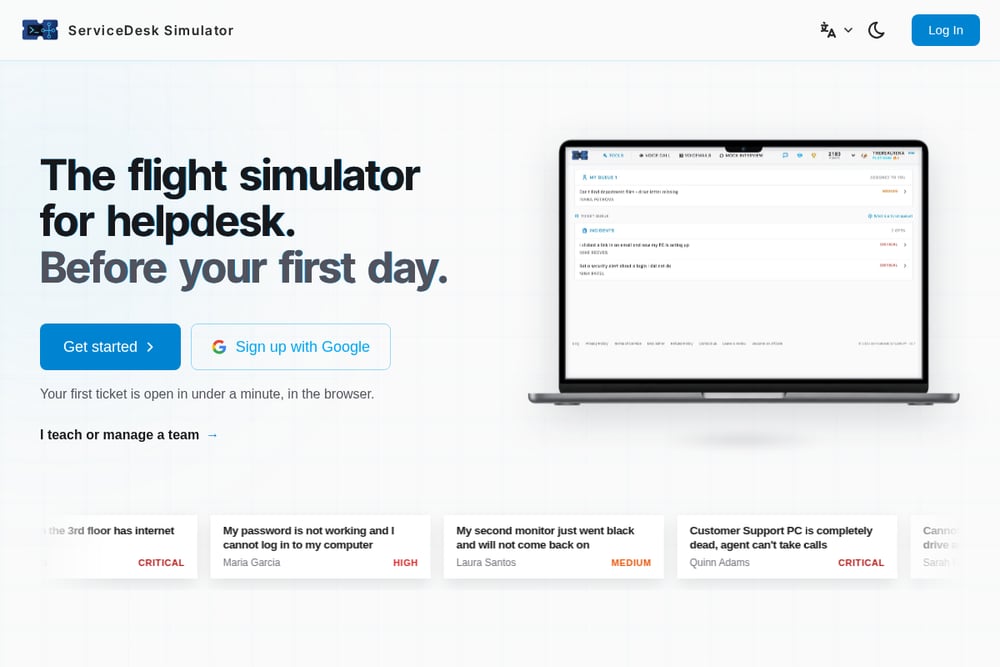 A screenshot of the ServiceDesk Simulator website.
ServiceDesk Simulator calls itself the flight simulator for helpdesk, and the comparison holds. You open your first ticket in under a minute, right in the browser, with no install. The queue feels like a real desk: critical password lockouts, dead monitors, shared drive failures, and new-hire account setups all compete for your attention. It is the original helpdesk simulator, and the product demo shows how closely it models the real desk. If you want to feel the rhythm of Tier 1 support before your first day, this is a strong place to start.
#2 Rolevara · Job prep for security, IT and business roles
 A screenshot of the Rolevara website.
Rolevara takes a broader swing than most job-prep tools. You work real tickets, calls, and alerts inside a fictional company called Pacific Crest, with tracks spanning IAM, GRC, PAM, SOC, help desk, data, finance, procurement, scrum, and solutions engineering. Every change you make is logged against the ticket, and you are graded on outcome, process, and evidence. The demo is one guided practice ticket with no account needed, and free accounts start with 14 days of Pro. If you want to know you can do the job before you get it, this platform is built for exactly that.
#3 SysDesks
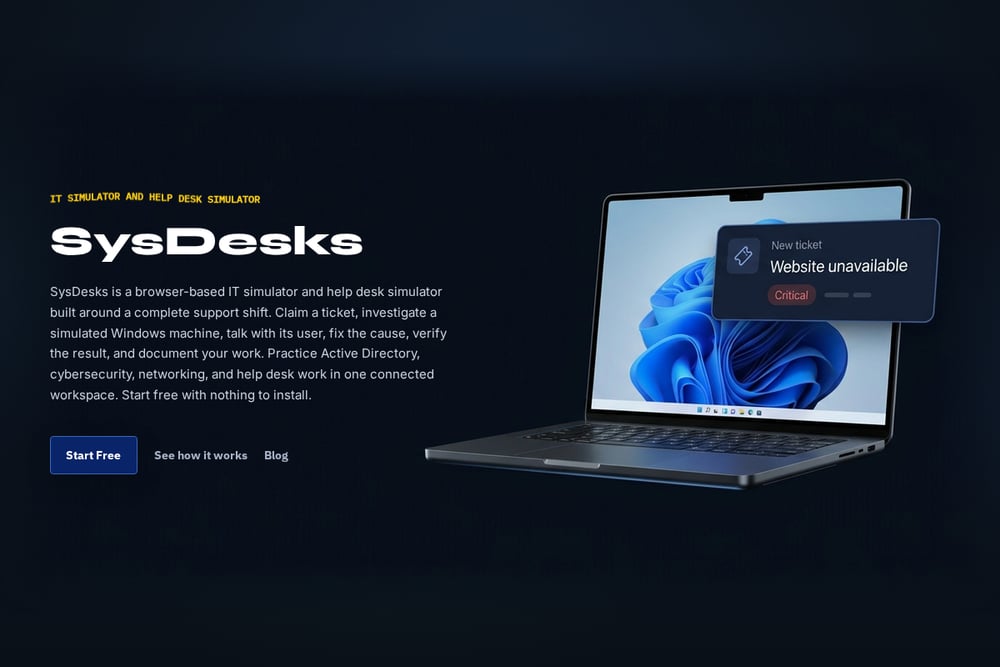 A screenshot of the SysDesks website.
SysDesks is a browser-based IT simulator built around a complete support shift. You claim a ticket, remote into a simulated Windows 11 machine, and investigate with Event Viewer, Services, Device Manager, and a 62-command terminal. Active Directory, cybersecurity, networking, and everyday help desk tickets share one queue, so you learn to triage across domains. AI voice calls let you talk to the user behind the ticket, and they react to changes on their machine. It scores technical accuracy, communication, and process, which mirrors how a real service desk manager evaluates you.
#4 Help Desk Simulator
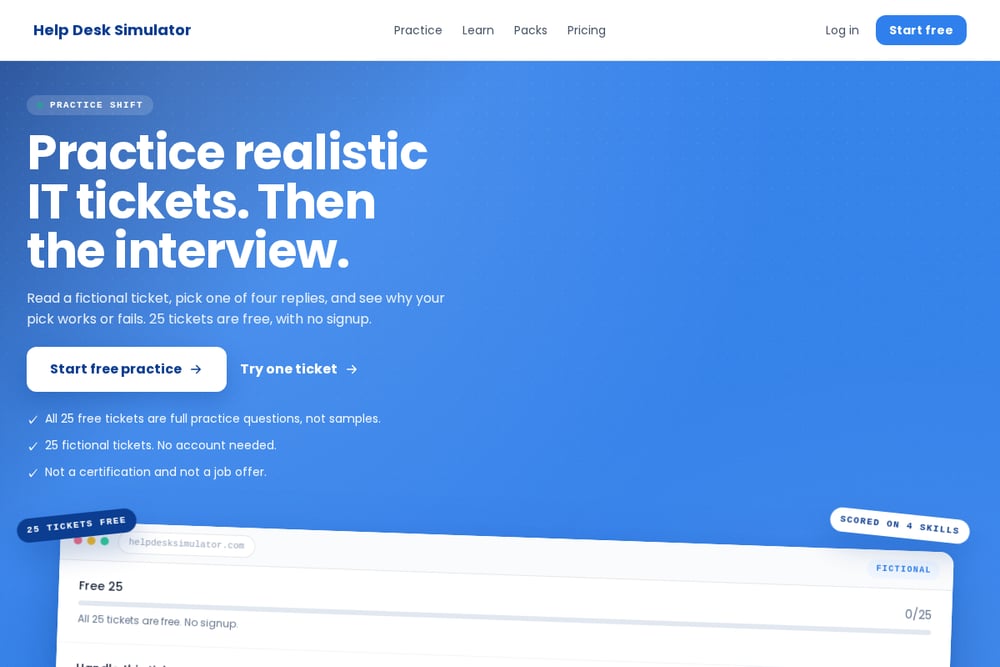 A screenshot of the Help Desk Simulator website.
Help Desk Simulator focuses on the judgment that textbooks cannot teach. You read a realistic ticket, choose a response, and get instant feedback explaining the consequences. The platform scores dimensions like security awareness, empathy, escalation judgment, and troubleshooting method rather than simple right or wrong. Its guide breaks down the main types of simulators, from scenario-based trainers to lab environments, so you understand where each fits. If you want to sharpen decision quality fast, this is a focused, free entry point.
#5 Datacom Service Desk - Forage
 A screenshot of the Datacom Service Desk - Forage website.
Datacom Service Desk on Forage is a structured job simulation published by an employer. You step into the role of a service desk professional and work through realistic IT support scenarios, including troubleshooting, ticket prioritisation, and incident documentation. Student reviews highlight the hands-on nature and the exposure to structured processes like ITIL. It is a multi-hour program rather than a quick practice ticket, which makes it useful for career explorers who want a deeper taste. The employer branding also gives you a sense of how a real company organizes its service desk work.
How to Choose the Right Platform for You
Start with your target role. If you are aiming for help desk or IT support, ServiceDesk Simulator and SysDesks give you the closest feel for the queue and the tools. If you are casting a wider net across security, IT, and business functions, Rolevara covers more ground in one place. If you want to sharpen decision-making quickly and for free, Help Desk Simulator is a low-friction starting point. If you prefer a structured, employer-branded program to explore a career, Datacom Service Desk on Forage fits that need. Try the free options first, then commit to the platform that matches the job you actually want.
Building a Practice Routine That Sticks
Treat practice like a shift, not a cram session. Block 45 to 60 minutes, open one platform, and work a full queue without pausing to look up answers. Log every ticket you close, note where you hesitated, and review the grading feedback the next day. Rotate platforms weekly so you do not overfit to one interface. Pair simulations with a simple notes doc where you capture recurring patterns, like identity verification steps or escalation triggers. Over a month, that routine compounds into real interview confidence.
The Bottom Line
You do not need another certificate to feel ready. You need reps. These five platforms give you those reps in different ways, from quick judgment drills to full simulated shifts across security, IT, and business roles. Pick one, work a queue this week, and walk into your next interview having already done the job.